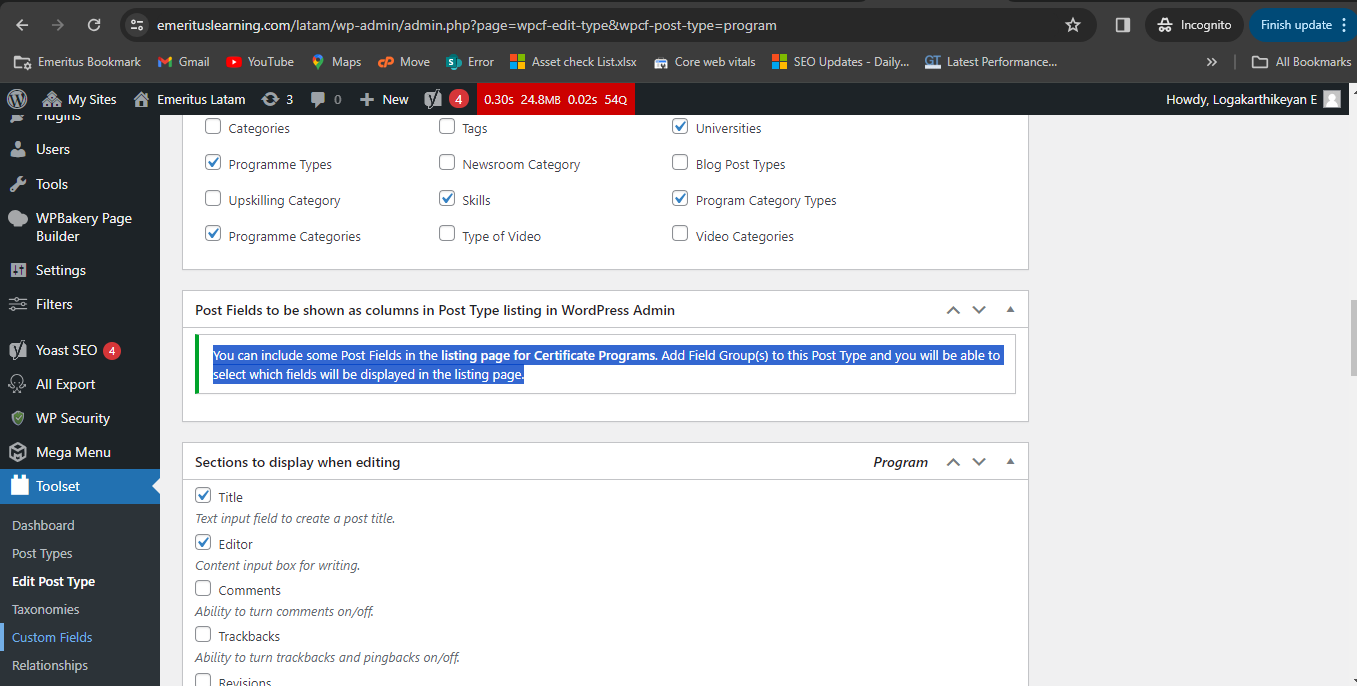
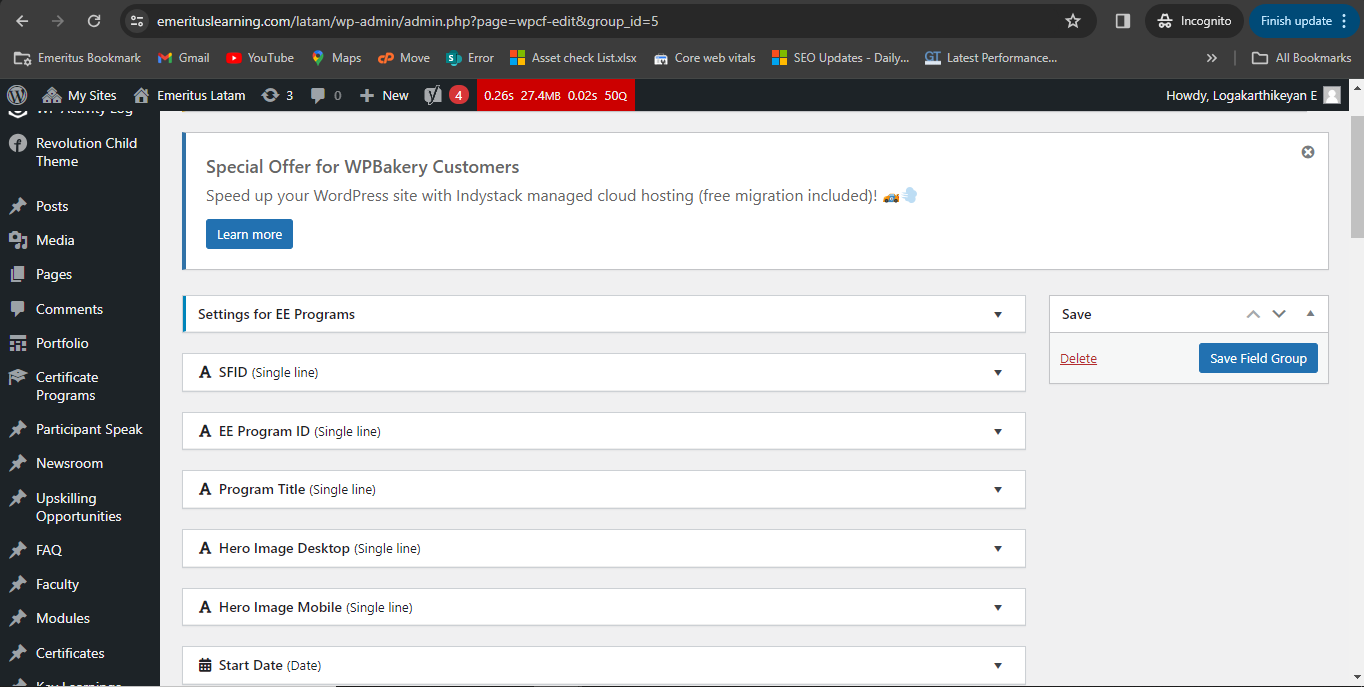
I have created the Custom fields in Toolset and also I have assigned it to Post type. But when I am seeing on post type the assigned fields are not visible. its showing this message "You can include some Post Fields in the listing page for Certificate Programs. Add Field Group(s) to this Post Type and you will be able to select which fields will be displayed in the listing page." Can you please help me on that.
Can you please check the custom field group you created is set to display with your desired post type. You can check that from:
=> Toolset => Custom Fields => Edit your custom field group => from the custom fields settings at top, you will see "Appears on" , could you please make sure you set your custom field group to display with your desired post type.
If the issue still persists, In order to minimize the cause of the issue and to ensure there is no conflict between the plugins/theme you are using:
In case you're running other third party plugins that could be potentially causing a conflict, could you please try to resolve the issue by temporarily deactivating all third-party plugins as well as enabling the default theme to check for any possible conflicts with any of the plugins or themes?
- Do you see any difference?
Lastly, so that we can take a better look at this, could you please attach the Debug info?
In summary, these are the steps that you need to take in order to retrieve it:
- Access any of the Toolset administration pages
- Click to open the Help tab at the top-right of the screen.
- Click the Toolset Debug tab in the Help dialog.
- Click the debug information link.
- Copy the content of this text area and paste it here in the right field
I'm enabling the Debug Info template for your next reply.
Thanks, please let us know.
The topic ‘[Closed] Custom Fields not vissible in Post type’ is closed to new replies.