Skip Navigation

[Closed] custom field not showing ( file custom field )

This support ticket is created 3 years, 3 months ago. There's a good chance that you are reading advice that it now obsolete.

This is the technical support forum for Toolset - a suite of plugins for developing WordPress sites without writing PHP.

Everyone can read this forum, but only Toolset clients can post in it. Toolset support works 6 days per week, 19 hours per day.

This topic contains 1 reply, has 2 voices.

Last updated by Christopher Amirian 3 years, 3 months ago.

Assisted by: Christopher Amirian.

Author
Posts
#2499239
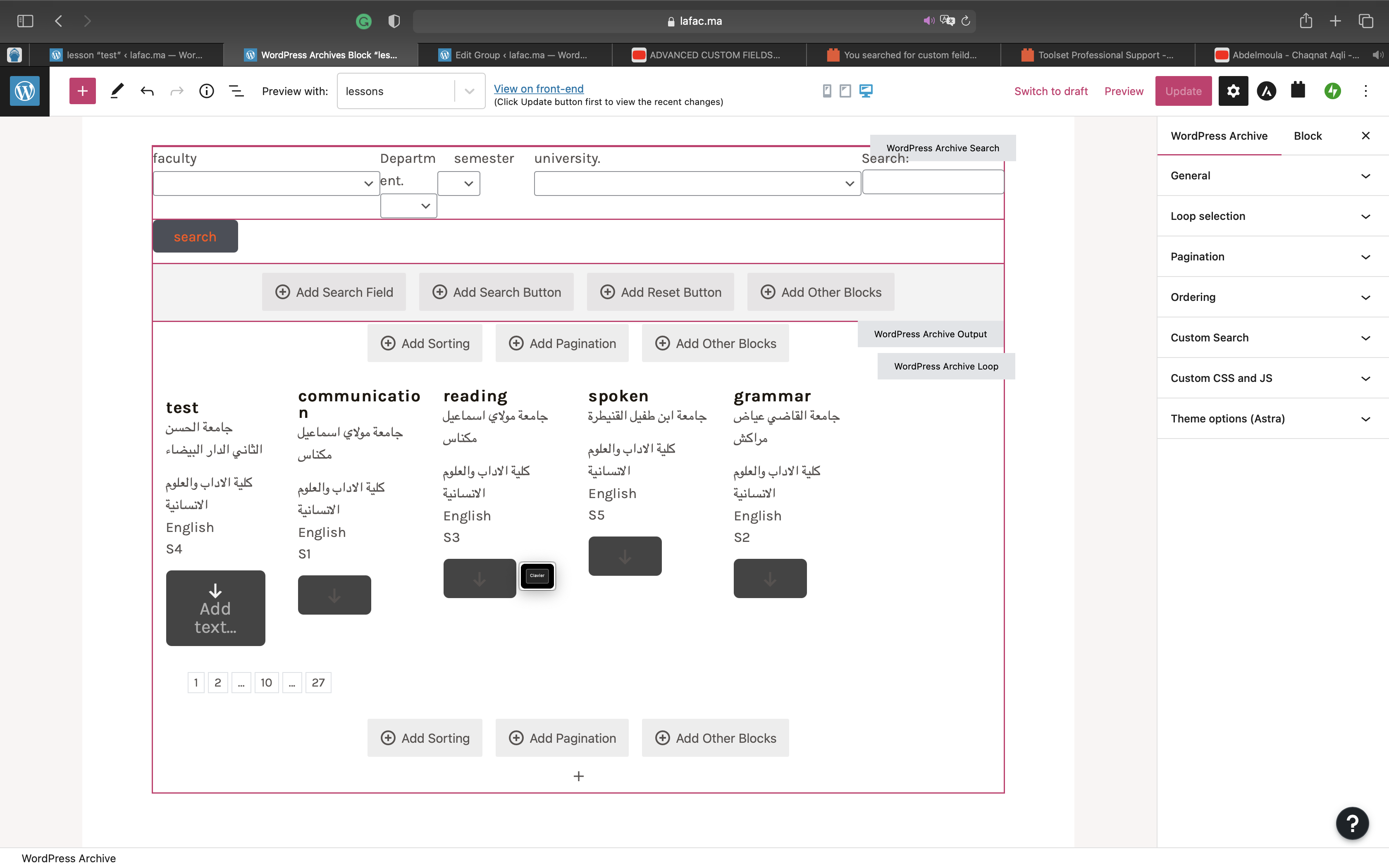
Capture d’écran 2022-11-18 à 8.42.22 PM.png

I am making a public library website. I already watched the tutorials on custom post types and taxonomy. i managed to add the info necessary for every new item I added through the custom post types . i managed to make very good archive for my website. however, I want to add a download link ellow every doc. but custom fields are not shown. I m stuck. i need help please

#2500207

Christopher Amirian
Supporter

Languages: English (English )

Hi there,

You should be able to use the "Single Field" block and select the custom field there.

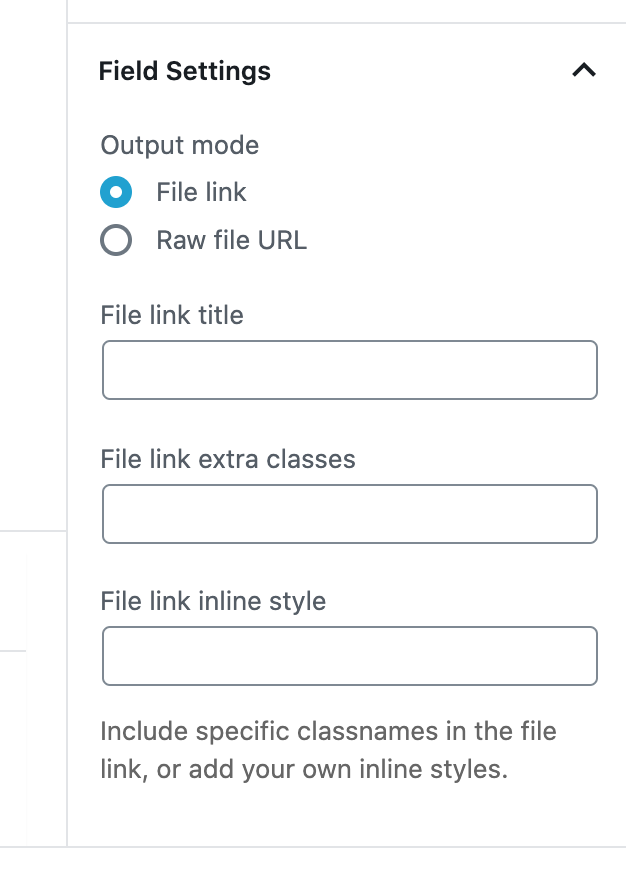
You will have the option to select how to show the link to the file on the sidebar:

https://toolset.com/wp-content/uploads/2020/04/1606131-Screenshot_2020_04_29_at_2.32.29_PM.png

Thanks.

The topic ‘[Closed] custom field not showing ( file custom field )’ is closed to new replies.