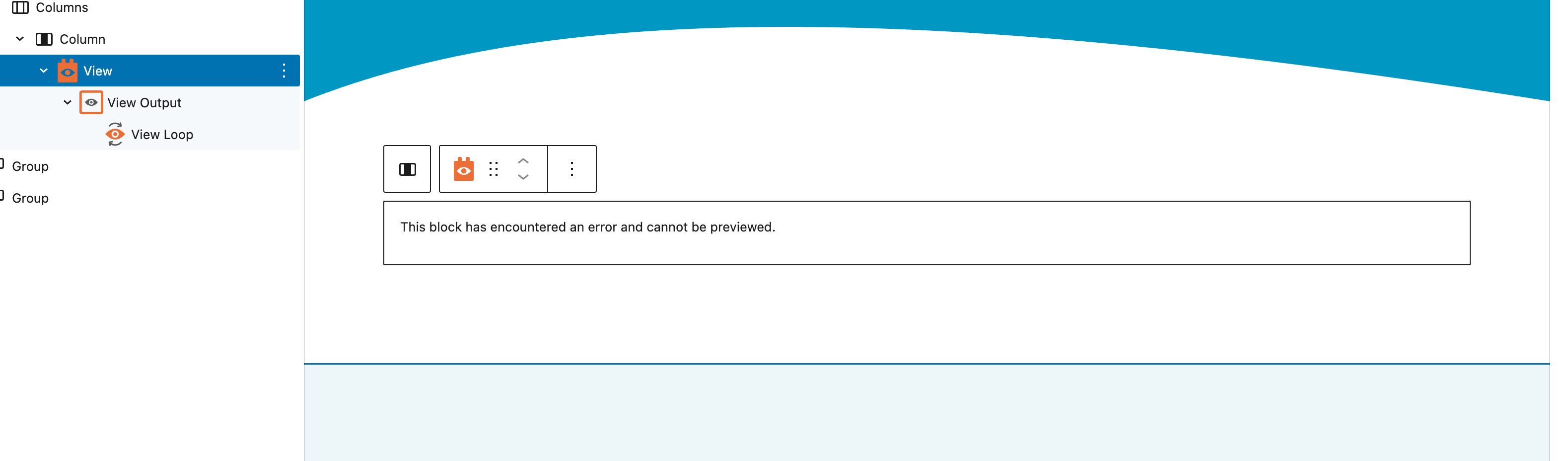
Hi I am using Toolset with WPML and Astra theme. I have added a new language, Italian and added in the custom post type posts fine and I am now trying to add a new view to the Italian homepage to display a grid of the custom post types. The pages and custom post types are all duplicates that were then translated independently. When I try to add the new view on the italian home page it starts of fine then I save and refresh and it then shows a block error on the view. The view on the italian page needs to be different from any used on the default English which is why I'm trying to set up a new view rather than a translated view, if that is something you can do. I'm clearly doing something wrong just not sure what?
Thanks,
Martin
Hi Martin,
Welcome to Toolset support. I suggest that you first send the view for translation using the WPML Translation Dashboard:
https://toolset.com/lesson-placement/lesson-placements-1707695-1720753/
That will cause WPML to create all the necessary stuff. After that you can go to the secondary language and inside the view and change it as you wish.
Also, I suggest that you check the settings below:
* Make Views translatable
Go to WPML → Settings → Post Types Translation and set Views (and Content Templates, if used) to Translatable.
Finally, make sure you have the latest version of WPML and Toolset:
- IMPORTANT STEP! Create a backup of your website. Or better approach will be to test this on a copy/staging version of the website to avoid any disruption of a live website.
- Go to "WordPress Dashboard > Plugins > Add new > Commercial (tab)".
- Click the "Check for Updates" button.
- Update WPML and its addons there.
For more information:
https://wpml.org/faq/install-wpml/#automated-updates
Thanks.
Thanks for this information Christopher, as the content I want to display on the languages sites is a little different to that of the default, is it possible to just add a completely new view to the language pages rather than a translated view?
Thanks,
Martin
Hi Martin,
Yes, after the translation, you will be able to do manual changes using this method:
https://wpml.org/documentation/translating-your-contents/using-different-translation-editors-for-different-pages/
If you still have issues I can take a look at the installation. I'd appreciate it if you could give me the URL/User/Pass of your WordPress dashboard after you make sure that you have a backup of your website.
It is absolutely important that you give us a guarantee that you have a backup so if something happens you will have a point of restore.
Make sure you set the next reply as private.
Hi Martin,
I tried to add separate views on the Italian language and the result is not showing. Do I have permission to copy your website to our server for further investigation?
I will install the Cloudways migration plugin and copy the website.
Thanks.
Hi, sorry for delayed reply, yes sure, thanks that would be great.
Thank you I will start the copy process and get back to you when it is finished.
Thanks.
The copying is finished. I will work on that and if needed will send the issue to the development team.
But for now I wanted to inform that we are investigating.
Thanks.
Hi,
Sorry for my late reply, Here is a video explaining what to do:
hidden link
You can test the sample I created here:
hidden link
And to login to the copied website you can use the same login information you provided and this URL:
hidden link
Thanks.
Thanks Christopher, leave with me and I'll do some testing.
Martin