Tell us what you are trying to do?
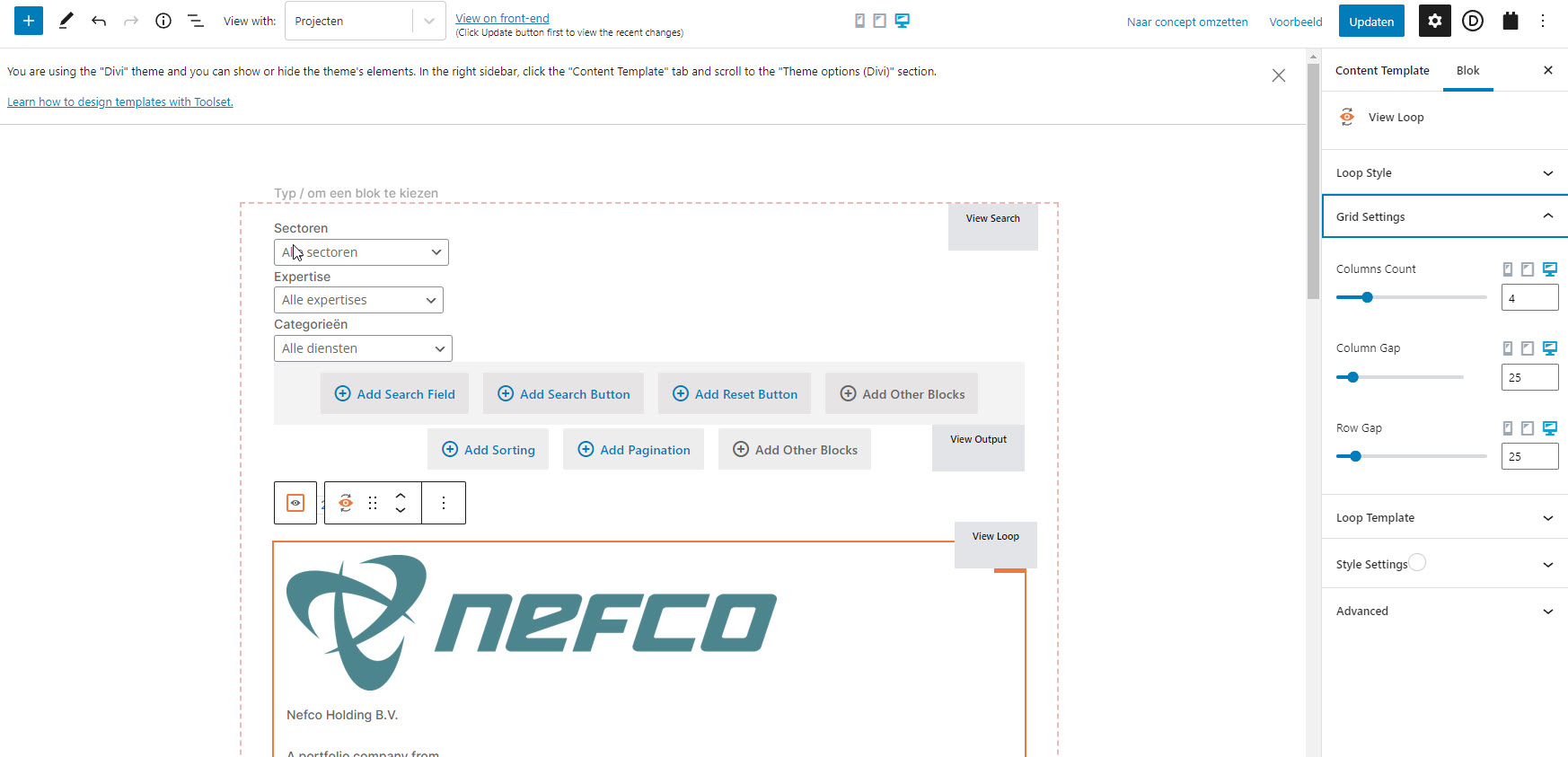
Get all created posts in the loop, seems like a very easy job but somehow I'm only getting one row with 4 posts (have set the loop as 4 columns in each row)
Is there any documentation that you are following?
Have been searching, did find some old solutions that aren't working
Is there a similar example that we can see? hidden link
What is the link to your site? hidden link
Sorry this seems like such a noob question, but I'm having difficulty showing all posts in the loop.
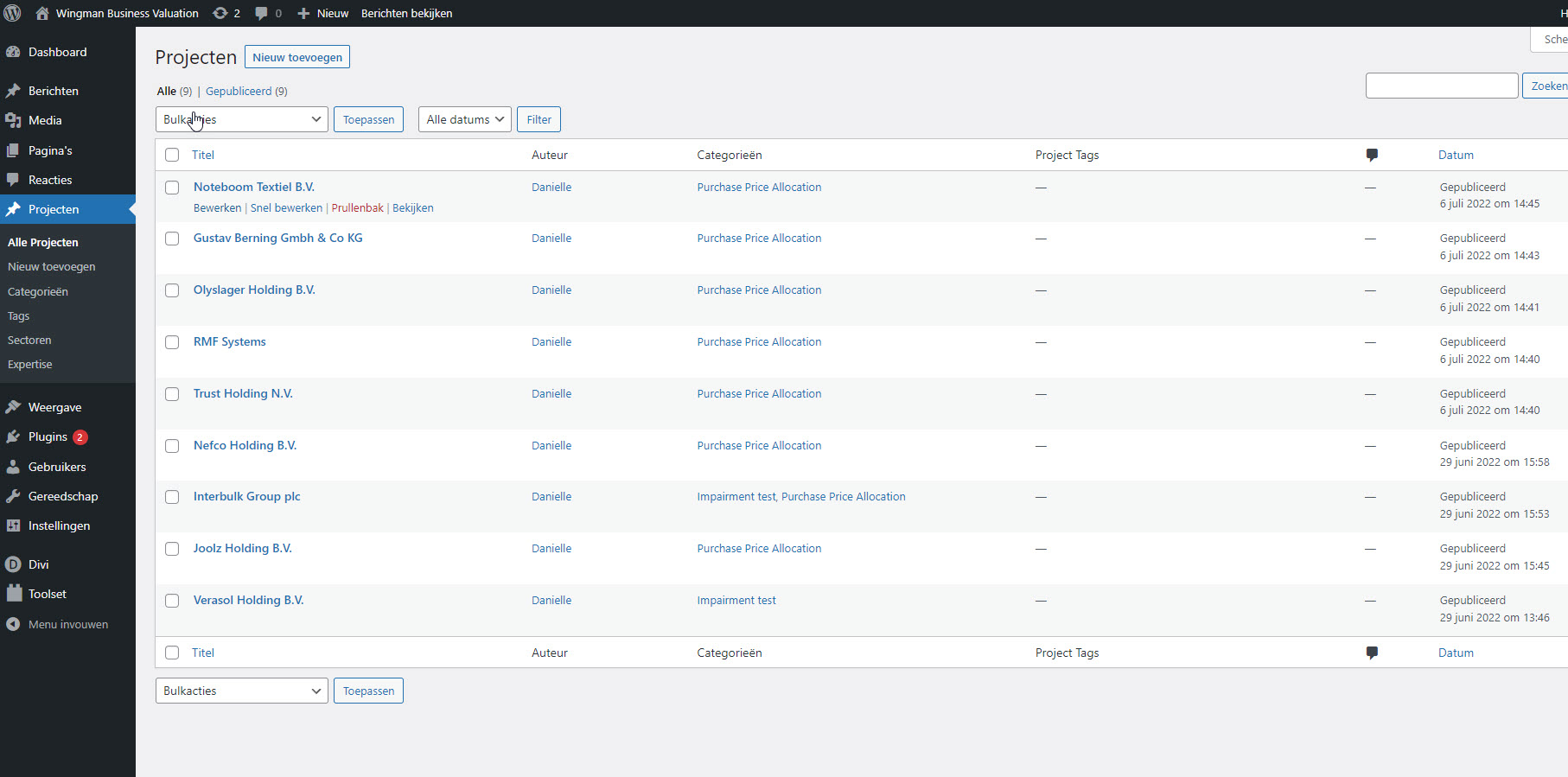
Created a content template with a view, that should show all projects in a loop.
Do you have any clue why not all posts are showing?
I can't really tell from your screenshots alone what the problem is. Perhaps you set pagination to show 4 results per page, and didn't include pagination controls to move to the next page of results?
If you don't mind providing access we can take a look.
Let me mark your next reply as private so that we can get log-in credentials from you—you may want to create a temporary admin user for us to use that you can later delete. And be sure to have a current backup of your site.
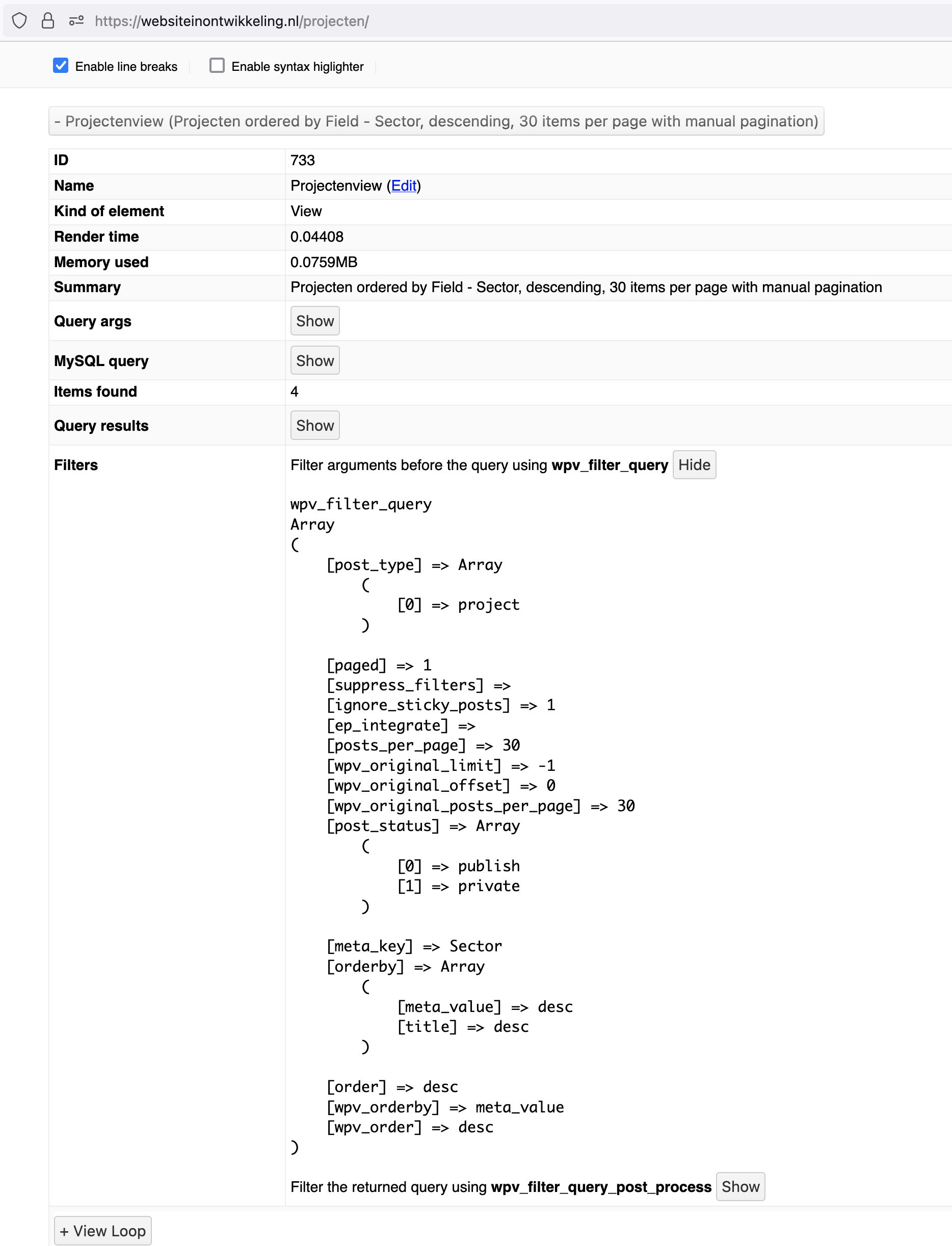
I enabled the Views debug mode (at Toolset > Settings > Front-end Content) and reloaded the page.
The results (screenshot) confirm that only 4 results are found (it isn't a question of how the results are displayed), and the query arguments show that the results are ordered by a custom field.
It surprises some people, but the way that WordPress queries work (based on how the underlying MySQL queries work) is that if you order a query by a particular field, then only items that have some value for that field are included in the results.
In this case it looks like only 4 posts have a value (any value, it doesn't matter what) for the custom field being used to order the View results. The other posts don't feature in the results because they must have no value for that field.
Thanks Nigel, I got confused by your answer as I was sure I didn't set up any query.
As a query must have been set up somewhere, I decided to re-add the sorting element (I removed it a while ago) and there it was. It was indeed set as sort by Sector, just as your screenshot described. It seems the settings that are set-up, stay applied when you remove the element.
Thank you for clearing that up, I never would have found this myself to be honest.
Have a great day Nigel, and keep up the good work! Really appreciate it!