Skip Navigation

[Resolved] Conflict with BeTheme blog when Bootstrap plugin is enabled

This support ticket is created 3 years, 7 months ago. There's a good chance that you are reading advice that it now obsolete.

This is the technical support forum for Toolset - a suite of plugins for developing WordPress sites without writing PHP.

Everyone can read this forum, but only Toolset clients can post in it. Toolset support works 6 days per week, 19 hours per day.

Sun Mon Tue Wed Thu Fri Sat
- 9:00 – 12:00 9:00 – 12:00 9:00 – 12:00 9:00 – 12:00 9:00 – 12:00 -
- 13:00 – 18:00 13:00 – 18:00 13:00 – 18:00 14:00 – 18:00 13:00 – 18:00 -

Supporter timezone: America/Jamaica (GMT-05:00)

This topic contains 5 replies, has 2 voices.

Last updated by Shane 3 years, 7 months ago.

Assisted by: Shane.

Author
Posts
#2402903
img_1.png
img_2.png
img_3.png
img_4.png

First of all, let me congrats you for this amazing plugin.

I'm using Betheme theme.
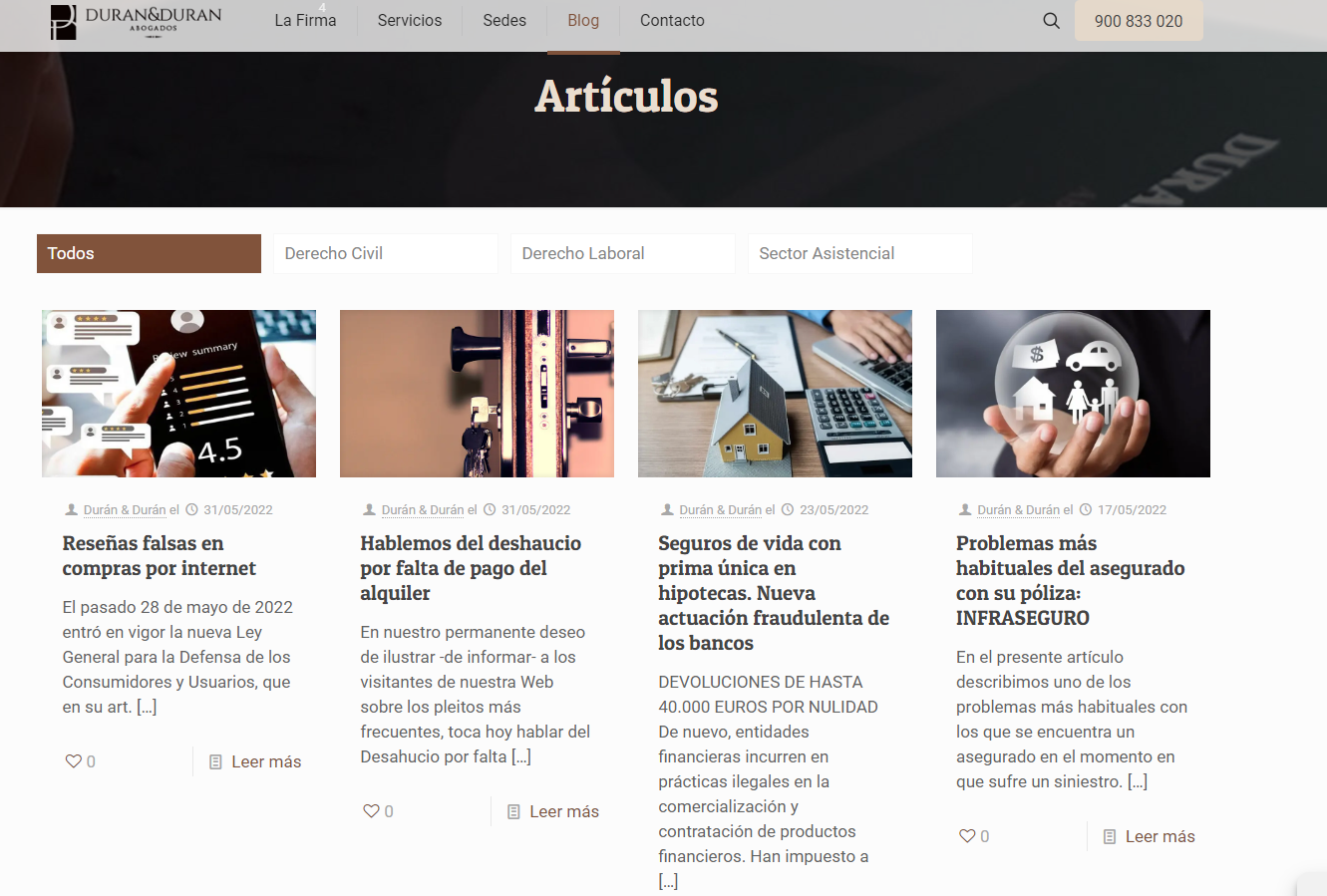
I want to show the blog page like you can see in the attached img_1.png but when I activate the Bootstrap Shortcodes Ultimate plugin
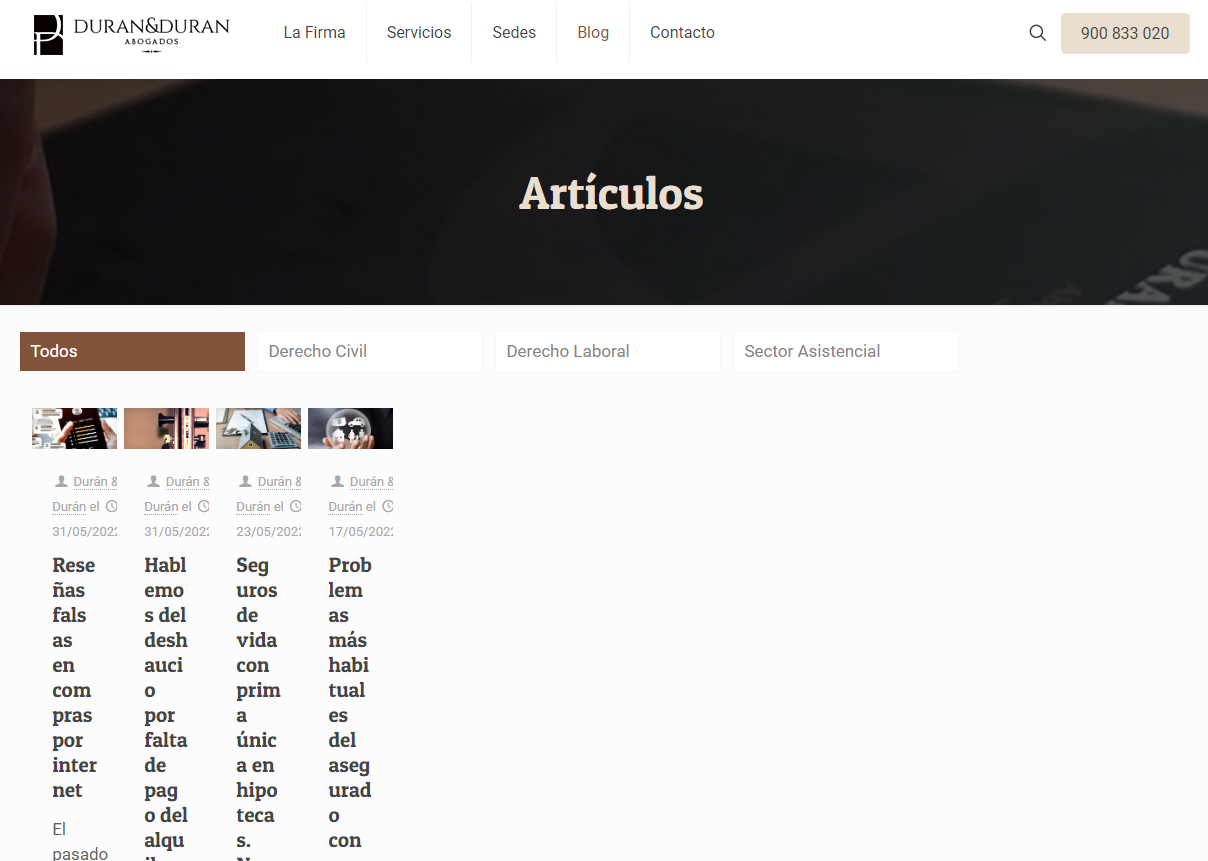
the blog design is broken (as you can see in img_2.png).

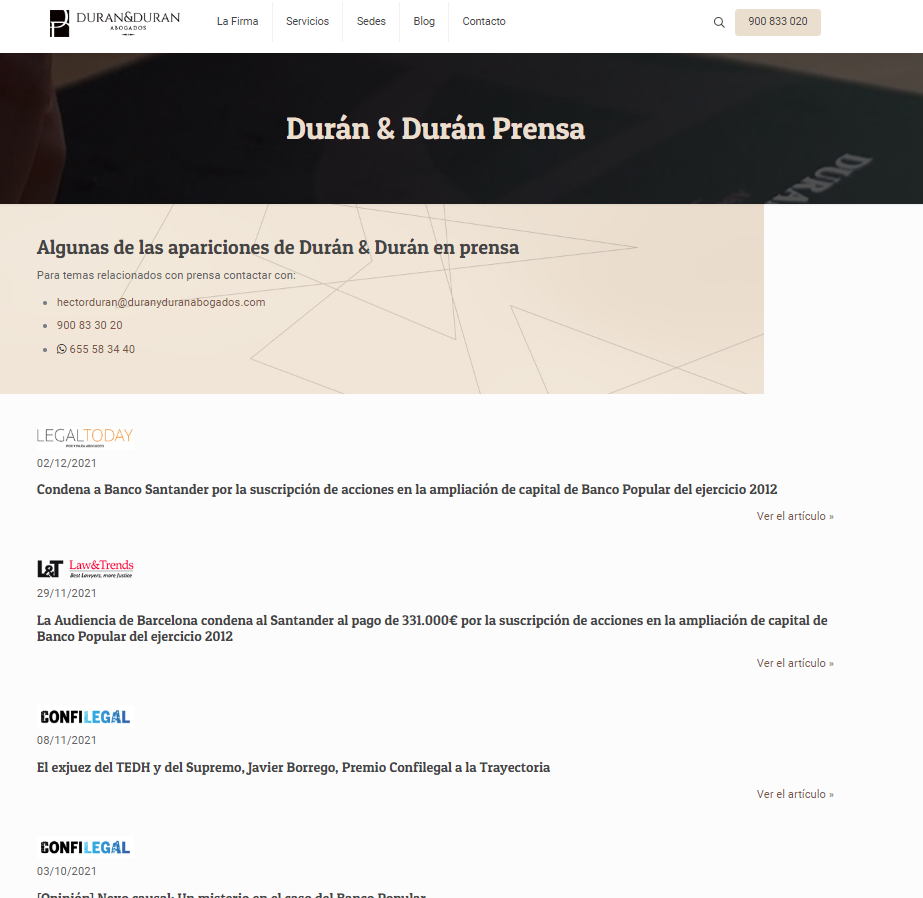
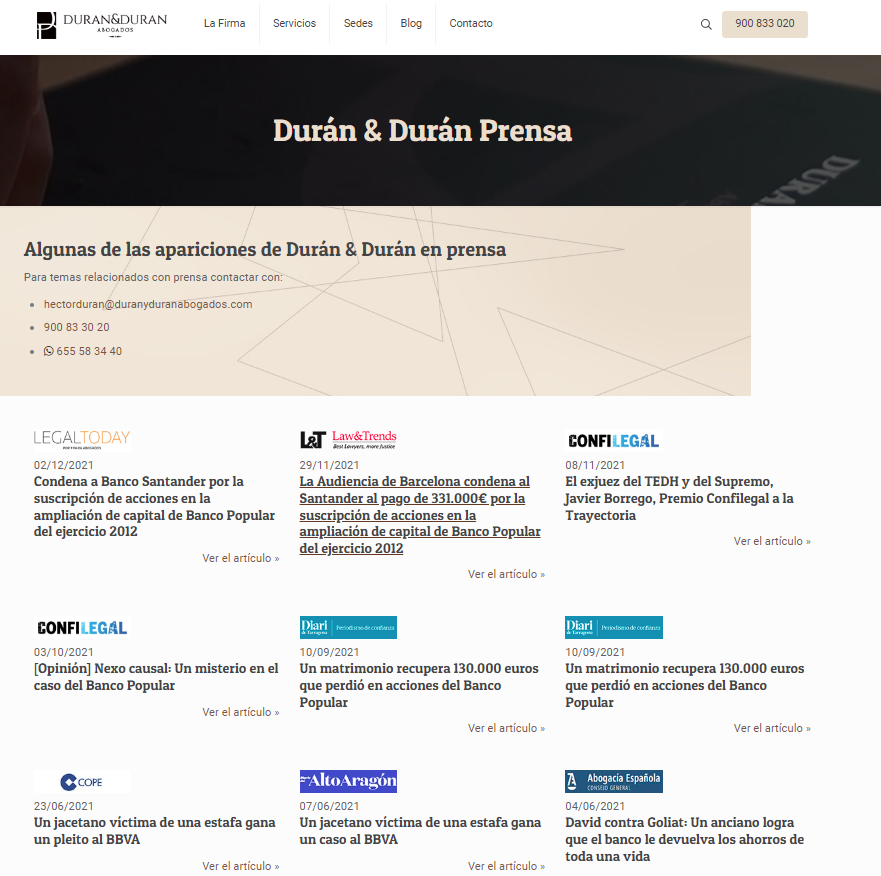
To solve this, I deactivate Bootstrap Shortcodes Ultimate plugin and then the blog design looks right but the page hidden link shows like img_3.png instead like img_4.png.

I hope explained myself correctly. Please feel free to ask me anything. Any help will be appreciated.

Waiting for your news.

hidden link

#2402985

Shane
Supporter

Languages: English (English )

Timezone: America/Jamaica (GMT-05:00)

Hi Federico,

Thank you for getting in touch.

Can you check that Toolset isn't including its own version of Bootstrap as well by going to Toolset -> Settings and scrolling to Bootstrap Loading.

Ensure that the setting that is selected is "theme is already loading bootstrap"

Thanks,
Shane

#2403011

Hi Shane,

Confirmed that the setting that is selected is "theme is already loading bootstrap" and the issue still.

Please, feel free to check all you need with this credentials access:

User: toolsetuser
Password: 123toolset456

Thanks in advance.

#2403013

Shane
Supporter

Languages: English (English )

Timezone: America/Jamaica (GMT-05:00)

Hi federico,

Thank you for the login details.

However the issue here is not Toolset related given that I've checked the page and saw that the page isn't using Toolset then the best plan of action here is to contact your theme author for further assistance given that it is a conflict between the Theme and the Bootstrap Shortcodes Ultimate plugin.

Thanks,
Shane

#2403015
img_3.png
img_4.png

OK I will contact with our theme author for this issue but anyway, can you check why when the Bootstrap Shortcodes Ultimate plugin is disabled, this page hidden link shows the items like img_3 instead like img_4 (please see attached images)?

#2403637

Shane
Supporter

Languages: English (English )

Timezone: America/Jamaica (GMT-05:00)

Hi Federico,

Its essentially the conflict with Bootstrap. We are telling our Views plugin that the theme/plugin is already loading bootstrap so Toolset shouldn't load it.

However when the Bootstrap Shortcodes Ultimate plugin is disabled, bootstrap is no longer available on the site hence the layout renders without any styling.

With the Bootstrap Shortcodes Ultimate plugin disabled you will need to back and tell toolset to load bootstrap 4 to maintain the layout.
Thanks,
Shane