Skip Navigation

[Resolved] Como mostrar en plantilla de contenido una relacion de Relationship

This support ticket is created 4 years, 2 months ago. There's a good chance that you are reading advice that it now obsolete.

This is the technical support forum for Toolset - a suite of plugins for developing WordPress sites without writing PHP.

Everyone can read this forum, but only Toolset clients can post in it. Toolset support works 6 days per week, 19 hours per day.

Sun Mon Tue Wed Thu Fri Sat
- 7:00 – 14:00 7:00 – 14:00 7:00 – 14:00 7:00 – 14:00 7:00 – 14:00 -
- 15:00 – 16:00 15:00 – 16:00 15:00 – 16:00 15:00 – 16:00 15:00 – 16:00 -

Supporter timezone: Europe/London (GMT+00:00)

This topic contains 2 replies, has 2 voices.

Last updated by javierG-12 4 years, 2 months ago.

Assisted by: Nigel.

Author
Posts
#2218403
Captura.JPG

Tell us what you are trying to do?

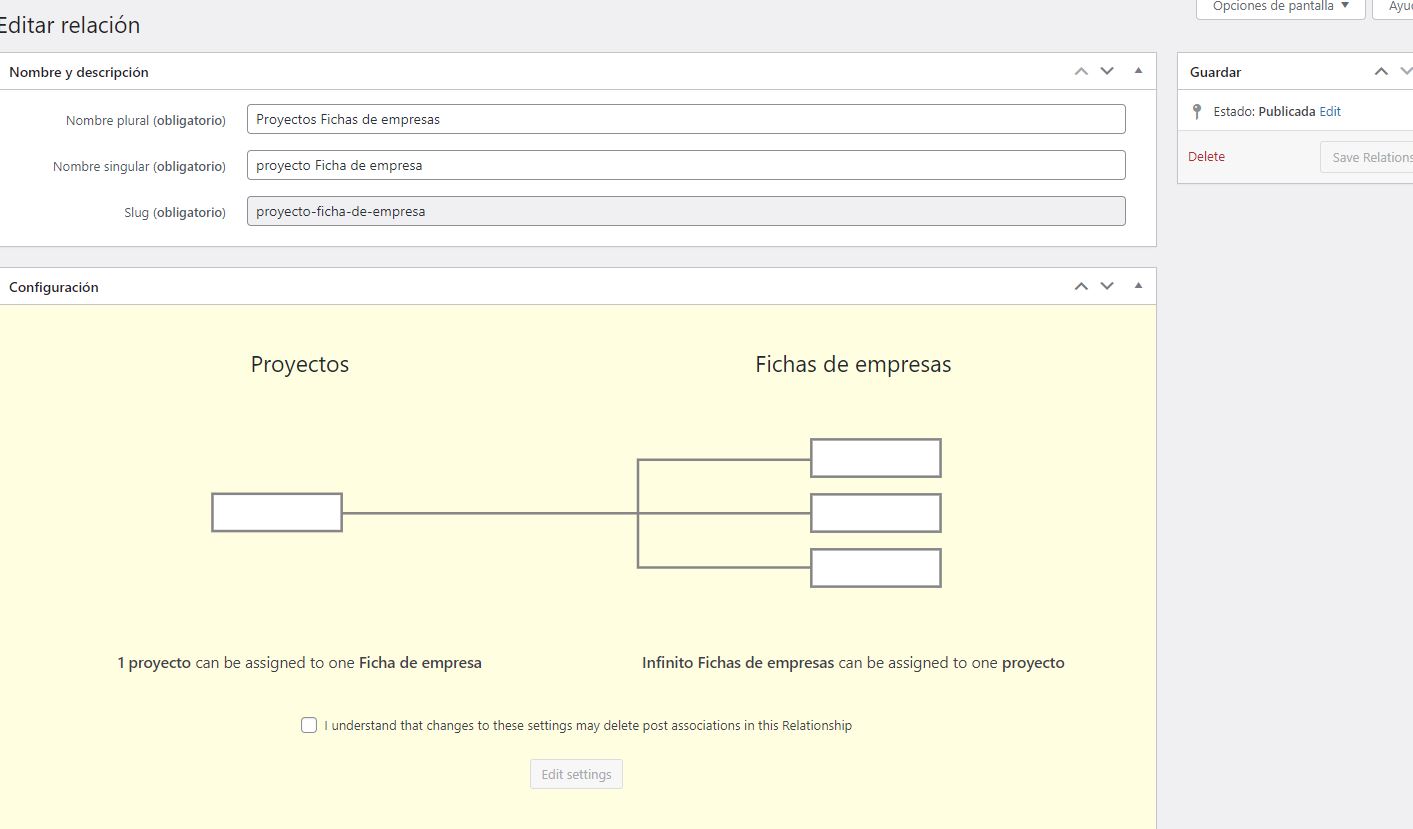
I have a directory of companies created with toolset, these companies have linked some projects that have been carried out and in the content template of that project I need to show the participating company, which I have created with realizations through Relationship.
And I don't know how to do it
Attached image

Can you help me?

The url of the site where I want to show it is this: hidden link

Thanks!

#2218455

Nigel
Supporter

Languages: English (English ) Spanish (Español )

Timezone: Europe/London (GMT+00:00)

Hola Javier

To display related posts you need to add a View to your template, where the content the View displays is the child post type (the ficha de empresa post type on your site), and which includes a filter so that it only shows the empresas belonging to the proyecto currently being displayed (rather than all empresas).

It is described in this document, here: https://toolset.com/course-lesson/displaying-related-posts/#displaying-many-related-items

Can you check that, and if you still have problems, let me know.

Saludos

#2222089

My issue is resolved now. Thank you!