Skip Navigation

[Resolved] Can't see or edit variations when Toolset plugins are enabled.

This support ticket is created 3 years, 5 months ago. There's a good chance that you are reading advice that it now obsolete.

This is the technical support forum for Toolset - a suite of plugins for developing WordPress sites without writing PHP.

Everyone can read this forum, but only Toolset clients can post in it. Toolset support works 6 days per week, 19 hours per day.

This topic contains 2 replies, has 2 voices.

Last updated by imogenM 3 years, 5 months ago.

Assisted by: Christopher Amirian.

Author
Posts
#2443321
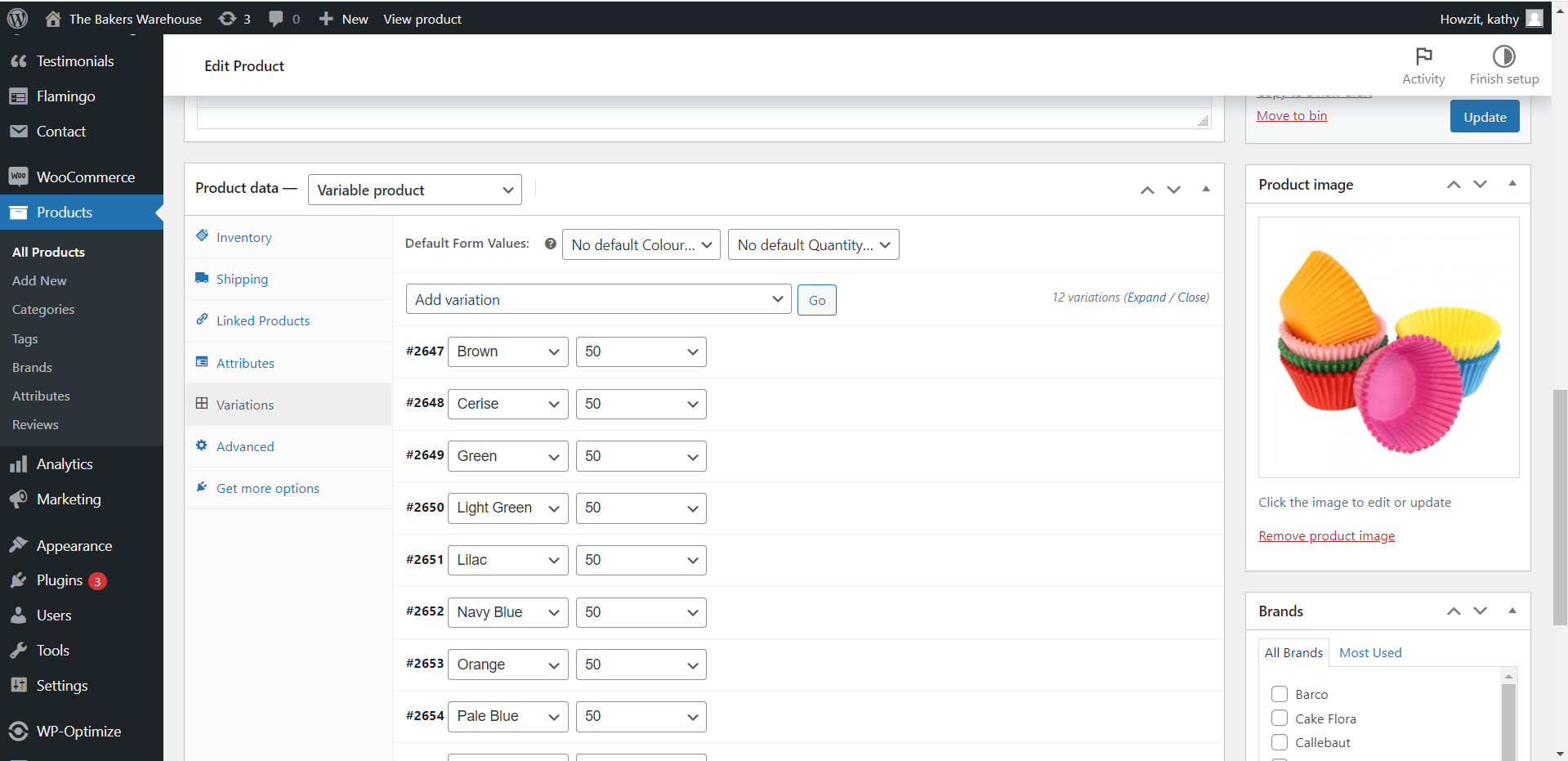
Bakers Screenshot 2.png
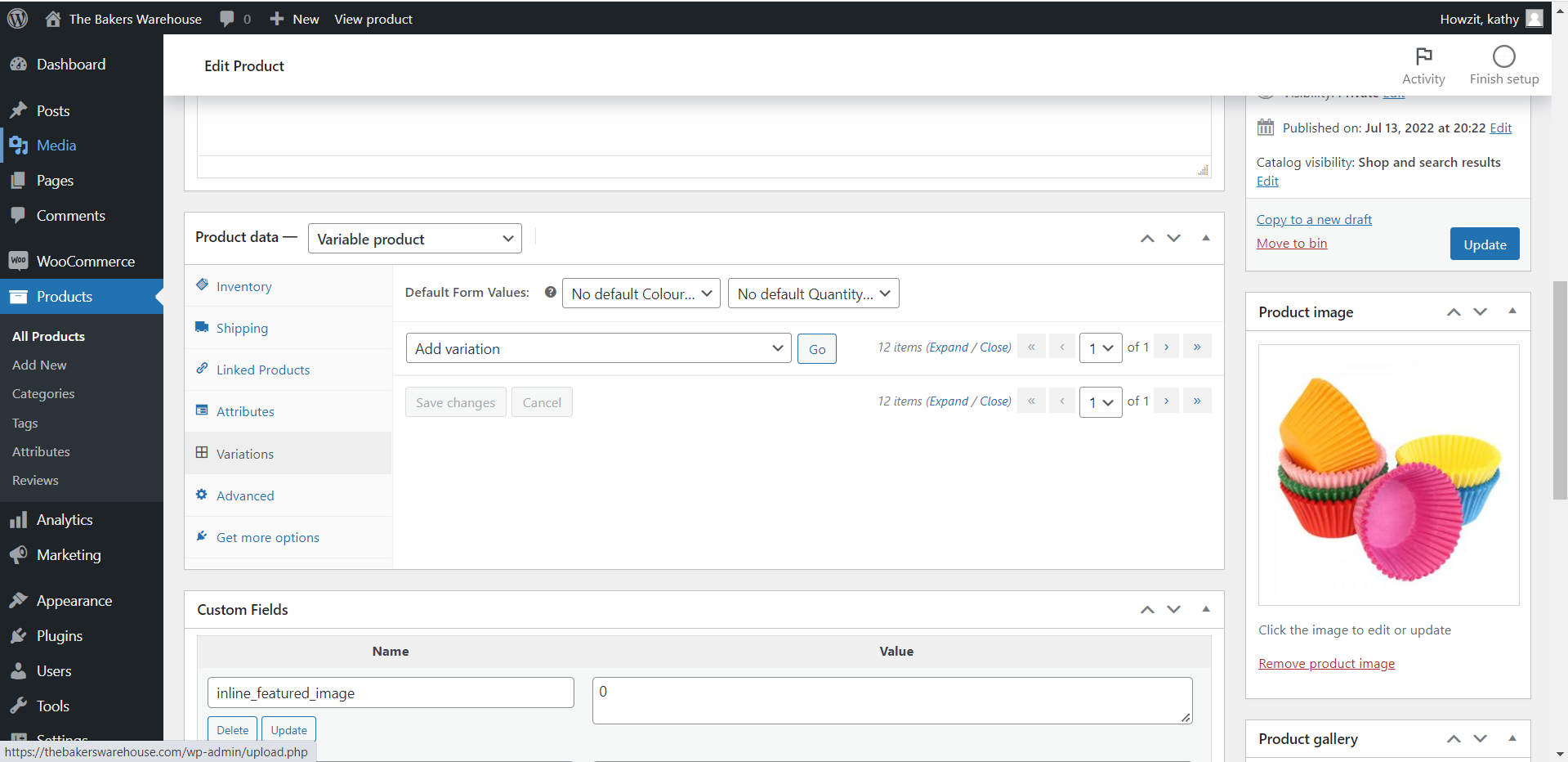
Bakers Screenshot 1.png

I am trying to view and edit product variations but when I go to the product variations I see 'Bakers Screenshot 1' (attached) where I should we seeing the variations. When troubleshooting, I deactivated all plugins and the issue resolved itself and I could see and edit the variations as per usual - 'Bakers Screeshot 2' (attached). When reactivating the plugins, the Toolset plugins appeared to be the issue. If any Tool Set plugins were enabled I was unable to see/edit the variations.

#2443381

Christopher Amirian
Supporter

Languages: English (English )

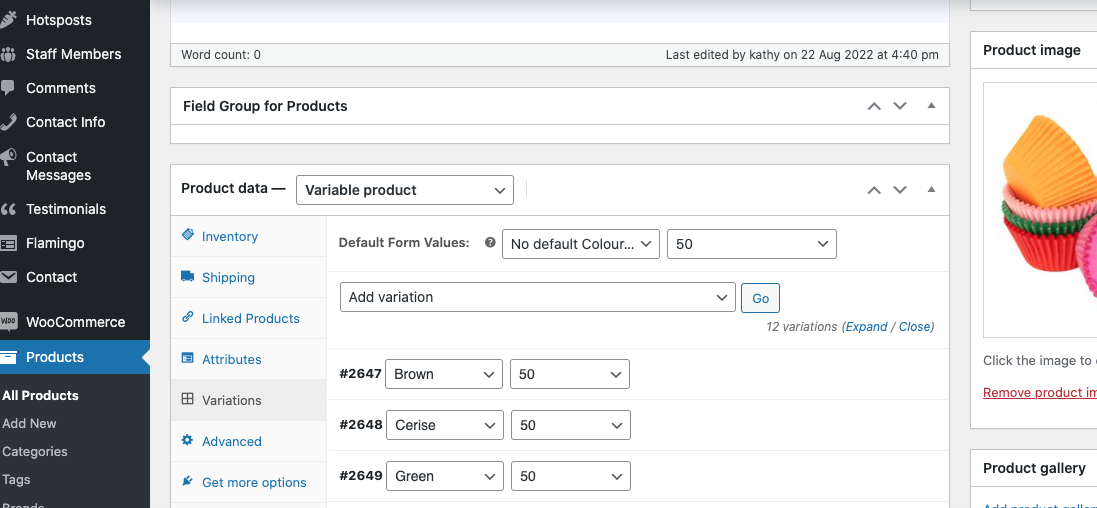
Screen Shot 2022-08-23 at 15.28.43.png
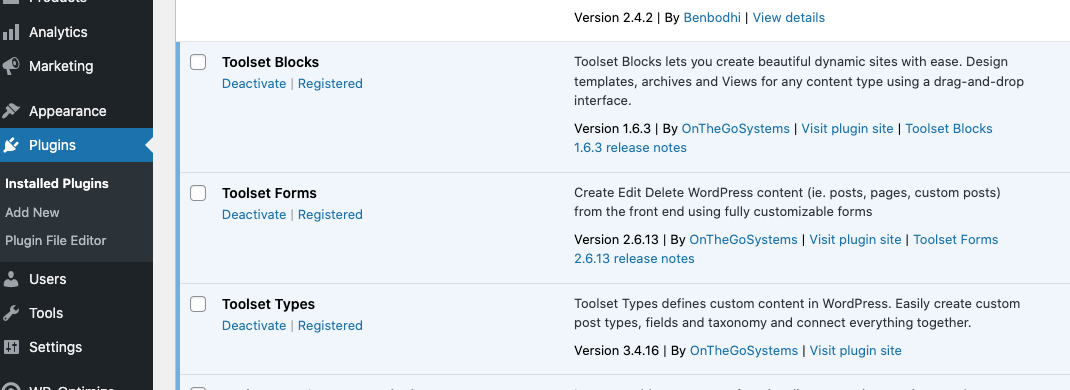
Screen Shot 2022-08-23 at 15.28.51.png

Hi there,

Thank you for the information. I checked the website and found out that the variations show with no issues when the Toolset plugins are active.

Please check the screenshots attached.

Thanks.

#2443407

Thank you for the feedback Christopher. The issue has been resolved.

Based on the fact that you could access it clearly on your side led me to look at the cache. I went to my website in incognito mode and the issue is not present there. I have cleared my cache and the issue has been resolved.

Thanks