Skip Navigation

[Resolved] Can't put my posts (not custom) on the webpage using Toolset. Views doesnt work

This support ticket is created 3 years, 10 months ago. There's a good chance that you are reading advice that it now obsolete.

This is the technical support forum for Toolset - a suite of plugins for developing WordPress sites without writing PHP.

Everyone can read this forum, but only Toolset clients can post in it. Toolset support works 6 days per week, 19 hours per day.

Sun Mon Tue Wed Thu Fri Sat
- 9:00 – 12:00 9:00 – 12:00 9:00 – 12:00 9:00 – 12:00 9:00 – 12:00 -
- 13:00 – 18:00 13:00 – 18:00 13:00 – 18:00 14:00 – 18:00 13:00 – 18:00 -

Supporter timezone: America/Jamaica (GMT-05:00)

This topic contains 7 replies, has 3 voices.

Last updated by Shane 3 years, 9 months ago.

Assisted by: Shane.

Author
Posts
#2338443
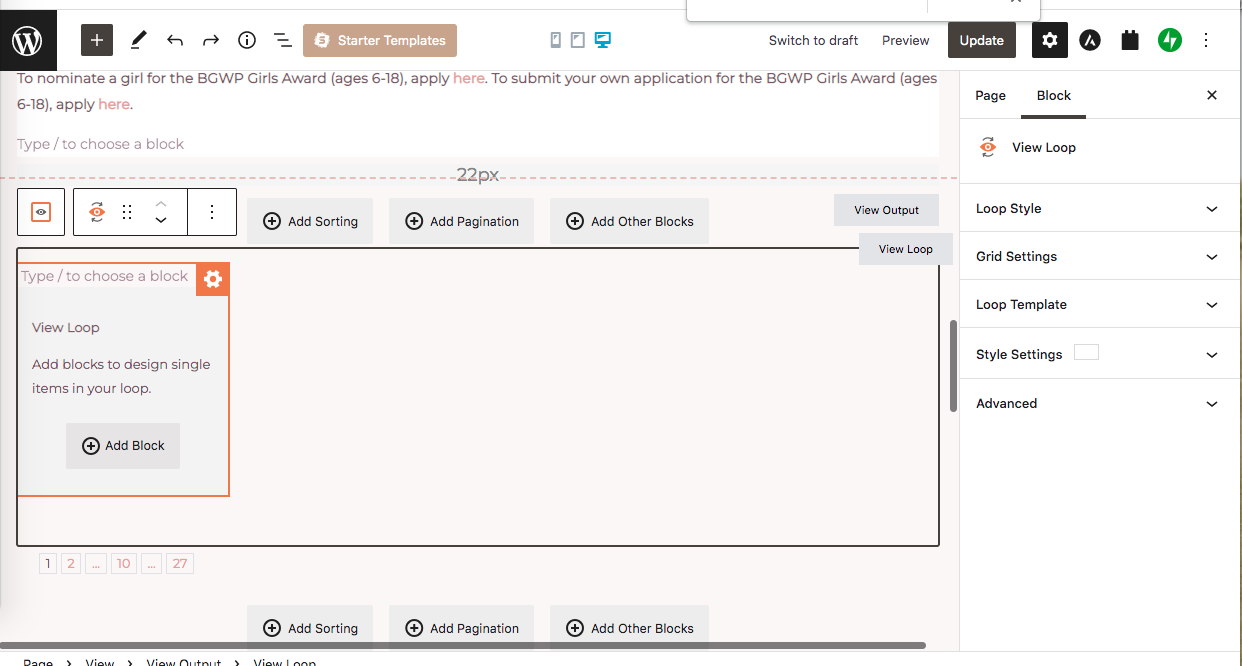
Screen Shot 2022-04-10 at 8.02.27 PM.png
Screen Shot 2022-04-10 at 7.53.23 PM.png

Tell us what you are trying to do? trying to add a dynamic view to my Posts (seperated by categories). It says waiting for the query and I can't add any categories nor can I pick what is shown on views. I don't have the "image box" block

Is there any documentation that you are following? https://toolset.com/lesson-placement/lesson-placements-1719471-1719351/,

Is there a similar example that we can see? hidden link - i want their names, photo, and read more to show in 4 columns likes the old website

What is the link to your site? hidden link

#2338795

Minesh
Supporter

Languages: English (English )

Timezone: Asia/Kolkata (GMT+05:30)

Hello. Thank you for contacting the Toolset support.

Do you mean you wont able to add single field block and image block within your block view's loop section? If yes:

I would like to have debug information that will help us to debug and investigate your issue:
- https://toolset.com/faq/provide-debug-information-faster-support/

Can you please share your browser's console and see if there any any JS or server errors?

#2340829
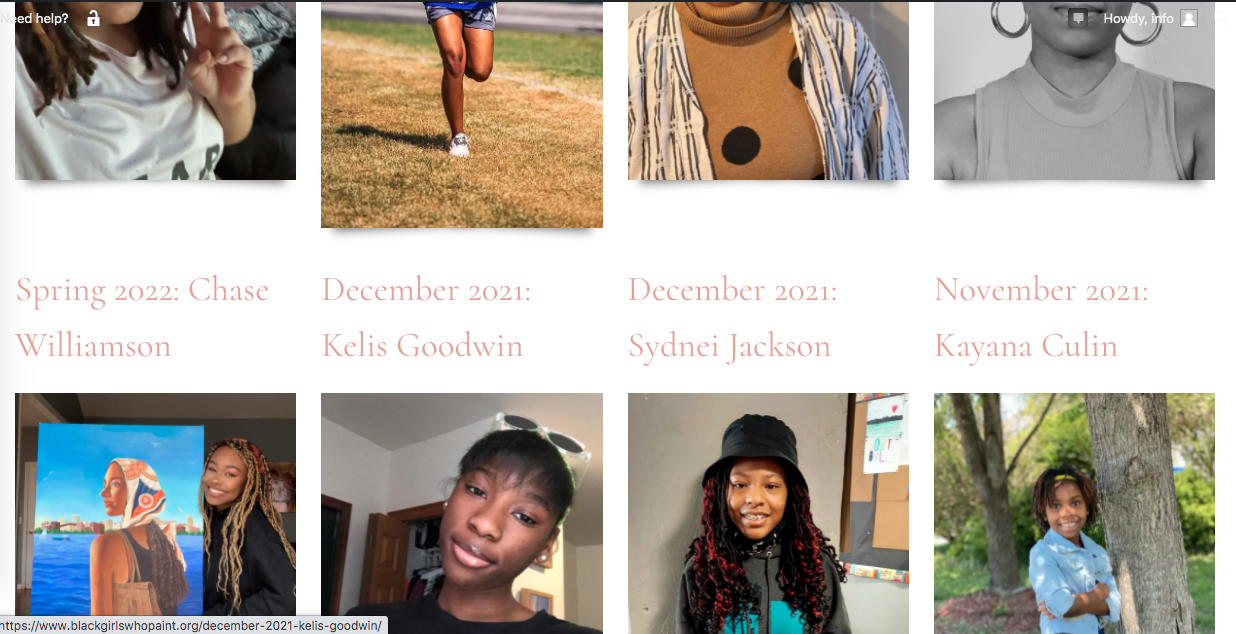
Screen Shot 2022-04-13 at 8.40.31 PM.png

I tried using views, current post... but I can't select the category (important) so all of the posts show instead of the girls awards. I selected current post, header, and featured image url. Also, I'm having trouble centering the images and making 1 square or horizontal rectangle for all of the images. When I try to select the display width and display height (for example... 300px by 300px), it's still a vertical rectangle that differs for each photo.

#2340917

Minesh
Supporter

Languages: English (English )

Timezone: Asia/Kolkata (GMT+05:30)

Can you please share problem URL and admin access details and tell me with what category you want to filter your posts and in what dimension you want to display the images.

*** Please make a FULL BACKUP of your database and website.***
I would also eventually need to request temporary access (WP-Admin) to your site. Preferably to a test site where the problem has been replicated if possible in order to be of better help and check if some configurations might need to be changed.

I have set the next reply to private which means only you and I have access to it.

#2341373

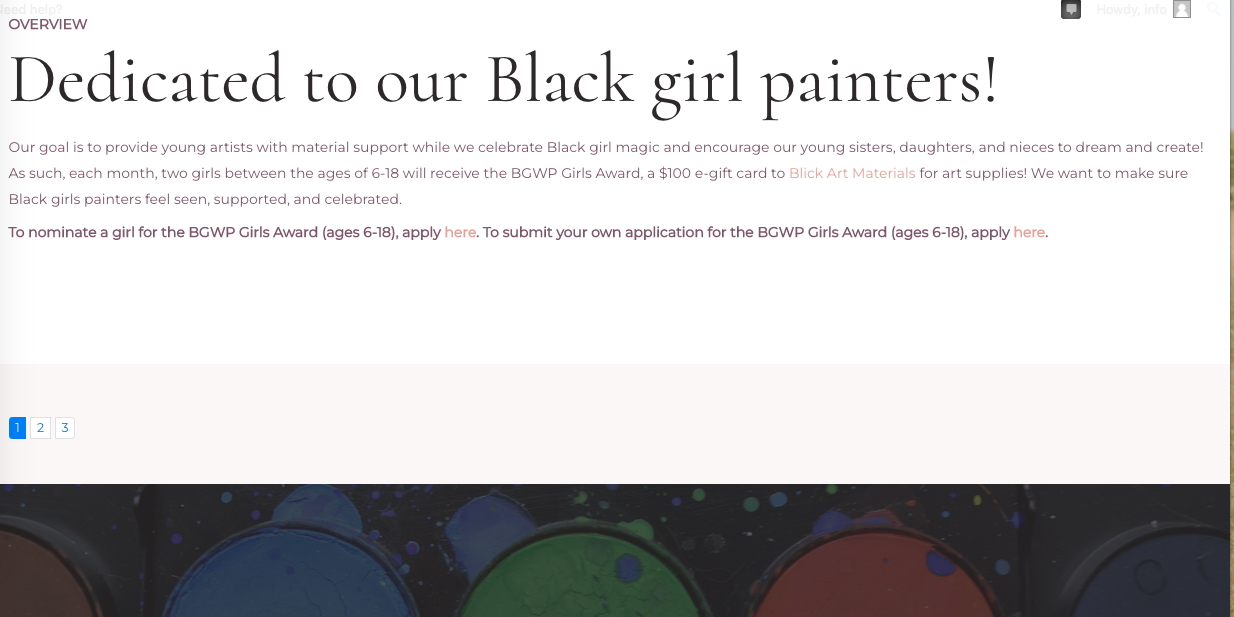
I figured out how to filter the categories. I still don't know how to change all of the images to be centered squares. Also, On the student scholarship page, the view block is pink and I want it to be white, like the about heading and paragraph block (like how the girls award view is). Everytime I try to make it white, only the background of the headings turns white, everything is still pink.

#2341941

Minesh
Supporter

Languages: English (English )

Timezone: Asia/Kolkata (GMT+05:30)

Can you please check now: hidden link

I've set the image settings as you can see with the following screenshot:
- hidden link

#2342145
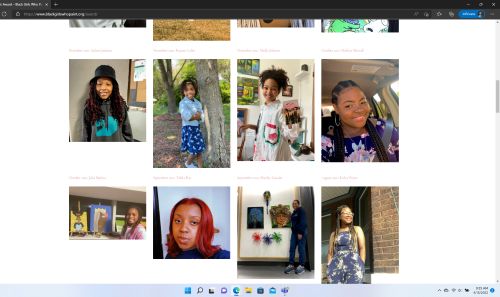
Screenshot (106).jpg

No it still looks exactly the same. This is incognito page. And again, I don't want a vertical rectangle as the shape. I'm trying to make a square.

#2345459

Shane
Supporter

Languages: English (English )

Timezone: America/Jamaica (GMT-05:00)

Hi Sasha,

The images should be displaying correctly now.

The problem was that you needed to clear your page's cache in order to see the changes on the frontend.

Please let me know if everything is ok now.

Thanks,
Shane