I am trying to:
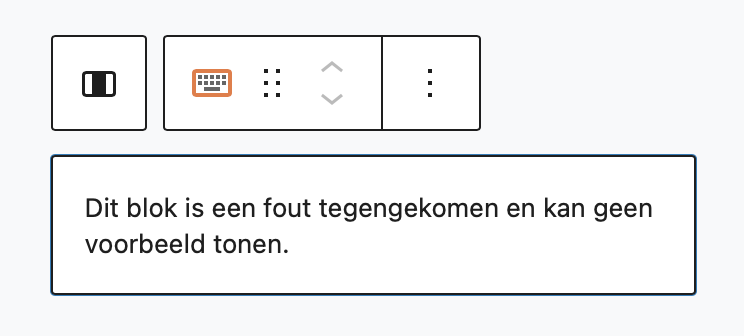
I am trying to edit an existing Fields and Text block in one of our templates. This block contains a conditional. When i click on the block it shows me a message that the block encountered an error and can't show an example.
Exact text of the error in Dutch: Dit blok is een fout tegengekomen en kan geen voorbeeld tonen.
This prevents me from doing any editing on this block. The error message is shown on all the templates with blocks with conditionals in it.
Link to a page where the issue can be seen:
Can only be seen in the template in the admin area.
We recently updated plugins to include some fixes including for the Fields and Text block, could you please update to the latest versions and check again?
If you don't see an update notice on your plugins page, click the registered link for one of the Toolset plugins to take you to the custom Toolset installer page, and use the Check for Updates button, otherwise you can download the latest versions from your downloads page at toolset.com/account/downloads.
Thanks for the quick reply. I didn't see an update notice on the plugins page so i wasn't aware of the latest version. My issue is resolved now. Thank you!