Hey there,
Welcome to the Toolset support forum!
Could you please tell me if:
- is this happening only to this post, or also to the other one listed below the mentioned one? And to new ones created?
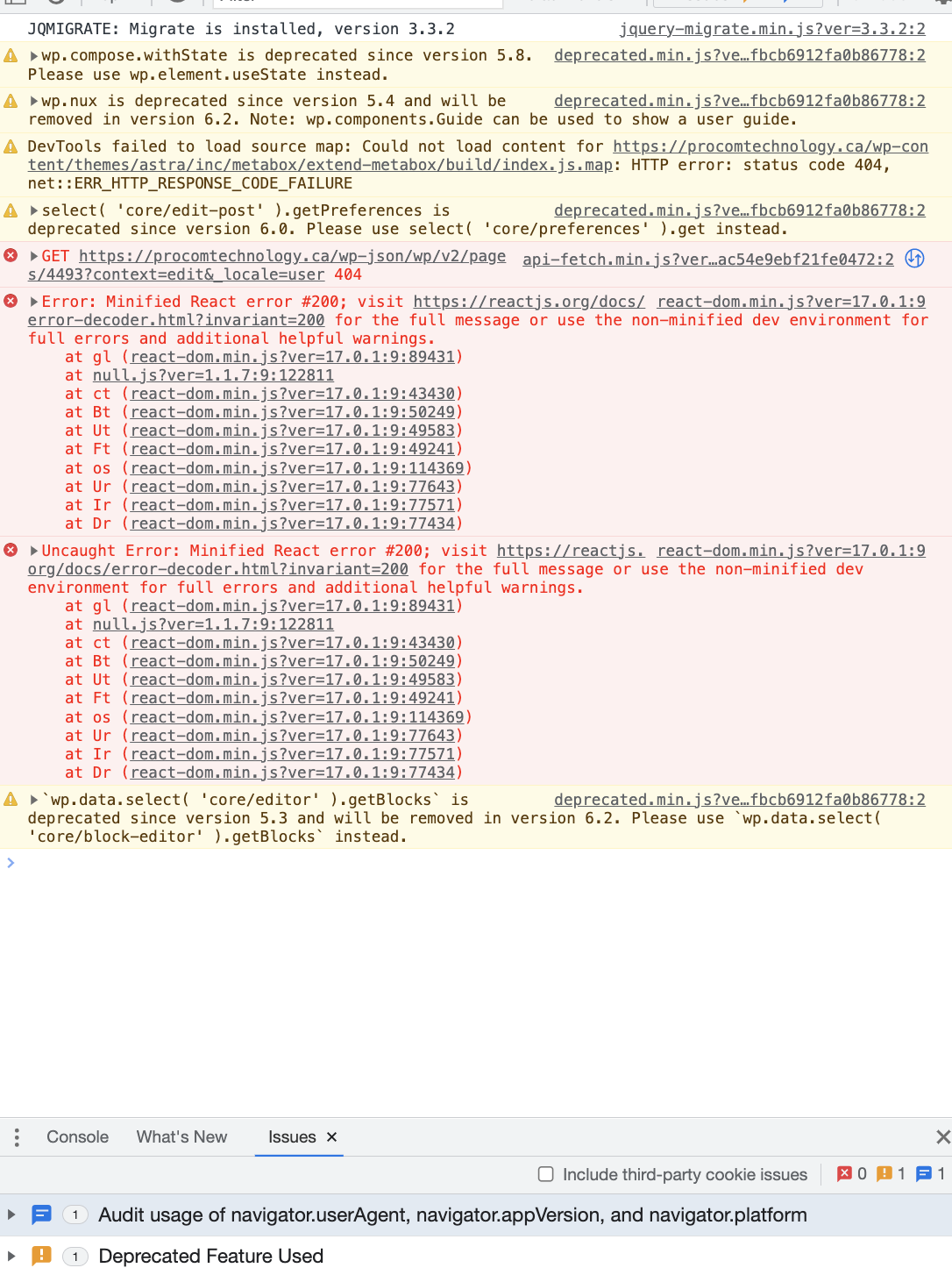
- by opening your devtools, can you see any error in the ‘console’ tab?
Moreover, we might be facing an interaction issue with a third-party functionality, in this case:
- Deactivate all the plugins that are not related to Toolset
- Switch for a moment to a WordPress default theme like Twenty Twenty-one
- If the issue is gone, activate one by one to see with which one there is an interaction issue
Please let me know if after the above procedure you can find the culprit for this behavior. Further, so that we can take a better look at this, could you please attach the Debug info?
You can see how to retrieve and paste it here: https://toolset.com/faq/provide-debug-information-faster-support/.
In addition to that, I'd also like your help enabling the WordPress debug mode.
To do so, please add the following code in wp-config.php file of your site:
// Enable WP_DEBUG mode
define( 'WP_DEBUG', true );

// Enable Debug logging to the /wp-content/debug.log file
define( 'WP_DEBUG_LOG', true );

// Disable display of errors and warnings
define( 'WP_DEBUG_DISPLAY', false );
@ini_set( 'display_errors', 0 );

// Use dev versions of core JS and CSS files (only needed if you are modifying these core files)
define( 'SCRIPT_DEBUG', true );
Please check following links to read more about debugging with WordPress.
https://codex.wordpress.org/Debugging_in_WordPress
https://codex.wordpress.org/Debugging_in_WordPress#Example_wp-config.php_for_Debugging
After doing that please try to edit the post once more, then check if you can find a file debug.log inside the wp-content folder. Kindly open it and send us the last lines of log here in this ticket.
Looking forward to your reply. Thanks!
Best regards,
Mateus.