Good morning
Recently i migrated a site to another domain, every thing was fine except the archive i created doesnt work in the new site
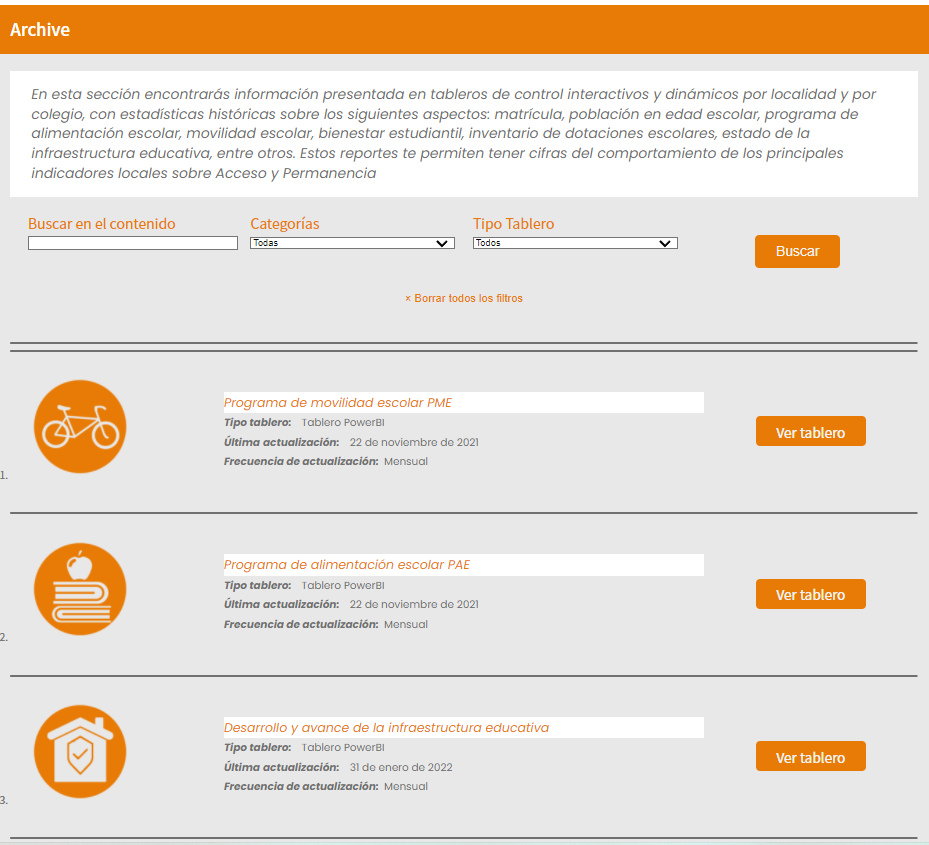
this is how it looks in the original domain front:
MIGRATION1.png
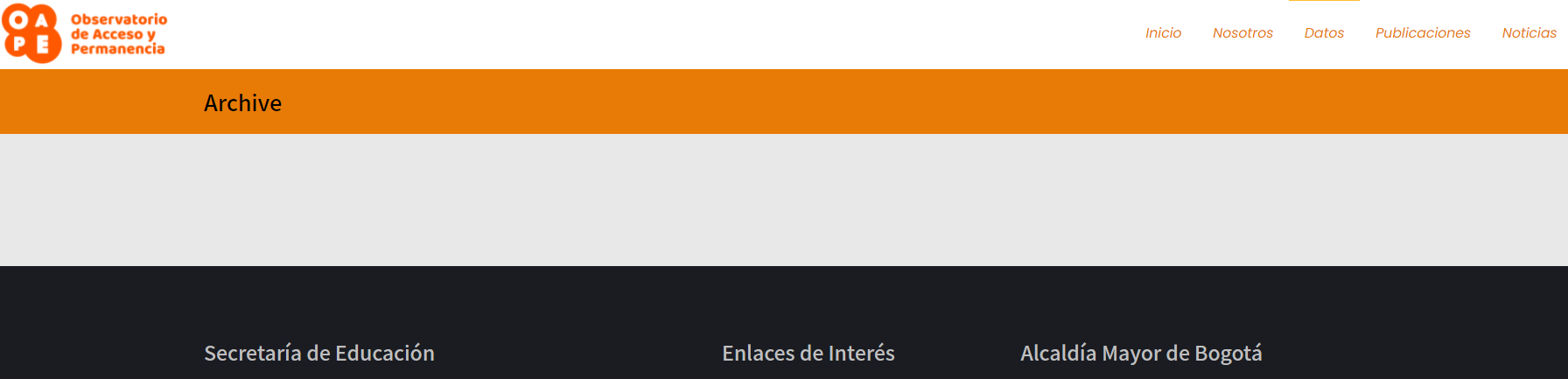
this is how it looks in new domain front:
https://toolset.com/wp-content/uploads/tmp/migration_2.png
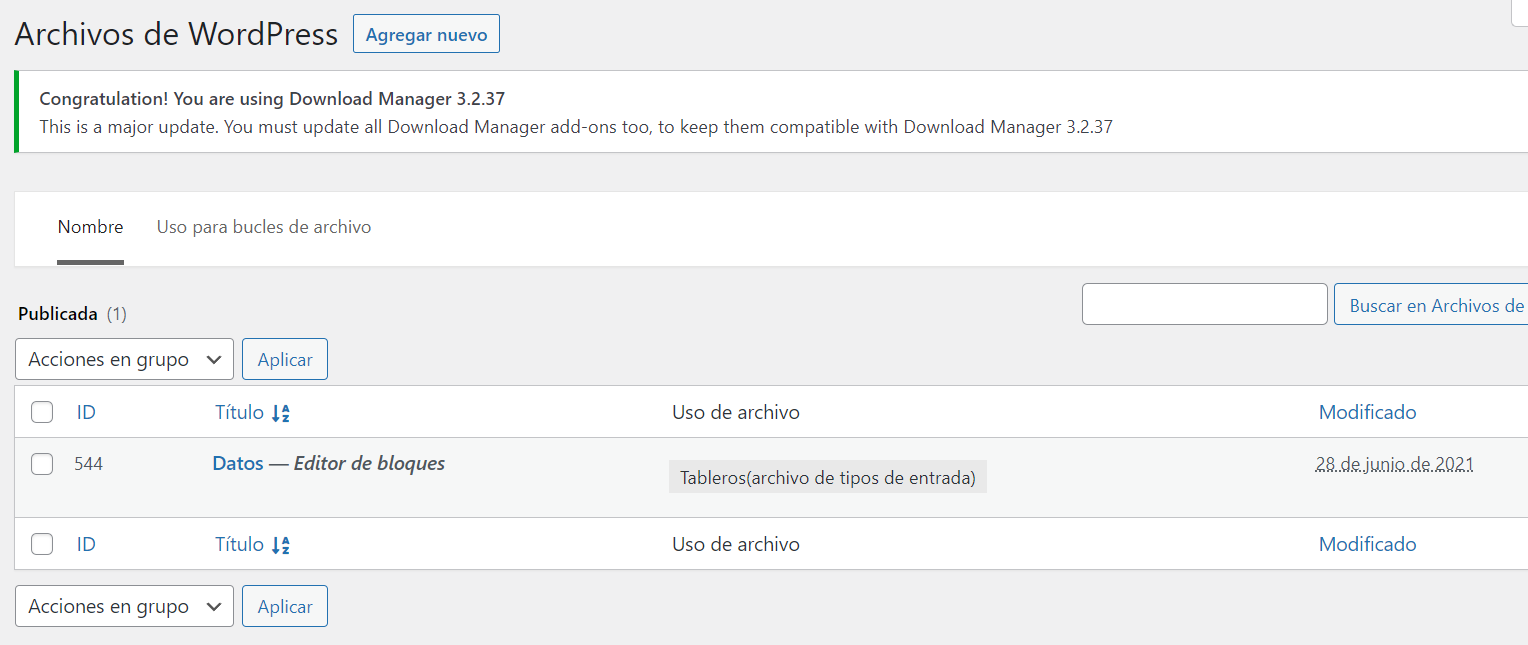
this is how it looks in original domain backend:
https://toolset.com/wp-content/uploads/tmp/migration3.png
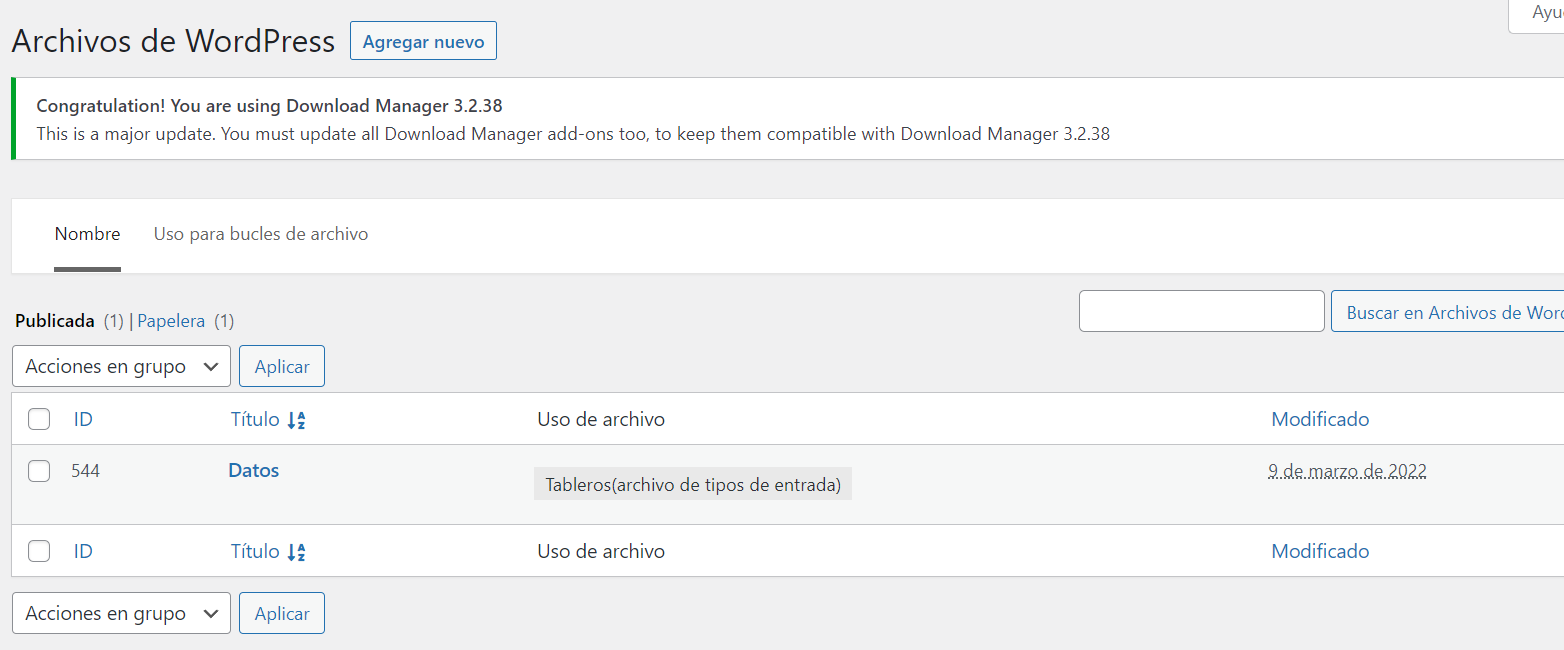
this is how it looks in the new domain backend:
https://toolset.com/wp-content/uploads/tmp/migration4.png
note that there is no asosiation to a block editor.
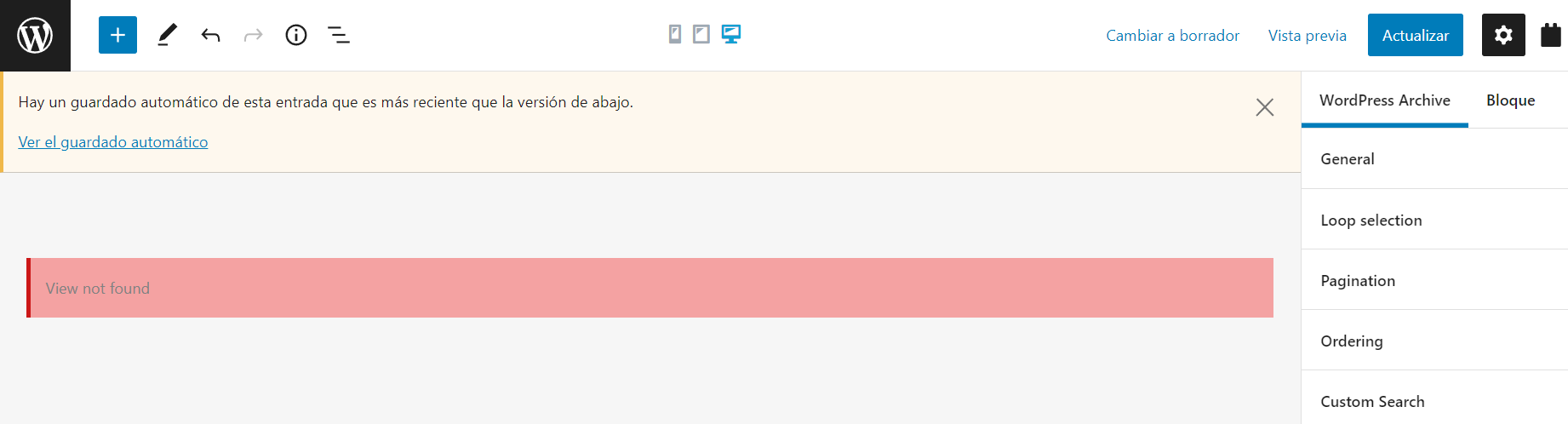
When i try to edit the archive this is the result:
https://toolset.com/wp-content/uploads/tmp/migration5.png
view not found
Please i need to fix this but i don't know how, i tried every thing, the post exists every thing is fine but aparently is not asociated to a block editor.
I have toolset registered in both domains
Thank you very much for your help!!!
Shane Supporter
Languages:
English (English )
Timezone:
America/Jamaica (GMT-05:00)
Hi Oscar,
Thank you for getting in touch.
From what I see here your issue here is caused by your migration given that it occured after the website was migrated.
What I recommend doing here is that if the site was migrated manually is to redo the migration or use a plugin to perform the migration of the site.
One such plugin can be see below.https://wordpress.org/plugins/duplicator/
Thanks,
Thx a lot Shane, i tried the migration with duplicator plugin an everything was fine !!!!