Skip Navigation

[Resolved] apply subscription renewal to my website

This thread is resolved. Here is a description of the problem and solution.

Problem:
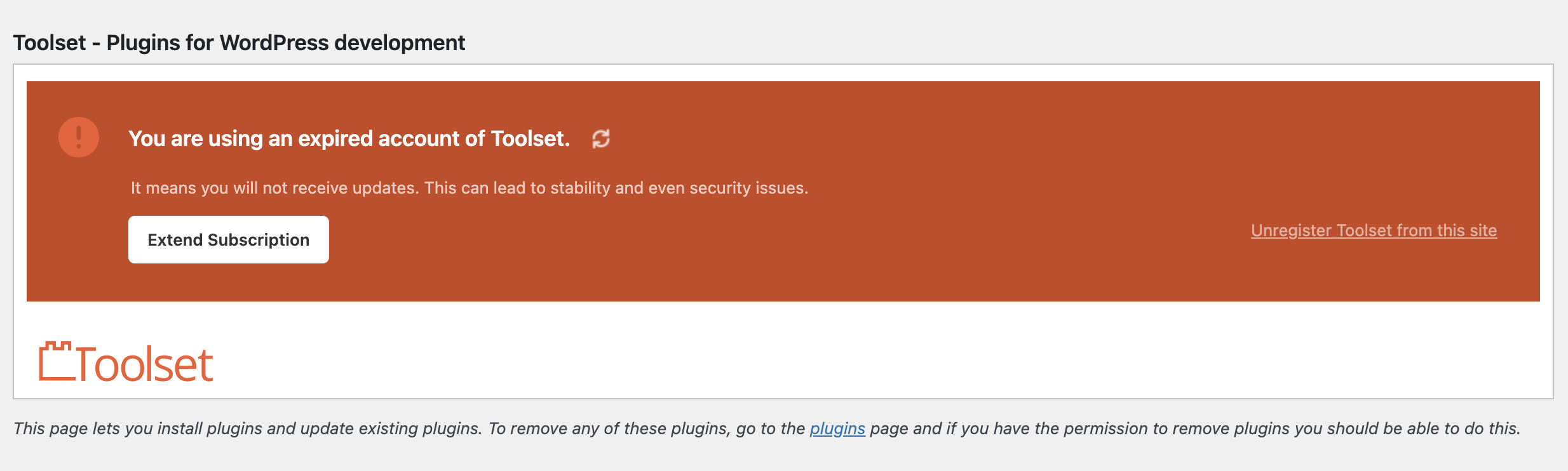
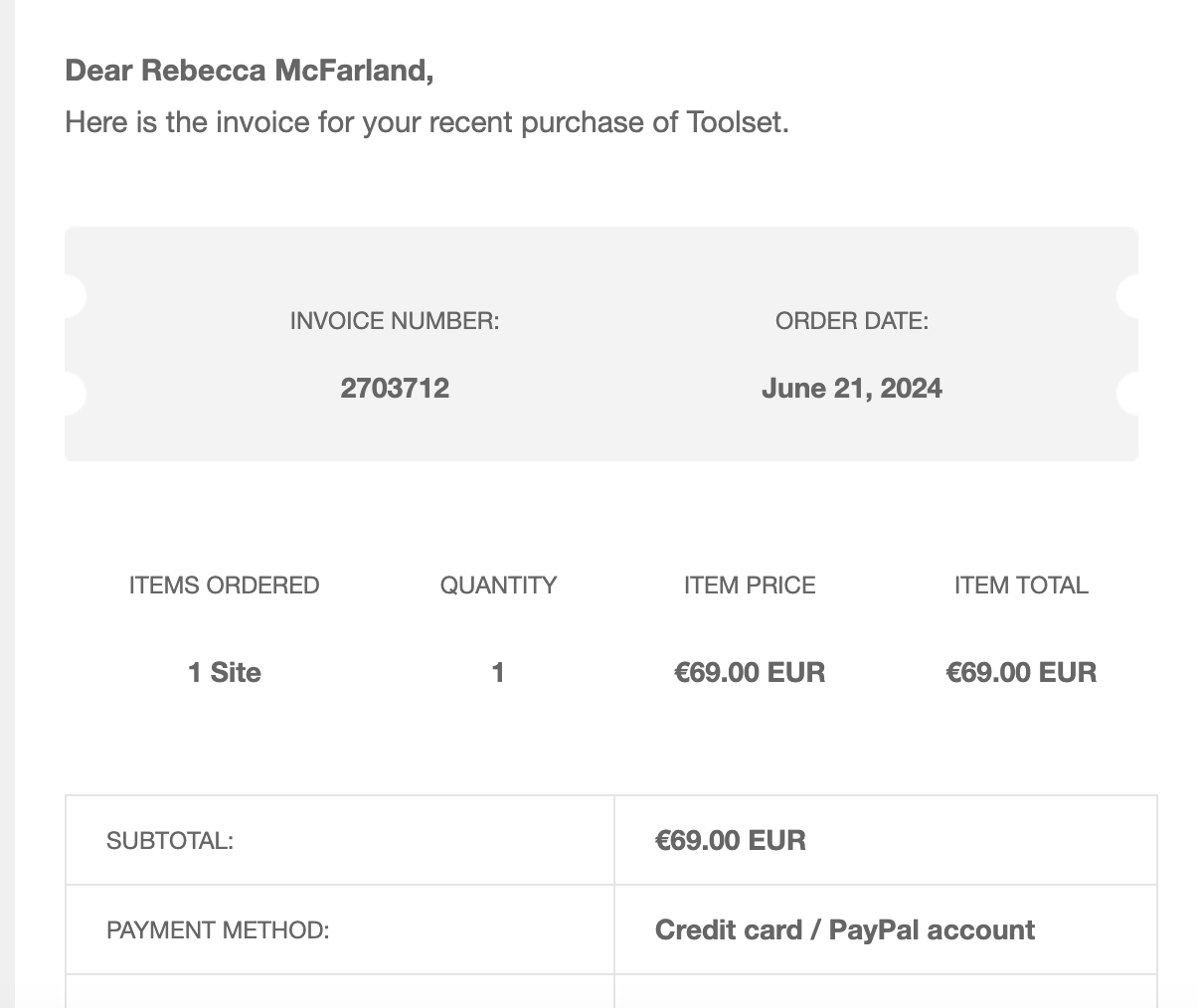
I received a message in my WP dashboard stating that my Toolset account was expired. I renewed the subscription and received email confirmation, but I don't know how to link the updated subscription to my site.

Solution:
Unregister Toolset from the site, then follow these steps: log in to toolset.com, go to "WordPress Dashboard > Plugins > Add New > Commercial (Tab)," click "Register Toolset," get a site key, and paste it into the "Site Key" input box. Click "OK."

This is the technical support forum for Toolset - a suite of plugins for developing WordPress sites without writing PHP.

Everyone can read this forum, but only Toolset clients can post in it. Toolset support works 6 days per week, 19 hours per day.

This topic contains 3 replies, has 2 voices.

Last updated by Christopher Amirian 1 year, 7 months ago.

Assisted by: Christopher Amirian.

Author
Posts
#2703714
Screenshot 2024-06-21 at 1.41.08 PM.png
Screenshot 2024-06-21 at 1.41.18 PM.png
Screenshot 2024-06-21 at 1.41.34 PM.png

Hi, my website is flybuy.com and I got a message in my WP dashboard that I was using an "expired account of Toolset." I re-upped the subscription and got email confirmation. I don't know how to link that subscription and have it updated on my site. Can you assist? Images attached below.

My email is piya@flybuy.com and my website is flybuy.com.

Thanks!

#2703881

Christopher Amirian
Supporter

Languages: English (English )

Hi there,

Please click the Unregister Toolset from this site link on the screenshot you shared with an orange background.

After that please follow the steps below:

- Make sure that you are logged in toolset.com.
- Go to "WordPress Dashboard > Plugins > Add New > Commercial (Tab)".
- Click the "Register Toolset" at the right section of the screen.
- Click the "Get a key for this site" link annotated in the screenshot below.
- A new page will open up and the auto-generated key will show in pop-up.
- Copy the key and paste it into the "Site Key" input box annotated in the screenshot below.
- Click the "OK" button.

#2704167

If I click "unregister toolset" that won't break anything existing that's using toolset on my site, right?

#2704182

Christopher Amirian
Supporter

Languages: English (English )

Hi there,

No it will not affect your current data. Have a backup please to be on the safe side.

Thanks.

#2704185

Thank you for your help! That worked.