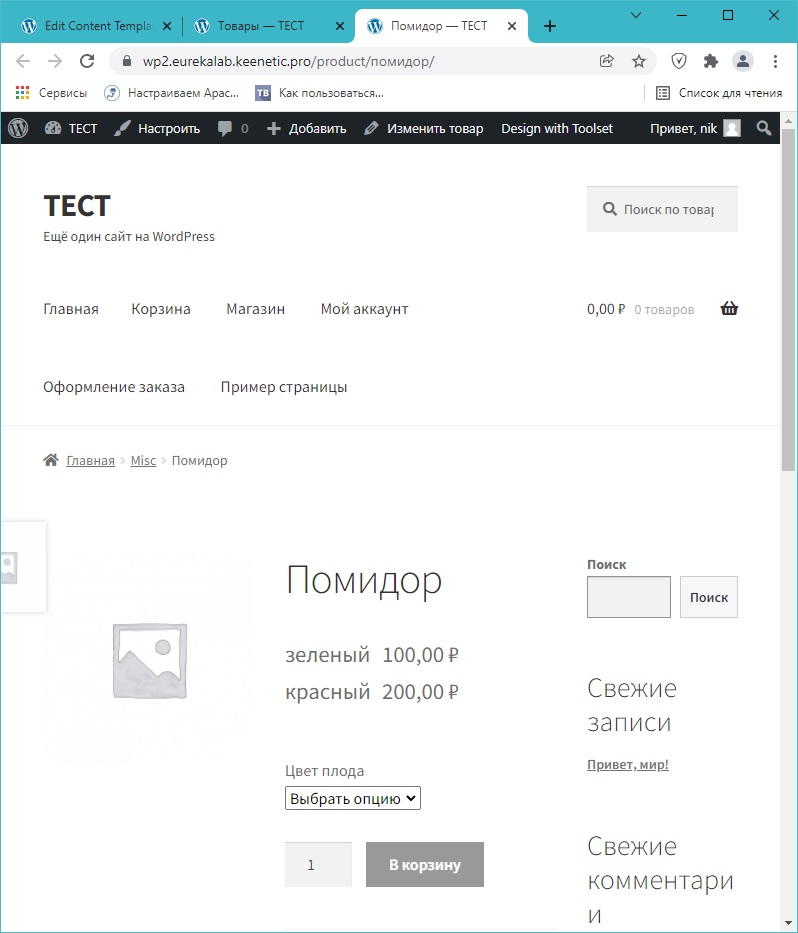
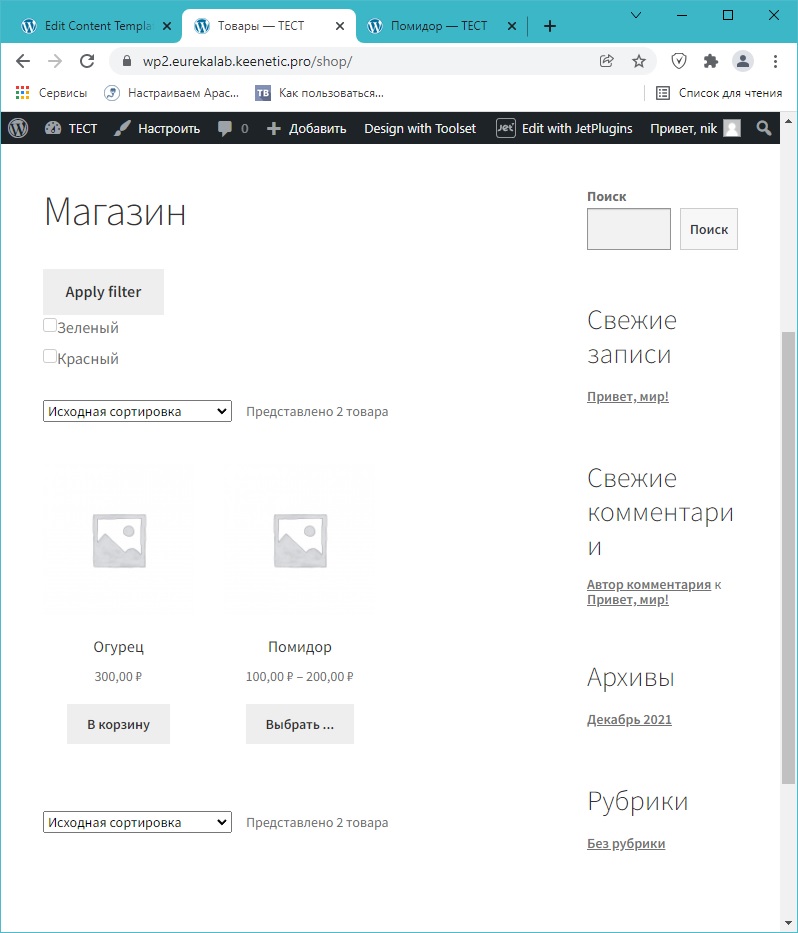
That's what I did:
1) installed the new WordPress installation (5.8.3) + WooCommerce (6.0.0) + StoreFront theme.
2) installed the Toolset
3) installed the WooCommerce Variation Prices (Barn2.com)
4) Created a 1 variant product width 2 variations, and a 1 simple product.
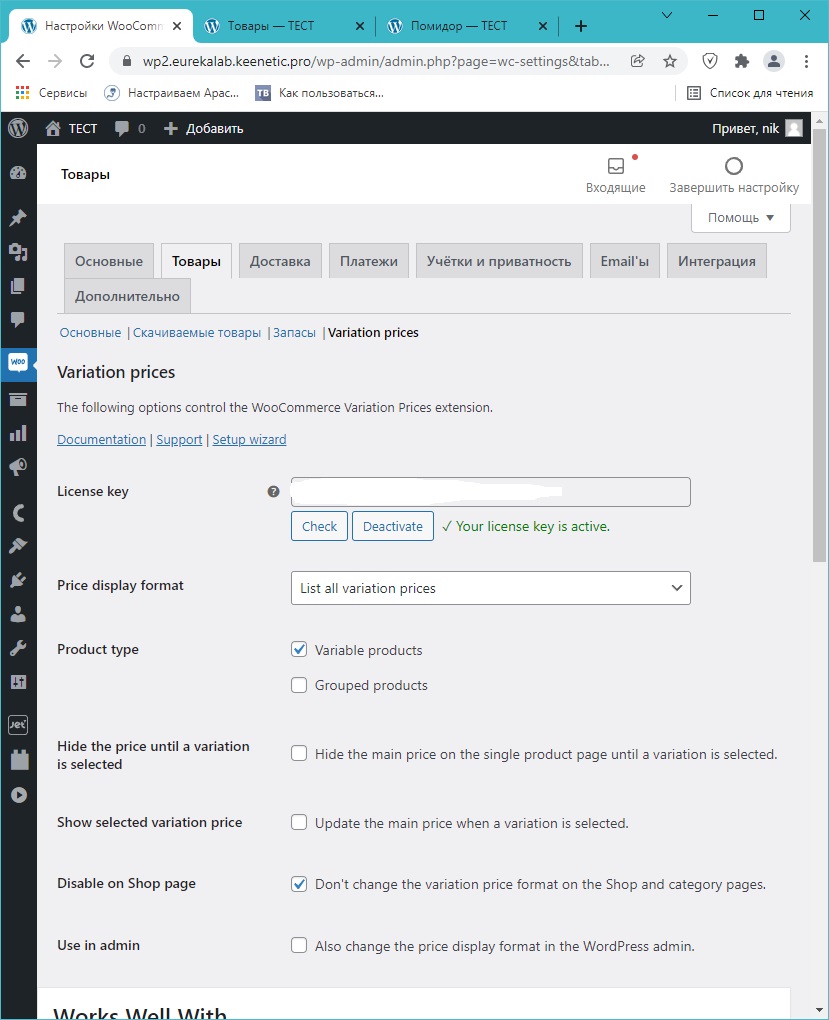
5) In the plugin "WooCommerce Variation Prices" set the option "Price display format" to the value "List all variation prices", and the option "Disable on Shop page" to the value "Don't change the variation price format on the Shop and category pages".
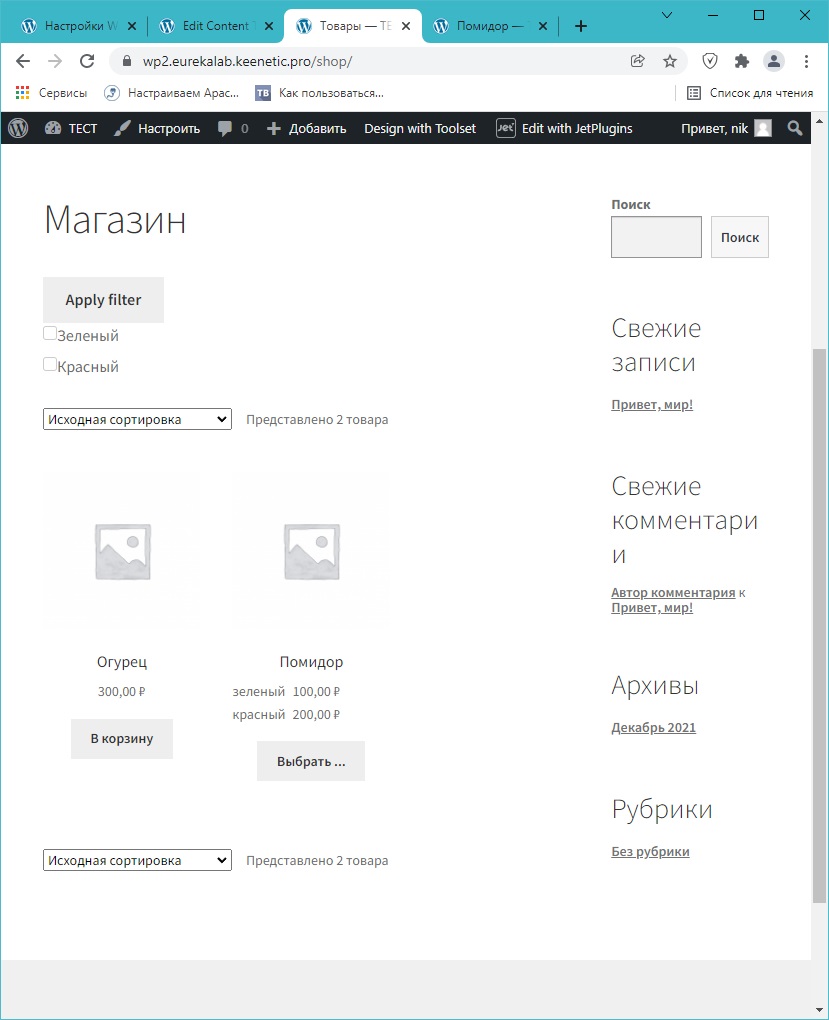
at this stage everything works correctly (see screnshots:s1, s2)
6) using the toolset, I created a new template for a single product page, and put a single field in it: Product price.
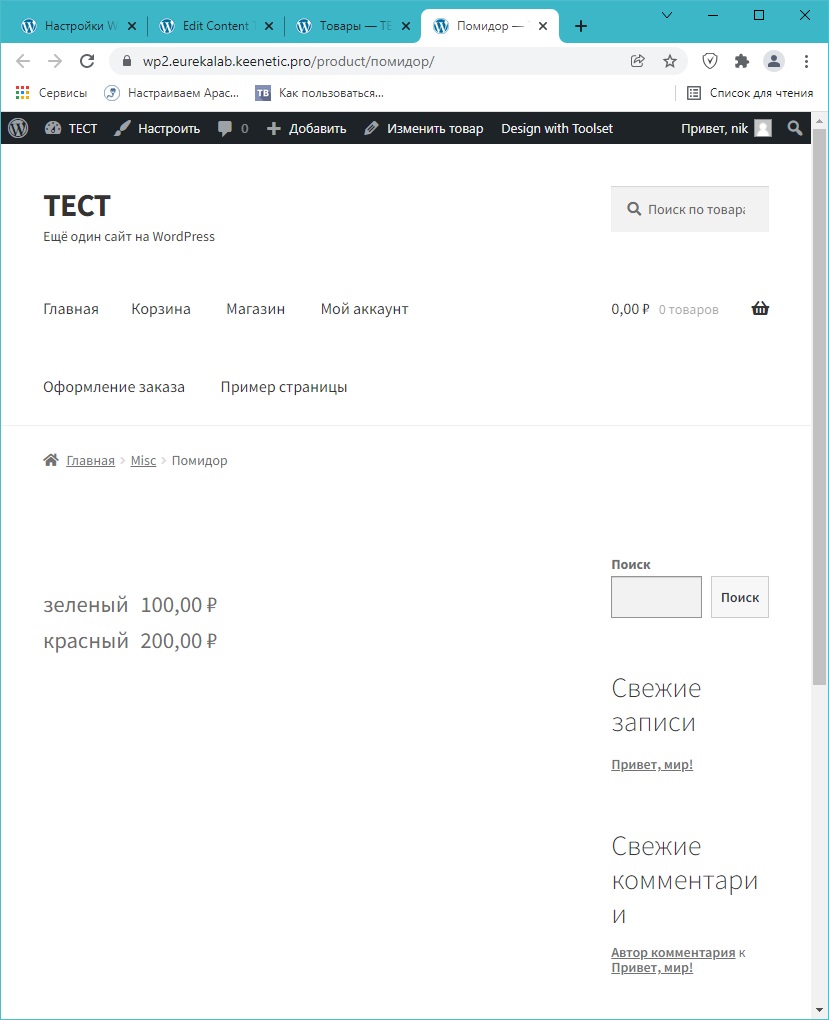
Now the product price is displayed incorrectly (see s3).
I have tried both values of "Block output" options of Product Price filed (toolset custom and native) - the behavior of the site is the same.
The price on the product page is not displayed in accordance with the set value of the option "Price display format".
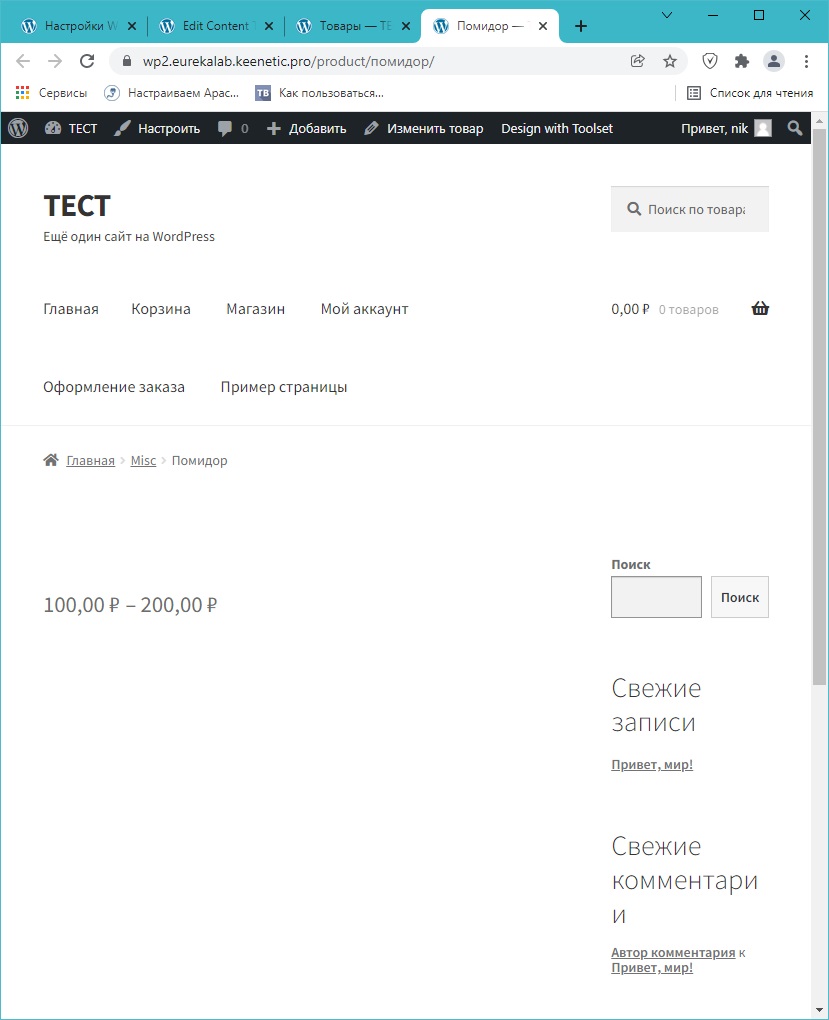
the product page is displayed correctly only if I cancel the option "Disable on Shop page" (see s4), but I don't need a list of variations on the shop page (see s5) 🙁
I'm not sure, but it seems to me that the problem is somewhere inside the toolset.
This is a test site and it's on my local network, so I won't be able to give you access to it.
Thank you for the site copy, so this isn't a case of a conflict. It's a case where our plugin is going to pull the default method of displaying the variation for the price.
It could be a case where the Product Variation is hooking into the wordpress default price display later than where we hook into it. If your plugin has a shortcode or a price block then you can use this instead of the default Toolset Price block.
My recommendation here is that you contact the support team for the WooCommerce Variation Prices plugin and submit a feature request for them to create their own pricing block.