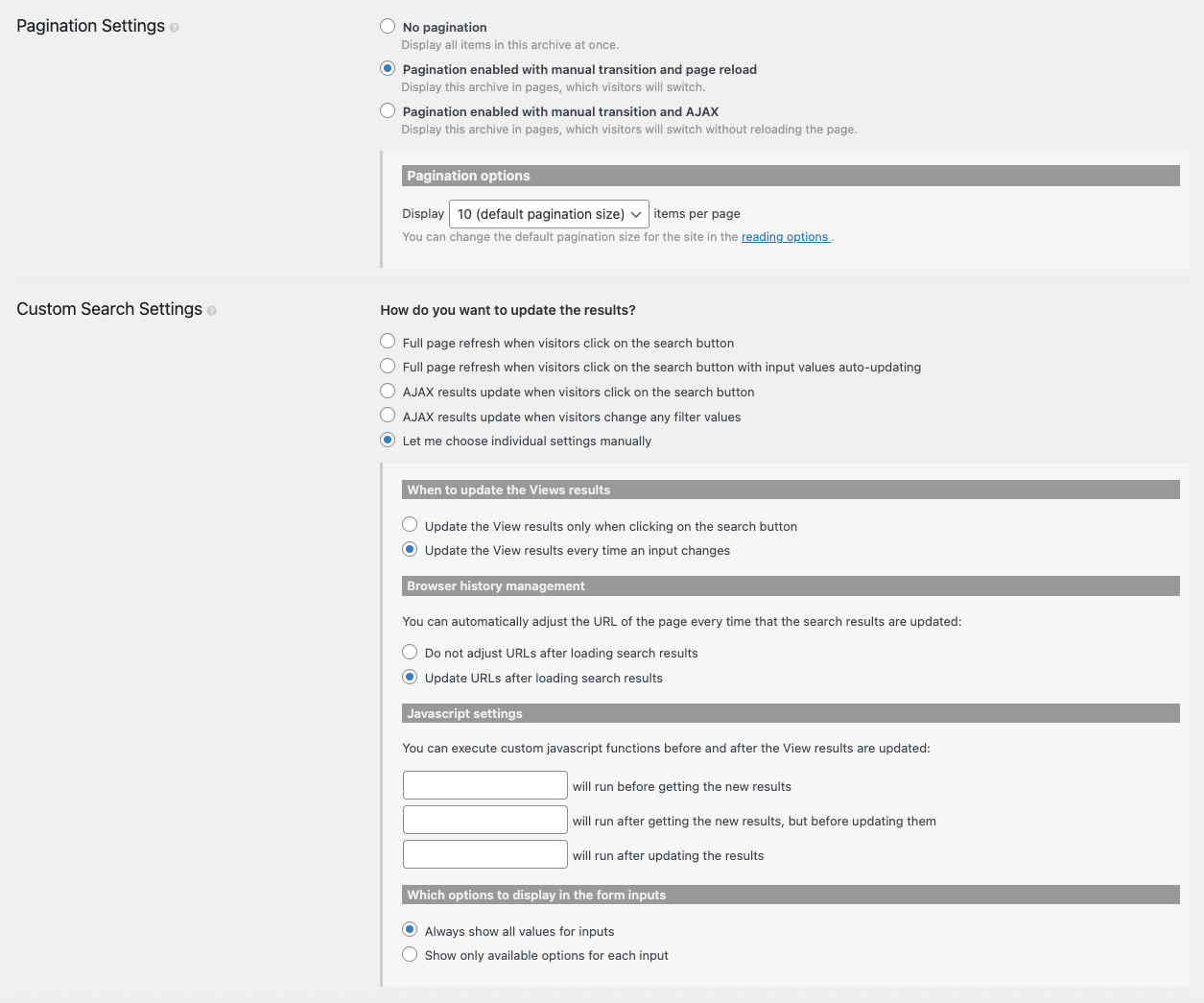
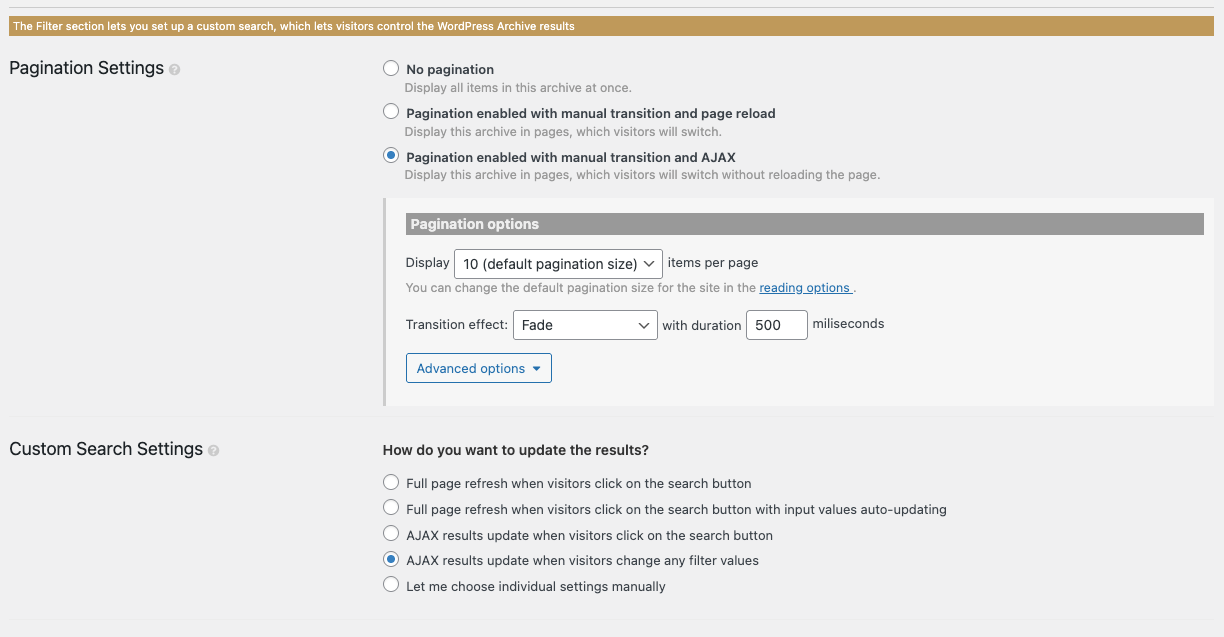
I'm currently developing a site, and I have the AJAX results update when visitors change any filter values radio button selected in the Custom Search Settings, but it's not working at all.
However, I previously had a site where I selected "Let me choose individual settings manually" and it worked fine, so I set it the same way, but it still didn't work.
Have the Toolset View specifications changed...?
Or are my settings incorrect?
I'll send a screenshot and URL of a site where "Let me choose individual settings manually" works fine.
hidden link
Hi,
Welcome to Toolset support. Toolset hasn’t changed its specs here. What usually causes this is that the View is not actually running in AJAX mode, so “update results when an input changes” never triggers the AJAX refresh.
If you want the View to refresh automatically when filters change, you need the View to use the AJAX pagination engine too.
Steps:
- Edit the View
- Go to: Toolset → Views → (edit your View) → Settings
- Enable AJAX pagination
- In Pagination Settings, select:
- Pagination enabled with manual transition and AJAX
- Save the View.
- Enable auto-update on filter change
- Still in the same View → Custom Search Settings, select either:
- AJAX results update when visitors change any filter values, or
- Let me choose individual settings manually → then choose Update the View results every time an input changes
- Save the View.
Thanks,
Thank you for your quick reply!
> If you want the view to refresh automatically when filters change, you need the view to use the AJAX pagination engine too.
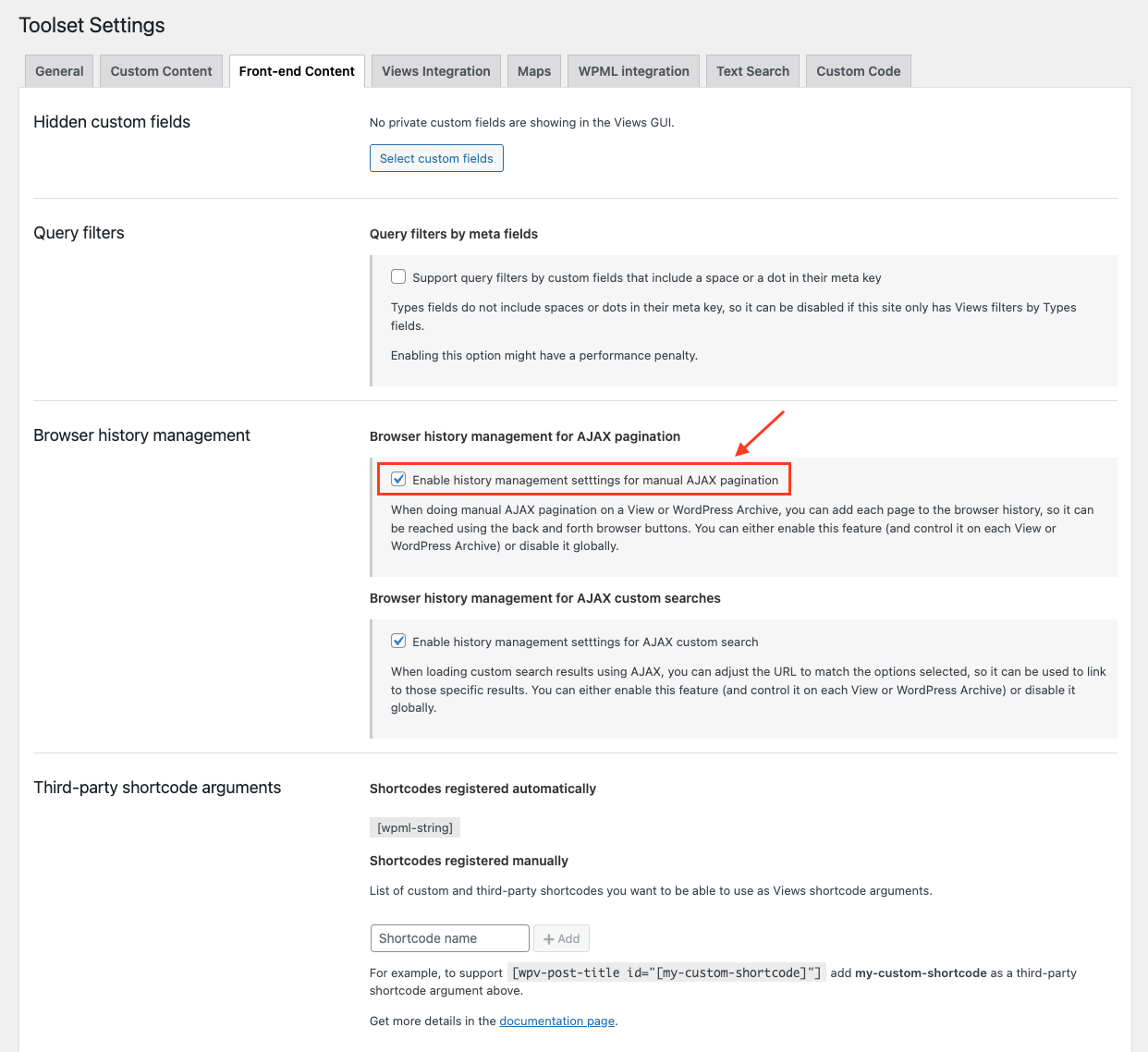
After receiving the above advice, I checked the settings and the relevant box appears to be checked.
I'm sending you a screenshot of the settings screen I checked.
Maybe I'm misunderstanding the settings screen...?
Thank you in advance.
I'm sorry.
Were the VIEW settings wrong?
What I want to do is perform a refined search on the archive page, just like on a site I created previously, but even with the same settings, AJAX won't work.
I can perform a refined search if I display the search button, but it doesn't work with AJAX.
I deleted the site and created a new one, but it didn't work.
This time I tried the following settings, but it still didn't work...💧
We've found the cause!
Because WordPress was executing wp_deregister_script('jquery') and directly loading its own jQuery in the theme,
the "jquery" handle required by Toolset did not exist.
As a result, Toolset's frontend.js was not initialized, and AJAX did not fire when filters were changed.
After removing deregister in functions.php and reverting to wp_enqueue_script('jquery'), it worked normally.
We apologize for the inconvenience.
This issue will be considered resolved.