This thread is resolved. Here is a description of the problem and solution.
Problem:
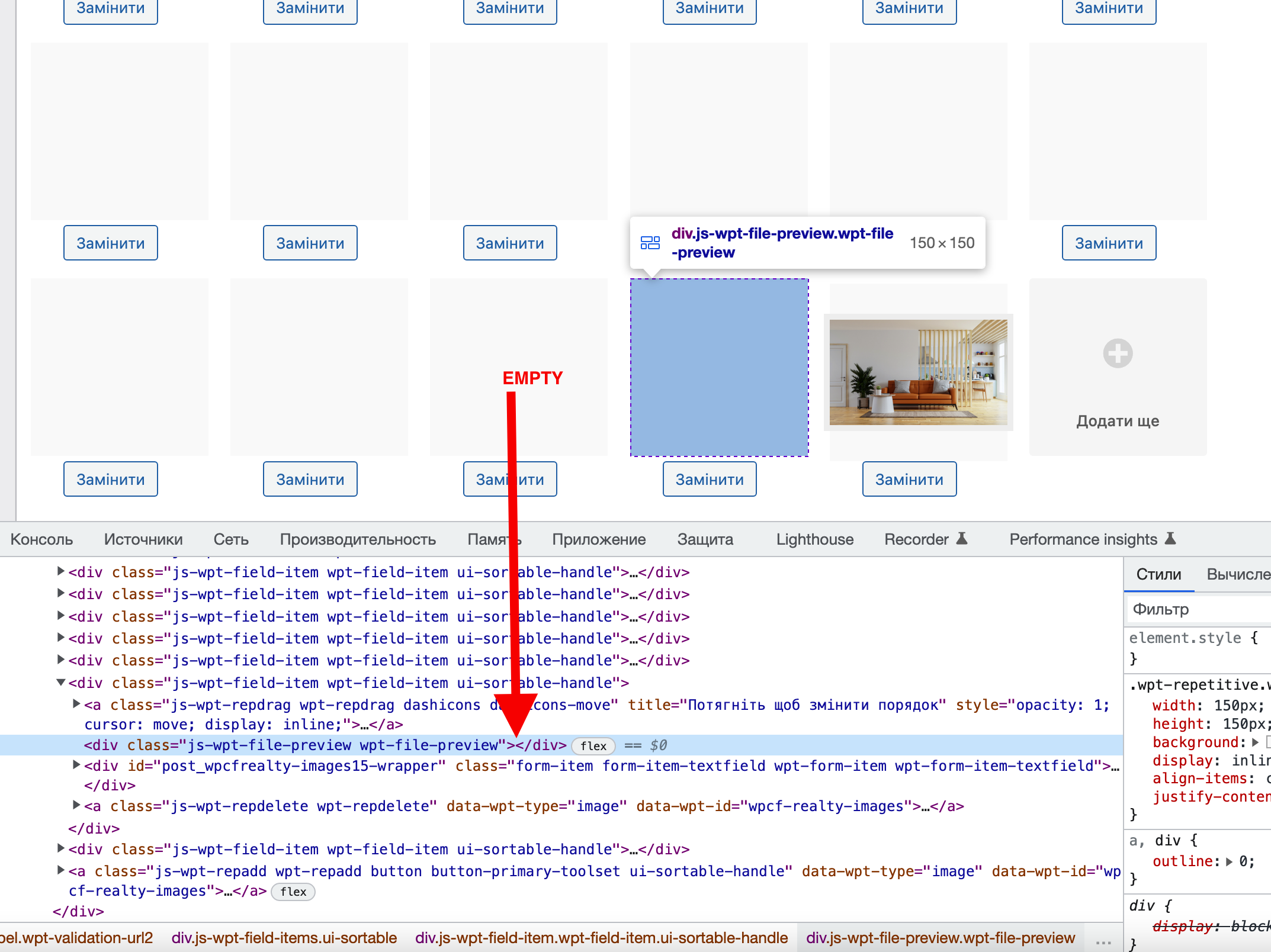
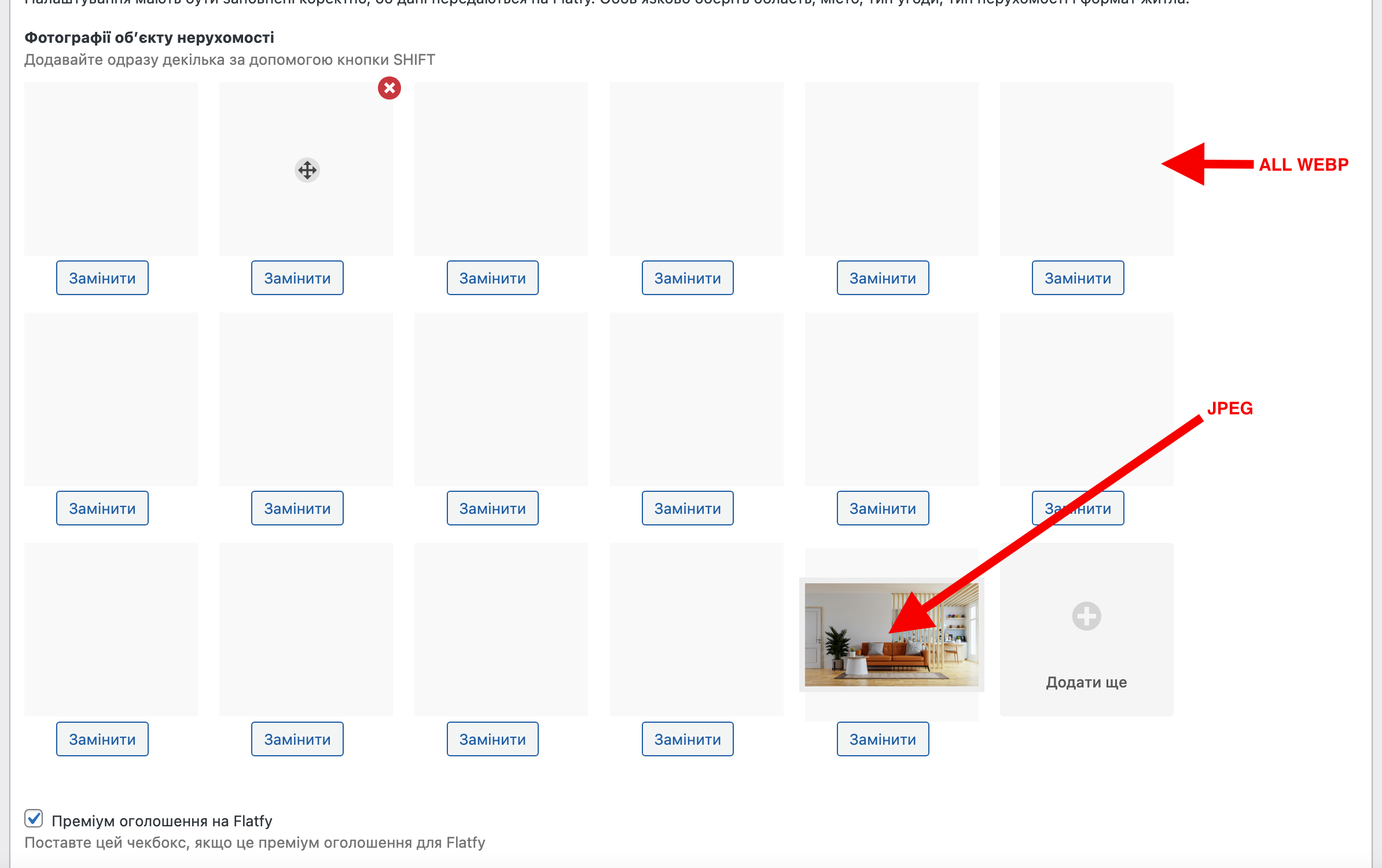
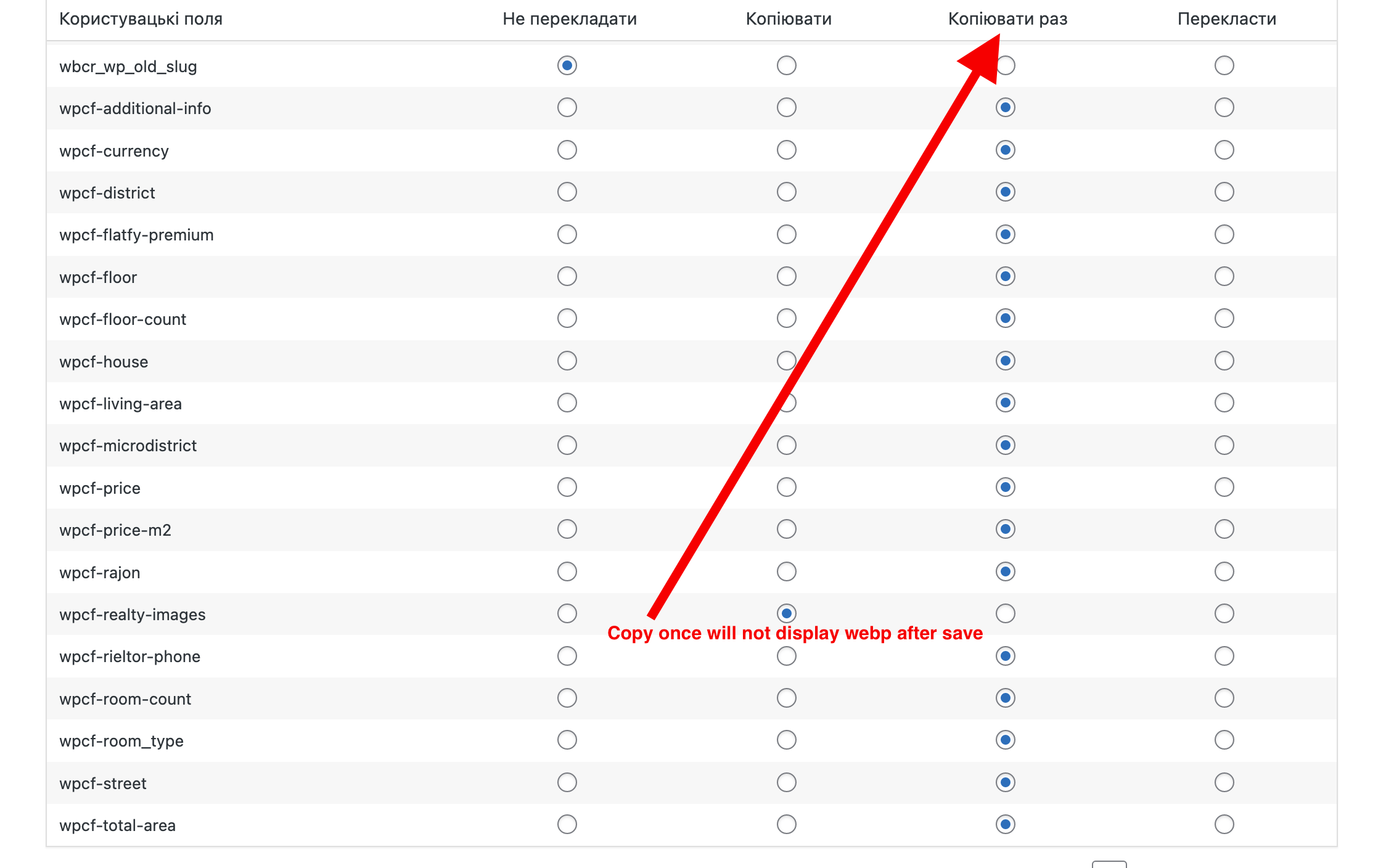
The webp images do not show in the admin listing with WPML
Solution:
Go to WPML > Settings and set the field translation type to "Translate" instead of "Copy Once"
This support ticket is created 3 years, 7 months ago. There's a good chance that you are reading advice that it now obsolete.
This is the technical support forum for Toolset - a suite of plugins for developing WordPress sites without writing PHP.
Everyone can read this forum, but only Toolset clients can post in it. Toolset support works 6 days per week, 19 hours per day.
This topic contains 5 replies, has 2 voices.
Last updated by 3 years, 7 months ago.
Assisted by: Christopher Amirian.