This thread is resolved. Here is a description of the problem and solution.
Problem:
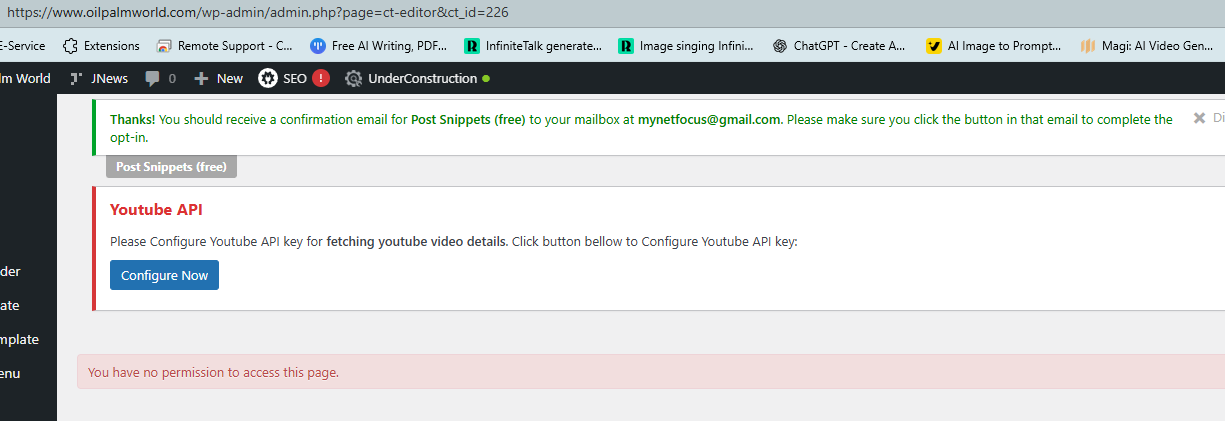
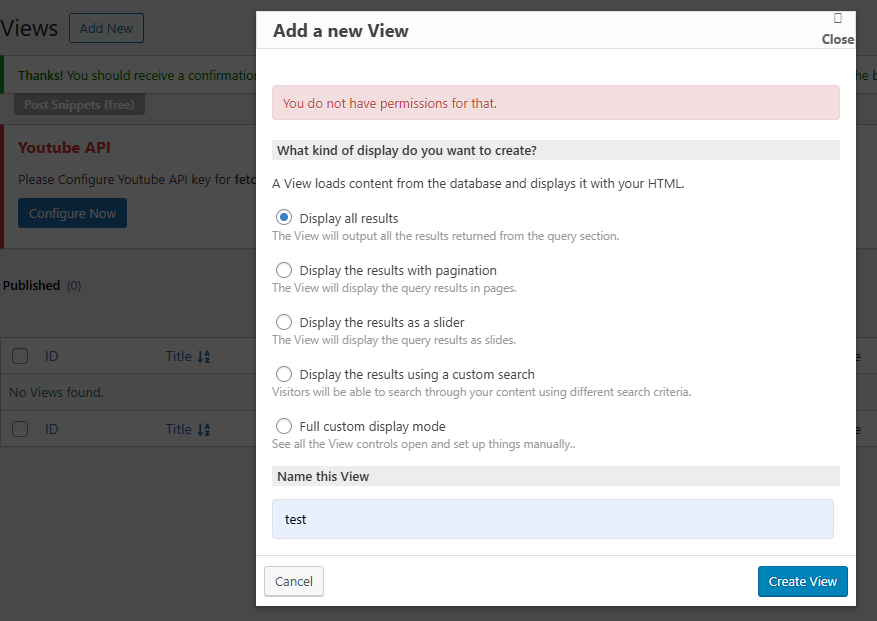
The client could not create a new Toolset View or Content Template from the Toolset admin screens. When clicking Add New View or creating the first Content Template, WordPress showed “You have no permission to access this page” and redirected to the CT editor. This happened even when logged in as an admin and with default Toolset settings.
Solution:
After testing by deactivating plugins did not resolve the issue, the client reinstalled the website. Following the reinstall, the permission errors disappeared and Views / Content Templates could be created normally again.
The root cause was most likely a rogue plugin or corrupted permissions that had altered user capabilities in the original installation.
This is the technical support forum for Toolset - a suite of plugins for developing WordPress sites without writing PHP.
Everyone can read this forum, but only Toolset clients can post in it. Toolset support works 6 days per week, 19 hours per day.
This topic contains 3 replies, has 1 voice.
Last updated by 2 months, 1 week ago.
Assisted by: Christopher Amirian.