Tell us what you are trying to do? trying to add a filtered list to a product page
Is there any documentation that you are following? Introduction to Toolset course from you
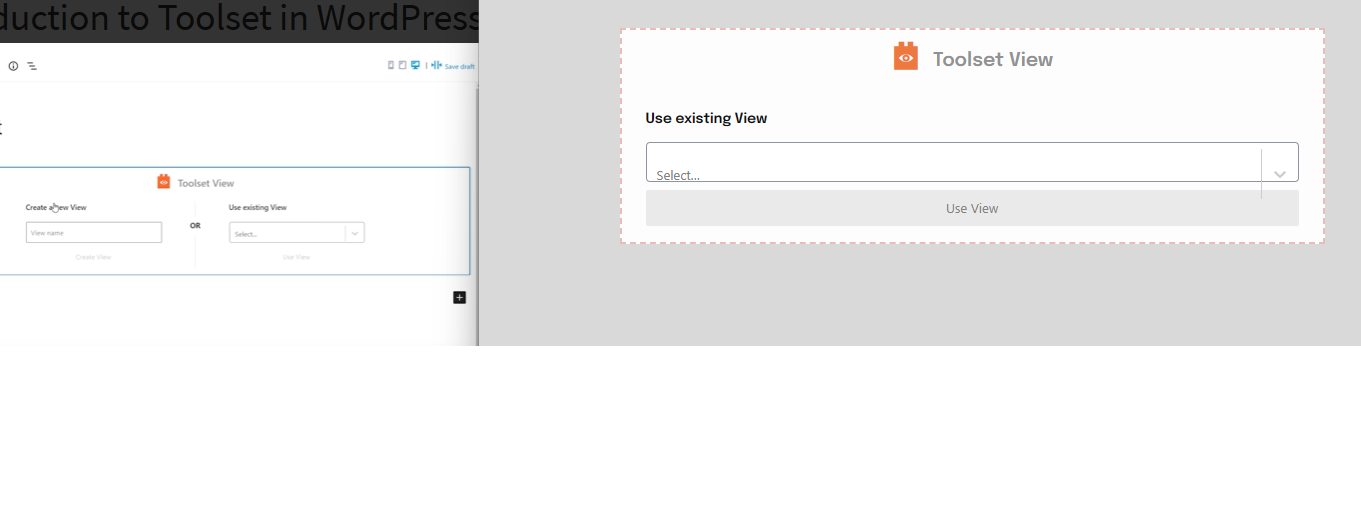
Is there a similar example that we can see? Attached a screen shot of what I'm supposed to see on the left & what I'm seeing on the right
What is the link to your site? hidden link
Hi there,
Would you please update Toolset Types and Toolset Blocks plugins and see if the same issue happens?
- IMPORTANT STEP! Create a backup of your website.
- Go to "WordPress Dashboard > Plugins > Add new > Commercial (tab)".
- Click the "Check for Updates" button.
- Update Toolset and its addons there.
Also, I'd appreciate it if you can provide the debug information:
https://toolset.com/faq/provide-debug-information-faster-support/
Thanks.
Updating did not help. Here is the debug information
Hi there,
Thank you for the debug information and for updating the plugins.
I checked the info and there are no red flags so the next step is to check of there is any sort of plugin conflict to theme conflict that might trigger the issue.
Here are the steps to check:
- IMPORTANT STEP! Create a backup of your website or do it safely on a staging version of the website.
- Switch to the default theme such as "TwentyTwenty" by going to "WordPress Dashboard > Appearance > themes".
- Go to "WordPress Dashboard > Plugins" and deactivate all plugins except Toolset and its add-ons.
- Check if you can still recreate the issue.
- If not, re-activate your plugins one by one and check the issue each time to find out the plugin that causes the problem.
If the problem persists, I'll appreciate it if you could provide the staging website login information by setting the next reply as private for further investigation.
Thank you.
Hi there,
By staging, I meant a copy of the website that will be easy to do troubleshoot without the fear of ruining the live website.
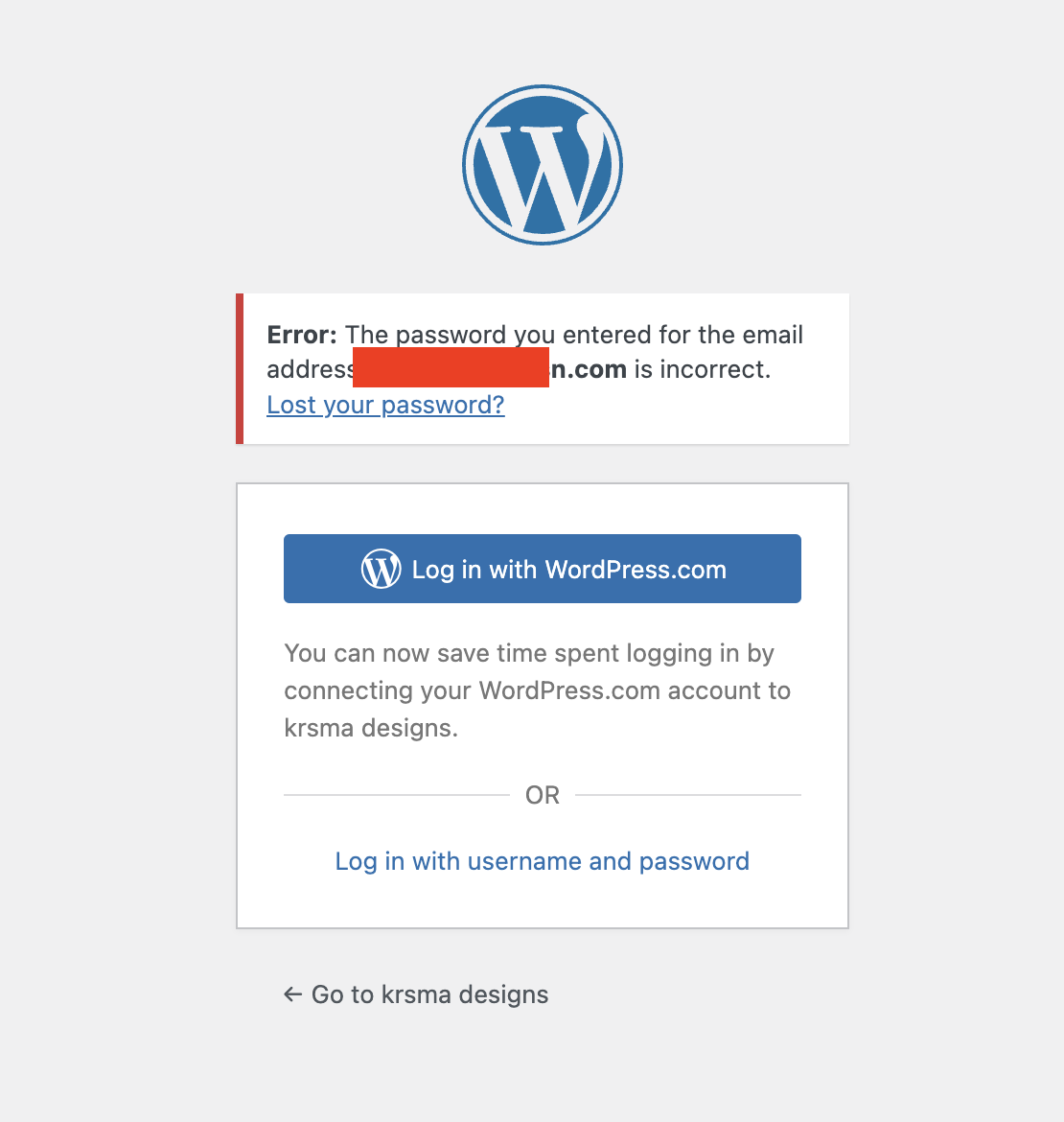
I tried to log in to your website but I encountered the issue attached.
It will help if you can provide the login info of the copy of the website in the next reply, Laternatively we can give you means to copy your website to our server,
But before that we need to have a correct login information to be able to test the issue without touching anything.
Thanks.
Hi there,
Thank you, I checked the website and found out that the issue is happening by your theme.
As soon as I go to WordPress Dashboard > Appearance > Themes and change "Inspiro Blocks" to another theme such as the default WordPress Twenty Twenty theme the issue you have with adding the views in the Block editor is fixed.
Please contact the theme developer to ask and fix the issue for you.
Thank you.
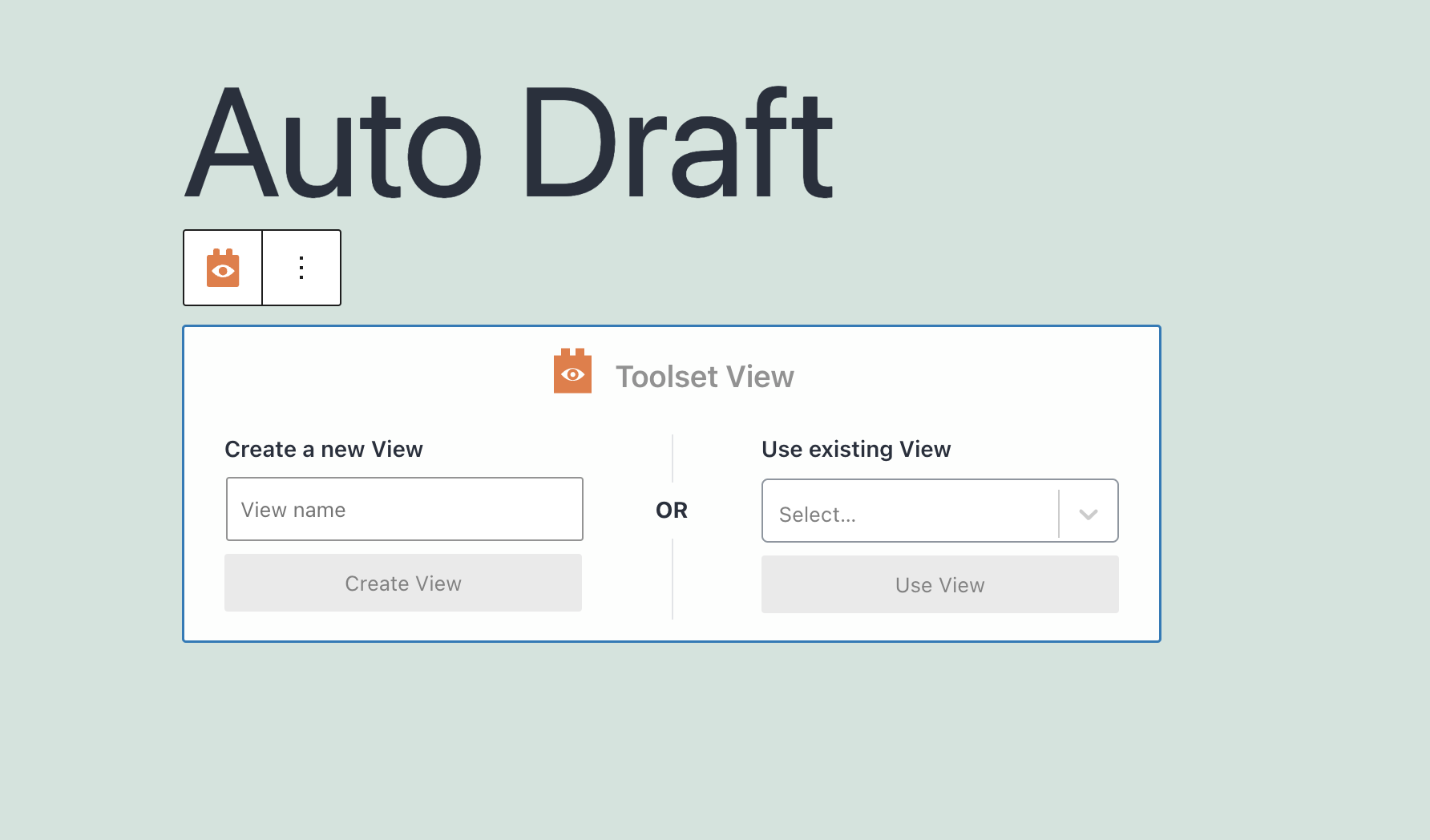
I had tried changing to twenty twenty-three last week as a troubleshooting measure but didn't see any difference. Changed to twenty twenty tonight but no change. Logged out & back in but I'm still seeing the screen I attached. What am I doing wrong that you can get to the block editor but I can only get to the legacy editor?
Hi there,
I recorded a video to show how you can add a new view without the classic mode:
hidden link
Here is the documentation for the view:
https://toolset.com/course-lesson/creating-a-view/
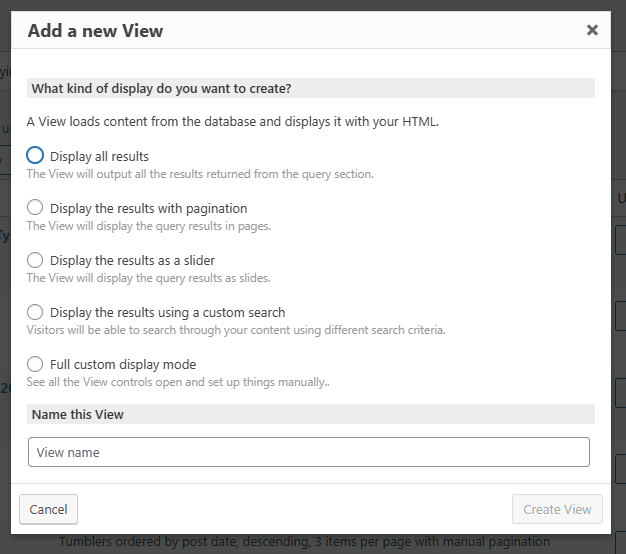
You should not go to Toolset > Views menu as it is for the classic one.
If you want to show only new views and not classic ones, you can use the method below:
- Go to "Toolset > Settings > General".
- Find the "Editing experience" section.
- Check the "Show only the Blocks interface" checkbox.
- Reload the browser page.
- Now you will not see the classic views
In the new views, the age which you created the view in, will be the main section that you can edit the view.
Thanks.
Thank you so much! I have that part figured out now, thanks to you. You saved my sanity