Toolset Is Back on a Monthly Beat: WPML 5.0, WordPress 7.1, Font Awesome 6 and More

Today we are releasing updates for the entire Toolset suite: the largest coordinated release since our Full Site Editing overhaul, shipping together with WPML 5.0. It brings day-one WPML 5.0 compatibility across every plugin, full support for the WordPress 7.1 block editor, Font Awesome 6, a privacy-first rework of address autocomplete in Toolset Maps, and fixes for some long-standing issues that will repair themselves on your sites. It is also the first release of our new monthly cycle: from now on, you can expect a Toolset release every month.
Ready for WPML 5.0, on day one
WPML 5.0 changes how language switching works internally. We audited every Toolset plugin call by call and reworked the language handling to run correctly on both WPML 4.x and 5.0, verified against real installs of both versions. Whether you update WPML today or later, Toolset behaves the same: forms submit in the right language, notification emails arrive in the post’s language, and archives and Views render every string in your visitor’s language from the first element to the footer. There is nothing to configure. Update both plugins in either order.
Full support for the WordPress 7.1 block editor
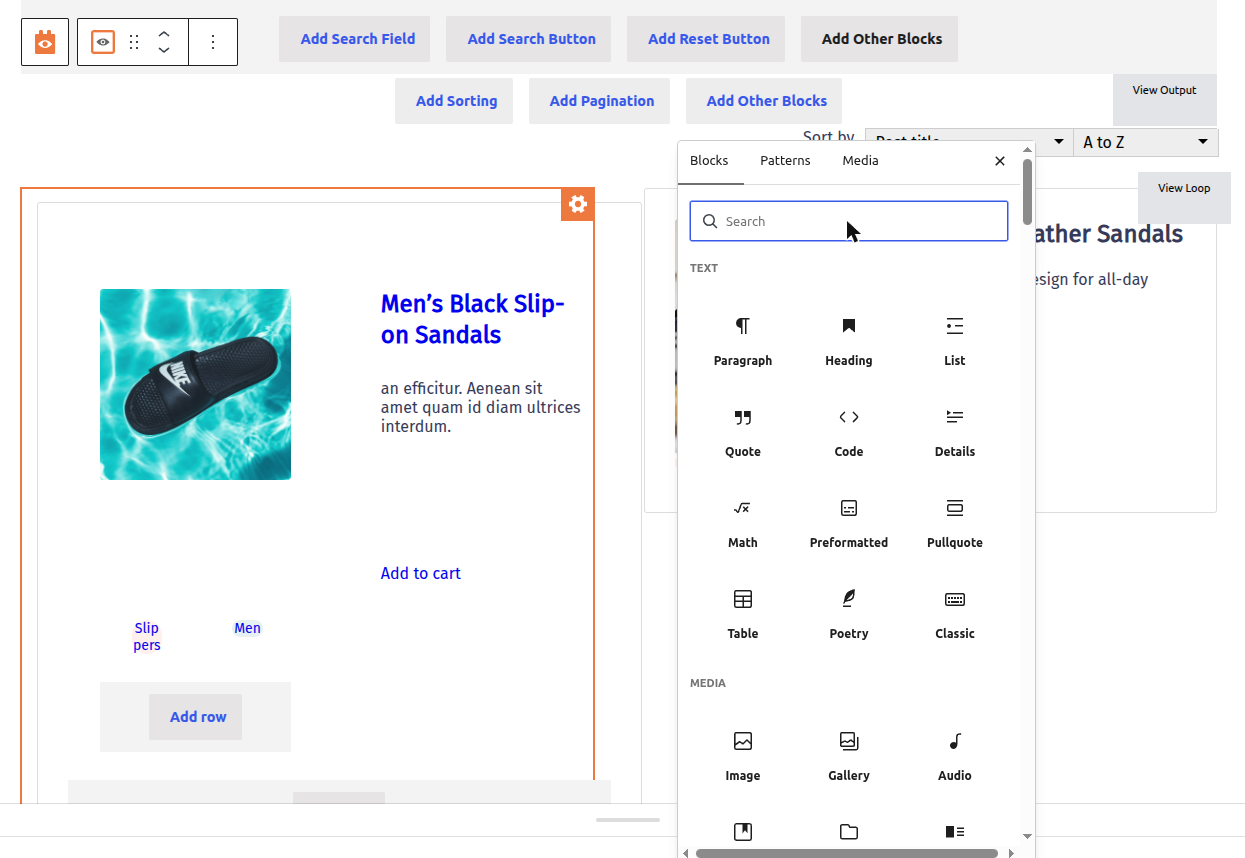
WordPress 7.1 changed how the block editor renders its canvas, and some Toolset editing flows broke with it. This release fixes all of them: the Add Block button inside View loops and in the post body works again, icons render correctly in the editor, and icon fonts now reach the Site Editor canvas: templates, template parts, and pages alike. If you postponed the WordPress 7.1 update because of the editor, it is safe to update now.
Icons: fixed at the root, and Font Awesome 6 arrives
If you ever saw Button icons inside View loops turn into garbled characters or vanish after a save, this release is for you. We fixed the root causes in how icons are stored and cached, and icons that were already corrupted on your site repair themselves on the next page load. No re-saving, no rebuilding.
Icons also got a future: Font Awesome 6 is now a site-wide option in Toolset settings. Choose it, and every icon you ever picked, even ones saved years ago in Font Awesome 4 format, automatically renders as its modern equivalent through a complete compatibility table covering all 786 Font Awesome 4 icons. Nothing in your content changes, and sites that stay on Font Awesome 4 or 5 are untouched.

Maps: address autocomplete that respects your visitors’ privacy
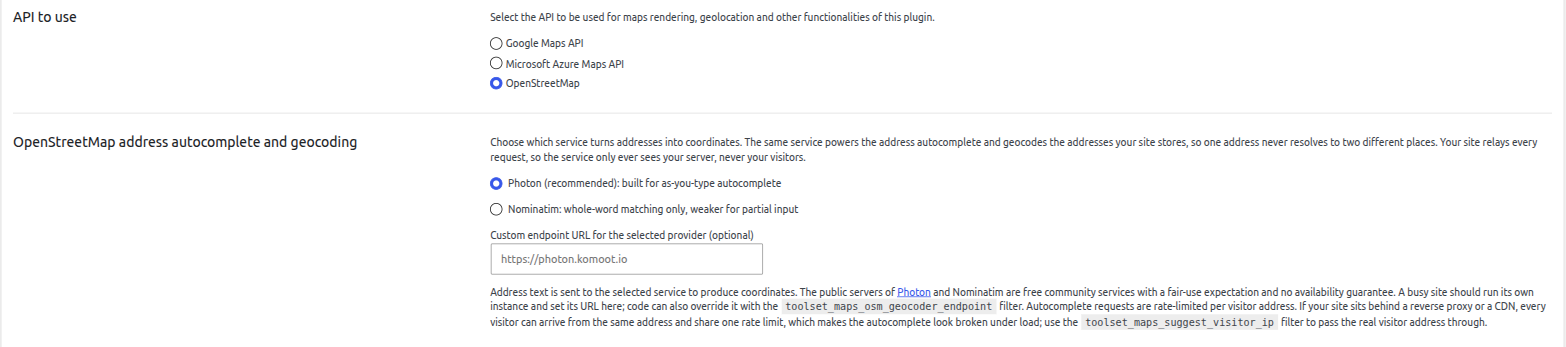
Until now, address autocomplete meant your visitors’ browsers talked directly to third-party geocoding services, sharing their IP address and what they typed. Starting with Toolset Maps 2.3.0, every suggestion is served through your own website: visitors talk only to your server, and your server talks to the provider, with caching and rate limiting built in, so busy sites stay fast and inside usage limits. It is a meaningful improvement for your site’s GDPR posture.
You can use the default public service, point Toolset at a self-hosted instance, or use Azure Maps with your own key. The distance filter also accepts decimal radius values like 2.5 km now, and multiple distance search forms on one page no longer interfere with each other.
Clean on PHP 7.4 through 8.5
The whole suite now runs without deprecation notices from PHP 7.4 all the way to PHP 8.5, so your logs stay quiet and PHP upgrades from your host hold no surprises. The minimum supported PHP version is now 7.4.
Other fixes in this release
Views / Blocks
- Image blocks inside View loops now output their alt text, a win for accessibility and SEO
- Listing screens show correct counts on multilingual sites instead of counting translations
- WordPress Archive helper link no longer renders as raw HTML in the WPML Translation Dashboard
Types
- Creating related posts from the post editor works correctly on multilingual sites
- PHP 8.2+ deprecation notices in the legacy relationships form resolved
Maps
- PHP notices when selecting a Dynamic Source for a map marker resolved
- Deleting the plugin now cleans up its data, with an opt-in setting for complete removal
Forms, Access, and Layouts
- Forms: language handling reworked across submission, field search, and notifications
- Access: the custom error page preview handles languages correctly
- Layouts: fixed a fatal error when opening the edit screen of a deleted post
How to update
- In your WordPress admin, go to Plugins and open the Commercial tab.
- Click Check for updates and update all Toolset plugins.
- Alternatively, download the latest versions from your toolset.com account.
As always, we recommend updating a staging site first. The updates roll out gradually through the installer starting today.
This release marks the start of our monthly release cycle. The next Toolset release is planned for October 26. Are you updating to WPML 5.0 or WordPress 7.1 already? Let us know how the update goes in the comments. We are watching this release closely.

