Ce fil est résolu. Voici une description du problème et la solution proposée.
Problem:
A user reported that the "Views" management option is not showing on his website.
Solution:
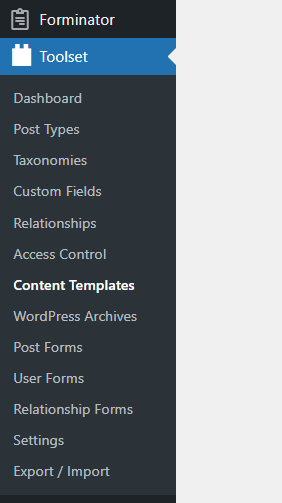
Guided that to enable the "Views" management screen, please go to WP Admin -> Toolset -> Settings -> General and select the option "Show both the legacy and Blocks interface and let me choose which to use for each item I build" for editing experience.
Relevant Documentation:
n/a
This is the technical support forum for Toolset - a suite of plugins for developing WordPress sites without writing PHP.
Everyone can read this forum, but only Toolset clients can post in it. Toolset support works 6 days per week, 19 hours per day.
| Sun | Mon | Tue | Wed | Thu | Fri | Sat |
|---|---|---|---|---|---|---|
| - | 9:00 – 13:00 | 9:00 – 13:00 | 9:00 – 13:00 | 9:00 – 13:00 | 9:00 – 13:00 | - |
| - | 14:00 – 18:00 | 14:00 – 18:00 | 14:00 – 18:00 | 14:00 – 18:00 | 14:00 – 18:00 | - |
Fuseau horaire du supporter : Asia/Karachi (GMT+05:00)
Ce sujet contient 2 réponses, a 2 voix.
Dernière mise à jour par - Il y a 4 years, 6 months.
Assisté par: Waqar.