Passer la navigation

[Résolu] Ultimate Member Profiles Not Displaying if Toolset Views Plugin is Active

Ce fil est résolu. Voici une description du problème et la solution proposée.

Problem:

Ultimate Member profile pages displayed only header and footer when Toolset Views was active. Disabling caching did not resolve the issue.

Solution:

An empty Toolset Content Template (“Template for Pages”) was assigned to all pages and overrode the Ultimate Member profile output.
Go to Toolset → Content Templates and remove/unassign the “Template for Pages” template from Pages. After removing it, the Ultimate Member profile content displayed correctly.

Relevant Documentation:

https://toolset.com/course-lesson/creating-templates-to-display-custom-posts/

This support ticket is created Il y a 3 months, 4 weeks. There's a good chance that you are reading advice that it now obsolete.

This is the technical support forum for Toolset - a suite of plugins for developing WordPress sites without writing PHP.

Everyone can read this forum, but only Toolset clients can post in it. Toolset support works 6 days per week, 19 hours per day.

Ce sujet contient 5 réponses, a 1 voix.

Dernière mise à jour par Christopher Amirian Il y a 3 months, 3 weeks.

Assisté par: Christopher Amirian.

Auteur
Publications
#2846949
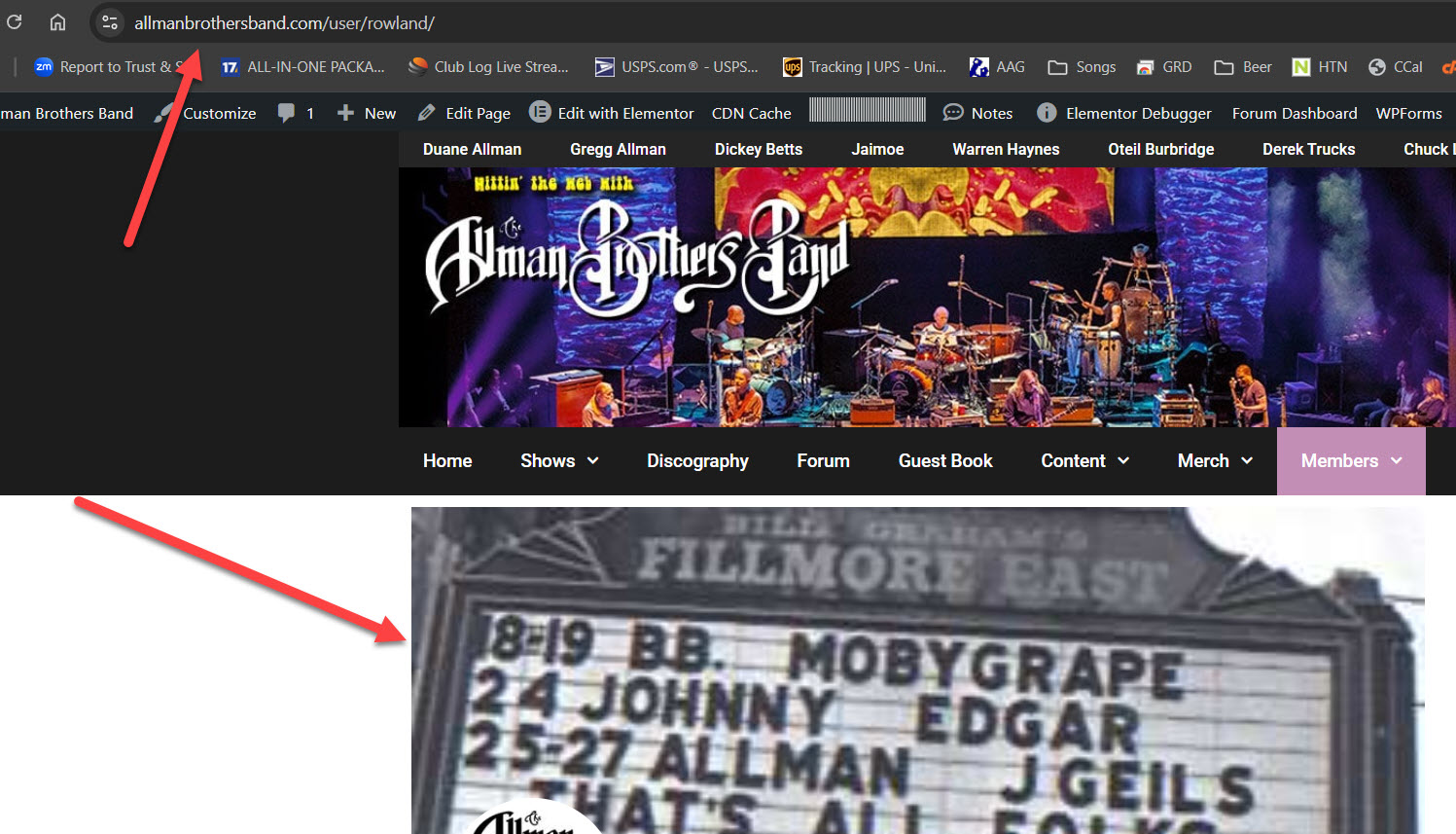
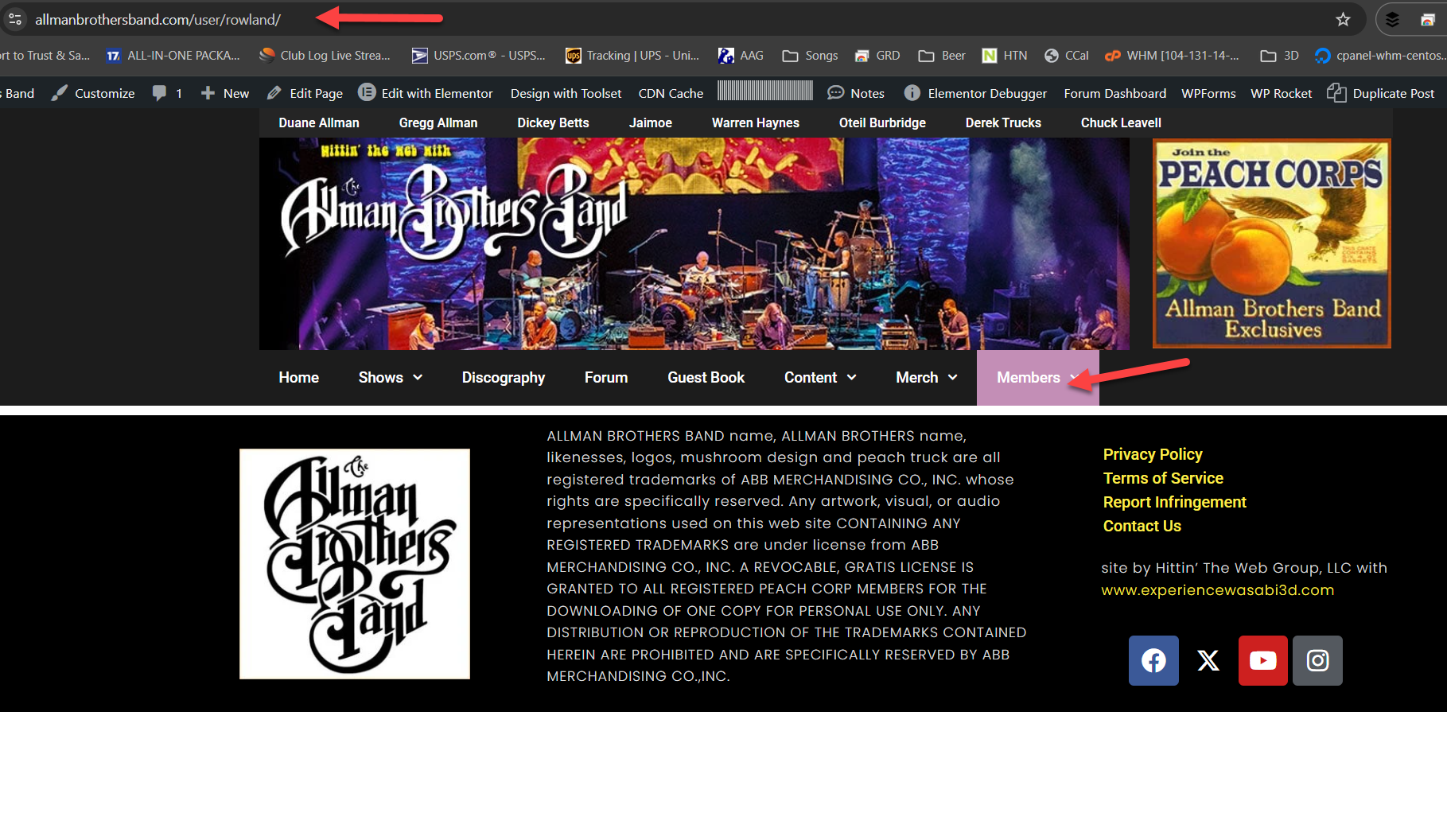
Toolset Views Disabled.jpg
Not displaying.png

Hi - this issue was previously resolved by disabling cacheing of the page, but now the problem has returned and the cacheing status makes no difference. I have approved the administrator login credentials shown below, it should work now.

I am trying to:
Display User Profiles created by the Ultimate Member Plugin. This worked until three days ago. The profiles display again if I disable Toolset Views.

I expected to see:
A user profile - see screenshot
Instead, I got:
Page header and footer, no content

#2847185

Christopher Amirian
Supporter

Les langues: Anglais (English )

Hi,

Welcome to Toolset support. I logged in to the website and tried the URL you shared:

lien caché

It shows page not found either with or without Toolset views. So I could not see the issue that you talk about.

May I ask you to ceck and give the correct URL so we can investigate?

Thanks.

#2847191

Sorry about that Christopher! Try this link - I just checked and for me it demonstrates the issue.

lien caché

#2847320

Christopher Amirian
Supporter

Les langues: Anglais (English )

Hi,

Thank you for the link. The issue that you are experiencing is because of a Content Template called "Template for Pages". If you go to WordPress Dashboard > Toolset > Content Templates and check that temnplate you will see it is empty and is assigned to all the pages.

I tested by adding something in the template, and I found the same content showed in:

lien caché

So basically, you need to remove that content template, and WordPress will detect the plugin template for that page.

Thanks.

#2847332

Thanks! Great debugging.
I didn't add that Content Template - any idea how this happened?

#2847345

Christopher Amirian
Supporter

Les langues: Anglais (English )

Hello,

Usually when you add a view, it also creates a content template automatically unless you explicity prefer to use the content inside view.

Maybe that was the issue, for now you can simply remove that content template and that should work ok.

Thanks