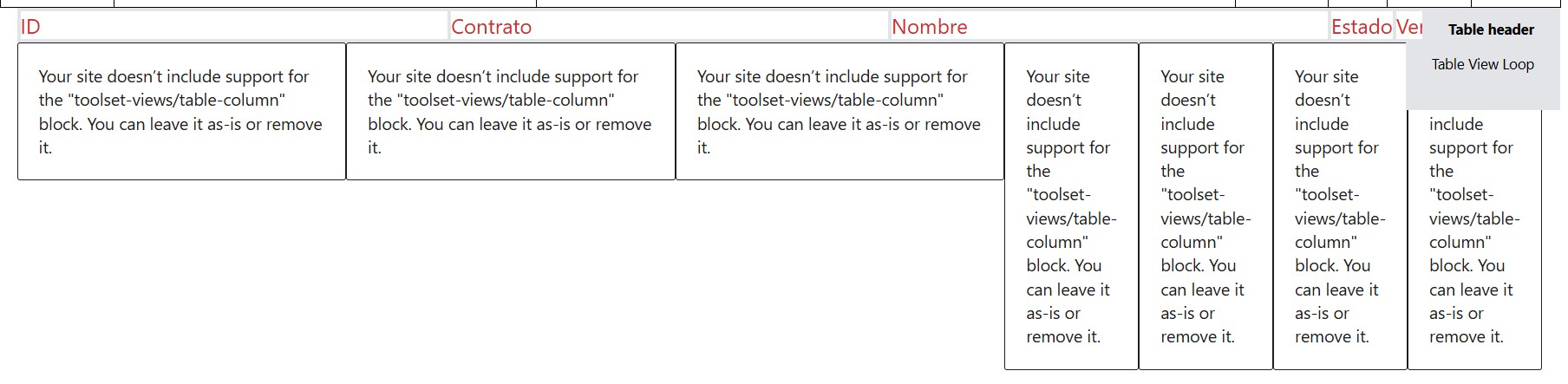
Tell us what you are trying to do?
"Your site doesn’t include support for the "toolset-views/table-column" block. You can leave it as-is or remove it."
Should I forget about tables and use diws or what is this? please advice.
Is there any documentation that you are following?
Is there a similar example that we can see?
What is the link to your site?lien caché
Minesh Supporter
Les langues:
Anglais (English )
Fuseau horaire:
Asia/Kolkata (GMT+05:30)
Hello. Thank you for contacting the Toolset support.
This is a known issue to us and already reported in front of our Devs.
Please hold on for further updates.
I would like to inform you that we publish the hotfix release that contains the fix for this issue.
Here is the official blog post for more information.https://toolset.com/2025/07/toolset-1-6-20-improved-performance-compatibility-and-bug-fixes/?utm_source=at&utm_medium=emails&utm_campaign=toolset-1-6-20
*** Please make a FULL BACKUP of your database and website.***https://toolset.com/account/downloads/
Alternatively, if you have registered Toolset site, you can use the installer to update Toolset the plugins by manually check for updates and update Toolset plugins.https://toolset.com/faq/why-arent-toolset-updates-visible-on-my-wordpress-plugins-list/#can-i-manually-check-for-toolset-updates