I am trying to: grant full access to the media library for the Editor user role. In Toolset Access version 2.8.14, all rights have been granted to the Editor role, for Media.
I expected Editors to be able to upload and edit images.
Instead, they can upload images, but there is no edit link.
I tried to switch to WordPress access rights, but that did not make a difference. The only work around I found is to deactivate Toolset Access.
Perhaps this bug fix is causing this?
https://toolset.com/errata/fatal-access-error-when-non-admins-log-in/
Can you reproduce this issue on your end?
Kind regards,
Arno
Hi Arno,
Can you perform a quick test for me.
If you disable all the non-toolset plugins does the issue still occur? I've seen this in another ticket but it was being caused by another plugin.
Can you do this and let me know.
Thanks,
Shane
Hi Shane,
I now found that it works fine with Toolset Access activated, but the Enable Media Replace plugin (Shortpixel) deactivated. But wasn't that solved by the recent bug fix I referred to?
Kind regards,
Arno
Hi Arno,
This fix was in relation to when users are logging in using non-admin accounts.
Can you confirm if this issue occurs on a fresh install using the enable media replace button and our Toolset Access plugin?
Perhaps this is a new issue that is completely separate from the previous conflict with the enable media replace plugin.
Thanks,
Shane
Hi Shane,
Toolset Access must at least play a role here I'd say, because disabling it fixed it. Actually the work around is the same as with the other issue: either disable Toolset Access or the Media Replace plugin. Seems like a compatibility problem.
Can you reproduce it on your end?
Thank you,
Arno
Hi Arno,
I'm not able to replicate the issue on my test site.
Can you highlight the exact steps that you've done to see the issue ? All I did was to install both plugins and created a user under the editor role and logged in. Then I was able to upload images and edit them under that user.
Thanks,
Shane
Hi Shane,
I will try to create a simple staging site for you. Can I share the access details with you if I succeed?
Thanks,
Arno
The only difference I can think of is that my media have custom fields. Yours probably haven't.
Anyway, I have a staging site for you to look into.
Hi Arno,
Here is the site i'm using to test this.
lien caché
So you can check there to see if you're able to replicate. Ofcourse you can setup the editor roles etc.
I've also enabled the private fields for your next response.
Thanks,
Shane
Hi Shane,
Thanks for the test site. I managed to reproduce the issue there. I added a custom taxonomy and fields to media. Also I set Toolset Access to manage Media and changed the permissions. I'm not sure what did it, but this combination is causing Editors not be able to edit media.
The user with the Editor role <edit> <just noticed that this reply is NOT private, I shared the e-mail and password of the editor here>
What do you think?
I did not include a login to my staging because I guess you don't need it anymore.
Kind regards,
Arno
Hi Arno,
Thank you for replicating the issue. I've escalated the problem to our 2nd tier team for further checks.
Once there is an update with them I will advise you.
Thanks,
Shane
Hi Shane,
Is there any news regarding this issue?
I just found out that it got worse after upgrading to Shortpixel 5.0.2. The edit link for media is now gone even with Enable Media Replace (3.6.3) disabled. Only disabling Toolset Access is a work around at the moment.
Kind regards,
Arno
Hi Arno,
Thank you for the patience.
I've checked the escalated thread on this one and a workaround to the issue has been posted.
function ts_mod_caps( $allcaps, $caps, $args, $user ){

    // Edit roles that should have extra media permissions
    $roles = array( 'editor', 'author', 'contributor' );

    $add_caps = array(
        'edit_media_s'              => true,
        'edit_published_media_s'    => true,
        'edit_others_media_s'       => true,
        'delete_media_s'            => true,
        'delete_others_media_s'     => true,
        'delete_published_media_s'  => true,
        'publish_media_s'           => true
    );

    if ( in_array( $user->roles[0], $roles ) ) {

        $allcaps = array_merge( $allcaps, $add_caps );
    }

    return $allcaps;
}
add_filter( 'user_has_cap', 'ts_mod_caps', 11, 4 );
All that is needed here is to edit the array with the roles that you want to have the permissions on the media library.
Thanks,
Shane
Hi Shane,
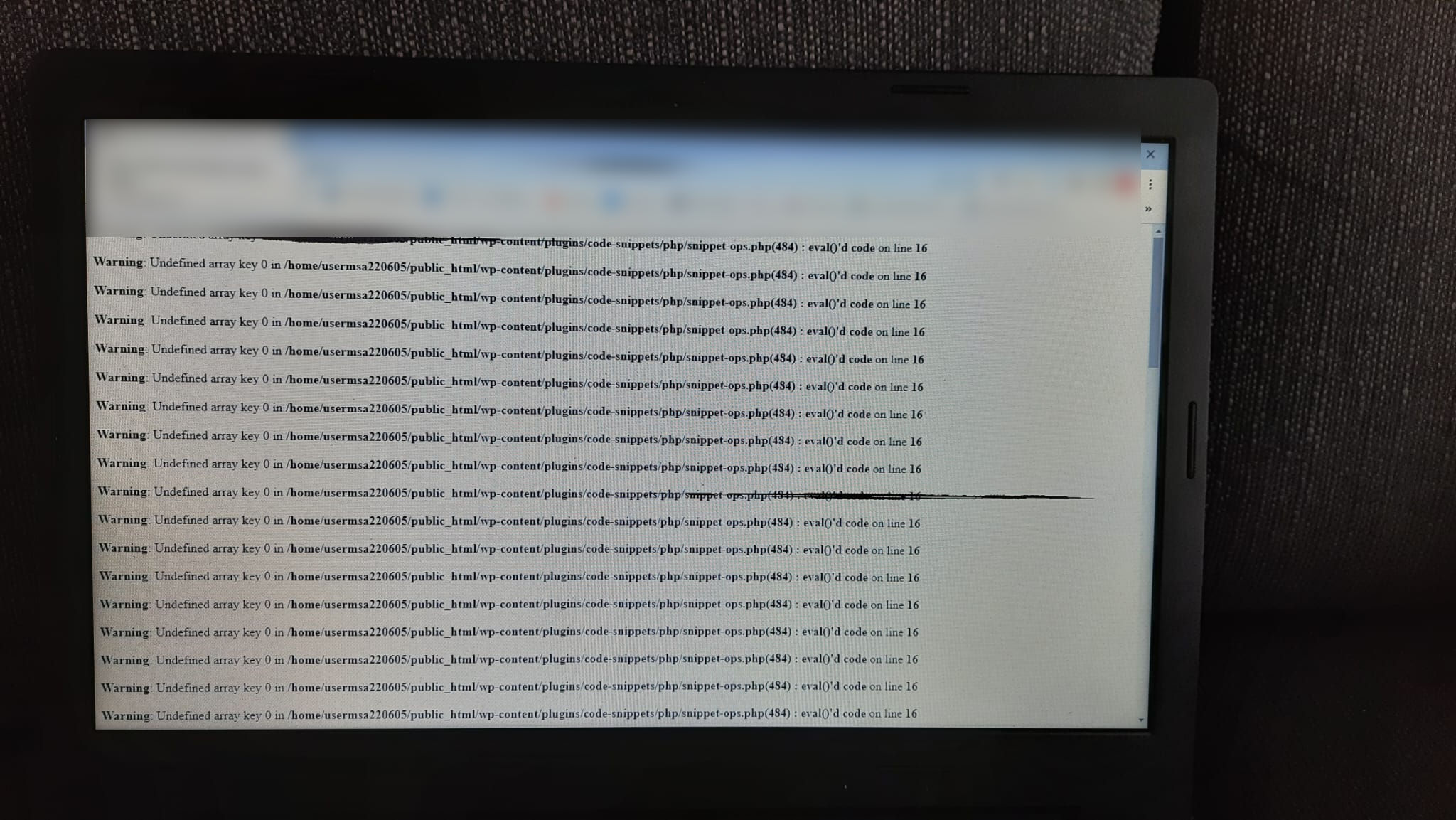
Thanks but this does not work for me. The editor can't login to the site anymore with this function in place. Please see attached.
This function must be added to the theme's functions.php, right? I did so via the Code Snippets plugin (other functions like custom shortcodes work fine).
At first I edited the roles array like this:
$roles = array( 'editor' )
Then I undid that so the script is now exactly as you provided it, but still the editor can't access the site. Whether or not Toolset Access is enabled does not matter. What is causing it not to work?
By the way, once the work around does work: may I assume that a fix is still scheduled so that this function can eventually be removed?
Arno
Hi Arno,
I tested this on my end and it worked as intended.
Add the function to Toolset -> Settings -> Custom Code and ensure that you've activated it.
Thanks,
Shane