I refer to the ticket "https://toolset.com/forums/topic/problem-with-astra-site-builder-after-updating-plugins-toolset-blocks-and-toolse/" which could not be finished due to my absence.
Meanwhile I set up a staging site so that you can verify the problem and propose a solution. I will give you the credentials in a private message.
On your staging site I see you are using outdated Toolset plugins. Can you please update ALL Toolset plugins to it's latest official release version.
You can download the latest Toolset plugins from your account's download page:
- https://toolset.com/account/downloads/
Or
You can use the following page and register your stating site to update Toolset plugins:
- lien caché
Do you see issue with latest Toolset plugins? If yes:
Could you please try to resolve your issue by deactivating all third-party plugins as well as the default theme to check for any possible conflicts with any of the plugins or themes?
- Do you see any difference?
Hi Minesh,
I updated the two Toolset plugins Blocks and Access. As expected the issue remains that the slider at the front page disappears behind the header. I deactivated all plugins but not the Toolset plugins and Astra Pro (latest is necessary as the slider is hooked at top of main content on the front page by site builder feature of Astra Pro).
When reloading the older Toolset Blocks and Access plugin versions the slider is visible as desired.
I leave the staging page with the updated Toolset plugins and deactivated third-party plugins.
Iam looking forward to any solution.
Hi Minish,
the slider works fine. However it appears a second time at the homepage where the latest posts should appear (please compare with the productive site lien caché). When editing the homepage (lien caché) I can not see any hint of the slider view template.
So before I make the modifications to the productive site I would like to have this problem solved.
BR
Matthias
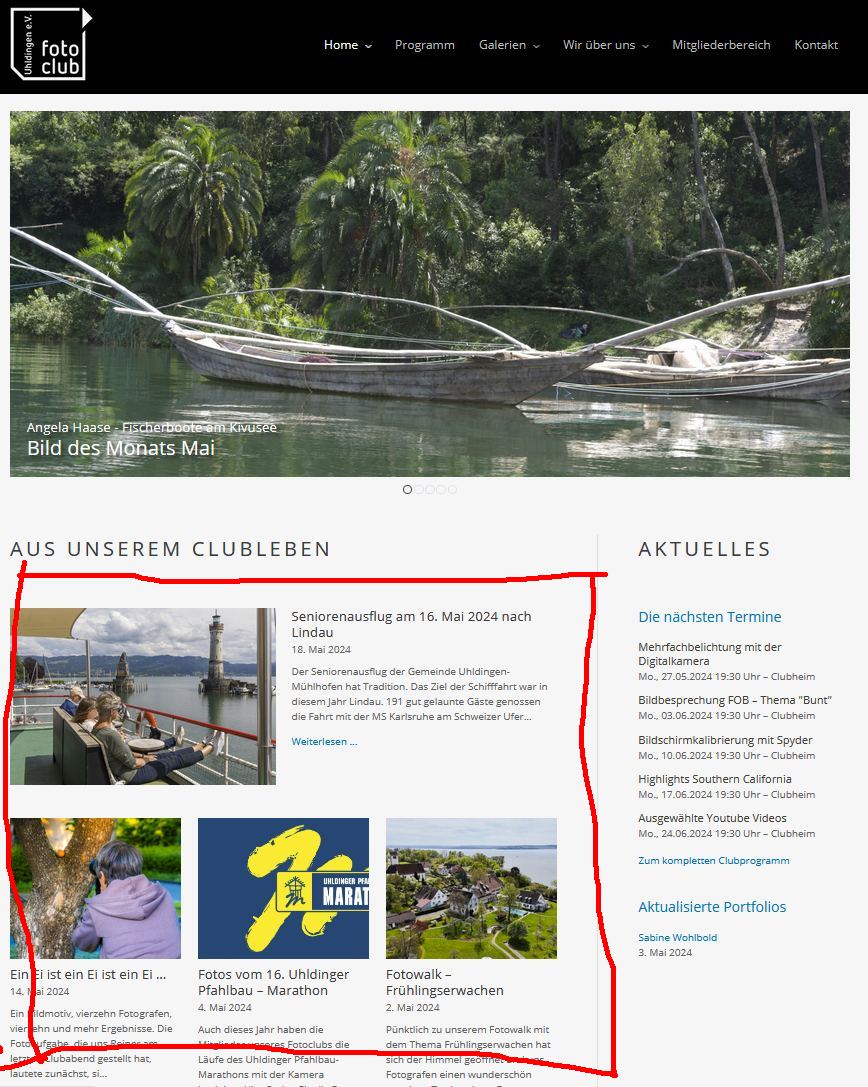
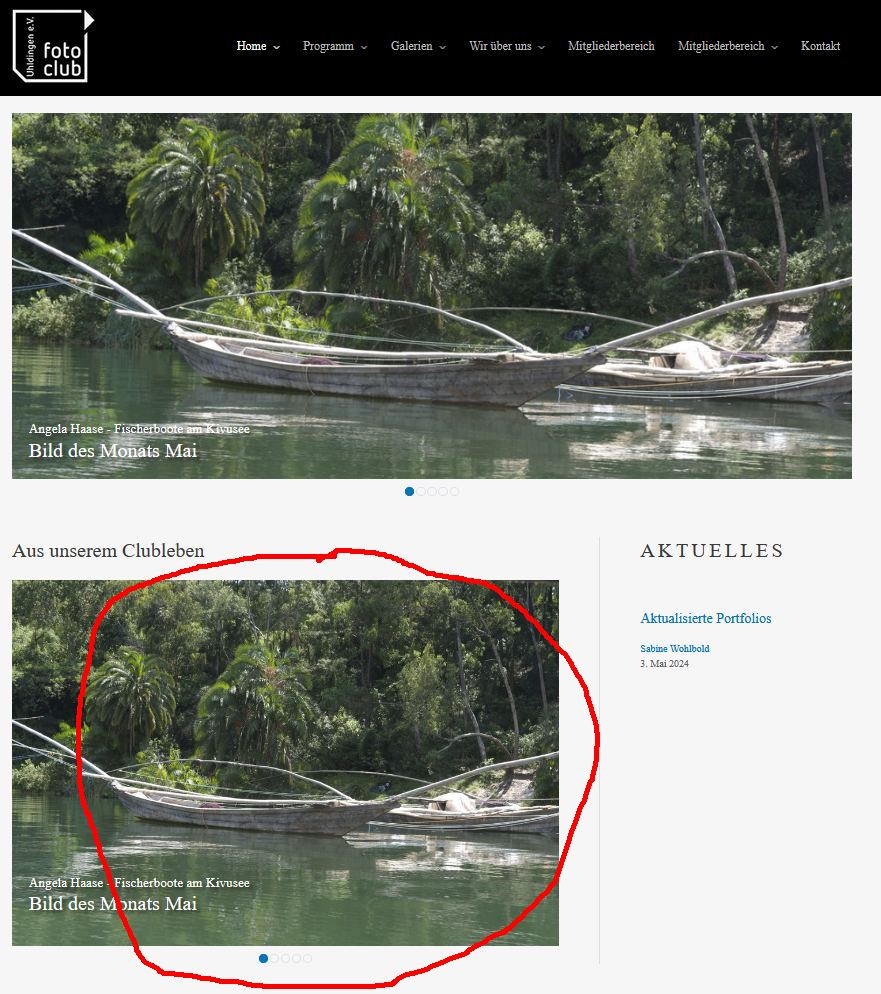
The slider below the header should be the only one - the slider below the caption "Aus unserem Clubleben" is unintentional (marked in red in attached file "Homepage staging.jpg"). Instead there should be the preview of the latest posts (see red mark in "Homepage productive.jpg".
How can I get rid of the second slider?
Maybe you can check if any content template assigned to your homepage and if so try to unassign it to ensure that the content is coming from that content template or any other part.
In Astra Page builder I disabled the "Slider Home" that includes your content template "Header slider - hompage". Then I add a simple image to the site builder at the same position as the slider (see lien caché).
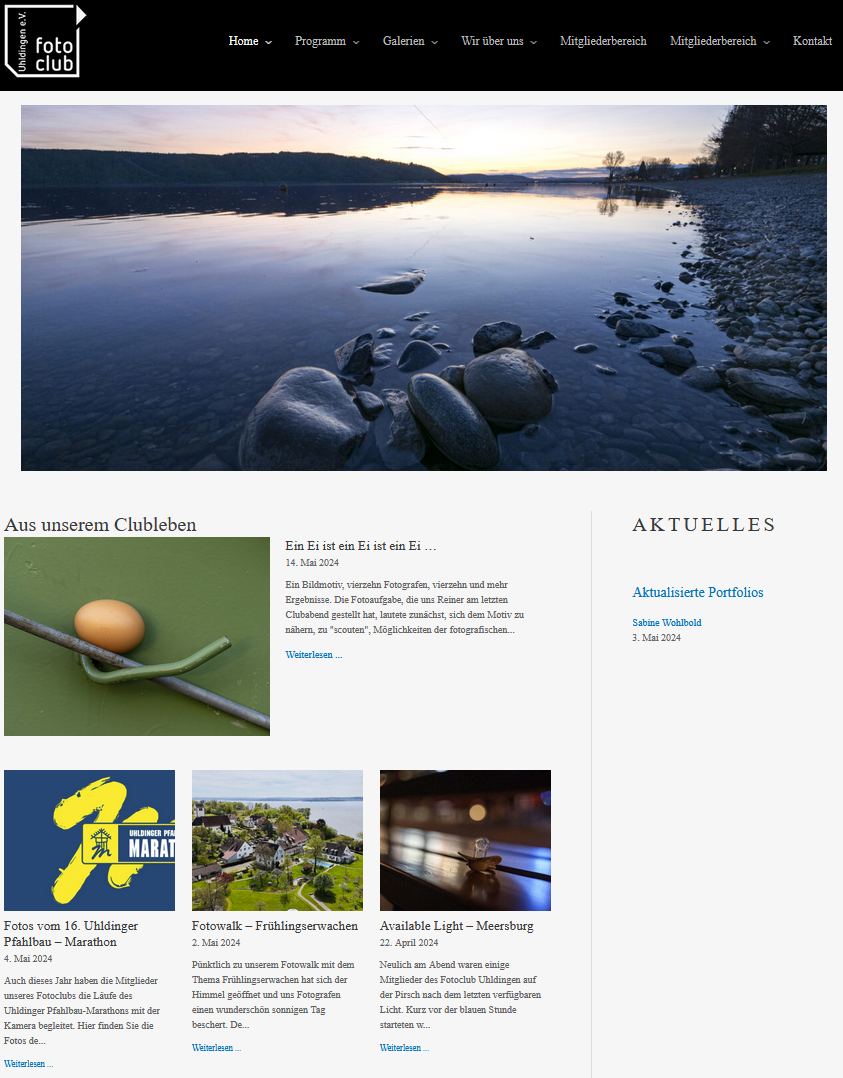
At the front page you can see the single image before the content as defined in the page builder. Furthermore the preview of the latest posts are shown as desired.
For me this shows clearly that the Toolset content template used in Astra page builder must create somehow the problem of the disappeared post previews and the unintentional slider below the caption "Aus unserem Clubleben".
Toolsets drives me crazy. For the time being I will stick for the productive site with the old plugin versions of Toolset Blocks and Access, with which the site works as desired.
You can also check with Astra theme support if they have better idea and they can guide you about how you setup things with Toolset and Astra page builder.
I experimented further and found out that the slider works if it is inserted at the end of the content see current status of the staging site. Maybe this information will help you to find the reason for the bug.
Maybe you would like to check with Astra support and check with them if they offer any reasonable solution on it and if they confirm issue is from Toolset we would like to address that. Can you please check with Astra support first?
At least you claim that "Toolset plugins and Astra theme work great together" (https://toolset.com/documentation/recommended-themes/using-toolset-with-astra-theme/), which seems to be marketing speech only.
I get in contact with Brainstorm Astra support. Maybe they have a solution. Otherwise I have to switch to another slider.
If you have any further ideas and need access to the staging site I can resend you the credentials.
Can you please tell me now where exactly you moved the slider, please share links of those templates and tell me how you are displaying the content that is added below slider. Are you using Astra hook for that as well? If yes, please share template hook link of that as well.
Please share details what you want to display below the slider and what content.
*** Please make a FULL BACKUP of your database and website.***
I would also eventually need to request temporary access (WP-Admin) to your site. Preferably to a test site where the problem has been replicated if possible in order to be of better help and check if some configurations might need to be changed.
I have set the next reply to private which means only you and I have access to it.