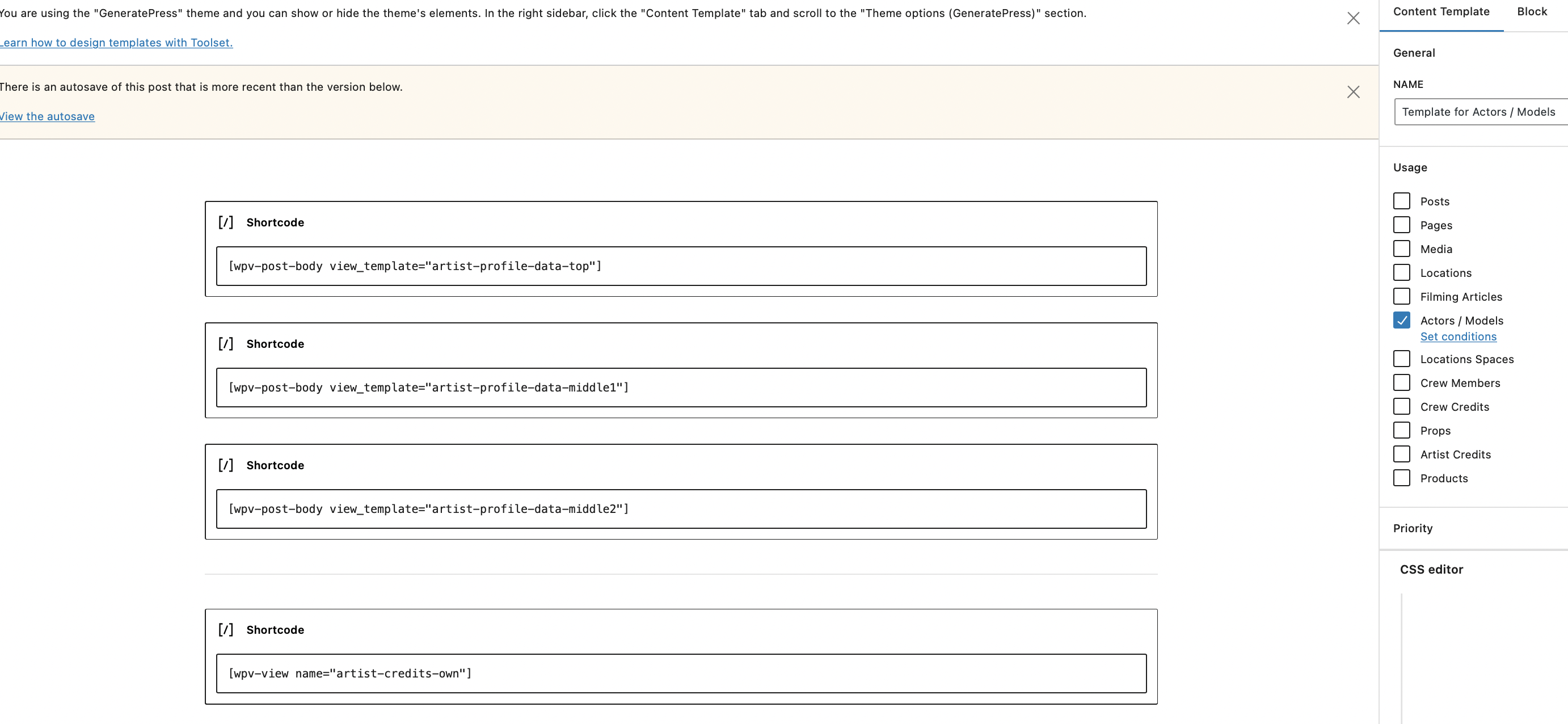
I am trying to: Edit templates
Link to a page where the issue can be seen: lien caché
I have seen another post that says WP 6.5 might be the reason.
Hi there
Perhaps you can clarify what "can't edit templates" means, because the screenshot appears to show you editing a template.
We do have a known issue related to editing templates with WordPress 6.5, though it's not obvious you have the same problem.
Do you see errors in the JS console?
The erratum refers to a problem with the core Image block, but there are other blocks affected to.
For now the advice is to downgrade to 6.4.4 until we have a confirmed solution.
https://toolset.com/errata/wordpress-6-5-update-breaks-editor-if-using-core-media-block-with-dynamic-sources/
I cant for the life of me work out how to get back to drag and drop layout, there's just 2 fields I need to remove from a template.
Hi,
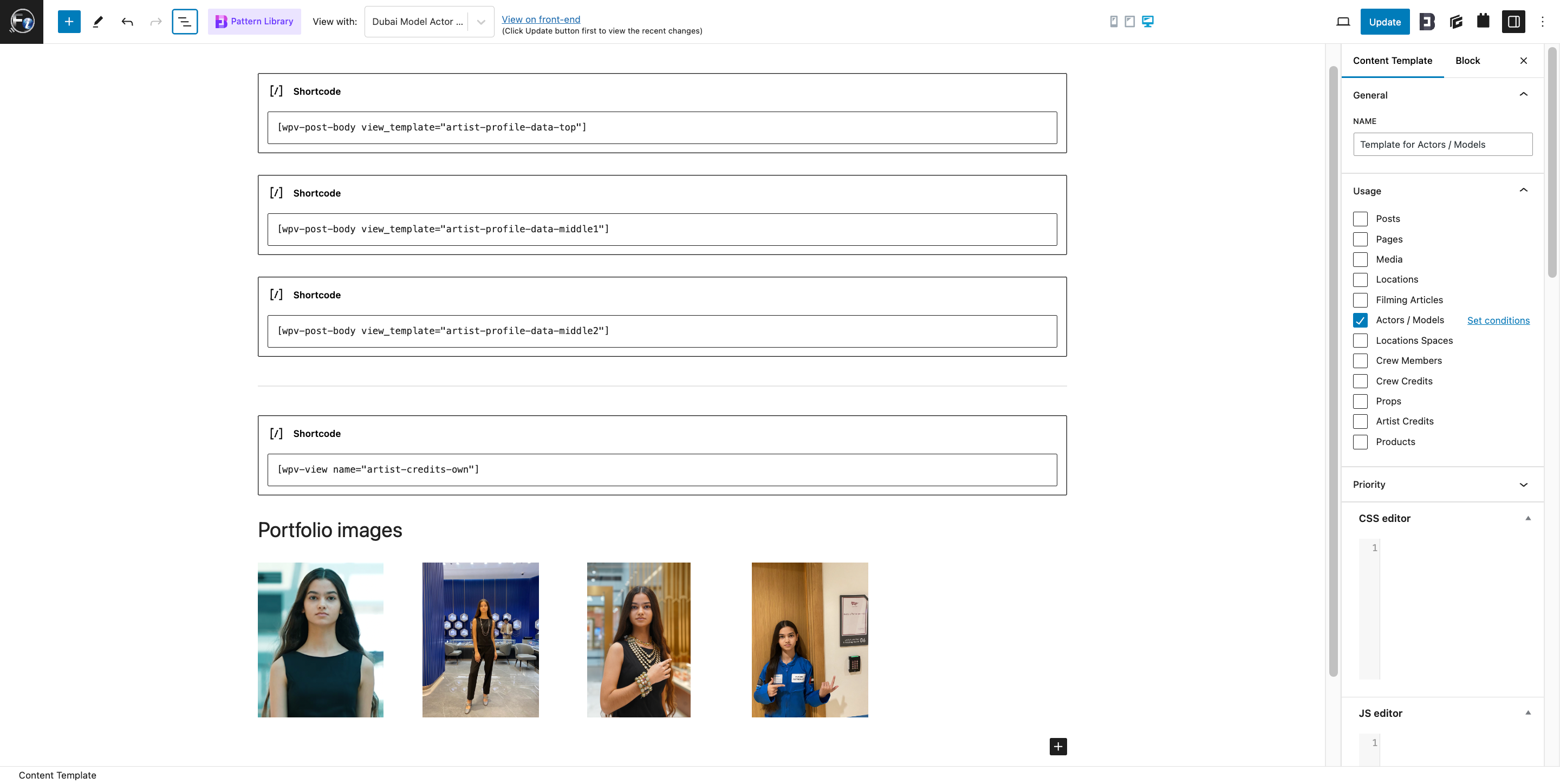
I can open the edit screen of the 'Template for Actors / Models' and I don't see the error in the browser's console, related to other known issue with WordPress 6.5.
Can you please share specific details about what changes you're trying to make, which are not working? I'll be in a better position to suggest the next steps, accordingly.
regards,
Waqar
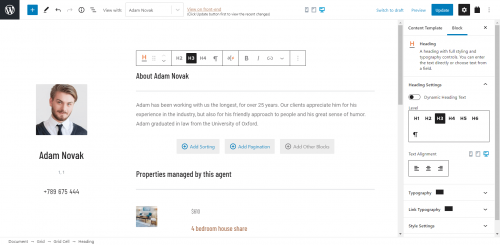
I used to be able to edit templates in a view like this image. But now I only see code. I want to get back to the block editor mode shown in this picture.
I see the same block editor (Gutenberg environment) when I open the content template editor.
(screenshot attached)
The shortcodes that you see are for the relevant content templates and views, which you can edit from their own editors. This template loads multiple templates and views.
Content Templates list:
WP Admin -> Toolset -> Content Templates
Views list:
WP Admin -> Toolset -> Views