Passer la navigation

[Résolu] How can I replace the placeholder image with the photo uploaded in the form?

This support ticket is created Il y a 3 years, 5 months. There's a good chance that you are reading advice that it now obsolete.

This is the technical support forum for Toolset - a suite of plugins for developing WordPress sites without writing PHP.

Everyone can read this forum, but only Toolset clients can post in it. Toolset support works 6 days per week, 19 hours per day.

Sun Mon Tue Wed Thu Fri Sat
- 10:00 – 13:00 10:00 – 13:00 10:00 – 13:00 10:00 – 13:00 10:00 – 13:00 -
- 14:00 – 18:00 14:00 – 18:00 14:00 – 18:00 14:00 – 18:00 14:00 – 18:00 -

Fuseau horaire du supporter : Asia/Kolkata (GMT+05:30)

Ce sujet contient 4 réponses, a 2 voix.

Dernière mise à jour par francescoG Il y a 3 years, 4 months.

Assisté par: Minesh.

Auteur
Publications
#2529161
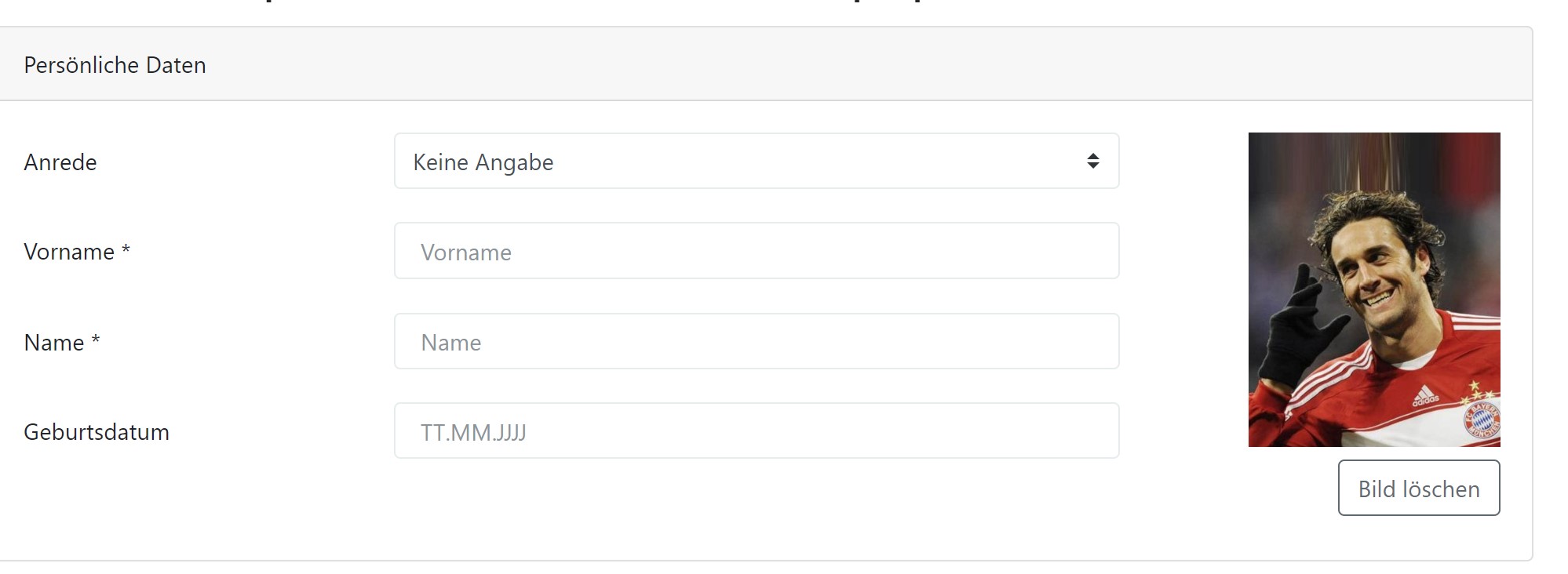
foto candidate 3.jpg
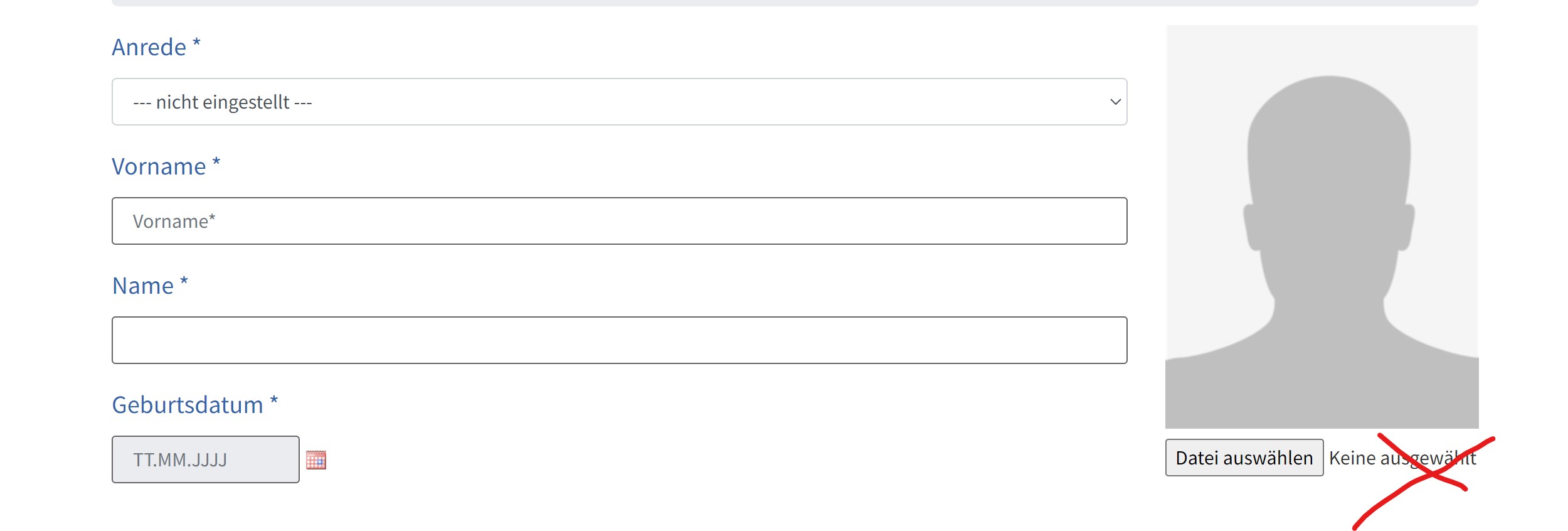
foto candidate 2.jpg

Tell us what you are trying to do?

I created an “Online Application Form”. and I created a Custom field for the candidate's photo.
I have inserted an image as a placeholder and would like to replace it with the candidate's photo has been uploaded.

How can I replace the placeholder image with the photo uploaded in the form?
how can i hide the filename?
can you help me how to do it?

Thank you very much for helping.
Francesco

Is there any documentation that you are following?

Is there a similar example that we can see?
lien caché

What is the link to your site?

#2530137

Minesh
Supporter

Les langues: Anglais (English )

Fuseau horaire: Asia/Kolkata (GMT+05:30)

Hello. Thank you for contacting the Toolset support.

To edit the fields of the post you will have to create the post edit form:
=> https://toolset.com/course-lesson/front-end-forms-for-editing-content/

how can i hide the filename?
==>
There is no native way to hide the filename but maybe you should try to add custom CSS to hide the filename.

Have you created post edit form to edit the image field?

#2532807

Thanks for the reply.

Maybe I explained wrong. I don't want to edit the post.
My goal is that when a candidate fills out the CRED form and inserts his image then his image replaces the placeholder present in the CRED form so that he can see the uploaded photo before submitting the CRED form as in this form:

lien caché

can you help me how to do it?
Thank you very much for helping.
Francesco

This is the link of my CRED form:
lien caché

#2532859

Minesh
Supporter

Les langues: Anglais (English )

Fuseau horaire: Asia/Kolkata (GMT+05:30)

Toolset offers the feature to use Media Library to upload the image that will offer you the preview of the uploaded picture:
=> https://toolset.com/course-lesson/using-the-native-wordpress-media-manager-in-front-end-forms/

You should also keep in mind the permission for the users:
- https://toolset.com/course-lesson/using-the-native-wordpress-media-manager-in-front-end-forms/#default-user-permissions-for-using-and-editing-existing-files

Here is the sandbox site - you can login using the following auto-login link:
- lien caché

Here is the page where I've added the upload image button:
- lien caché

This will not be exactly the same but somehow you can see the preview of the uploaded picture.

#2536491

My issue is resolved now. Thank you!