Hello
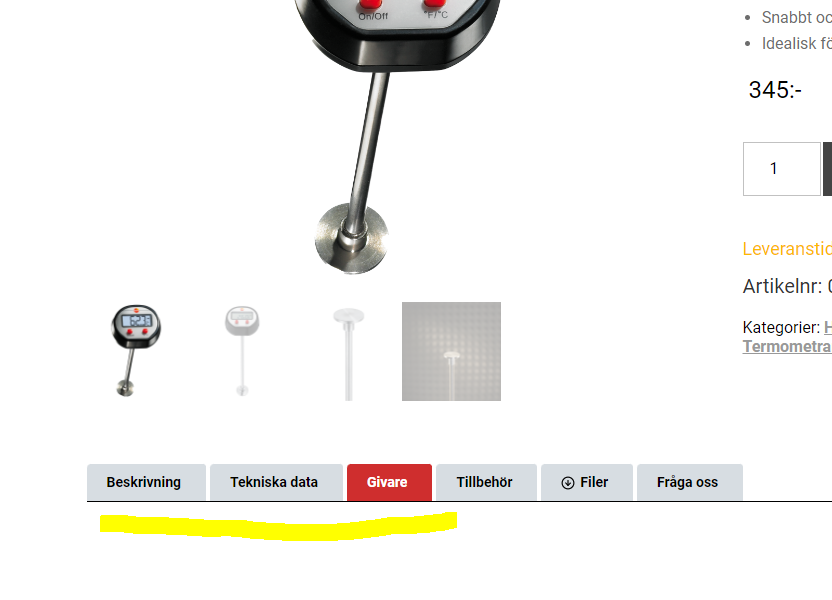
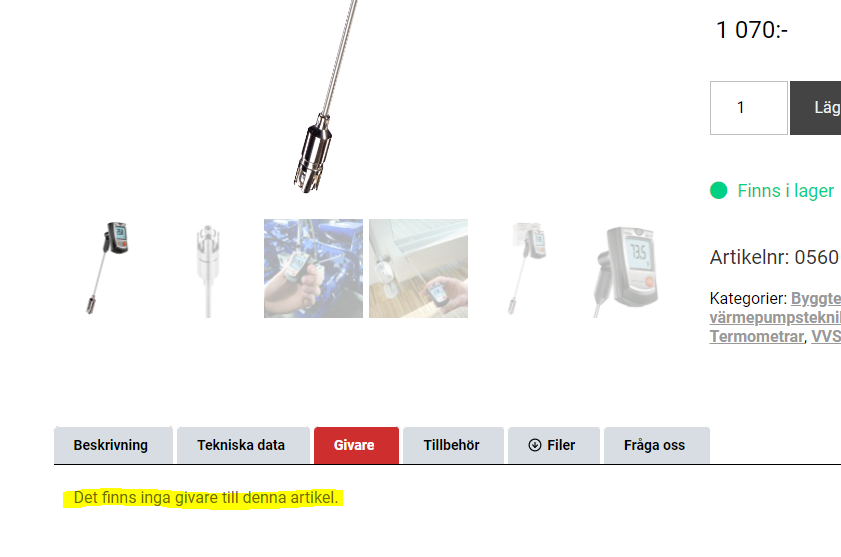
I have created some custom fields for my product template and I want a default value to show if there is no value in these fields. The strange thing is that the in first product pages I saved after adding the default value, it shows as it should. But now when I update further product posts, with no value in these fields, the default value does not show. Look at the attached images.
The URL to the 2 pages shown in the images (click the tab "Givare" for example):
lien caché
lien caché
Hi there,
Do you use any sort of updating of the products programmatically? Or you just add a product from the dashboard?
Also would you please test by using only a single custom field instead of a repeating field? See if it works?
Thanks
I used WP Allimport to import all products (once) and after that product quantities and product prices are automatically updated once an hour or so (using cron). But the product where the default value shows allright was also imported that way. I can't figure out what the difference is between the product where the default value shows and the product where it does not show.
Also, it didn't make any difference to change the field from repeating to single value.
Hi there,
Thank you for the info. One thing that I did not understand is if you update the product by just clicking the save button of the product without changing anything, does that fix the issue?
I want to know if the issue is the WP All Import importing process that does not detect the change of the product or not.
Also, I'd appreciate it if you could give me the URL/User/Pass of your WordPress dashboard after you make sure that you have a backup of your website.
It is absolutely important that you give us a guarantee that you have a backup so if something happens you will have a point of restore.
Make sure you set the next reply as private.
Hi there,
I checked and could not find any reason why this is happening. But I found a workaround that you can use.
I went to the Content Template (Instrument) which is the template you use for the single products.
Went to the "Givare" tab and added two "Conditional" Toolset blocks.
For the Fist one I set:
Post Data > Current Produkt > Field Group For Produkter > Givare and set the "Empty Value" option there.
Inside that Conditional block I just added a paragraph with the text HELLO
Added another conditional and did the same, but this time also enabled the NOT operator. So this time I dragged the info inside the second conditional and it worked:
lien caché
Please do the same for the other tabs. I know it will be a long process but at the moment I see it a viable option to make sure everything works ok on your installation.
Thank you.
OK, thanks for your work. I will use this solution instead of just adding the default text manually for each product.