I want to have good practices in creating multiple language custom fields. My site's default language is non-English. When I create a custom field, which language should I place the text in fields? English or non-English?
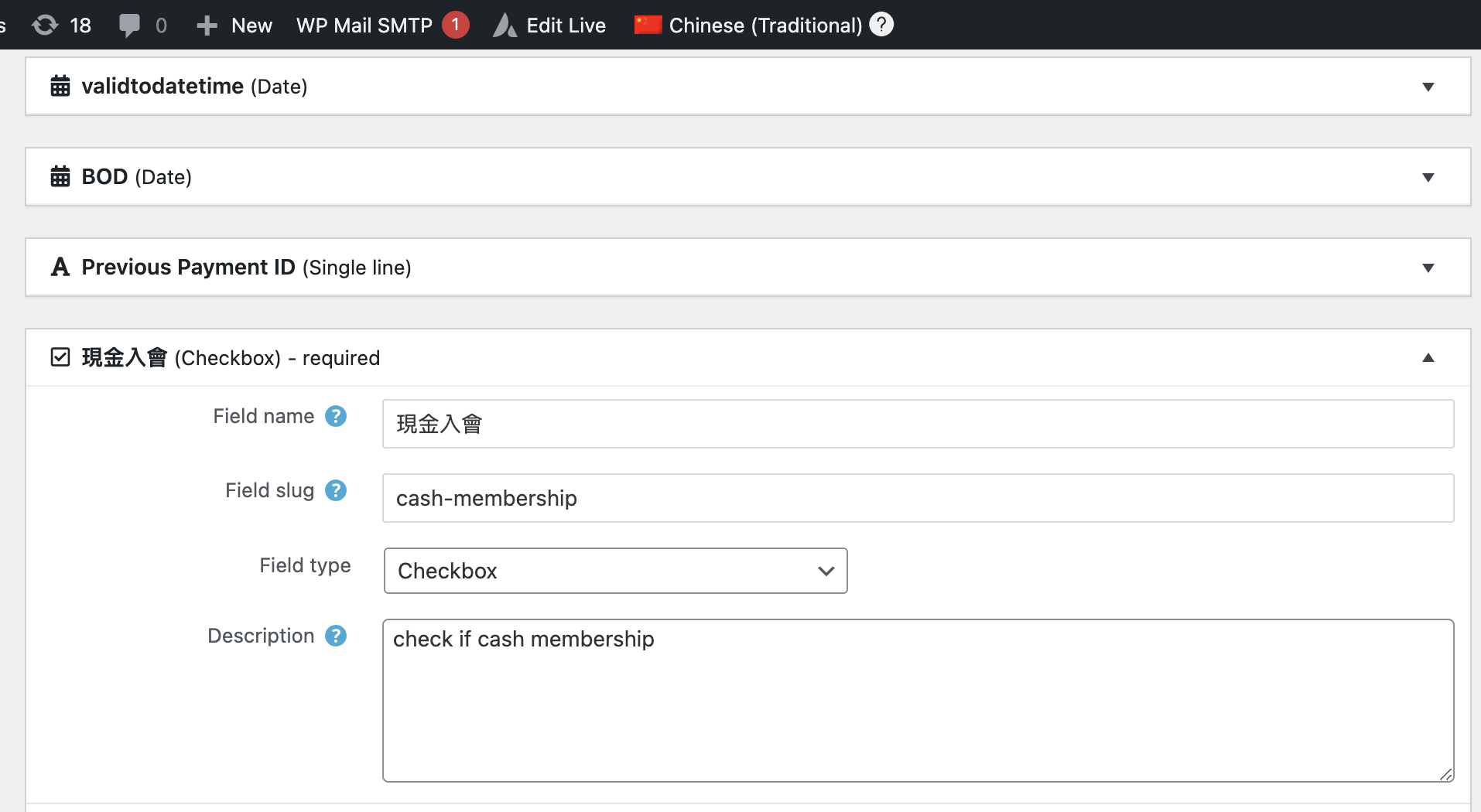
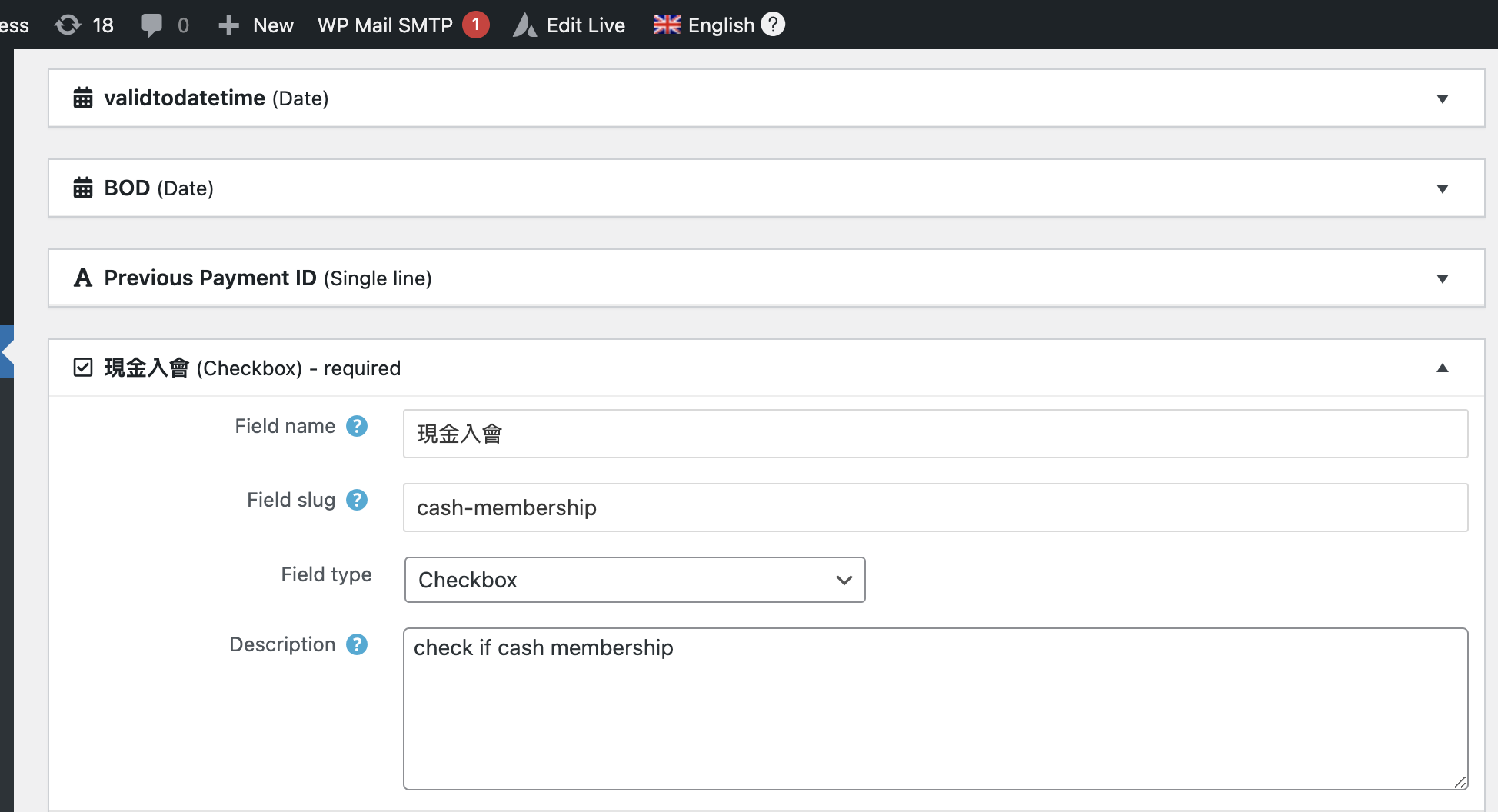
Refer to the screenshot, and if I type the text, both languages will be the same no matter which language I change from the admin bar. Please advise which language I should select and what language of text I should type in the field.
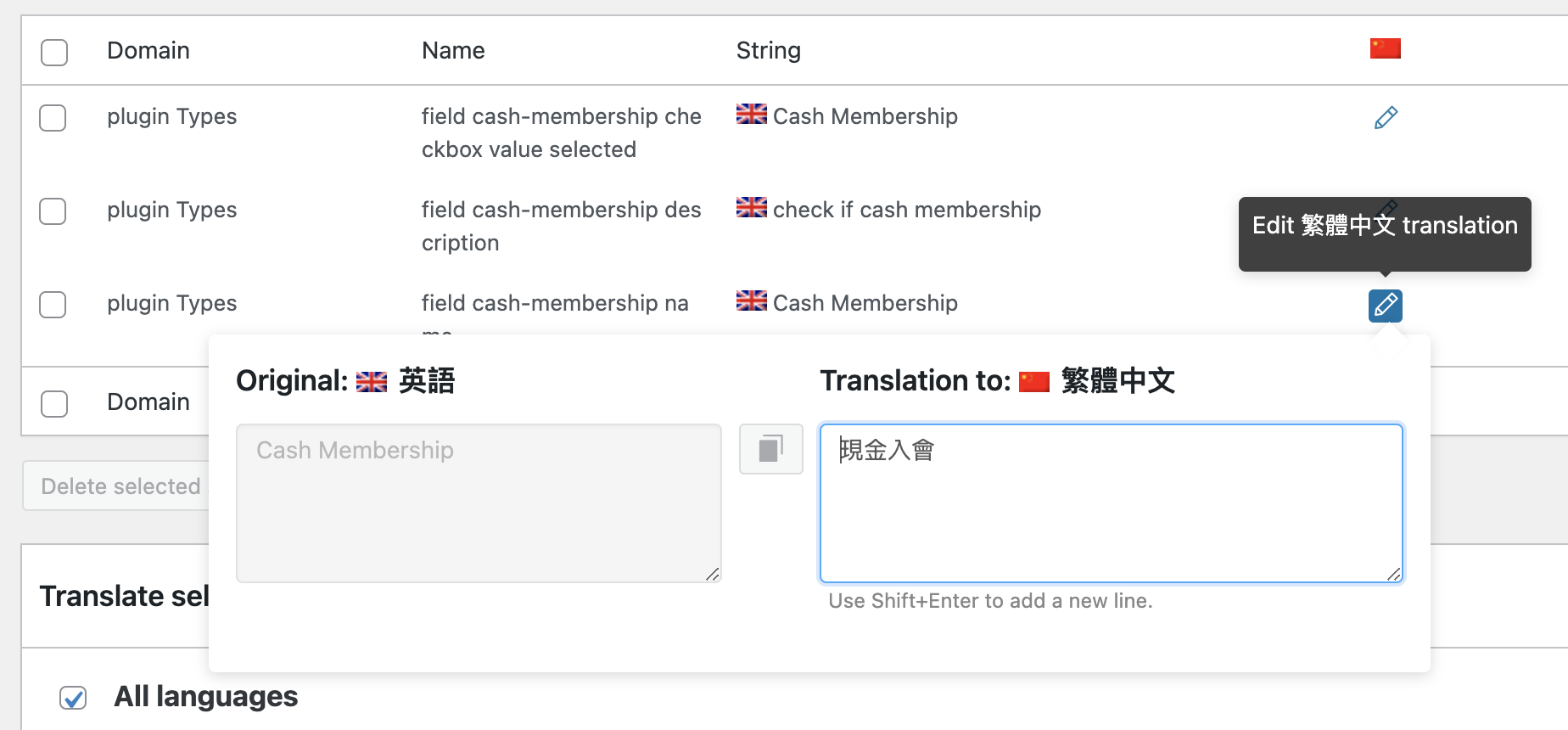
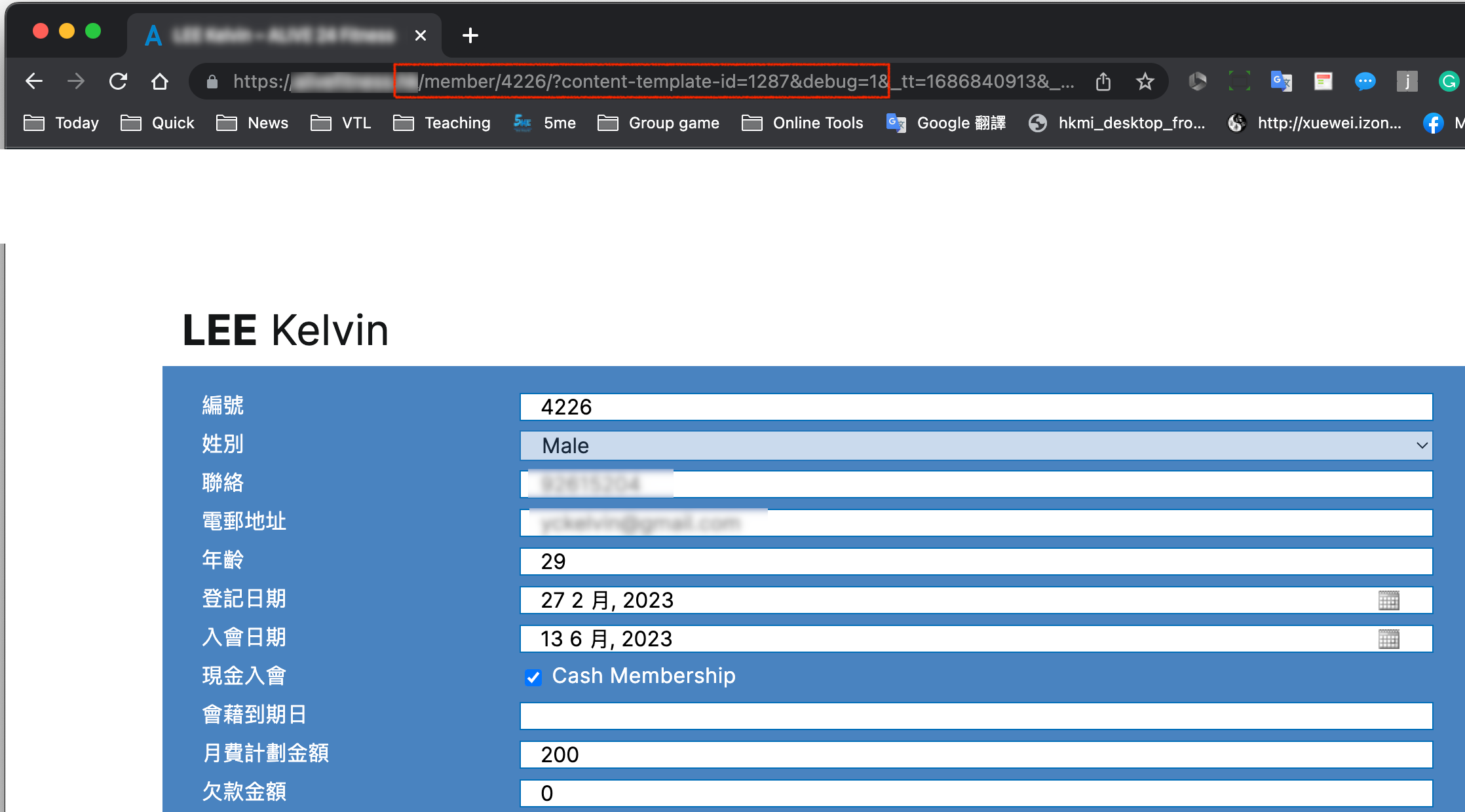
Regarding the post form, please also advise how I can switch the language. For the custom field Cash Membership, how can I translate it? I did translate it from WPML String Translation, but it doesn't work, I keep the same as the text I type in the custom field name.
I hope you can instruct me on the correct setting for multiple languages, and the default language is non-English when I create the custom field.
Hey there,
Welcome to the Toolset support forum!
Answering your questions:
When I create a custom field, which language should I place the text in fields? English or non-English?
Actually, for the correct functioning of Toolset + WPML, it shouldn't matter if the default language is English or not. You can proceed with the desired language - being it English or Chinese.
Now, regarding how to translate the content generated by Toolset, we kindly ask you to review our doc related: https://toolset.com/course-lesson/translating-views-content-templates-archives-and-forms/.
There you'll find very useful tutorials teaching how to translate fields, forms, and anything else you need from Toolset.
If you still have doubts please do not hesitate in asking me.
Regards,
Mateus.