Tell us what you are trying to do?
button link with custom field as a parameter doen't works
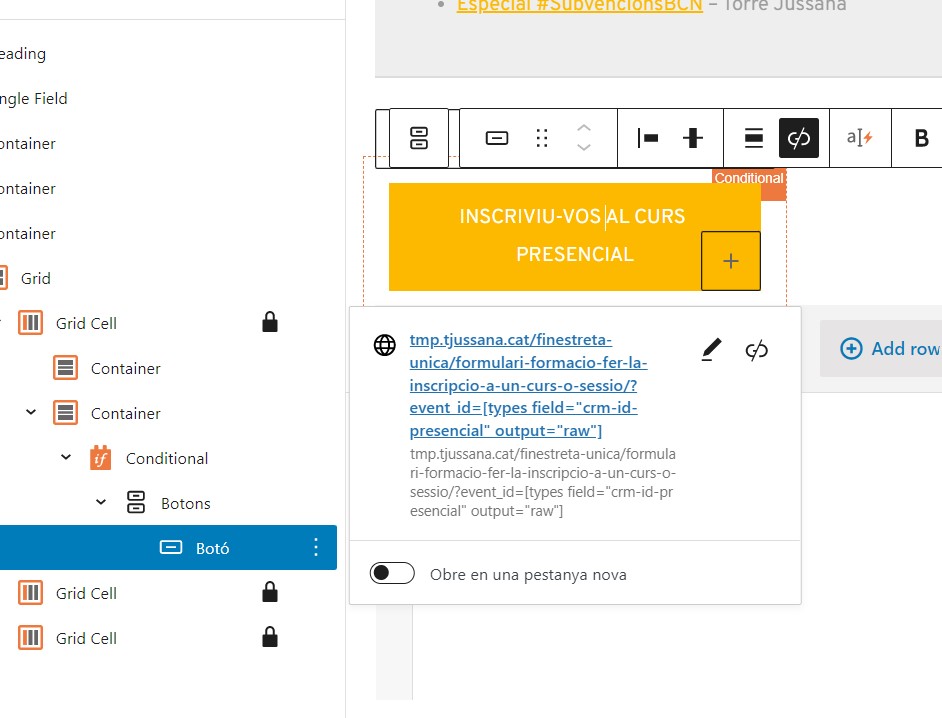
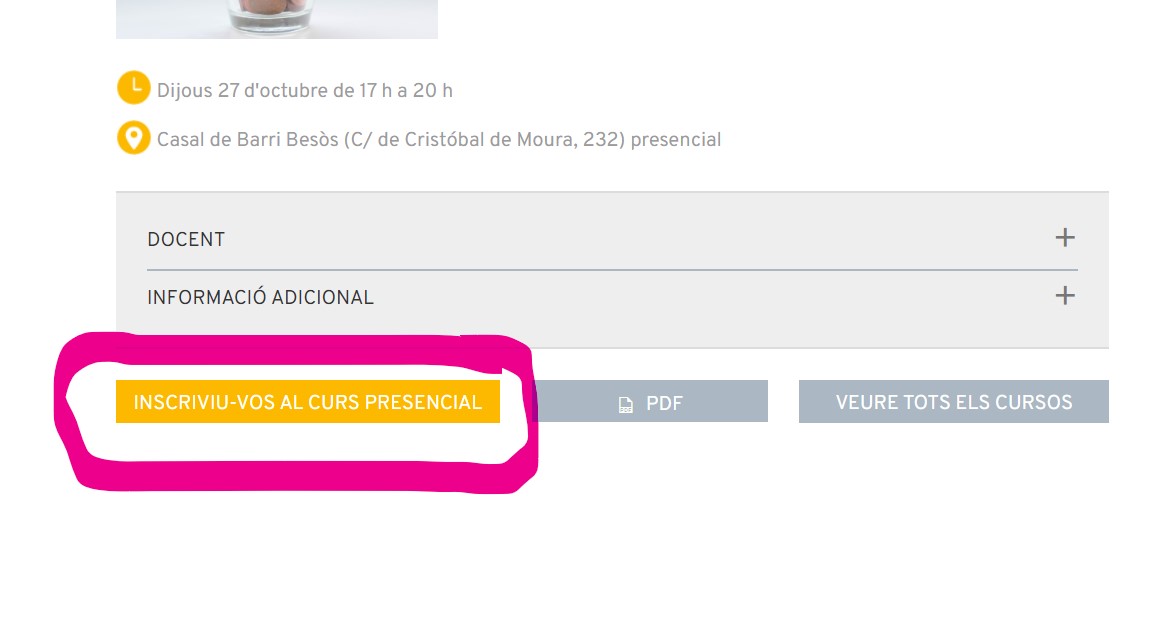
Here you can see a button in the screenshot "toolset1.jpg"
the button link code is the code you can see in the screenshot "toolset2.jpg": lien caché field="crm-id-presencial" output="raw"]
This code works fine as a text, but when I put it in a link the shortcode "[types field="crm-id-presencial" output="raw"]" returns nothing.
Hello. Thank you for contacting the Toolset support.
I checked and I can see that what you see is expected as lets say parsing shortcode with attributes will be really challenging as there will be single/double quotes involved and that will make the structure more complex.
I see you are using the Gutenberg button block, Toolset also offers the Button block but again with Toolset button block as well the shortcode with attribute will not get parse.
The workaround would be, you should try to add a custom shortcode and that shortcode should return your desired value.
For example:
<em><u>lien caché</u></em>;
For example, you should add the custom shortcode as:
function func_get_crmid_presencial( $atts ) {

global $post;

return get_post_meta($post->ID,'wpcf-crm-id-presencial',true);


}

add_shortcode( 'get-crm-id-presencial', 'func_get_crmid_presencial' );
Where:
- You can adjust the shortcode code as required.