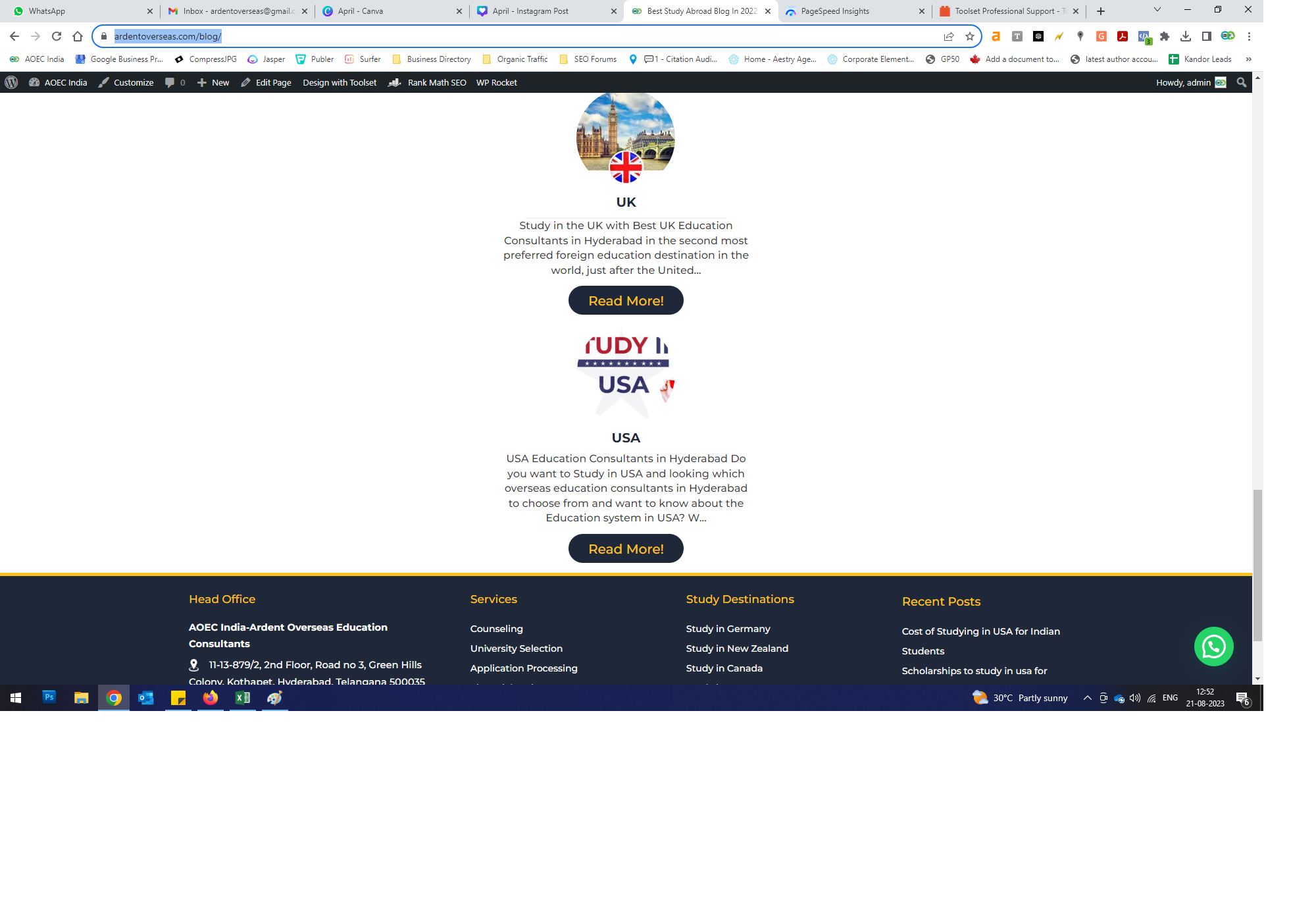
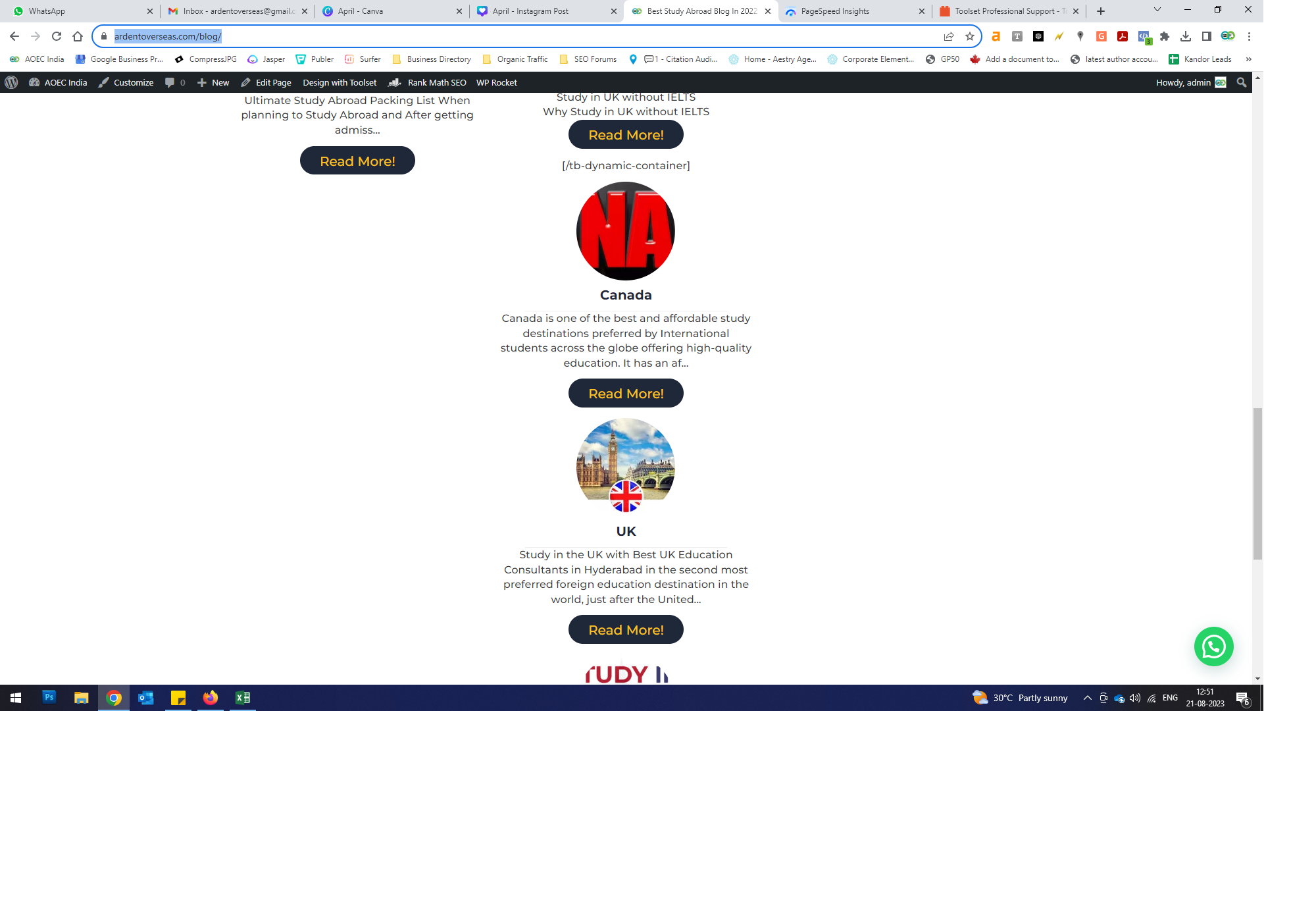
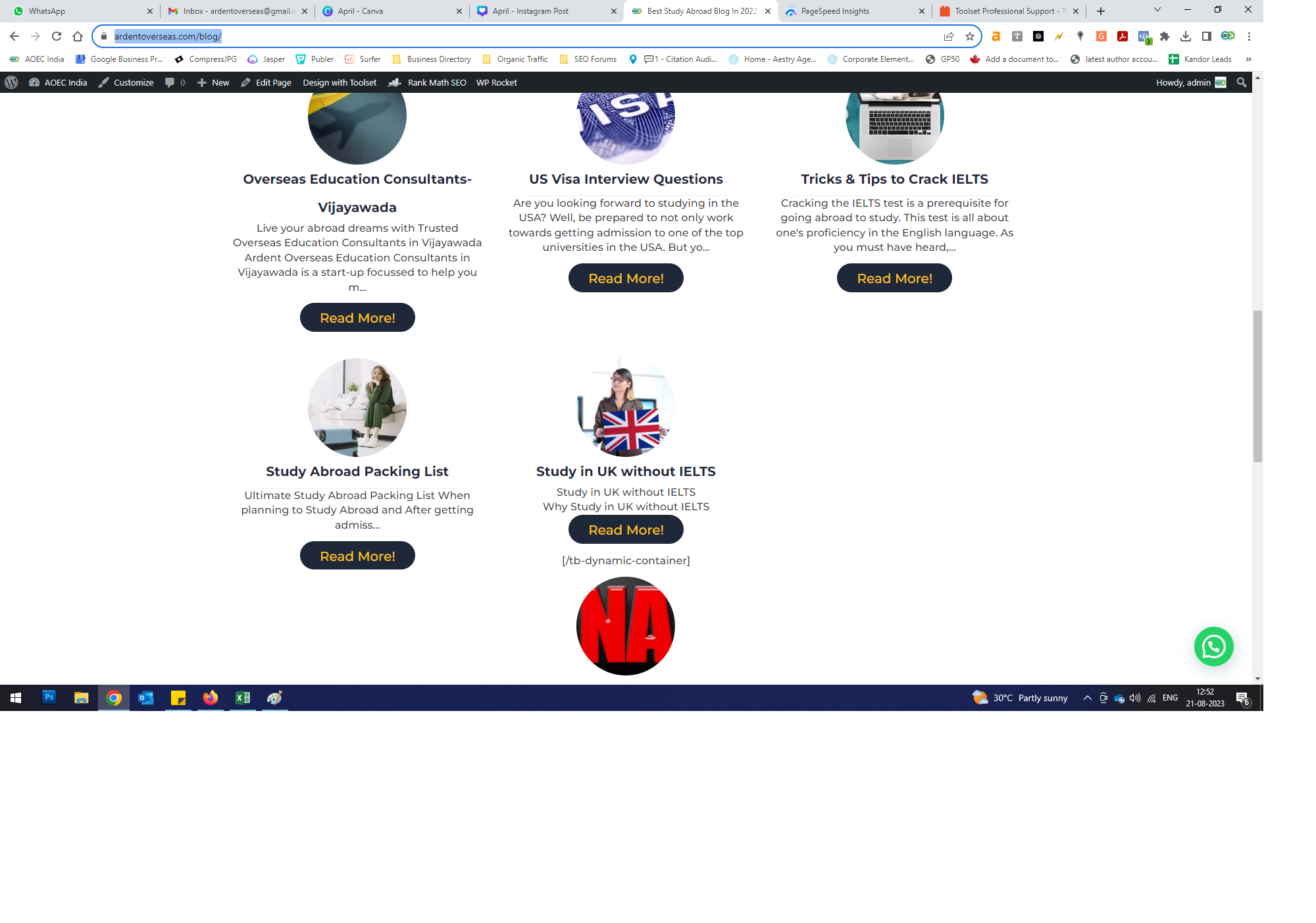
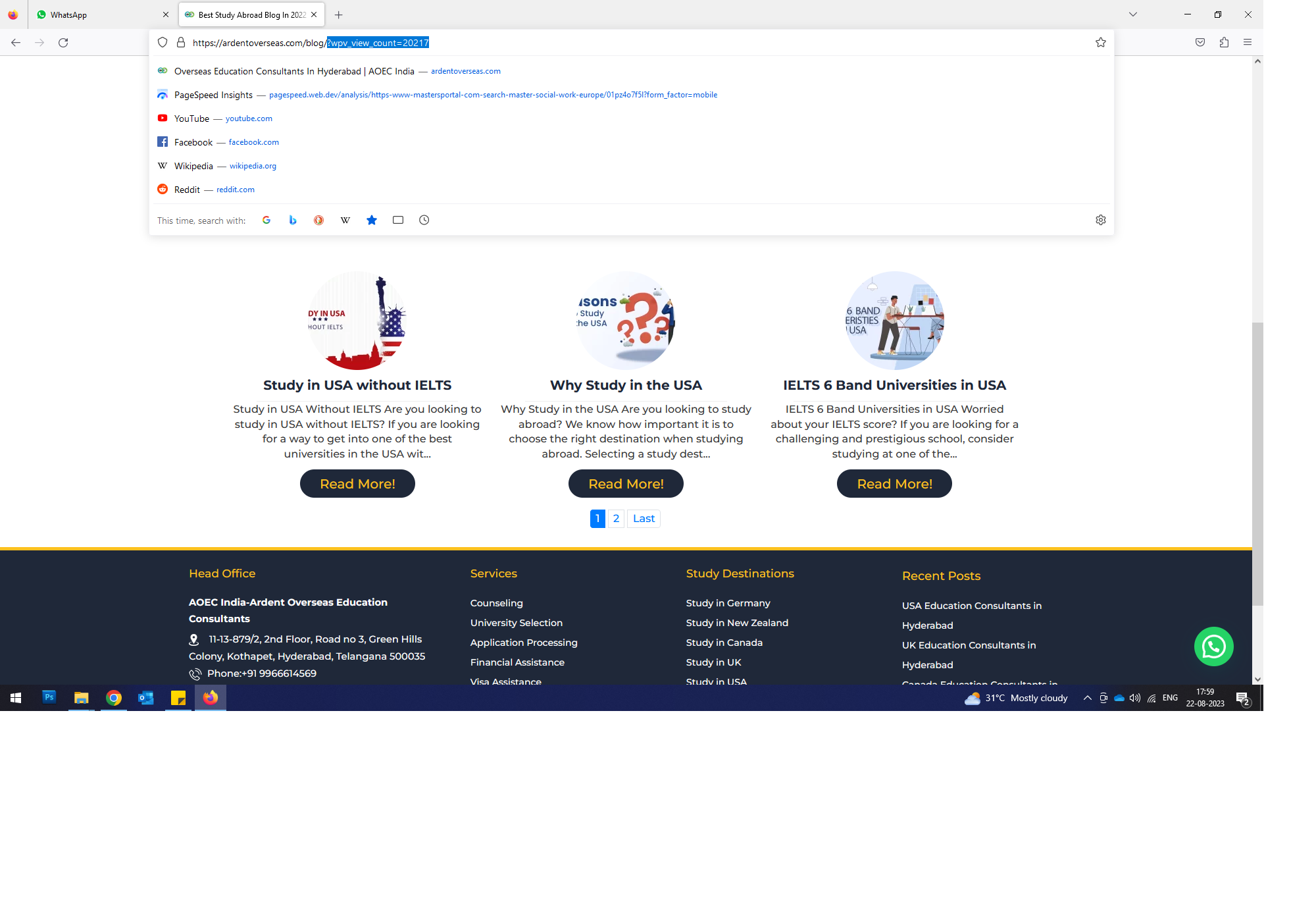
I have created a archive view to display my wordpress blog posts and some of the posts are showing properly in the view. But due to some issue last 3 posts are showing one per rom instead of 3 posts in a row.
Les langues: Anglais (English )Espagnol (Español )
Fuseau horaire: Europe/London (GMT+01:00)
Hi there
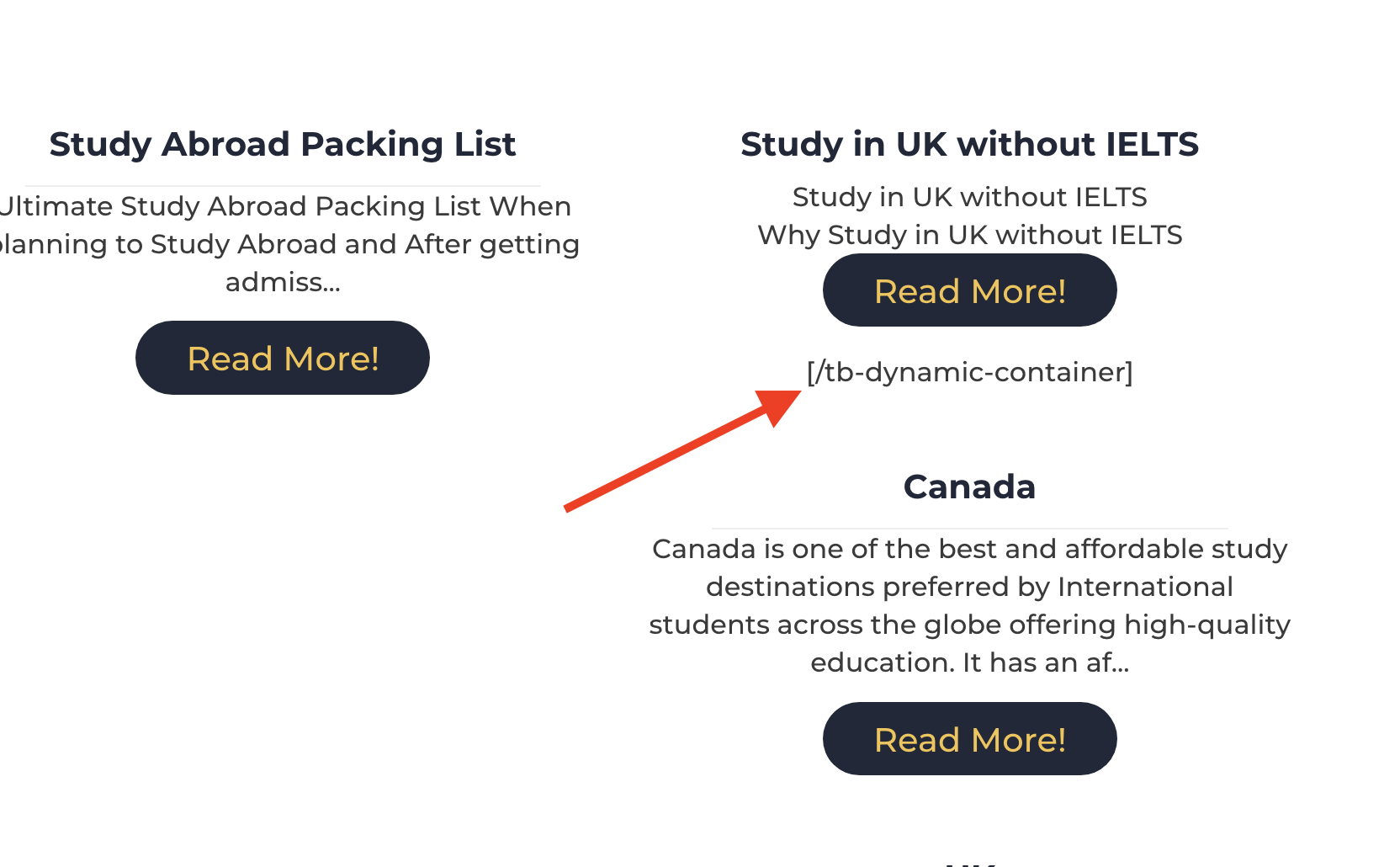
Looking at the problem page, the layout structure breaks after a post which is wrongly displaying a closing shortcode (my screenshot).
It looks like there is something specific to that post which is breaking the dynamic sources used to apply your archive template design to the individual posts displayed by the archive.
As a first step I would edit that post to see if you can spot something obvious that is different to all of the other posts shown in the archive which might account for the problem.
Try unpublishing that post (turn it into a draft post) so that it is not shown in the archive: does the archive now display correctly?
If so you may want to consider deleting that post and creating it again and publishing it.
Does the problem recur?
If it does we may need to access your site to be able to check the post ourselves.
My previous issue is resolved but the view doesn't display as it should be in front end. In editor view it's working fine but when not logged in layout is not as we created view. This issue is for the same url in previous ticket. Regret to inform you I am not having a pleasent experience with toolset.
If you can check root cause n let me know it would be much appreciated rather than random guess
Sorry to learn that your experience with Toolset so far hasn't been pleasant. But, we'll do our best to guide you through, to make it better.
When I visit the blog page ( {yourwebsite.com}/blog/ ), this is what I see:
Screenshot: lien caché
But, if I append URL parameter 'no-cache=true' at the end ( {yourwebsite.com}/blog/?no-cache=true ), I see the layout with the images:
Screenshot: lien caché
This suggests that the server or CDN-level cache is involved here.
( your website seems to be served through the Cloudflare CDN )
I'll recommend clearing all involved caches and testing the page, both in the logged-in and logged-out states.
In case the layout abnormalities, still persists, you're welcome to share temporary admin login details for further troubleshooting.
Note: Your next reply will be private and making a complete backup copy is recommended before sharing the access details.