Ce fil est résolu. Voici une description du problème et la solution proposée.
Problem:
The "Views" menu is not showing.
Solution:
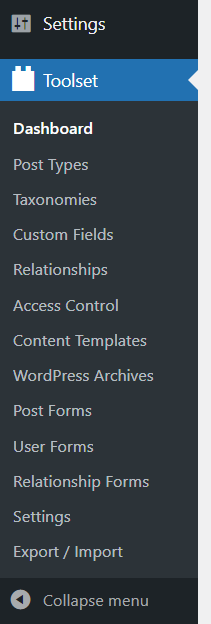
-Go to "Toolset > Settings > General (Tab)
- Under the "Editing experience" section.
- Select the "Show both the legacy and Blocks interface and let me choose which to use for each item I build" option.
This support ticket is created Il y a 4 years, 9 months. There's a good chance that you are reading advice that it now obsolete.
This is the technical support forum for Toolset - a suite of plugins for developing WordPress sites without writing PHP.
Everyone can read this forum, but only Toolset clients can post in it. Toolset support works 6 days per week, 19 hours per day.
Ce sujet contient 2 réponses, a 2 voix.
Dernière mise à jour par - Il y a 4 years, 9 months.
Assisté par: Christopher Amirian.