[Résolu] “VIEW not found » error, after migration to production-server
Ce fil est résolu. Voici une description du problème et la solution proposée.
Problem:
"VIEW not found" error, after migration to production-server
Solution:
Rather using manual migration, you should try to use the Duplicator or ALL in One WP Migration plugin to transfer your site from one server to another.
I have migrated from staging to production. I have copied all files. After editing the sql-file with new domain, I injected the SQL into new database. New website is up and running. The problem is all VIEW blocks does not show any content.
Problem happens on all pages where the VIEW block is used. Most simple page can be found on: lien caché
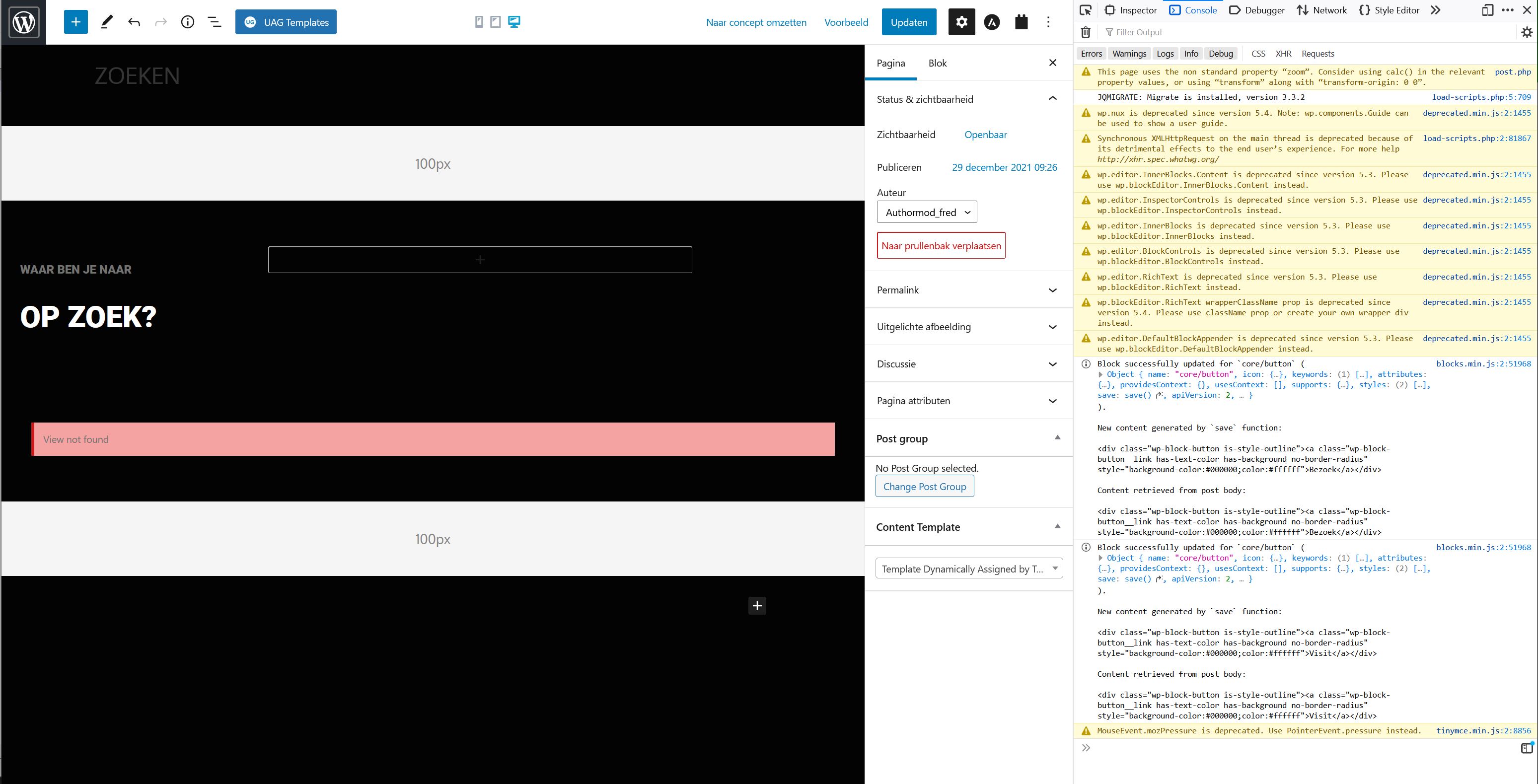
When editing the page(s) in the back-end Toolset shows warning: "VIEW not found".
When looking at the error.log file I see:
[Tue Jan 04 22:45:50.398180 2022] [lsapi:error] [pid 424939:tid 140094115673856] [client xx.xx.xx.xx:53254] [host lien caché; Backend fatal error: PHP Fatal error: Uncaught TypeError: array_intersect(): Argument #1 ($array) must be of type array, string given in /home/debxxxxxxxx/domains/fotogroepx65.nl/public_html/wp-content/plugins/toolset-blocks/application/controllers/cache/views/invalidator.php:274\nStack trace:\n#0 /home/debxxxxxxxx/domains/fotogroepx65.nl/public_html/wp-content/plugins/toolset-blocks/application/controllers/cache/views/invalidator.php(274): array_intersect()\n#1 /home/debxxxxxxxx/domains/fotogroepx65.nl/public_html/wp-content/plugins/toolset-blocks/application/controllers/cache/views/invalidator.php(217): OTGS\\Toolset\\Views\\Controller\\Cache\\Views\\Invalidator->invalidate_cache_per_domain()\n#2 /home/debxxxxxxxx/domains/fotogroepx65.nl/public_html/wp-includes/class-wp-hook.php(303): OTGS\\Toolset\\Views\\Controller\\Cache\\Views\\Invalidator->should_invalidate_cache()\n#3 /home/debxxxxxxxx/domains/fotogroepx65.nl/public_html/wp-includes/class-wp-hook.php(327): WP_Hook->apply_filters()\n#4 /home/debxxxxxxxx/domains/fotogroepx65.nl/public_html/wp-includes/plugin.php(470): WP_Hook->do_action()\n#5 /home/debxxxxxxxx/domains/fotogroepx65.nl/public_html/wp-includes/load.php(1097): do_action()\n#6 [internal function]: shutdown_action_hook()\n#7 {main}\n thrown in /home/debxxxxxxxx/domains/fotogroepx65.nl/public_html/wp-content/plugins/toolset-blocks/application/controllers/cache/views/invalidator.php on line 274\n
I hope you can point me in the right direction to solve this problem.
I took your advice and used Duplicator to do complete migration again. Now on the front-page the VIEW blocks which are being used show data. So that is good news!
But on the page lien caché the VIEW block was still not working. So I decided to put page in trash and start a new page from scratch.
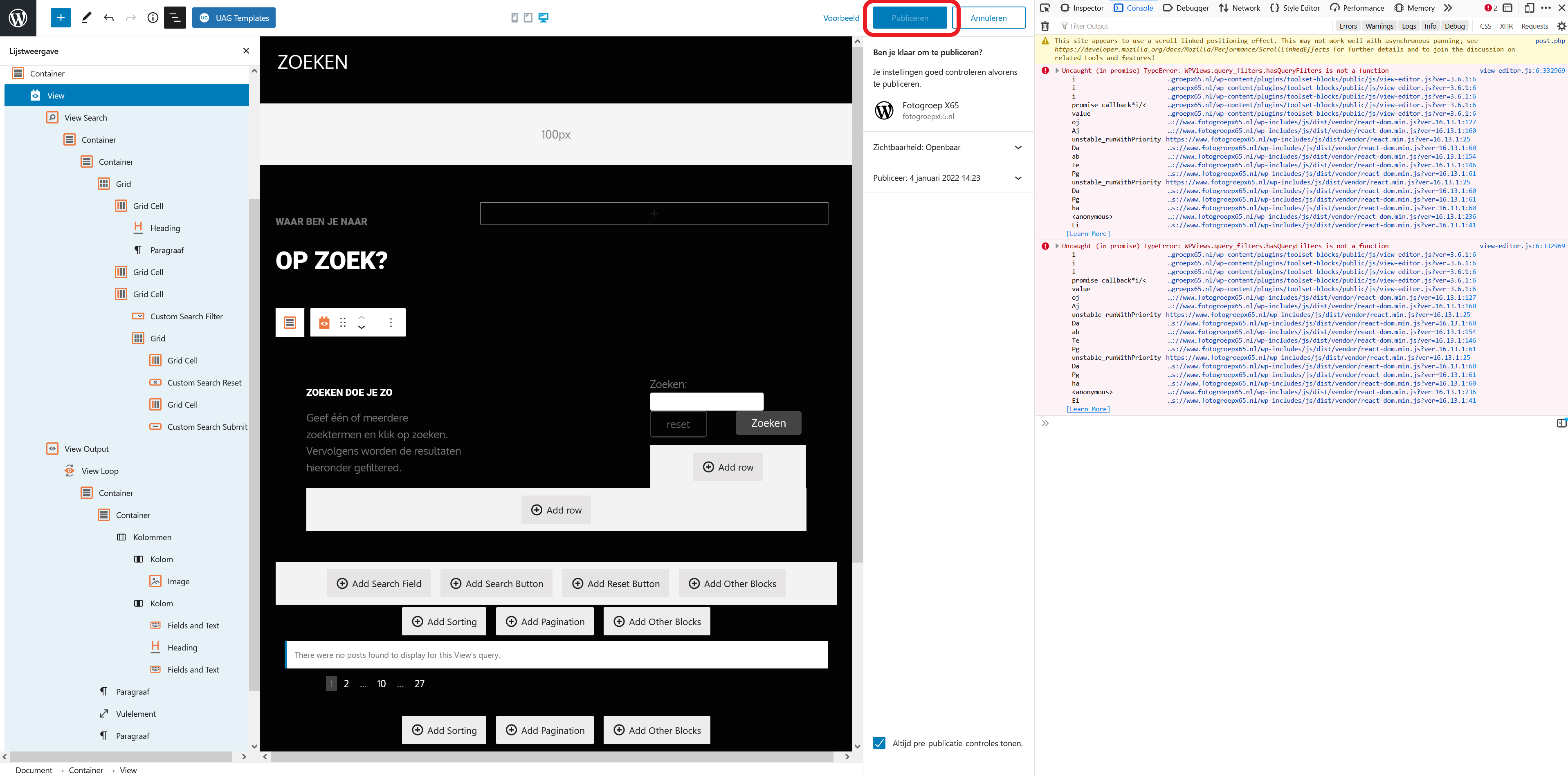
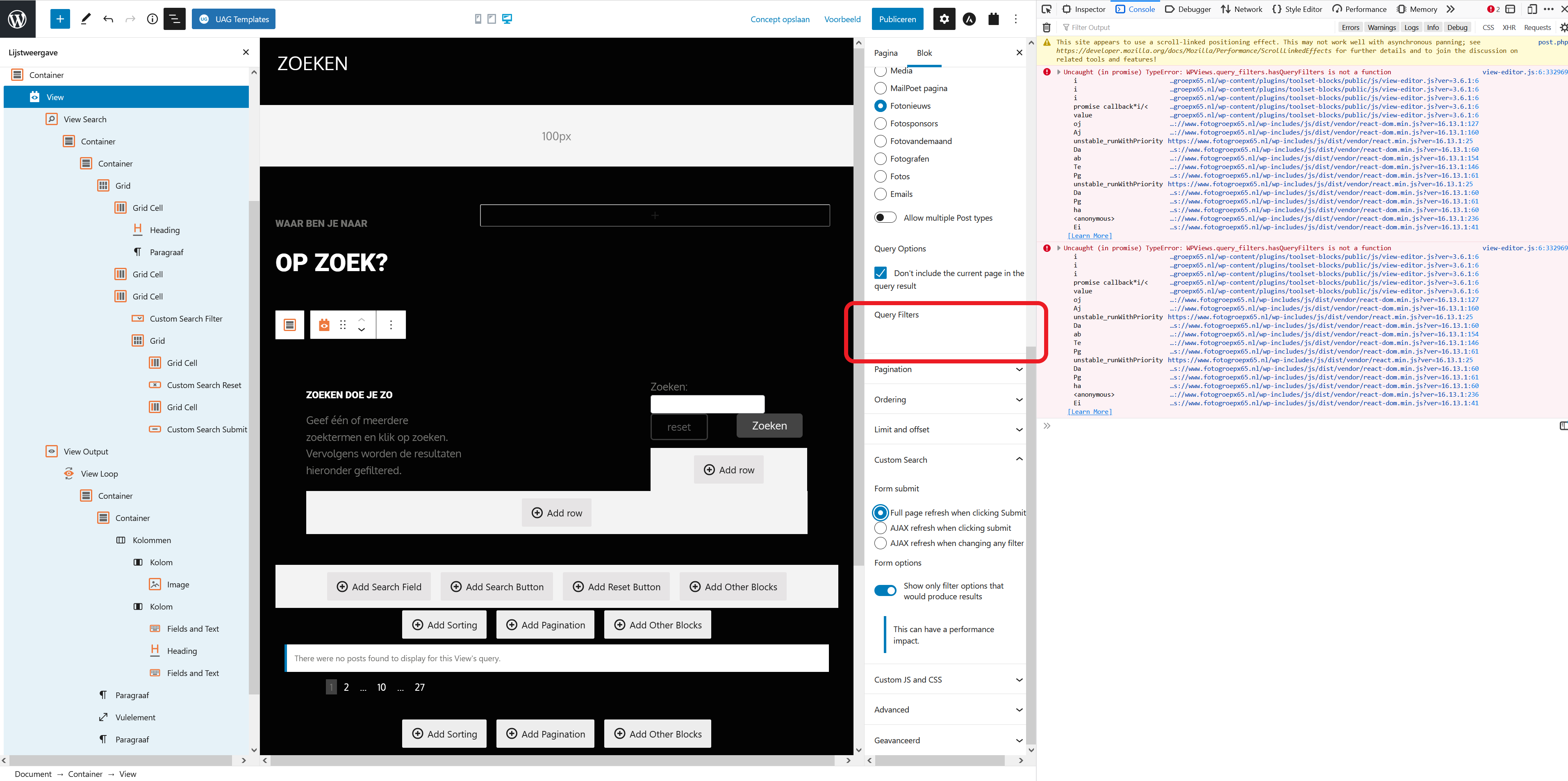
During building up the page step-by-step with all the block elements a problem arise. In the browser console I see error: Uncaught (in promise) TypeError: WPViews.query_filters.hasQueryFilters is not a function
Also the Query Filters option in the Blocks-panel remains empty. So something must be wrong.
When trying to publish the page, the Publish button (WordPress) gets greyed out.
For the record. I noticed the new webhost was using PHP8.0 while the previous hosting was using PHP7.4. So I have now downgraded the new hosting-platform to PHP7.4 and performed a 3rd migration from lien caché to lien caché with the plugin called Duplicator. Next I cloned (installatron tool) the new website from lien caché (staging) to lien caché (production).