Passer la navigation

[Résolu] Unable to edit toolset CPT

This support ticket is created Il y a 10 months, 2 weeks. There's a good chance that you are reading advice that it now obsolete.

This is the technical support forum for Toolset - a suite of plugins for developing WordPress sites without writing PHP.

Everyone can read this forum, but only Toolset clients can post in it. Toolset support works 6 days per week, 19 hours per day.

Sun Mon Tue Wed Thu Fri Sat
- 10:00 – 13:00 10:00 – 13:00 10:00 – 13:00 10:00 – 13:00 10:00 – 13:00 -
- 14:00 – 18:00 14:00 – 18:00 14:00 – 18:00 14:00 – 18:00 14:00 – 18:00 -

Fuseau horaire du supporter : Asia/Kolkata (GMT+05:30)

Ce sujet contient 3 réponses, a 1 voix.

Dernière mise à jour par sadimG1199 Il y a 10 months, 2 weeks.

Assisté par: Minesh.

Auteur
Publications
#2815425
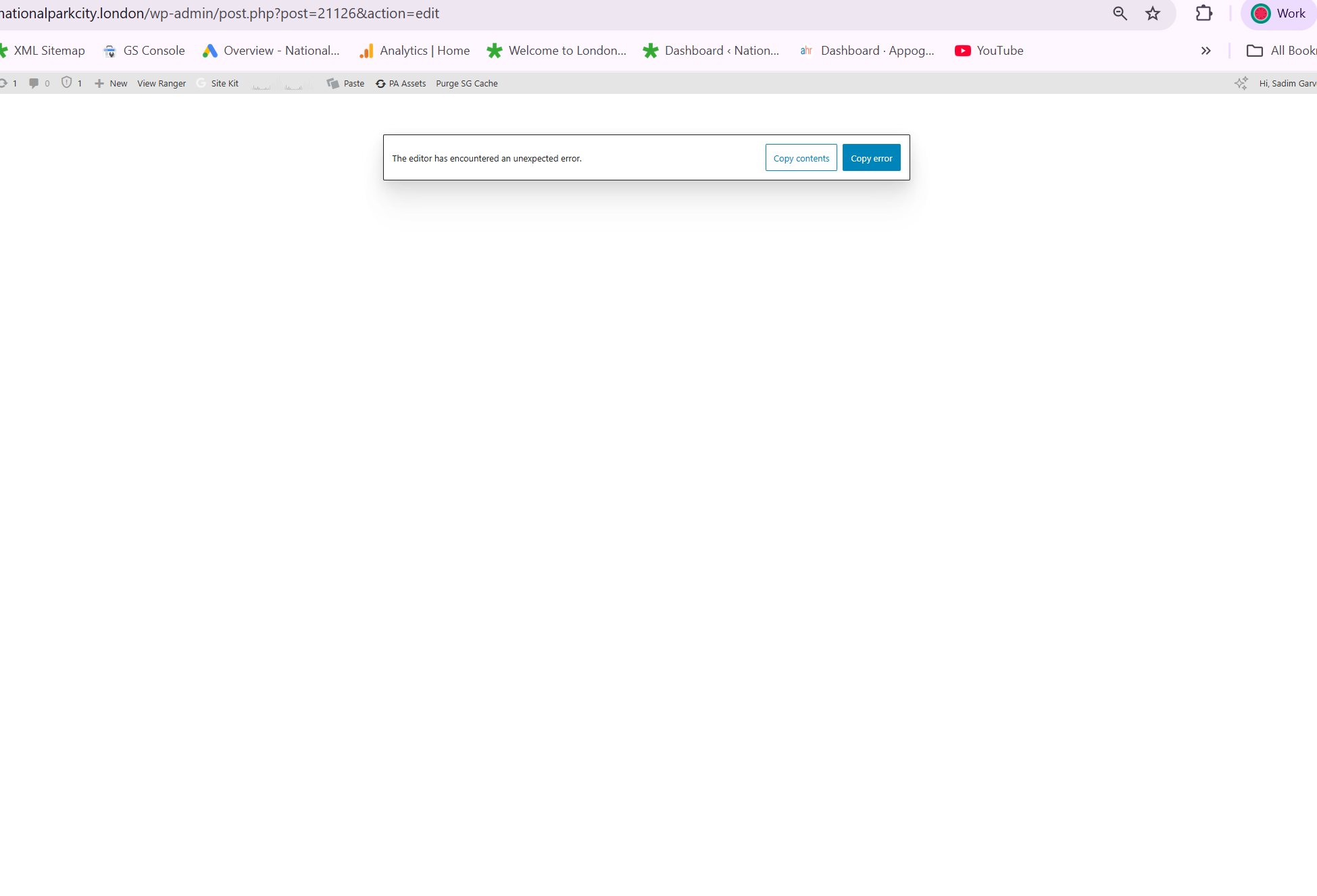
Screenshot 2025-07-09 123438.png

I am unable to edit my CPTs for Rangers - please see error below and image attached.

TypeError: Cannot read properties of null (reading 'indexOf')
at s (lien caché)
at lien caché
at Array.sort (<anonymous>)
at lien caché
at lien caché
at Object.useMemo (lien caché)
at e.useMemo (lien caché)
at Lm (lien caché)
at ht (lien caché)
at Qs (lien caché)

#2815452

Minesh
Supporter

Les langues: Anglais (English )

Fuseau horaire: Asia/Kolkata (GMT+05:30)

Hello. Thank you for contacting the Toolset support.

I'm not sure why you see that error as when I try to visit the same post:
- lien caché

I'm not able to see the issue. Please check the following screenshot:
- lien caché

Maybe you should try to clear the server/browser cache and check.

#2815454
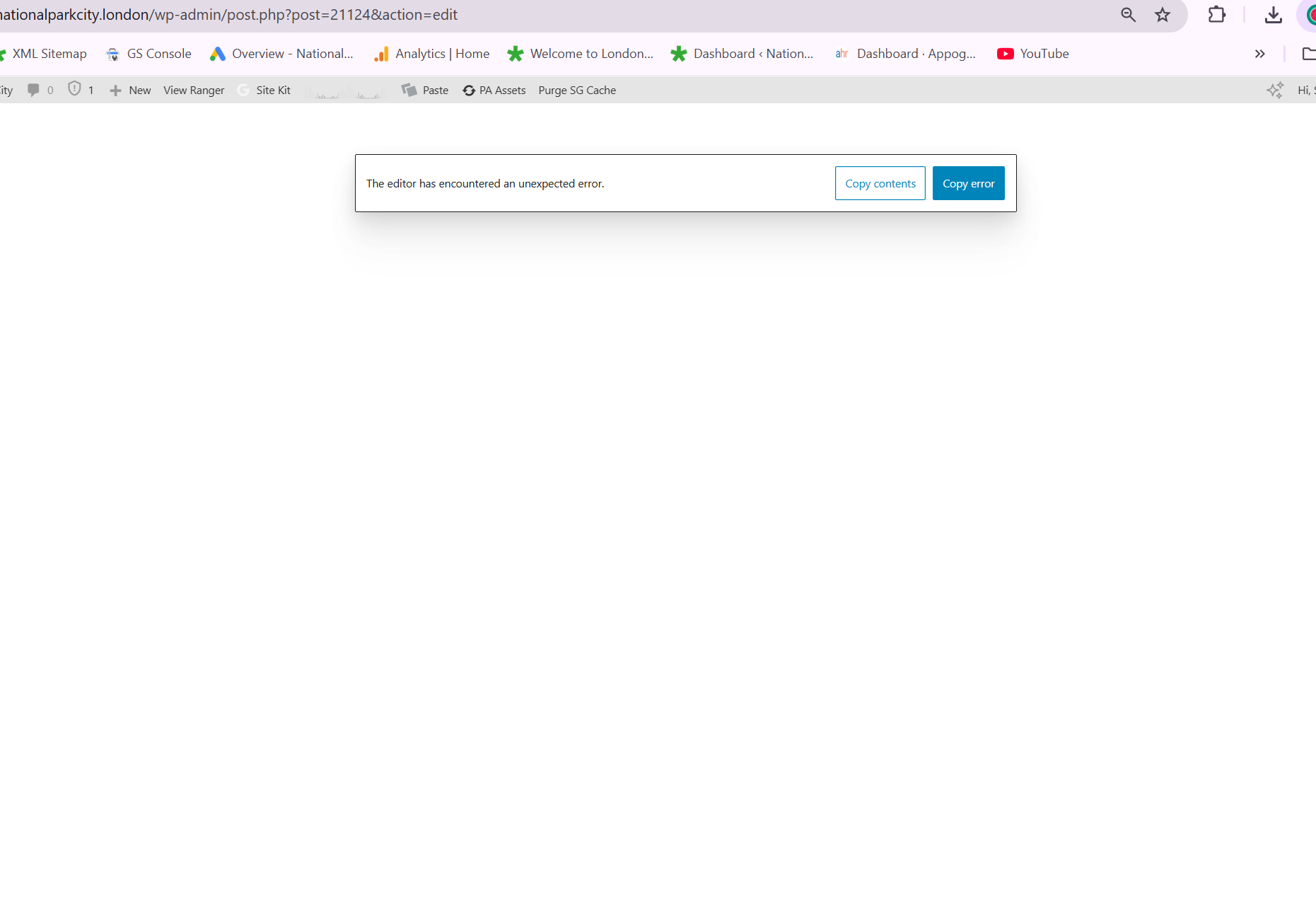
Screenshot 2025-07-09 170650.png

its still doing it and i have just checked on a different device

this is the error code
TypeError: Cannot read properties of null (reading 'indexOf')
at s (lien caché)
at lien caché
at Array.sort (<anonymous>)
at lien caché
at lien caché
at Object.useMemo (lien caché)
at e.useMemo (lien caché)
at Lm (lien caché)
at ht (lien caché)
at Qs (lien caché)

#2815517

Minesh
Supporter

Les langues: Anglais (English )

Fuseau horaire: Asia/Kolkata (GMT+05:30)

I just checked again the same post and I do not see any issue.

*** Please make a FULL BACKUP of your database and website.***
Have you try to minimize the cause of the issue:

Could you please try to resolve your issue by deactivating all third-party plugins as well as the default theme to check for any possible conflicts with any of the plugins or themes?
- Do you see any difference?

May I know what browser you are using?

#2815521

I asked chat GTP to check the error code suggest what to do to rectify it. I turned the block editor off in the CPT back to classic and that worked.