I am trying to:
Display a Toolset view inside Elementor Archive page.
Link to a page where the issue can be seen:
lien caché
lien caché
I expected to see:
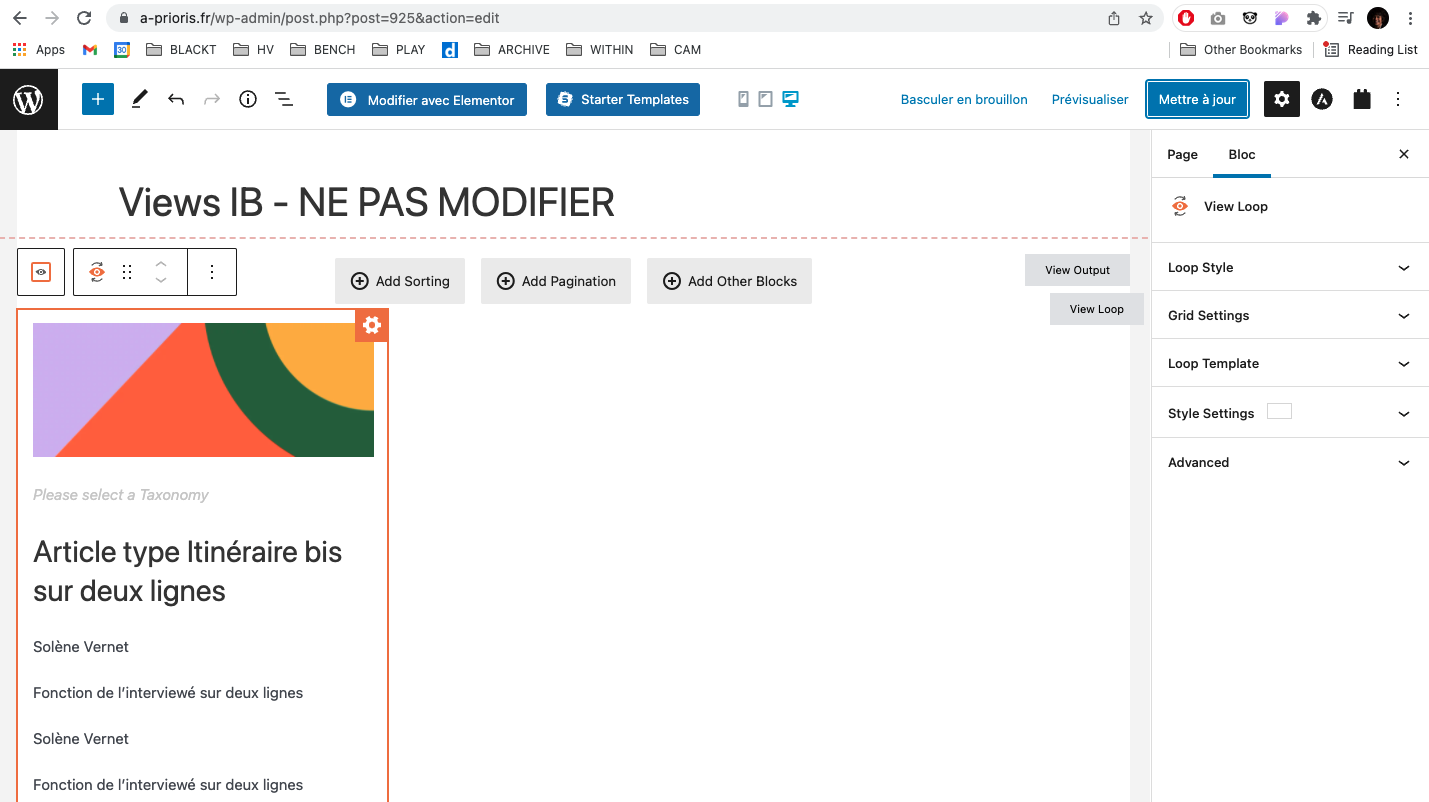
List of post types as defined in Toolset view, and as I can see in the Elementor preview (thumbnail, title, etc.)
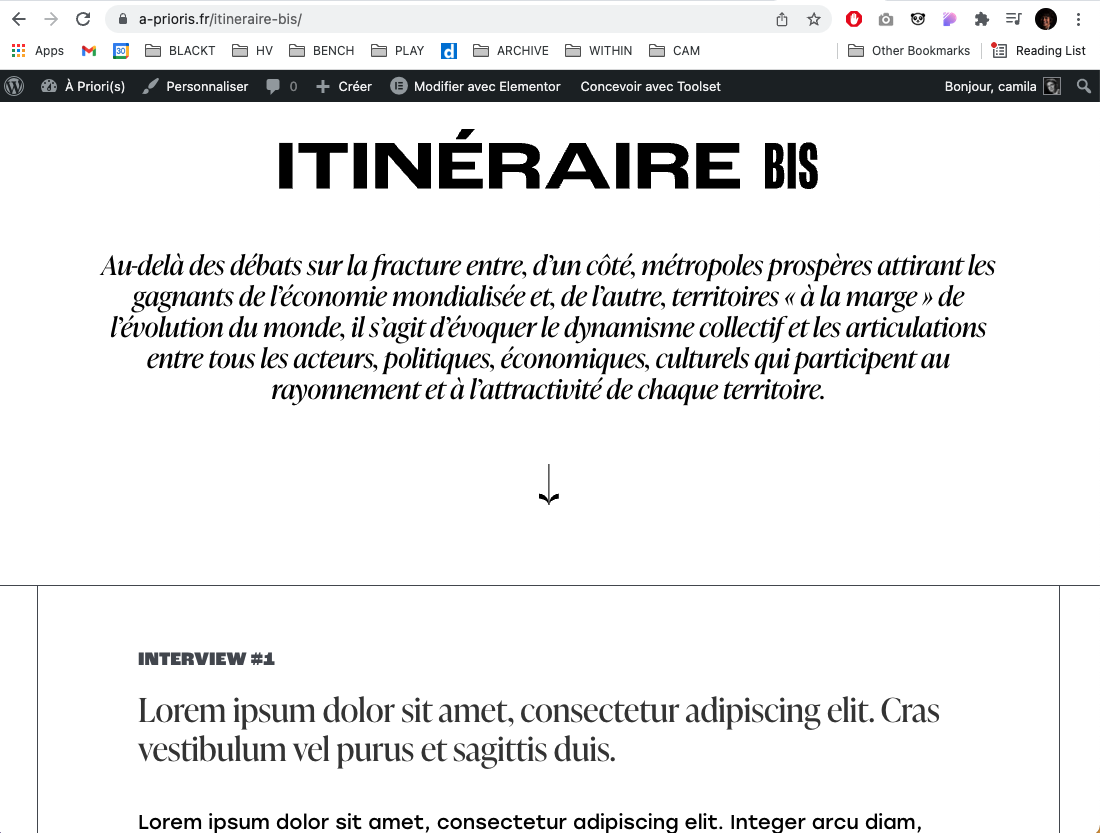
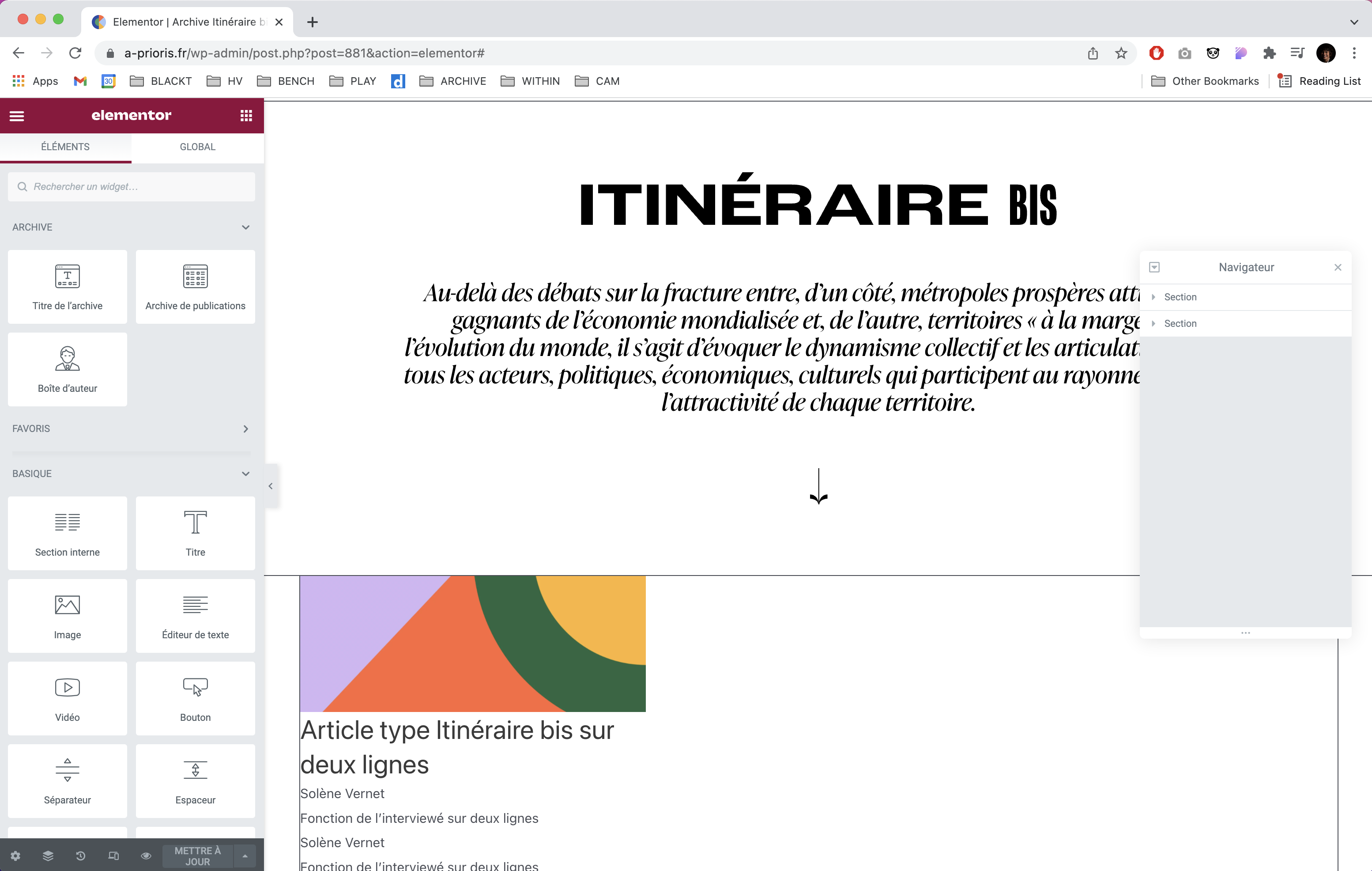
(images of preview and live attached)
Instead, I got:
Post content.

Nigel
Supporter
Les langues:
Anglais (English )
Espagnol (Español )
Fuseau horaire:
Europe/London (GMT+00:00)
Hi there
I took a look at your site, and I think I can follow what you have done, but I'm not sure I understand why.
Can you clarify what you are aiming to do?
You are using Elementor to create an archive template to display posts made with Elementor but are not using the output of the archive of posts and instead have inserted a View to display the posts (currently one post) on the archive page.
If you are using Elementor for nearly everything, why use a View in this context?
I checked on my own Elementor test site, and found that the View output was replaced by the post content when inserted on an archive, so it doesn't look like this is possible, and I'm wondering if you can achieve what you want just designing the archive in Elementor.
If not, can you not use Elementor to design the archive, and design it in Toolset (at Toolset > WordPress Archives)?
Hi Nigel,
I use Elementor for almost everything indeed.
So I create in Elementor :
- archive templates
- single custom post templates
- post pages
- static pages
Inside the archive I want a specific display of the posts. For example in Itineraire bis I have custom fields that I want to be shown in each "post card" inside the Archive.
To my knowledge I cannot use Elementor to show custom fields and do some personalisations in the posts list of an Archive page.
That is why I use toolset view.
This technique has worked for example in this page lien caché (image attached), in the bottom I inserted two Toolset views to display the latest posts "95%..." and "podcast" because I wanted to shoe some fields as titles in the cards. But this is a static page.
Why wouldn't the same work for an archive page?
Thank you for your assistance,
Cam

Minesh
Supporter
Les langues:
Anglais (English )
Fuseau horaire:
Asia/Kolkata (GMT+05:30)
I've created the following content template and added the archive view you created to it:
- lien caché
Then, I've added the Text module to your archive elementor template and added the above content template as given under:
=> lien caché
[wpv-post-body view_template="archive-view-container"]
I can see now the view is displayed successfully.
Ok I understand what you have done.
The view i s displayed but not as configured. My view is a 3 column view and it is displayed as a single column...
Also, could you tell me where you retrieved the view name ([wpv-view name="archive-itineraire-bis"]) to insert inside the content template. So I can use the same technique if it works.
Thank you
As Nigel shared with his previous reply based on his testing while using Elementor archive, you should not mix both Toolset Blocks (views) and Elementor to design your archive as it may get conflict and offer you undesirable results.
Here is official Doc about how you can use Elementor with Toolset:
- https://toolset.com/course-lesson/using-toolset-with-elementor-page-builder/
To get view's shortcode you can click on "Fields and Views" button available at top of the post content editor or content template editor.
In your case, see this content template:
- lien caché
Click on "Fields and Views" button at top of the Editor and search for your view name and add it.
- Screenshot: lien caché
Thank you for your prompt response Minesh.
And why is the page only showing the archive in one column instead of 3 columns as configured in the view?
As shared, as we are not having tight integration with Elementor, such issues will happen.
However, to fix the grid issue, I've added the following line of CSS code to your View's custom CSS section:
=> lien caché
.js-wpv-loop-wrapper > .tb-grid {
    grid-template-columns: minmax(0, 0.3333fr) minmax(0, 0.3333fr) minmax(0, 0.3333fr);
    grid-auto-flow: row;
}
Screenshot: lien caché
I can see now it does displays the grid with columns.
My issue is resolved now. Thank you!