Tell us what you are trying to do?
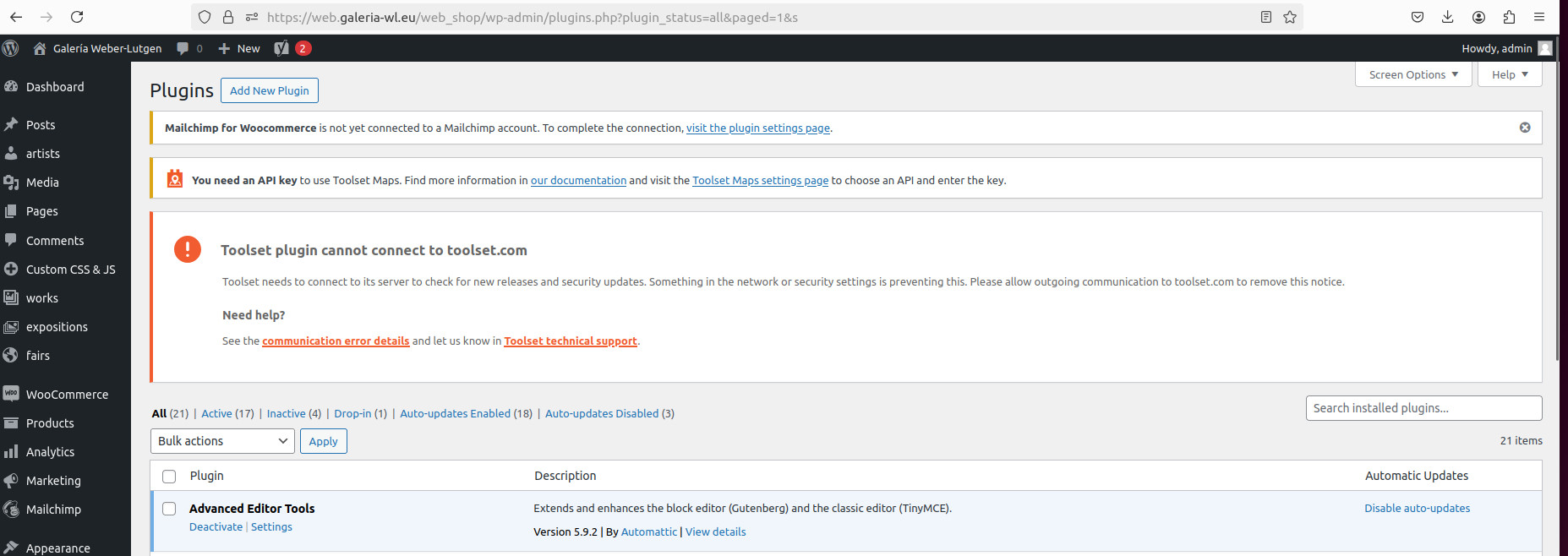
connect site to toolset.com
Is there any documentation that you are following?
Is there a similar example that we can see?
What is the link to your site?

Nigel
Supporter
Les langues:
Anglais (English )
Espagnol (Español )
Fuseau horaire:
Europe/London (GMT+01:00)
Hi there
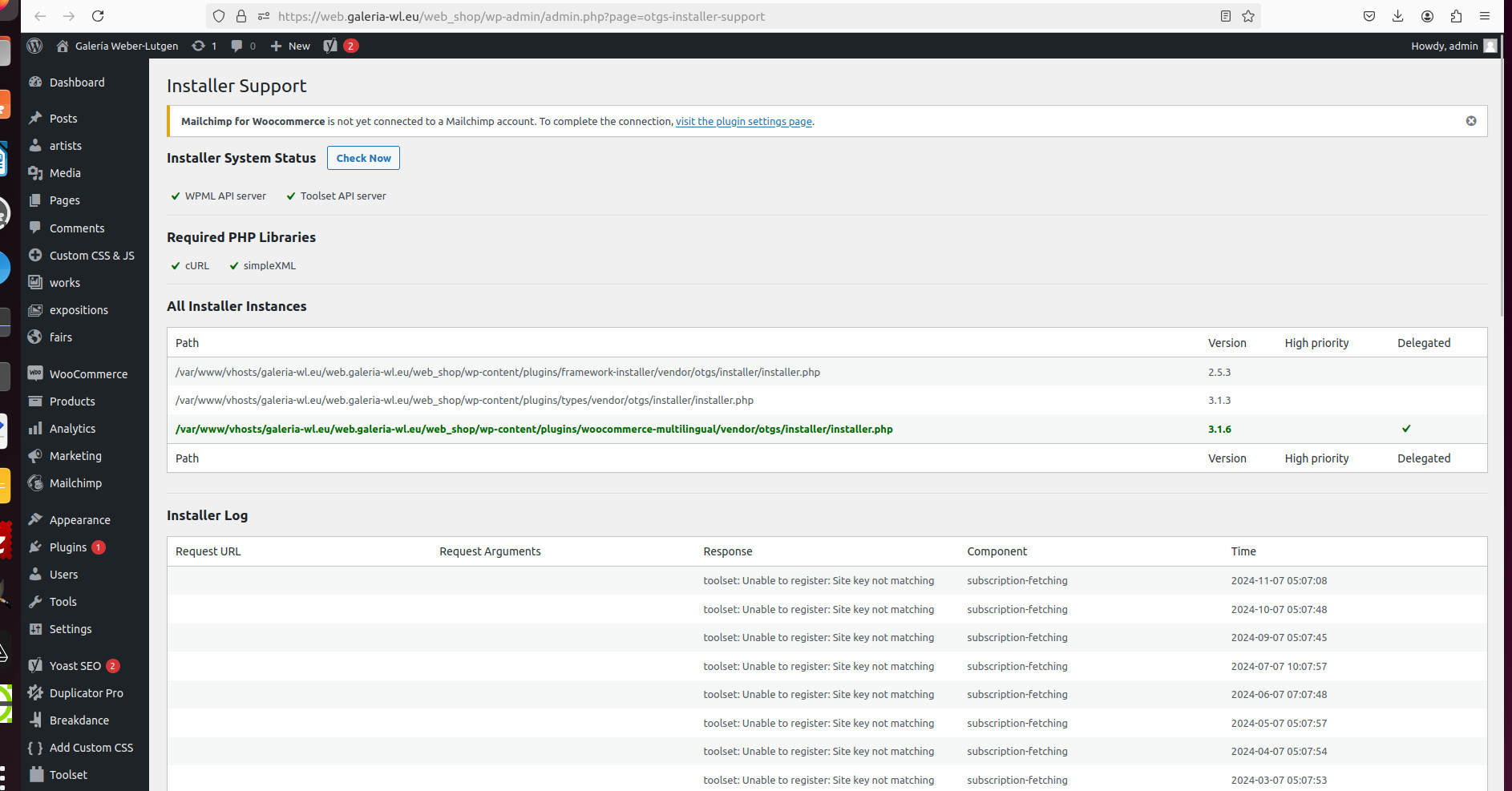
According to the installer log from your screenshot the site key is wrong.
Site keys are based on an exact match of the full URL of your site.
I suggest you go to the custom installer page at /wp-admin/plugin-install.php?tab=commercial unregister the site. Then click the button to Register Toolset, and use the link "Get a key for this site" to generate the correct key for this site's URL. (See this link for a guide, if needed: https://toolset.com/faq/how-to-install-and-register-toolset/#automatic-installation-once-you-have-otgs-installer-plugin-installed)
You may need to delete unwanted sites from your account page.
Hi there,
I removed the login information as this is a public forum.
You can set the next reply as private to provide the login info.
I checked and can not see the connection error anymore. So it might be some miscommunication with our server but it seems to be working now.
Thanks.
sorry a phonecall impeded/distracted me to comunicate this:
I solved the problem deleting completely the OTGS installer and re installing it.
That solved the problem.
thanks to all