I am trying to access plugins and I see the issue
lien caché
Link to a page where the issue can be seen: lien caché
Hi there,
Would you please go to this link:
lien caché
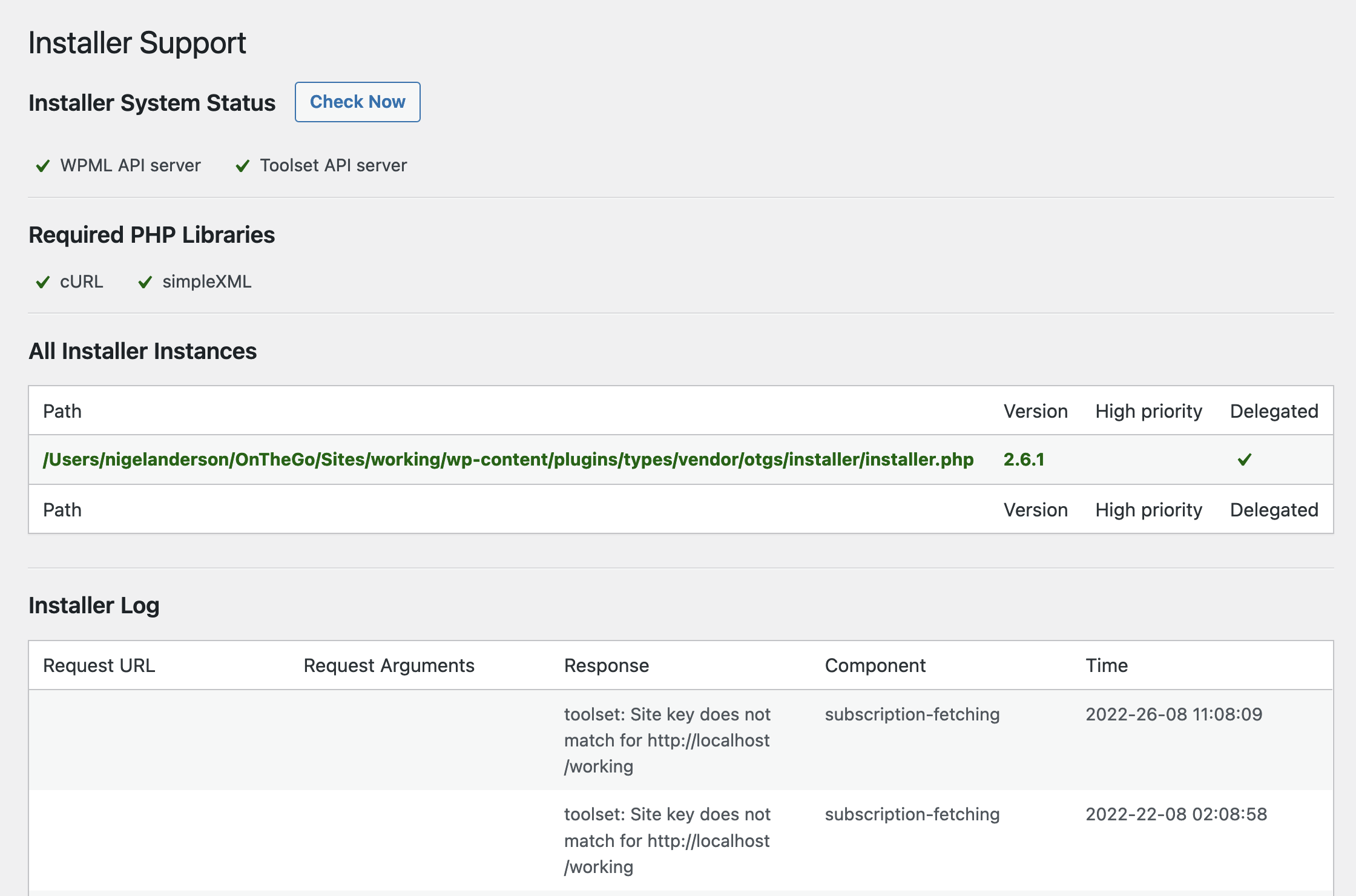
Do you see any sort of errors mentioned there in Red or everything is in Green like the screenshot below?
https://toolset.com/wp-content/uploads/2022/08/2445573-Screenshot_2022_08_26_at_12.46.18.png
If there is a red item, please make sure you contact your hosting service provider and ask them to whitelist:
lien caché
Finally, please check if there is a plugin that might block the connection:
- IMPORTANT STEP! Create a backup of your website. Or better approach will be to test this on a copy/staging version of the website to avoid any disruption of a live website.
- Go to "WordPress Dashboard > Plugins" and deactivate all plugins except Toolset and its add-ons.
- Check if you can still recreate the issue.
- If not, re-activate your plugins one by one and check the issue each time to find out the plugin that causes the problem.
Thanks.
For some reasons we see the issue gone. We will get back on this if we meet it on the future reference. Thank you.
Ok thank you and I'm glad that the issue is gone.