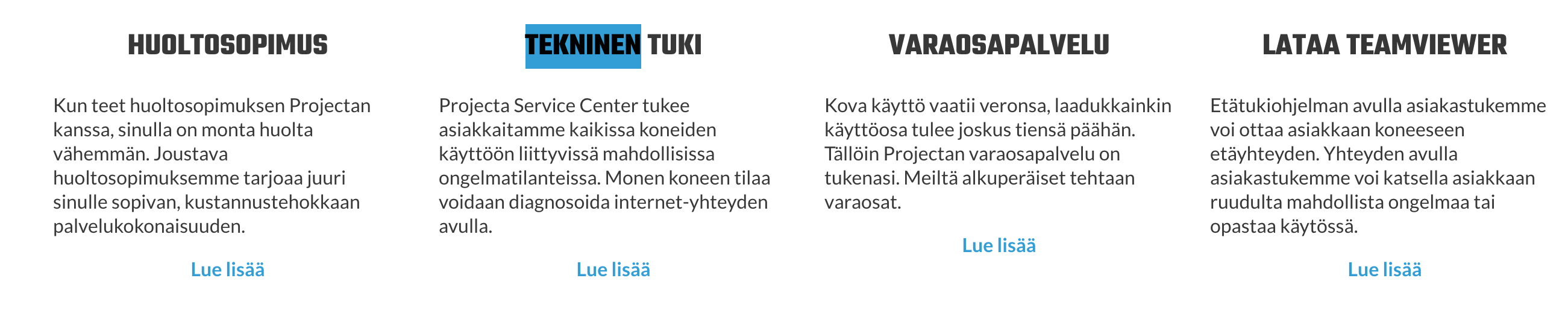
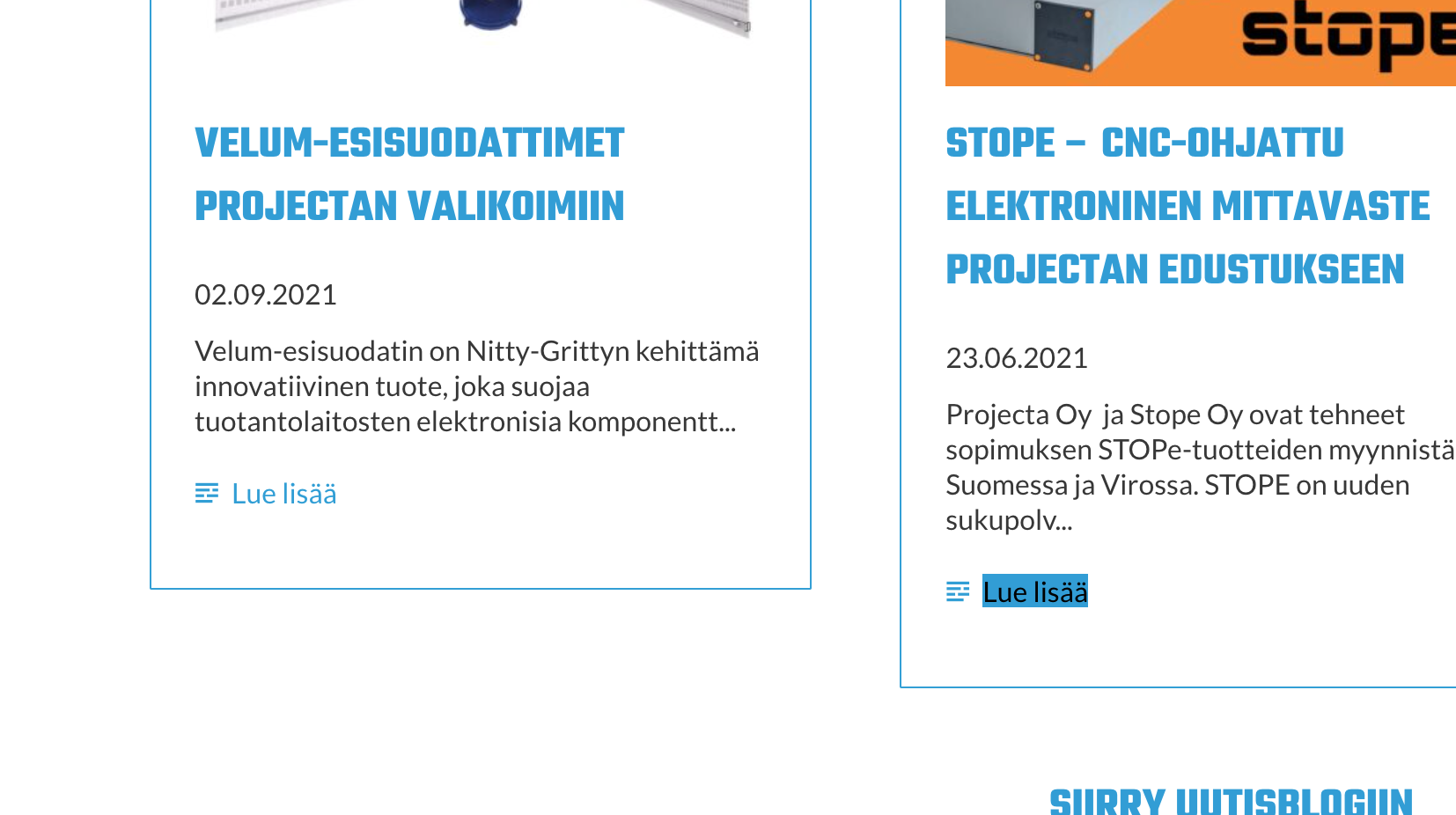
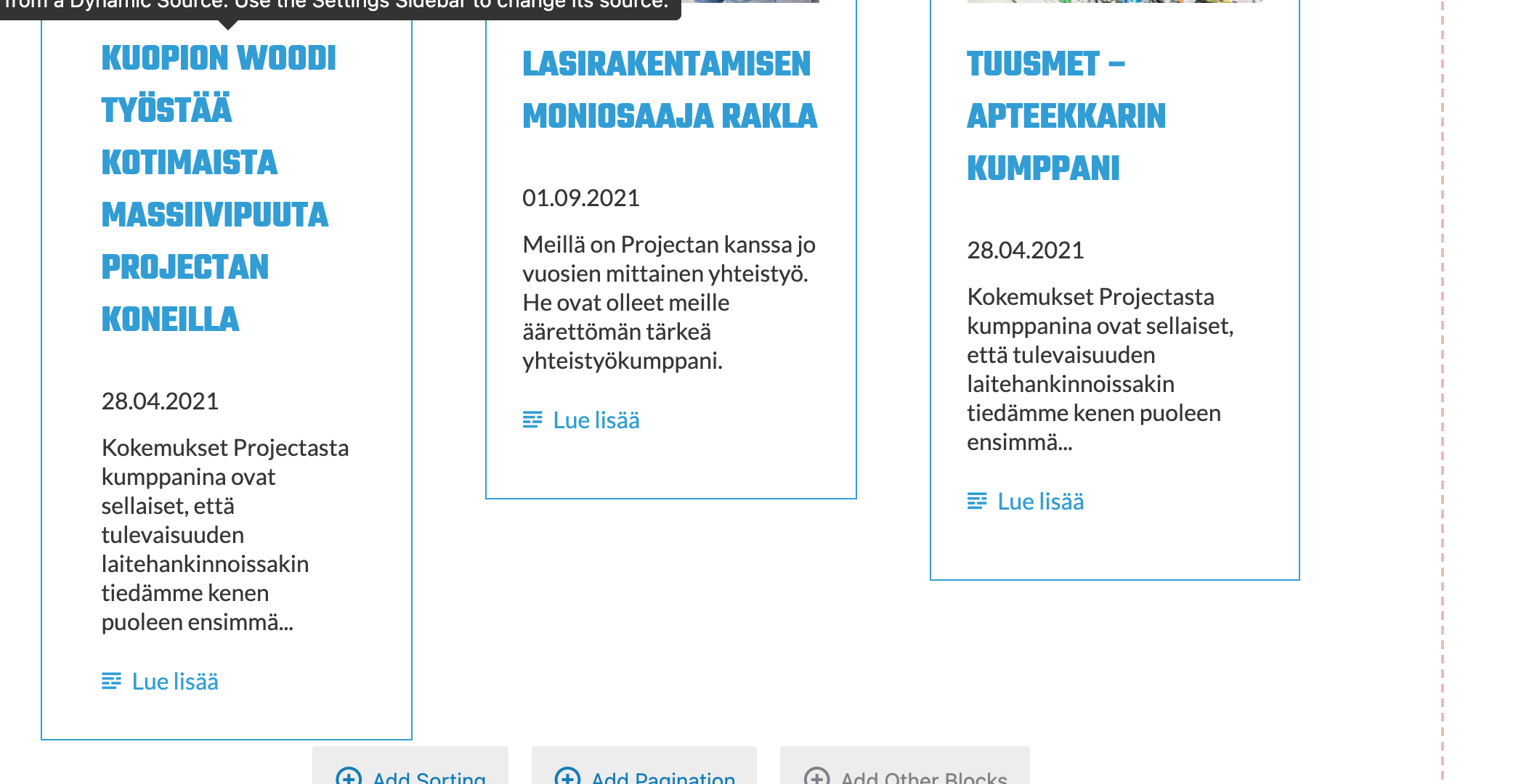
I have content template and custom post type named "XXX". There is several fields and one of those field are Image. Image is added to View loop and it work well in the content editor. But, inside web page, content is without images.
Background: When i create this content template with images work fine. Later we swapped images to different sizes and after that images are gone from page. We just upload those image to media library and then we change image link to the custom post type named "XXX".
I expected to see: Page with images 🙂
Hi Keijo,
Thank you for getting in touch.
Would you mind allowing me to have admin access to the site as well as a link to the page where I can see the issue ?
I've enabled the private fields for your next response.
Thanks,
Shane
Hi Keijo,
Thank you for the credentials.
However I'm not seeing where you've sent the link to the page or the post type that has the issue.
Thanks,
Shane
Page: /huoltopalvelut/
Dashboard -> Toolset -> Content Templates -> Template named: "blocks-huoltopalvelut"
Br. Keijo
Hi Keijo,
See my screenshot. I'm assuming that this is the area you are referring to that doesn't have the images attached.
If so then this area is built on the page and doesn't have any images being loaded.
Thanks,
Shane
Hello,
you are right, the fault is in the wrong content template. Sorry for this.
******************
Another question.
Content that is created for using toolset content editor is not the same as content inside page. As you will see, button style inside template is ok, but inside page it is without style
The content of this example are inside frontpage.
Content template Template -> lien caché
template name: blocks-etusivu
And what we got on our page -> Page -> lien caché
So, the content inside page is not perfect, because buttons are not same look like than inside template.
Is there some way to fix this?
br. Keijo
Hi Keijo,
I took a look at the template and it looks the same on the backend as it is on the frontend for me. See Screenshot.
Thanks,
Shane
I change link color transparency back to 1 (it was 0.99 before) and it look good after that. I think one way are add !important to CSS, because it seems that style is not 100% reliable all the time.
What do you think about that?
Br. Keijo
Hi Keijo,
Usually it depends on the priority of the css.If the css isn't being overwritten by something else then your !important should always overwrite the existing css.
Is everything working as expected now ?
Please let me know.
Thanks,
Shane
My issue is resolved now. Thank you!