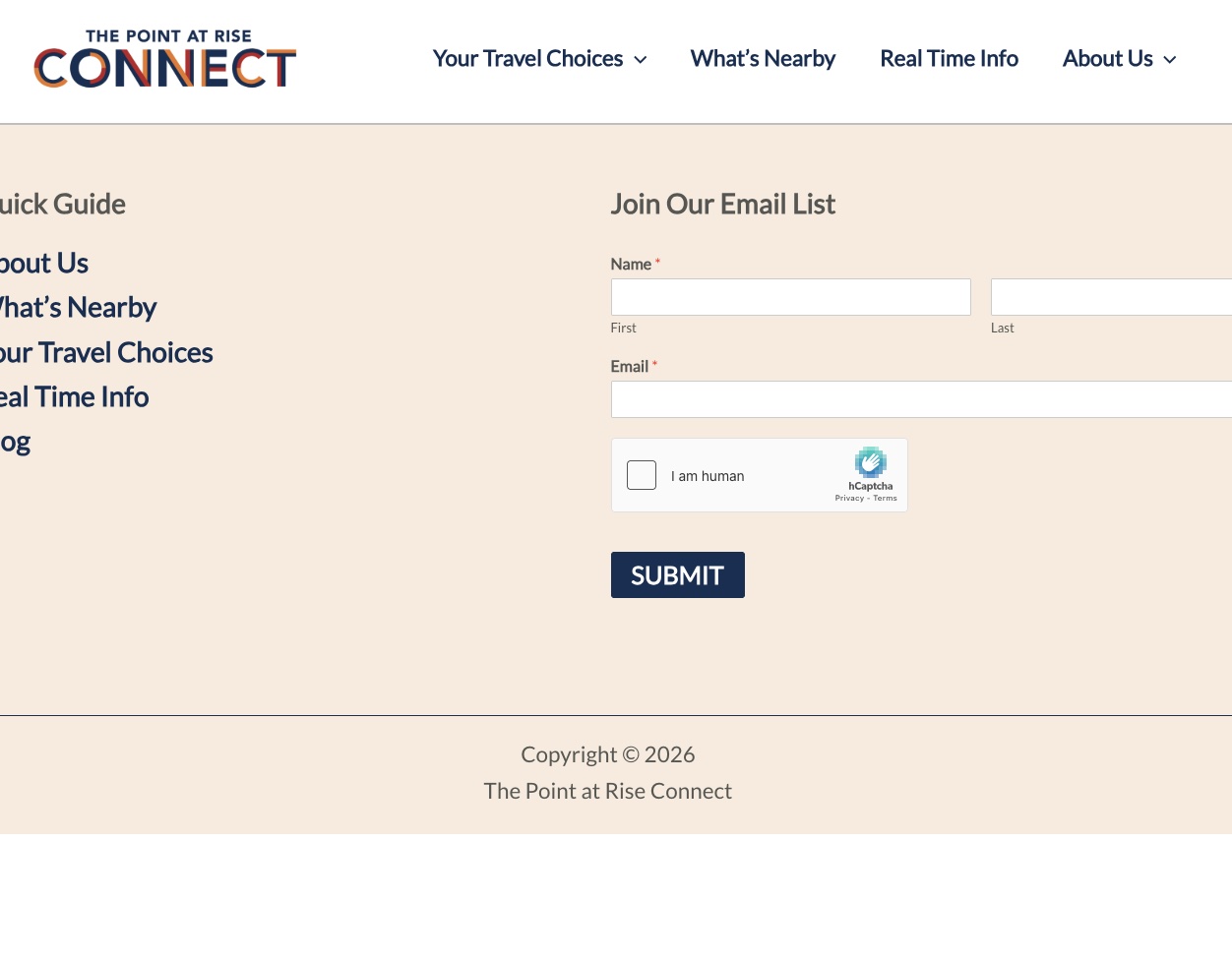
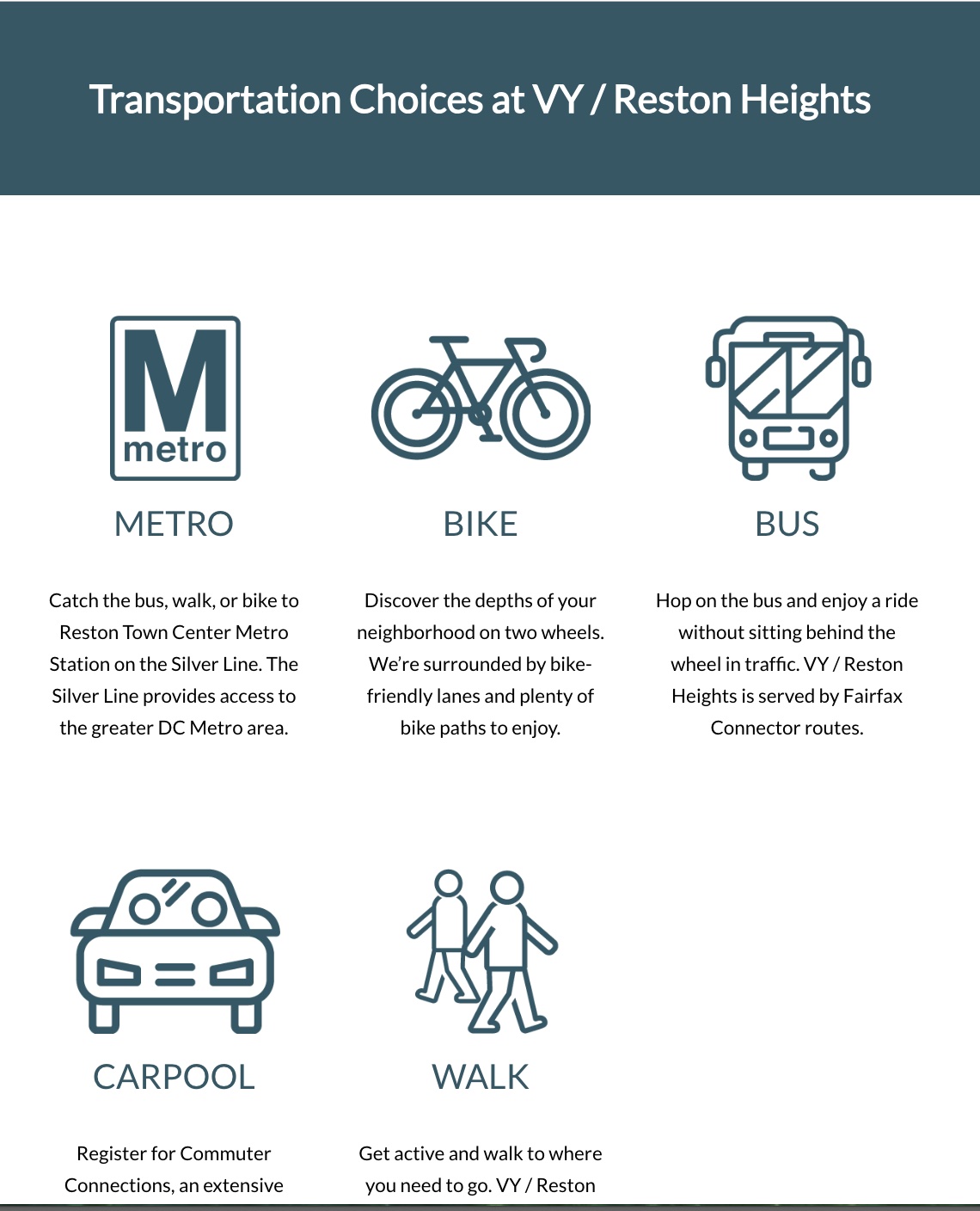
I am trying to: The "View" does not display on this page: lien caché
Link to a page where the issue can be seen: lien caché
I expected to see: This site is a copy of this site (and page): lien caché
You can see that the View is working on this page. I created a copy of this site (it needs a rebrand to a new domain/name). I updated our Toolset plugin so this new site is registered. The page was working fine last week. I have a team member (who does not have access to Toolset) who may have edited this page somehow, but I don't know. All the queries/settings in the View seem to be working properly. (Also, I copied and pasted the same View from the previous website (it is labeled "New Loop from VY Site" to see if it would work, but even that doesn't work.
Instead, I got: I am attaching two screenshots. The second shows what it should look like when the View works (the "VY" site) and the first shows the View not displaying ("Connect" site). I'm hoping you can determine why the View is not displaying. Thank you!
Hello. Thank you for contacting the Toolset support.
Can you please check now: lien caché
I login and review the settings and I found that you assigned the Toolset Content template to display the page content, I've assigned the option None with the "Content Template" section avialble on right panel when you edit your page in backend and save the page:
- lien caché