[Résolu] The order of the posts on my blog isn’t correct
Ce fil est résolu. Voici une description du problème et la solution proposée.
Problem:
Posts in a Toolset-customized WordPress archive appeared in an inconsistent order instead of being listed chronologically from newest to oldest.
Solution:
The unexpected ordering was caused by posts incorrectly marked as “Sticky.” Correcting or removing the Sticky setting restored the expected chronological order.
This support ticket is created Il y a 1 month, 3 weeks. There's a good chance that you are reading advice that it now obsolete.
This is the technical support forum for Toolset - a suite of plugins for developing WordPress sites without writing PHP.
Everyone can read this forum, but only Toolset clients can post in it. Toolset support works 6 days per week, 19 hours per day.
I am trying to:
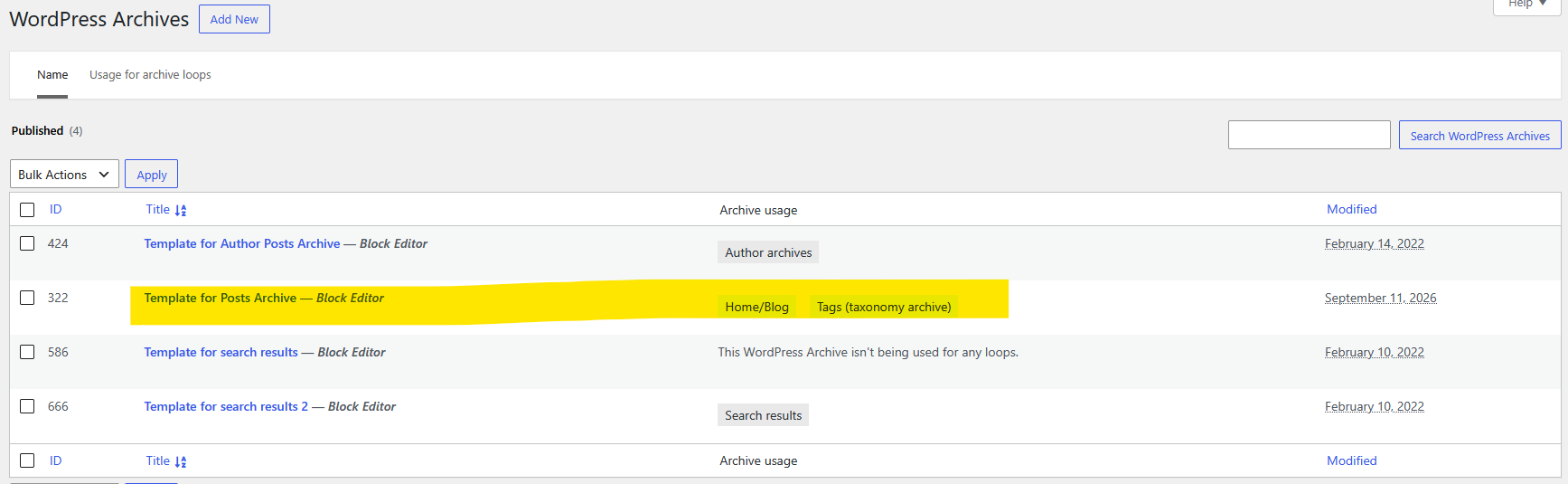
I have customised the blog view of WordPress posts using Toolset.
I would like to display the list of posts in chronological order, from the most recent to the oldest.
Link to a page where the issue can be seen: lien caché
I expected to see:
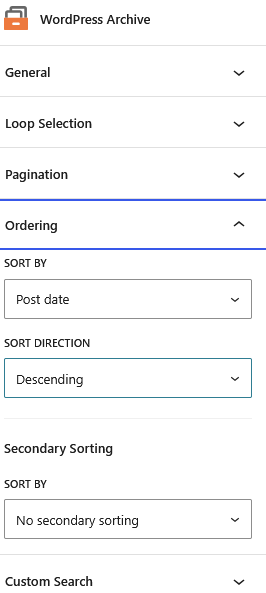
The list of posts in the order specified in the WordPress blog archive.
Instead, I got:
The order in which the posts are displayed seems random and inconsistent.
I’m not sure if it’s related, but when I open my WordPress Archive Toolset, I get the error message: ‘The “toolset-views” plugin has encountered an error and cannot be rendered.’
Hello. Thank you for contacting the Toolset support.
I see you are using number of third-party pluging.
In order to minimize the cause of the issue and to ensure there is no plugin/theme conflict:
*** Please make a FULL BACKUP of your database and website.***
Could you please try to resolve your issue by deactivating all third-party plugins as well as and later switch to the default theme to check for any possible conflicts with any of the plugins or themes you use?
You can deactivate the deactivate the plugins one by one and check if you able to see if working as expected or found the culprit conflict.
Thank you for following up.
I disabled all plugins except Toolset Blocks and Toolset Types, checking after each one was disabled to see if the order of the posts in the list changed.
There was no change; the problem does not appear to be caused by a plugin.
I then switched the theme to TwentyTwentyFive. The post archive no longer displays at all.
Thank you. The issue is that you added a WordPress Archive and inside it you used the Content Template that I am not sure which one is and it seems to be heavily WPML dependant.
If you go to Toolset > Content Templates you see that you have many instances.
I tried to create a view but unfortunately we have an issue with that in WP 7.1, I tried to downgrade to 7.0.4 but your Akeeba plugin is on the way and doe snot allow me even if it is deactivated,
Please downgrade WordPress manually to version 7.0.4 so I can continue testing by adding a view and see the result.