Passer la navigation

[Résolu] The content is not visible after updating

This support ticket is created Il y a 4 years, 8 months. There's a good chance that you are reading advice that it now obsolete.

This is the technical support forum for Toolset - a suite of plugins for developing WordPress sites without writing PHP.

Everyone can read this forum, but only Toolset clients can post in it. Toolset support works 6 days per week, 19 hours per day.

Sun Mon Tue Wed Thu Fri Sat
- 9:00 – 12:00 9:00 – 12:00 9:00 – 12:00 9:00 – 12:00 9:00 – 12:00 -
- 13:00 – 18:00 13:00 – 18:00 13:00 – 18:00 14:00 – 18:00 13:00 – 18:00 -

Fuseau horaire du supporter : America/Jamaica (GMT-05:00)

Ce sujet contient 6 réponses, a 3 voix.

Dernière mise à jour par gloriaL Il y a 4 years, 8 months.

Assisté par: Shane.

Auteur
Publications
#2195843
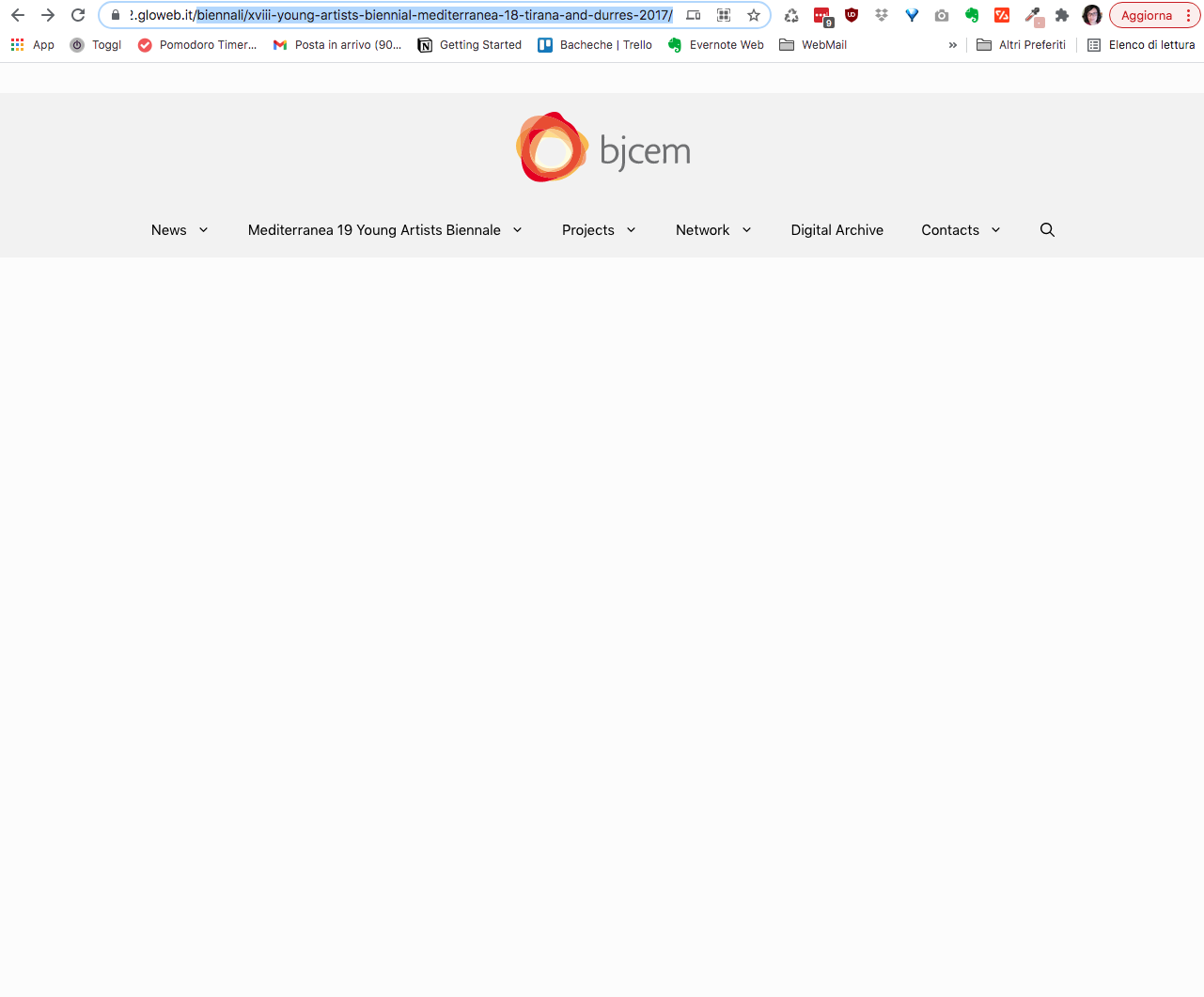
Schermata 2021-10-14 alle 16.05.13.png

Tell us what you are trying to do?

Hi, I have updated the plugin from version 2.3.3 to the latest release. The custom Post types previously created have been preserved, but when I access the page the content is not visible.
Only the header is displayed with navigation and then the page remains completely blank. The footer is also not displayed.

How can I solve this?

Is there any documentation that you are following?
I tried setting up WP's deafult permalink and then the lien caché structure.

Is there a similar example that we can see?
The original site with version 2.3.3 of toolset. lien caché

What is the link to your site?
lien caché

#2195965

Nigel
Supporter

Les langues: Anglais (English ) Espagnol (Español )

Fuseau horaire: Europe/London (GMT+01:00)

Could you please provide your debug info?

lien caché

#2195993

Thank you for your reply.
Here is the information

#2196117

Shane
Supporter

Les langues: Anglais (English )

Fuseau horaire: America/Jamaica (GMT-05:00)

Hi Gloria,

Thank you for the debug information, however i'm not seeing anything from the debug data that would be the cause of this.

Would it be possible to get admin access to the site to have a more detailed look at the issue ?

Thanks,
Shane

#2196519

Hi, I have created a temporary login with the Temporary Login Without Password plugin. Here is the login link:
lien caché

Thank you

#2196903

Shane
Supporter

Les langues: Anglais (English )

Fuseau horaire: America/Jamaica (GMT-05:00)

Hi Gloria,

Thank you for the login. What I see when I enable the wordpress debugging is the following error.

Fatal error: Uncaught Error: Call to undefined function mfn_opts_get() in /home/glowebit/public_html/demo2/wp-content/themes/generatepress_child/single-biennali.php:32 Stack trace: #0 /home/glowebit/public_html/demo2/wp-includes/template-loader.php(106): include() #1 /home/glowebit/public_html/demo2/wp-blog-header.php(19): require_once('/home/glowebit/...') #2 /home/glowebit/public_html/demo2/index.php(17): require('/home/glowebit/...') #3 {main} thrown in /home/glowebit/public_html/demo2/wp-content/themes/generatepress_child/single-biennali.php on line 32

Essentially the problem is coming from your custom post template in your child theme. Specifically this line below.

									
$h = mfn_opts_get( 'title-heading', 1 );

During my checks it would appear the function mfn_opts_get() is declared in the Betheme however you're using the generatepress theme hence you're getting this error.

Thanks,
Shane

#2198725

Thank you Shane for your reply.
the previous theme was Betheme and the child-theme was made by another developer.
Now I use Generate Press.
I will try to figure out how to fix this.

Have a nice day







