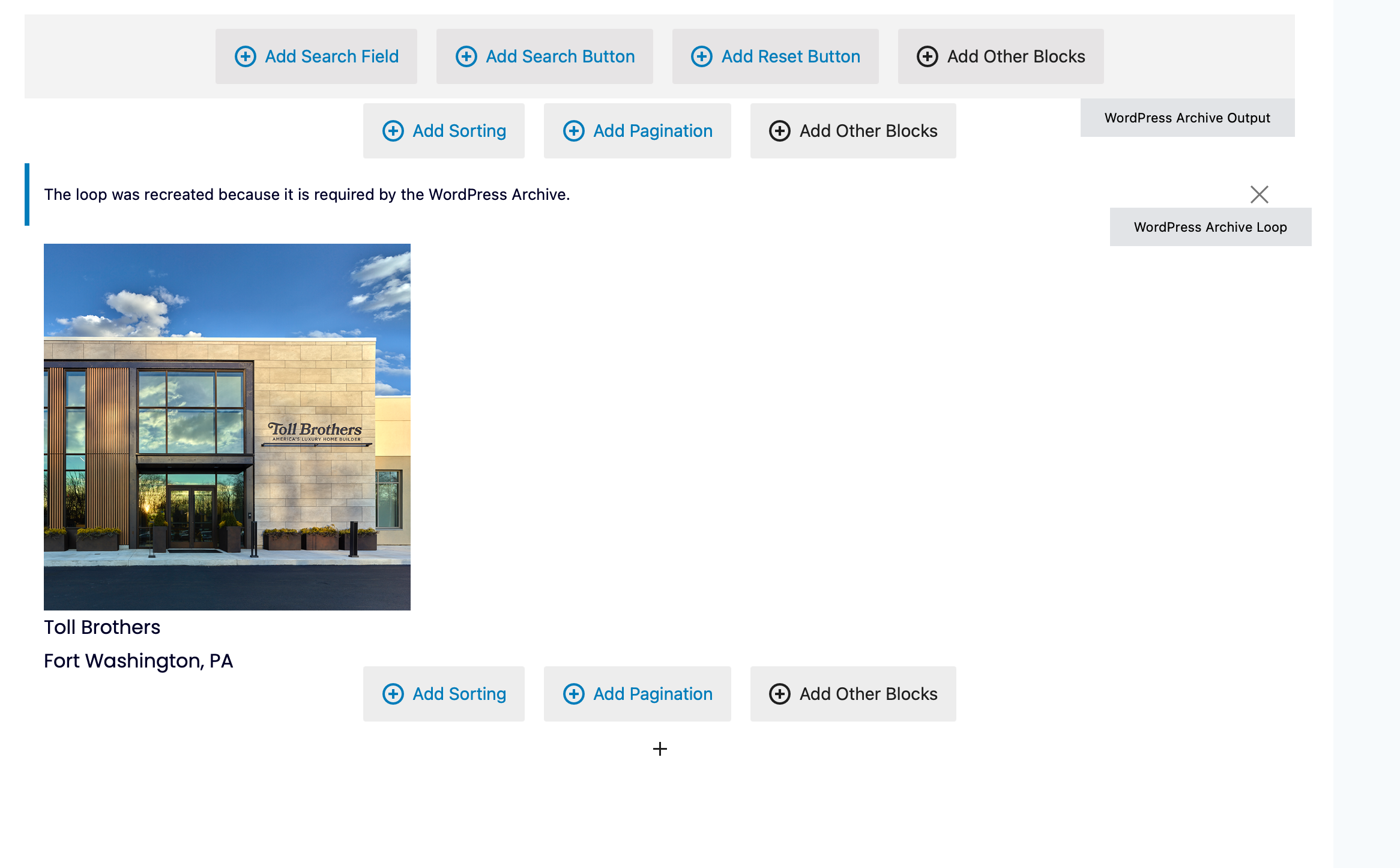
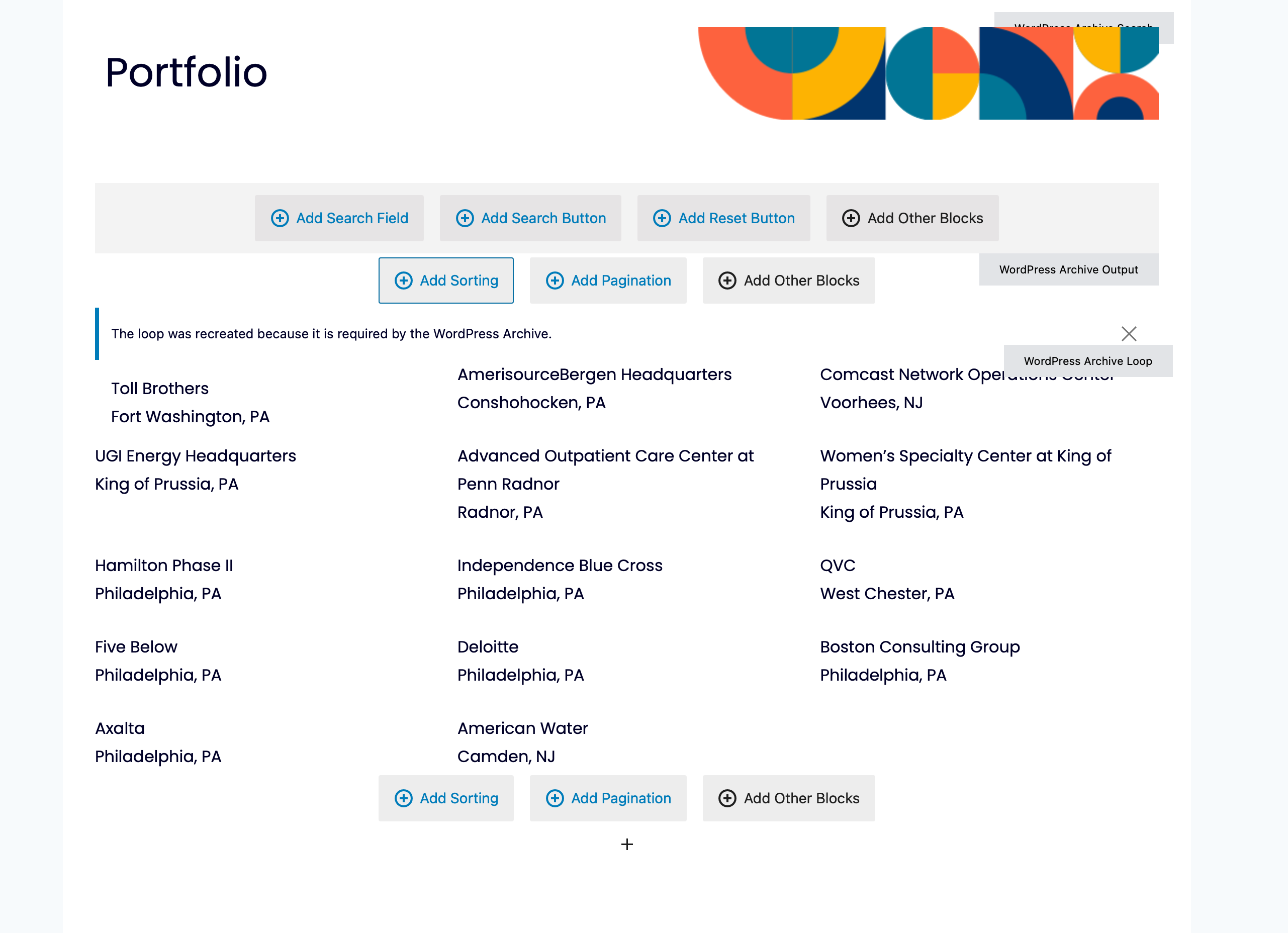
The portfolio on this site has been working just fine for a while. Tonight an error popped up. Only the first project returned is displayed IF the image block is used to display the thumbnail image. Delete the image and it displays all the projects.
I have no idea why, this happens on a normal page that includes a view as well as on the project custom field type archive page
I've attached screenshots of the page with and without the toolset image block.
Hello. Thank you for contacting the Toolset support.
I will have to review your current archive settings and if everything looks ok with your archive configuration then I'll try to reproduce the issue.
Can you please share your archive problem URL as well as admin access details.
*** Please make a FULL BACKUP of your database and website.***
I would also eventually need to request temporary access (WP-Admin and FTP) to your site. Preferably to a test site where the problem has been replicated if possible in order to be of better help and check if some configurations might need to be changed.
I have set the next reply to private which means only you and I have access to it.
I just deactivated the plguin "The Bluehost Plugin" and then refresh the page in backend "portfolio" page in backend and I can see all images loaded without any issues and save the page and again activated the "The Bluehost Plugin" plugin.
=> lien caché
Can you please check now: lien caché
I can see images loaded in backend and frontend without any issues.