Hello. Thank you for contacting the Toolset support.
I removed the admin access details as it was publicly available.
I checked and yes I can see the issue on your site.
Edited:
In order to minimize the cause of the issue and to ensure there is no conflict between the themes/plugins you are using?
- Could you please try to resolve your issue by deactivating all third-party plugins as well as the default theme to check for any possible conflicts with any of the plugins or themes?
Do you see any difference?
I've created the following sandbox site and you can auto-login to it using the following link:
- lien caché
Are you able to reproduce the issue with the above sandbox site?
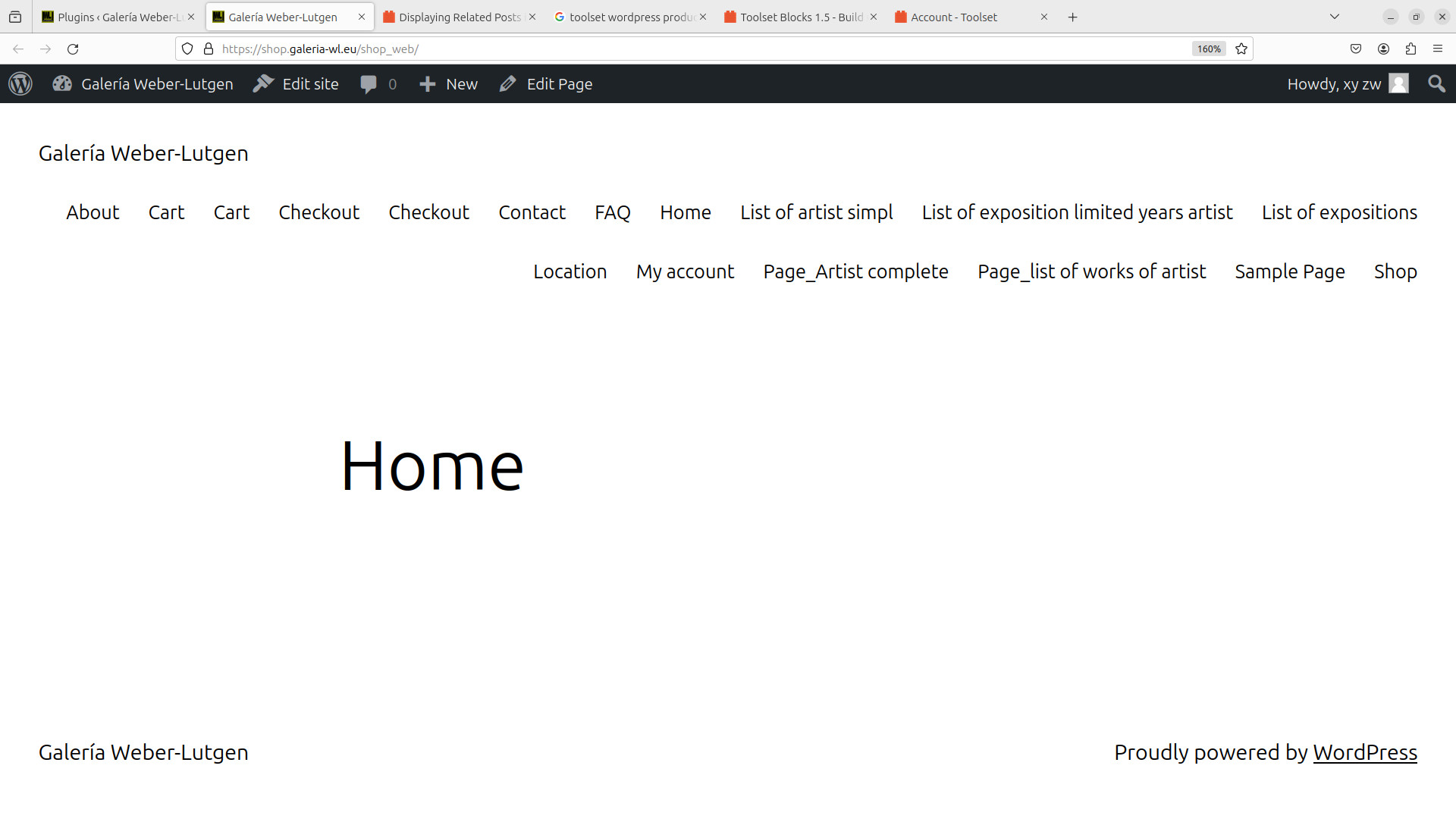
I deactivated ALL plugins and got this: see anexed screenshot
further info and question
1) I use Breakdance -> themes are disabled!
2)I do not know/understand third-party plugins! which of my plugins should be disabled :
- Duplicator Pro
- Breakdance
- Reveal IDs
- Simple Custom CSS and JS
- all toolset
I see you are using now grip to display content in two columns.
I've created the following sandbox site and you can auto-login to it using the following link:
- lien caché
Can you try to create the two columns same way you did before by creating the test content template with the above sandbox site and check if you able to see the issue and also share the steps I will have to follow to see the issue?
I found by chance out that with Toolset the correct way to implement columns is to use "GRID" .
in fact searching for "Column" shows : "Columns"; "Table" and "Grid".
as that seems not very clear I tried with searching for "Table " and I got : "Table"; "View" and "Classic paragraph"