Passer la navigation

[Résolu] Showing search field selected in search page

This support ticket is created Il y a 4 years, 10 months. There's a good chance that you are reading advice that it now obsolete.

This is the technical support forum for Toolset - a suite of plugins for developing WordPress sites without writing PHP.

Everyone can read this forum, but only Toolset clients can post in it. Toolset support works 6 days per week, 19 hours per day.

Sun Mon Tue Wed Thu Fri Sat
- 10:00 – 13:00 10:00 – 13:00 10:00 – 13:00 10:00 – 13:00 10:00 – 13:00 -
- 14:00 – 18:00 14:00 – 18:00 14:00 – 18:00 14:00 – 18:00 14:00 – 18:00 -

Fuseau horaire du supporter : Asia/Kolkata (GMT+05:30)

Ce sujet contient 2 réponses, a 2 voix.

Dernière mise à jour par manuelR-11 Il y a 4 years, 10 months.

Assisté par: Minesh.

Auteur
Publications
#2118871
Schermata 2021-07-19 alle 15.08.05.jpg
Schermata 2021-07-19 alle 15.07.55.jpg

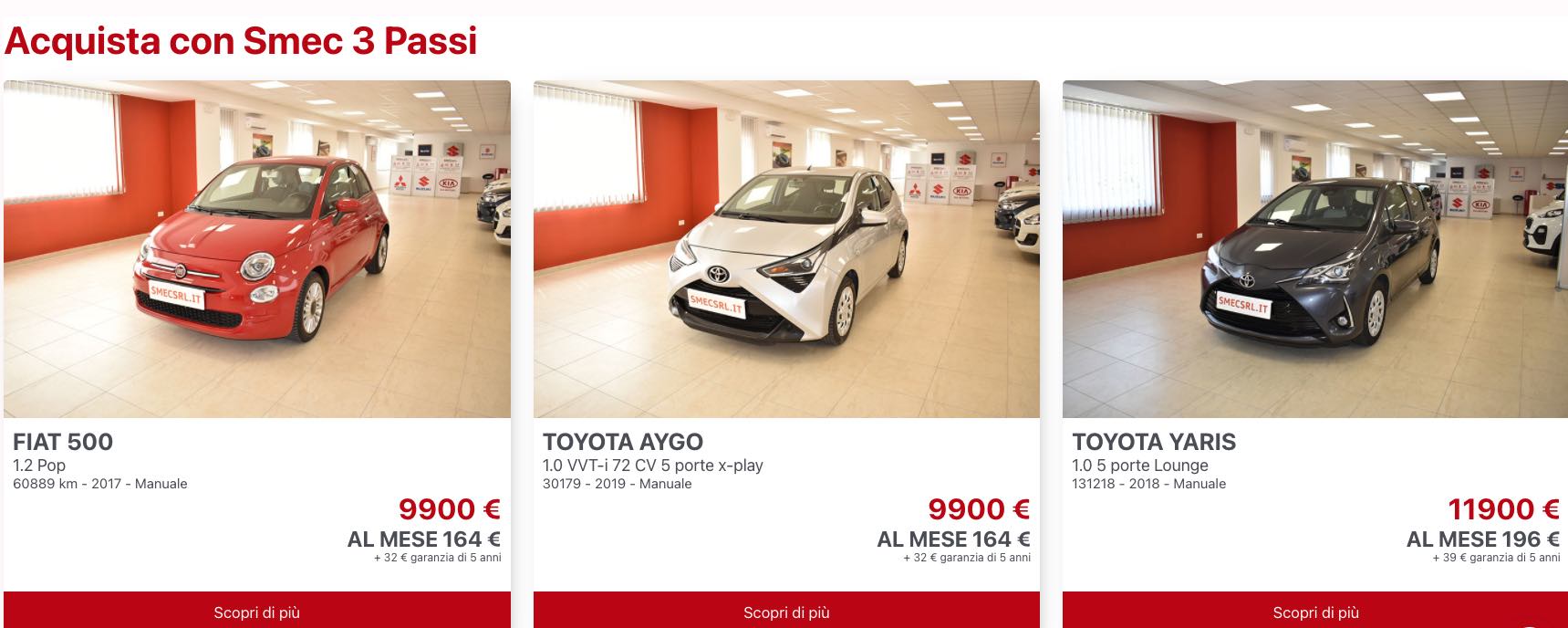
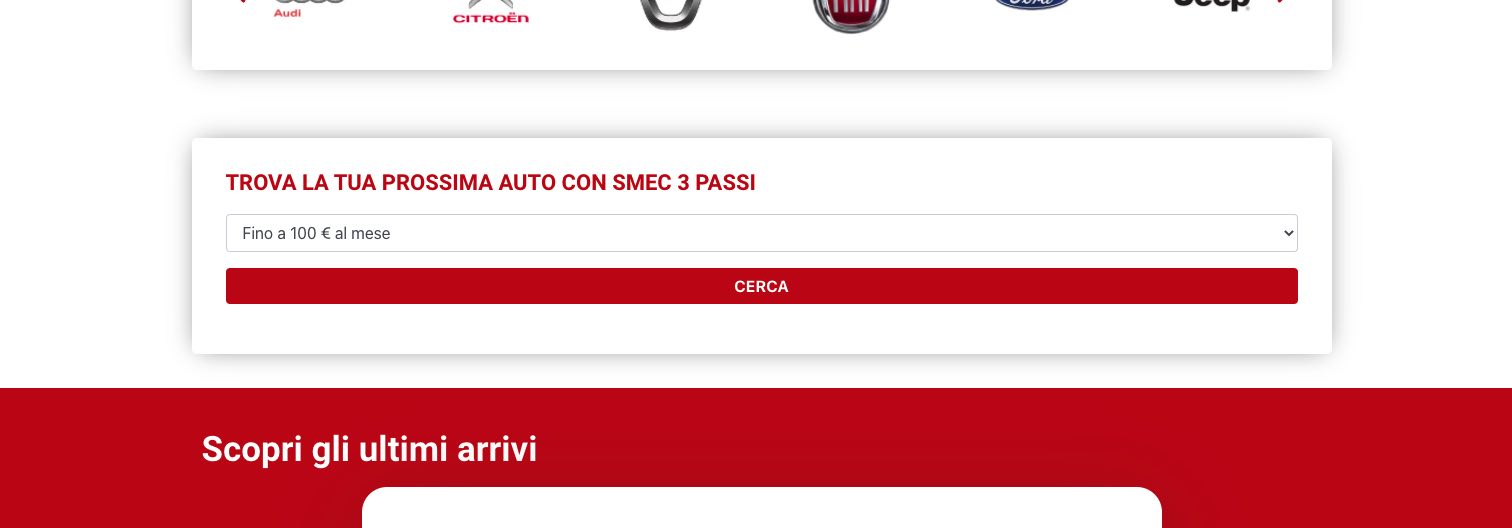
Tell us what you are trying to do? I need to show the installment that is chosen in the car search page e.g. if the installment of 200 euro is chosen I would like it to be shown in the results page like

"You have chosen the instalment of 200 euro".

Is there any documentation that you are following?

Is there a similar example that we can see?

What is the link to your site? lien caché

#2118967

Minesh
Supporter

Les langues: Anglais (English )

Fuseau horaire: Asia/Kolkata (GMT+05:30)

Hello. Thank you for contacting the Toolset support.

You can use the view's shortcode [wpv-search-term] in order to display the value from the URL param.
- https://toolset.com/documentation/programmer-reference/views/views-shortcodes/#wpv-search-term

So, you can display the such line as follows on your search result page.

You have chosen the instalment of [wpv-search-term param='wpv-wpcf-rata'] euro.
#2122023

My issue is resolved now. Thank you!