Tell us what you are trying to do?
I have different post type that I display all on this page: lien caché.
The different post types have different fields and I would like to be able to show the filters for these fields only when the corresponding category is selected.
For example, if someone select "Parks" then the filter "Amenities" (showing below) should then show - but it should be hidden when "All" is selected.
Is there any documentation that you are following?
Several
https://toolset.com/forums/topic/conditional-filters-on-search-view/
https://toolset.com/forums/topic/we-are-creating-a-map-filter-which-will-display-multiple-custom-post-types/
I know this will require custom jquery or javascript and I don't have much knowledge of this language. It might be outside of your scope but I thought it was worth a shot. Thank you for your help!
Hello,
It needs custom JS codes, please provide a test site with the same problem, fill below private message box with test site credentials, also point out the problem page URL and view URL, I can setup a demo for you
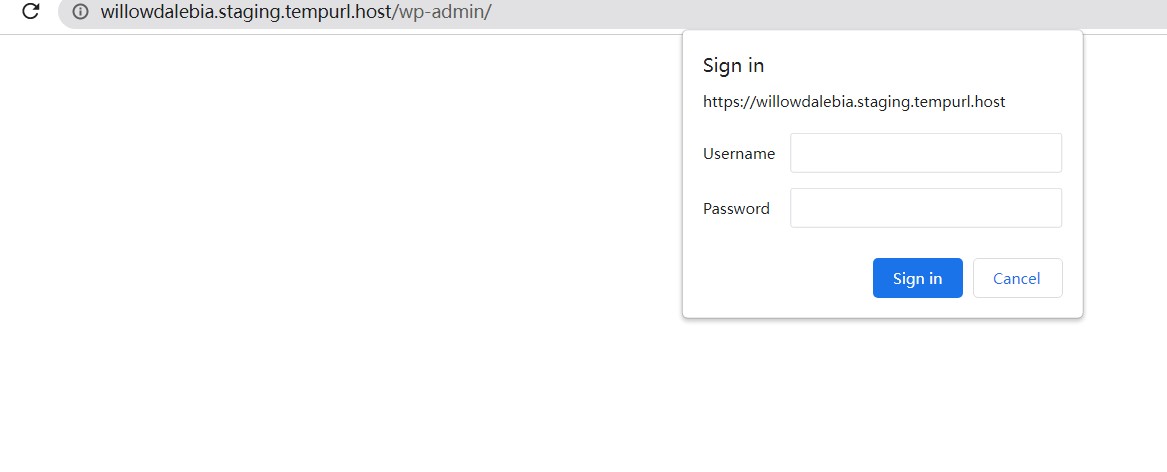
I have tried the credentials you provided above, but can only see htaccess login window, can you check it? make sure it is a valid admin account, then update here.
The FTP address is lien caché
I don't know how to send a private answer. The rest of the info should be good.
No, I am talking about "WordPress access details", see my screenshot.
oh, sorry. the site was password protected and I didn't notice. you should be able to login now, I removed the protection.
Thanks for the details, I can login into your website, will update here if find anything
I have done below modifications in your website:
Edit the post view:
lien caché
in section "Search and Pagination", click "JS Editor", add below codes:
jQuery( document ).on( 'js_event_wpv_parametric_search_form_updated', function( event, data ) {
	/**
	* data.view_unique_id (string) The View unique ID hash
	* data.view_changed_form (object) The jQuery object for the View form after being updated
	* data.view_changed_form_additional_forms_only (object) The jQuery object containing additional forms from other instances of the same View inserted using the [wpv-form-view] shortcode
	* data.view_changed_form_additional_forms_full (object) The jQuery object containing additional forms from other instances of the same View inserted using the [wpv-view] shortcode
	*/
  if(jQuery('input[name="wpv-explore-map-category"][value="0"]').prop('checked')){
  	jQuery('div.filters-parks.filters-section').hide();
  }
  if(jQuery('input[name="wpv-explore-map-category"][value="parks"]').prop('checked')){
  	jQuery('div.filters-parks.filters-section').show();
  }

});


  if(jQuery('input[name="wpv-explore-map-category"][value="0"]').prop('checked')){
  	jQuery('div.filters-parks.filters-section').hide();
  }
  if(jQuery('input[name="wpv-explore-map-category"][value="parks"]').prop('checked')){
  	jQuery('div.filters-parks.filters-section').show();
  }
It works fine in frontend:
lien caché
For your reference.
Thank you! I think I should be good to go.