Hi there
I have a plugin installed that adds a unique QR Code to each Woocommerce order. Each time the plugin calls the code in both the woocommerce 'confirmed' email template and the order template it does it like this:
<img class="orderbarcodes_order_barcode" style="display: block; margin-left: auto; margin-right: auto;" src="<?php echo orderbarcodes_getBarcodeUrl($order); ?>" />
So I am guessing it is this URL that I need to be able to add the QR Code 'image' to toolset order templates:
<?php echo orderbarcodes_getBarcodeUrl($order); ?>
I understand that I cannot display this in toolset content templates or views so I am hoping you can help me to create a little shortcode to get that image url... I am so sorry but I don't know enough php to be able to do this...
Is this something you can help me with?
Is there any other information you need?
Hi Rita,
Thank you for getting in touch.
To wrap this in a shortcode you can simply use the following tool.
lien caché
However I went ahead and generated the shortcode for you.
// Add Shortcode
function func_qr_img() {

	$qr_img = "<img class='orderbarcodes_order_barcode' style='display: block; margin-left: auto; margin-right: auto;' src='".orderbarcodes_getBarcodeUrl($order)."' />";
	return $qr_img;

}
add_shortcode( 'func_qr_img', 'func_qr_img' );
Please let me know if this helps.
Thanks,
Shane
Hi Shane
Thanks for your help!
I added this shortcode to the woocommerce order template: [func_qr_img]
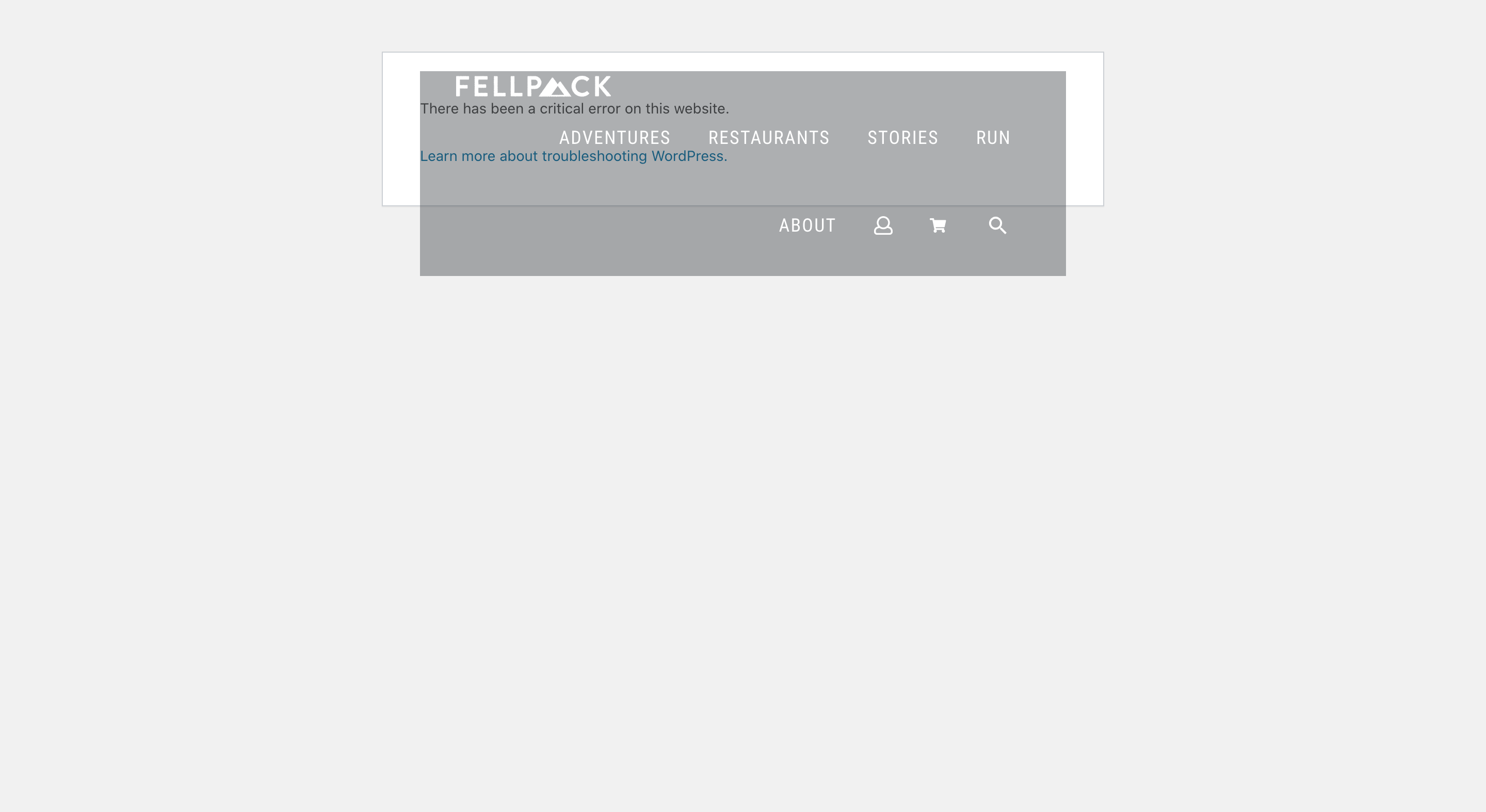
But... unfortunately, this displays a "There has been a critical error on this website." message as per screenshot attached.
Maybe you need more context? This is the whole php section on 'displaying the code on the order post' in the plugins php file:
/**
* Add the barcode after the order details - web form
*/
function orderbarcodes_add_order_barcode($order) {
if (get_option('plugindistrict_orderbarcodes_myordershide') == '') {
$types = array("code11", "code2of5", "code39", "code49", "code93", "code128", "qrcode");
$barcodetype = (get_option('plugindistrict_orderbarcodes_barcodetype') == '' || !in_array(get_option('plugindistrict_orderbarcodes_barcodetype'), $types, true) ? 'code128' : get_option('plugindistrict_orderbarcodes_barcodetype'));
?>
<div class="orderbarcodes_order_barcode_div" style="text-align: center; margin: 10px;">
<img class="orderbarcodes_order_barcode" style="display: block; margin-left: auto; margin-right: auto;" src="<?php echo orderbarcodes_getBarcodeUrl($order); ?>" />
<p style="font-weight:bold; color:black;"><?php echo (get_option('plugindistrict_orderbarcodes_showtextupc') == 1 && $barcodetype == 'qrcode' ? $order->get_id() : '') ?></p>
</div>
<?php
}
}
Is this useful?
Rita
Hi Rita,
The entire code context would've been helpful yes given that i was under the impression that the function was declared somewhere else.
Try adding the code like this.
/**
* Add the barcode after the order details - web form
*/
function orderbarcodes_add_order_barcode($order) {
if (get_option('plugindistrict_orderbarcodes_myordershide') == '') {
$types = array("code11", "code2of5", "code39", "code49", "code93", "code128", "qrcode");
$barcodetype = (get_option('plugindistrict_orderbarcodes_barcodetype') == '' || !in_array(get_option('plugindistrict_orderbarcodes_barcodetype'), $types, true) ? 'code128' : get_option('plugindistrict_orderbarcodes_barcodetype'));
?>
<div class="orderbarcodes_order_barcode_div" style="text-align: center; margin: 10px;">
<img class="orderbarcodes_order_barcode" style="display: block; margin-left: auto; margin-right: auto;" src="<?php echo orderbarcodes_getBarcodeUrl($order); ?>" />
<p style="font-weight:bold; color:black;"><?php echo (get_option('plugindistrict_orderbarcodes_showtextupc') == 1 && $barcodetype == 'qrcode' ? $order->get_id() : '') ?></p>
</div>
<?php
}
}

// Add Shortcode
function func_qr_img() {

    $qr_img = orderbarcodes_add_order_barcode($order);
    return $qr_img;

}
add_shortcode( 'func_qr_img', 'func_qr_img' );
Not sure what provides the value for $order but let me know if this helps. If not then you may need to seek assistance from the developers of this code to convert it to a shortcode for you.
Thanks,
Shane
Hi Shane
Sorry about that. I should have given you the full code in the first place.
I dropped your code into functions.php but it won't save and explains the error: "Cannot redeclare orderbarcodes_add_order_barcode() (previously declared in wp-content/plugins/pd-orderbarcodes/plugindistrict-orderbarcodes.php:89)"
What do you think?
Hi Rita,
Based on the error, it would appear that you have the function being declared twice on the page.
Remove this section here.
/**
* Add the barcode after the order details - web form
*/
function orderbarcodes_add_order_barcode($order) {
if (get_option('plugindistrict_orderbarcodes_myordershide') == '') {
$types = array("code11", "code2of5", "code39", "code49", "code93", "code128", "qrcode");
$barcodetype = (get_option('plugindistrict_orderbarcodes_barcodetype') == '' || !in_array(get_option('plugindistrict_orderbarcodes_barcodetype'), $types, true) ? 'code128' : get_option('plugindistrict_orderbarcodes_barcodetype'));
?>
<div class="orderbarcodes_order_barcode_div" style="text-align: center; margin: 10px;">
<img class="orderbarcodes_order_barcode" style="display: block; margin-left: auto; margin-right: auto;" src="<?php echo orderbarcodes_getBarcodeUrl($order); ?>" />
<p style="font-weight:bold; color:black;"><?php echo (get_option('plugindistrict_orderbarcodes_showtextupc') == 1 && $barcodetype == 'qrcode' ? $order->get_id() : '') ?></p>
</div>
<?php
}
}
This should clear up the redeclaration error. From there we can see if this solution works.
Thanks,
Shane
Ok cool so I removed that first bit from functions.php. Added the shortcode [func_qr_img] to the toolset order post content template and yep it still gives the critical error as per screenshot above... Sorry!
Hi Rita,
I think it might be best to consult with the authors of the plugin for this code as they are better able to construct a shortcode for this. They will know the full context of the code and what are the core functions that are needed for this to work correctly.
Thanks,
Shane
Ok thanks Shane. Appreciate your help.
I have emailed the plugin's developers. Hopefully they will be able to advise.
I'll close the ticket now.
Rita