Les langues: Anglais (English )Espagnol (Español )
Fuseau horaire: Europe/London (GMT+01:00)
Hi Eric
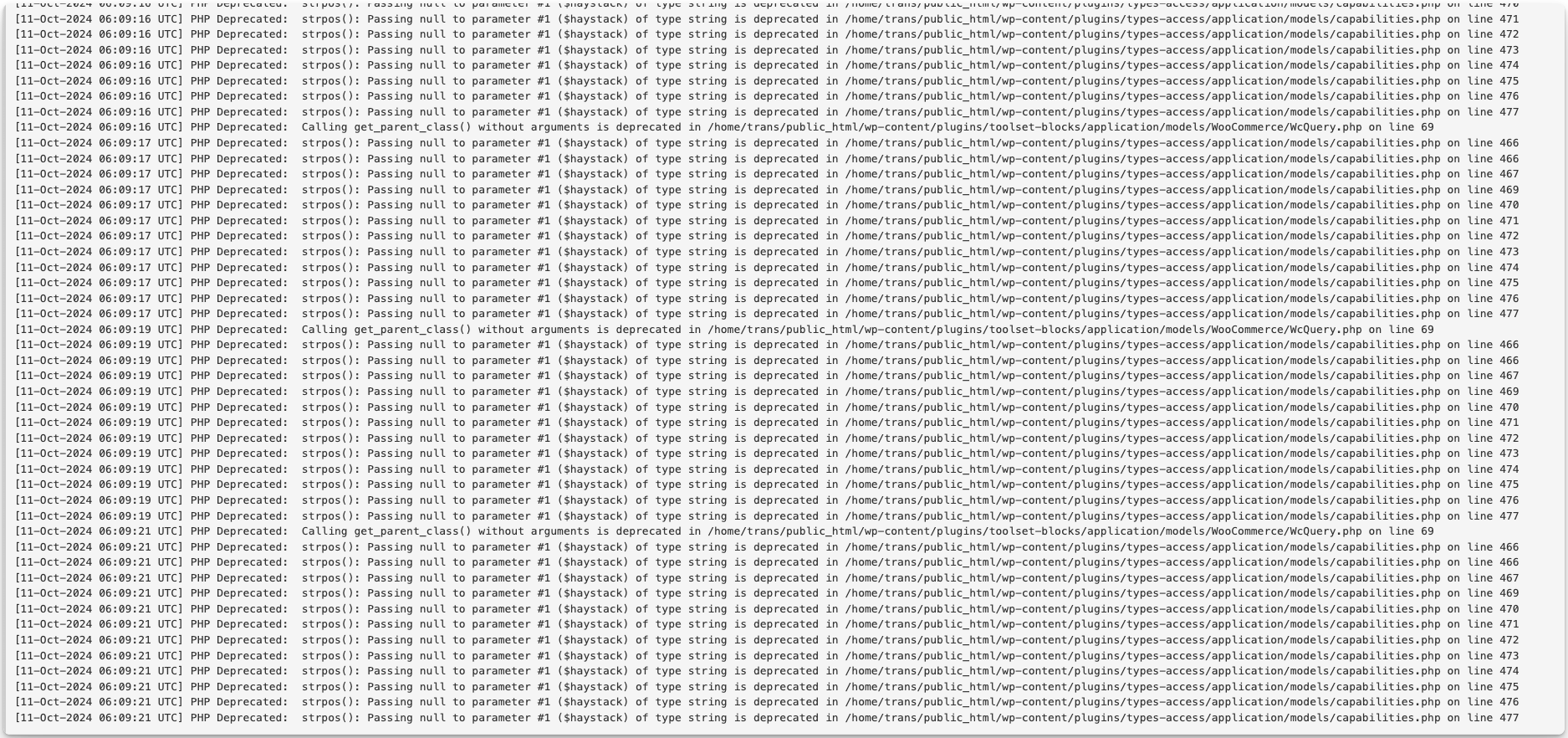
Those notices suggest something unexpected is happening in the code execution.
Something appears to be calling the WordPress function WP_User::has_cap without passing a capability to check against. Access intercedes in the subsequent code via a filter but there is no capability to test, and that triggers the deprecation notices you are seeing.
It would need local debugging of a copy of the site to be able to examine the call stack at that moment in the execution to identify what is calling has_cap() without passing a capability.
(It could be coming from another plugin, for example, and you could try testing with non-Toolset plugins disabled to see if you can try to isolate which plugin causes the notices.)
You could prevent the notices from appearing with a small edit of the file plugins/types-access/application/models/capabilities.php, changing line 463 to specify an empty string as a default value for the $cap argument like so:
public function is_managed_capability( $cap = '', $requested_cap = '' ) {
The separate notice about calling get_parent_class, we have an internal ticket to fix that, which will hopefully be done before the next round of updates that we have due soon.
Thank you, Nigel. I used GPT to guide me, but I hit a brick wall. Since it's a deprecated notice, will this affect the performance of my website? Also, to avoid having to edit what could be erased due to a future Types Access update, can you provide me with the code to add to my child theme's functions.php file that will have the same effect? I would appreciate it. 🙂 Eric
There is no performance implication as the deprecated notice is just a notice of deprecation. So it warns that in future updates of PHP, the function might not work.
Regarding the child theme relate request, unfortunately, it is not possible as that code is not part of any hooks that can be targeted in functions.php and the exact code needs to be changed inside toolset files.
Thank you for your understanding.
The topic ‘[Closed] Removing PHP Deprecated notices in debug log’ is closed to new replies.