Passer la navigation

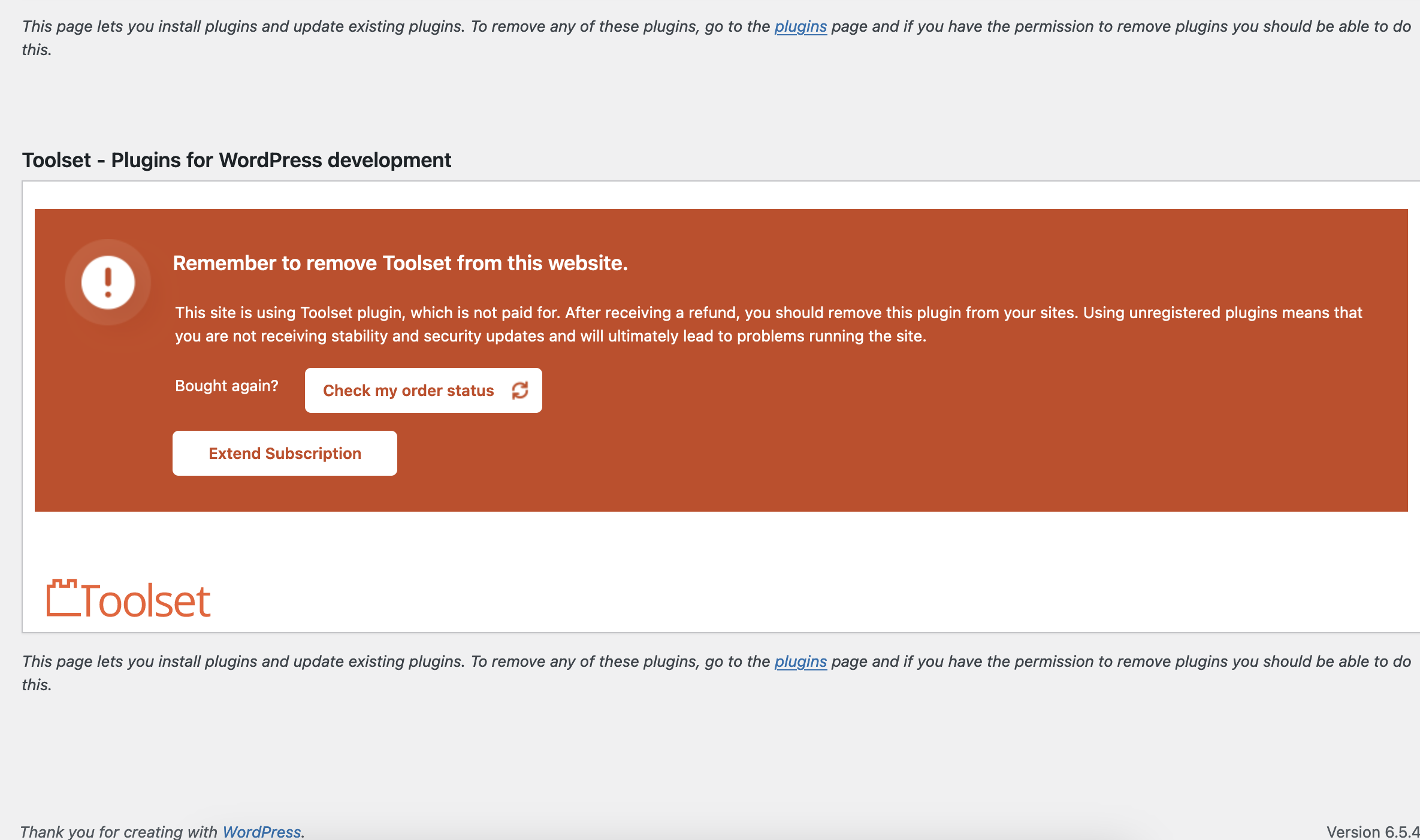
[Closed] "Remember to remove Toolset from this website." wont remove even though we have

This support ticket is created Il y a 1 year, 11 months. There's a good chance that you are reading advice that it now obsolete.

This is the technical support forum for Toolset - a suite of plugins for developing WordPress sites without writing PHP.

Everyone can read this forum, but only Toolset clients can post in it. Toolset support works 6 days per week, 19 hours per day.

Ce sujet contient 1 reply, a 2 voix.

Dernière mise à jour par Christopher Amirian Il y a 1 year, 11 months.

Assisté par: Christopher Amirian.

Auteur
Publications
#2703674
Screenshot 2024-06-21 at 14.10.36.png

I am trying to: get rid of this banner on every page of admin

Link to a page where the issue can be seen: admnin only, screen grab attached

I expected to see:

Instead, I got:

#2703884

Christopher Amirian
Supporter

Les langues: Anglais (English )

Hi there,

Please do as follows:

- Make sure that you are logged in toolset.com.
- Go to "WordPress Dashboard > Plugins > Add New > Commercial (Tab)".
- Click the "Unregister Toolset from this website" link.
- Click the "Register Toolset" at the right section of the screen.
- Click the "Get a key for this site" link annotated in the screenshot below.
- A new page will open up and the auto-generated key will show in pop-up.
- Copy the key and paste it into the "Site Key" input box annotated in the screenshot below.
- Click the "OK" button.

Thanks.

The topic ‘[Closed] "Remember to remove Toolset from this website." wont remove even though we have’ is closed to new replies.