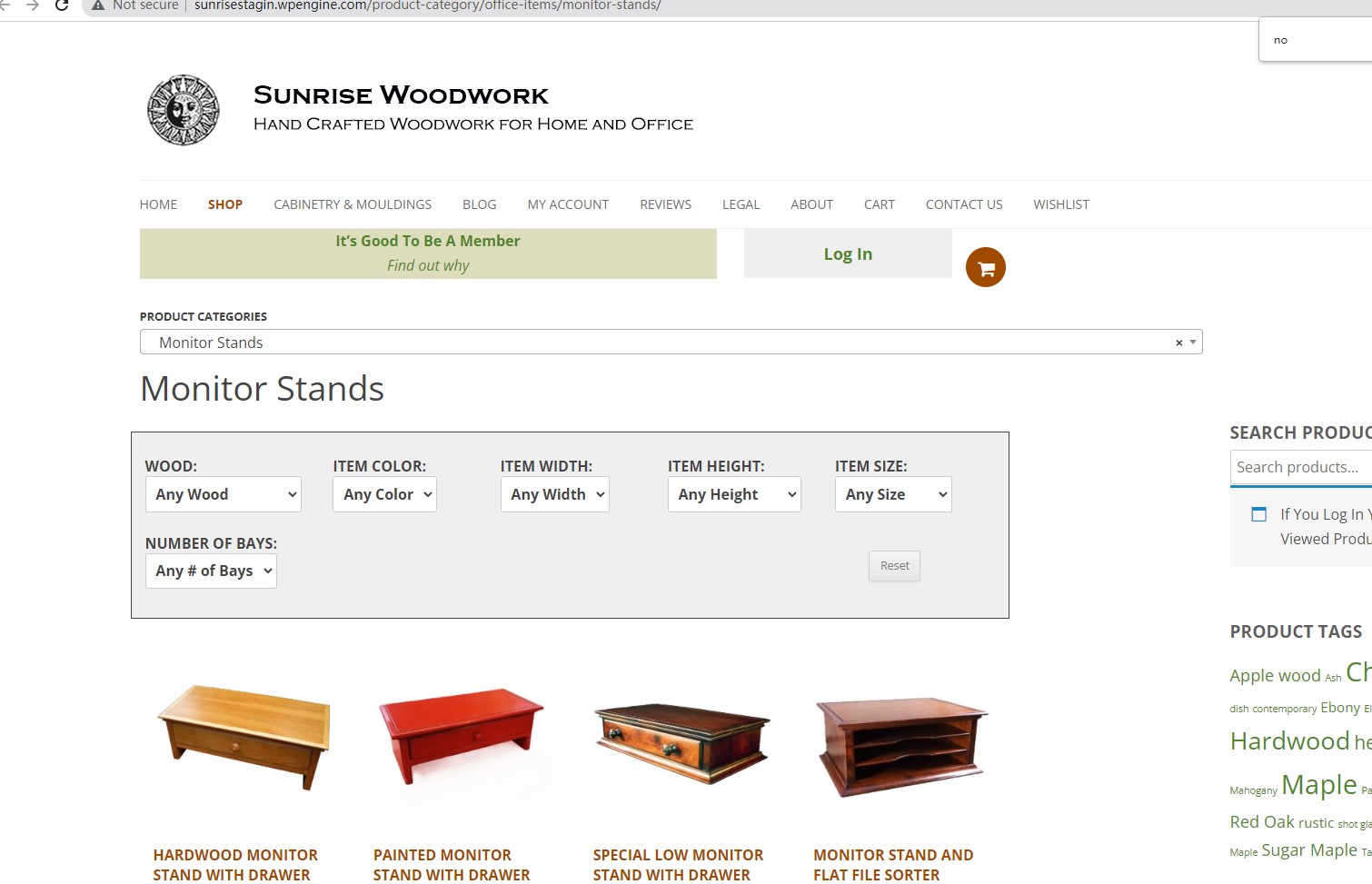
I am trying to: display a grid of my products, but only those in stock. Page is set up using a layout.
Child Layout cell - TEMPLATE FOR ARCHIVE id : 4463: "Product Category Archive"
row 10 - WordPress Archive: Product Search Box
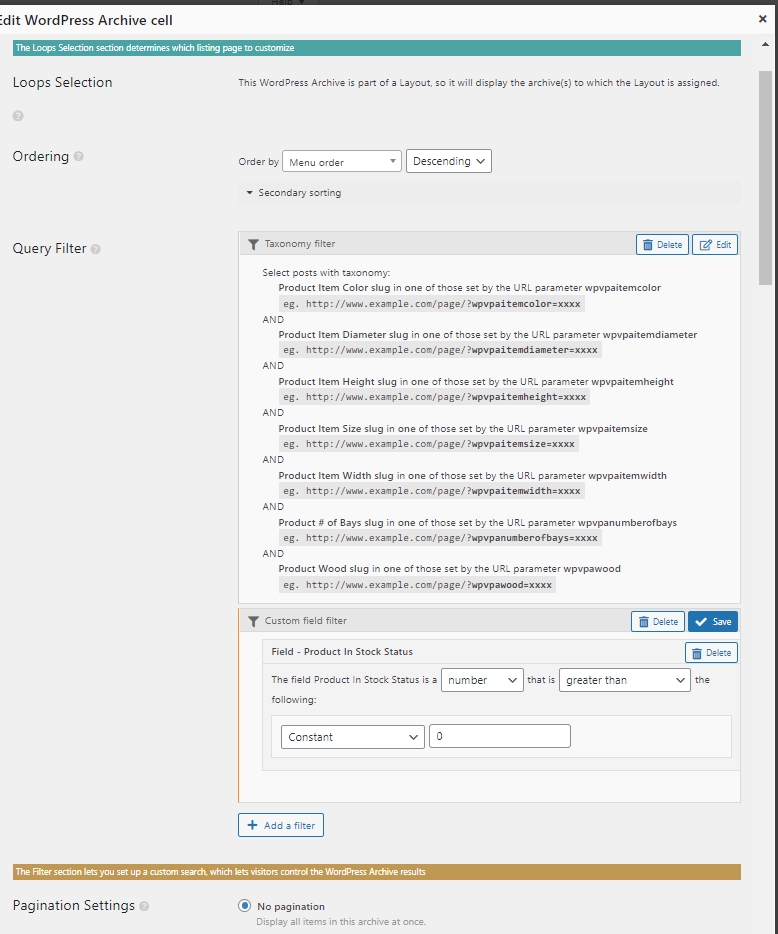
If I add a filter "Woocommerce Views Filter Fields - Custom field - Product in stock status. the product grid on the front end page will display no results no matter how I set up the filter.
Link to a page where the issue can be seen: copied site to a staging environment.
lien caché
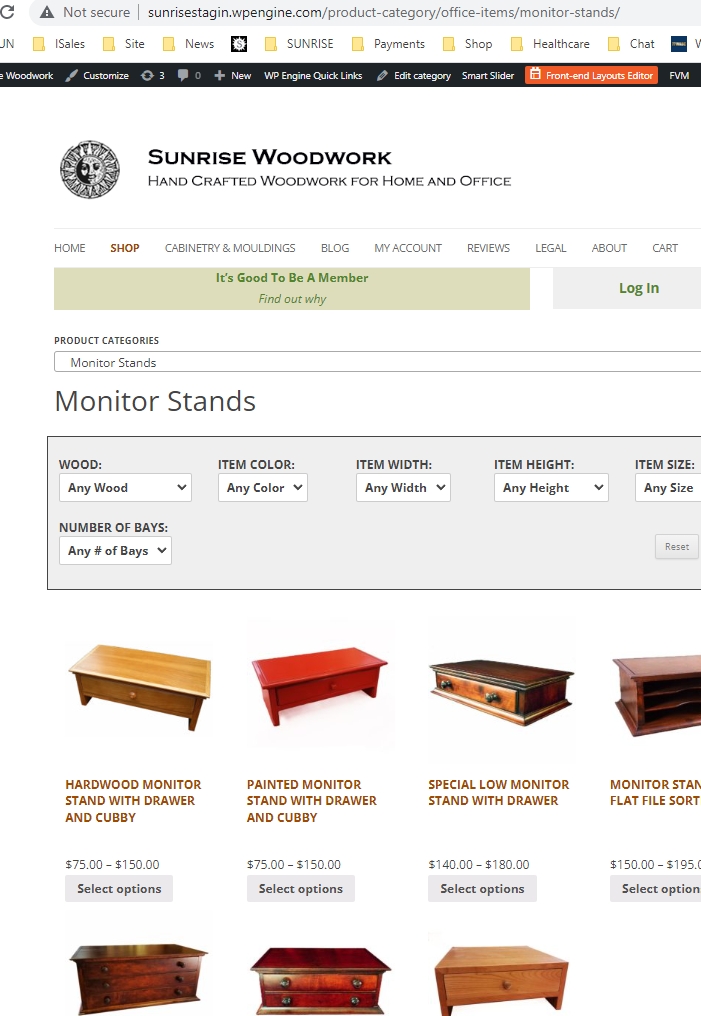
I expected to see: a grid of photos of monitor stands
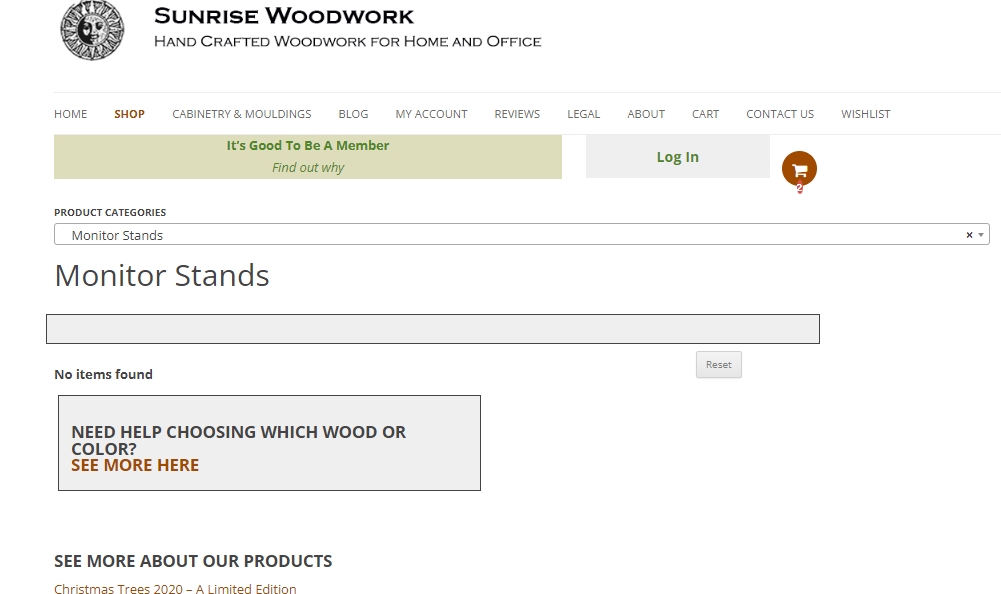
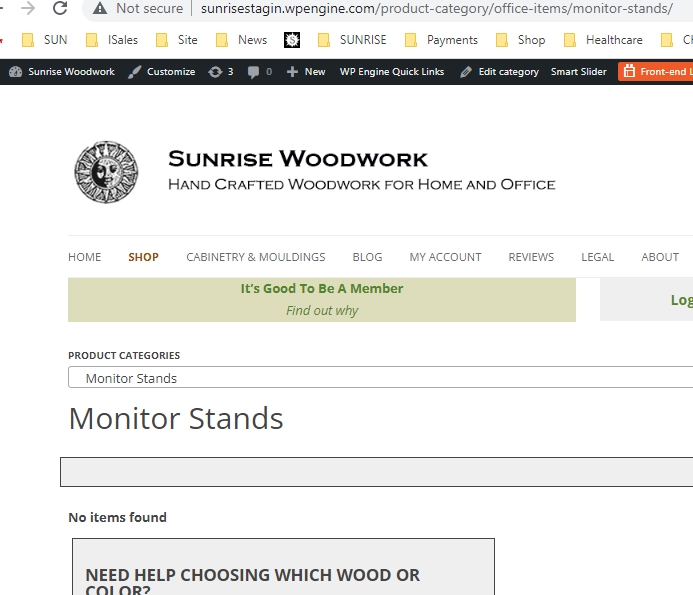
Instead, I got: : No results found
Hello,
I have tried the website credentials you provided above, but get below error message:
Error: The password you entered for the username tom is incorrect.
Please check it, make sure it is a valid admin account, thanks
And I have checked the URL you mentioned above, I don't see the problem you mentioned above: No results found
See my screenshot monitor-stands.jpg
Is this problem resolved? Please let me know if you still need assistance for it.
Hi Luo,
Sorry for the confusion. you did not see the "No results found" because I did not have the filter in place when you looked. You saw what should appear if the filter was working correctly. I have achieved this with a work around, but i still need to get the filter to work correctly.
I have put the filter back in place and now there are no results found.
i do not know how to re-submit the password to the back end of the site, there was a typo when I submitted the ticket. I will just tell you to remove the first dash (-) from what I originally gave you and it should work.
thanks,
tom
Thanks for the details, I have done below modifications in your website:
1) Dashboard-> Toolset-> Settings-> Front-end Content, in section "Hidden custom fields", enable Woocommerce built-in stock status field: _stock_status
2) Edit the WordPress Archive:
Change the custom field filter as below:
lien caché
Select items with field:
Stock status is a string like instock
Test it in frontend:
lien caché
Please test again, check if it is fixed. thanks
My issue is resolved now. Thank you!
Thank you Luo,
I would never have figured it out.