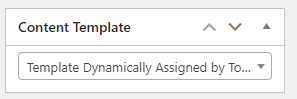
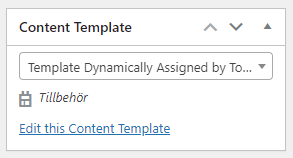
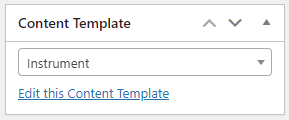
I have three product templates on my site: Givare, Tillbehör and Instrument.
The first 2 templates are automatically assigned to the correct template according to the condition given (product category: Givare and Tillbehör, respectively).
The third template "Instrument" however is not assigned correct automatically according to the set condition. It's possible to set it manually by editing the product though.
Example of product that is not assigned the correct template automatically:
lien caché
Example of product that is assigned the correct template automatically according to conditions:
lien caché
The site stage.nordtec.dev is a copy of our development site. I will uninstall it after this issue is solved.
This is a bug maybe?
Hello,
I have checked it in your website:
1) The content template "Instrument" is using below condition:
Produktkategorier: Mätinstrument
2) The product post you mentioned above does not use "Mätinstrument" term, so it won't to be assigned with content template "Instrument"
3) I have tried to create a new product post:
lien caché
in section "Produktkategorier" choose term: Mätinstrument
Save it, I can see it works fine, it is using content template "Instrument"
You are absolutely right. I was 100% sure that all these "instruments" used the "Mätinstrument" product category, so I didn't even check. Sorry about that!
But now I have an other problem. Do you want me to start another ticket for that?
Short description:
If you look at the product image in this page, using the stage site, when hovering the default image is still visible behind the zoomed image:
lien caché
When looking at this same page in our development site the default image does not show behind the zoomed image, when hovering:
lien caché
The same Toolset product image block is used in both cases. I do not want the default image to still be visible behind the zoomed image. How do I accomplish that?
According to our support policy, we prefer to one ticket one question, for other new issues, please check the new thread here:
https://toolset.com/forums/topic/i-have-an-other-problem/
My issue is resolved now. Thank you!