Since updating to the latest version of Toolset Blocks:
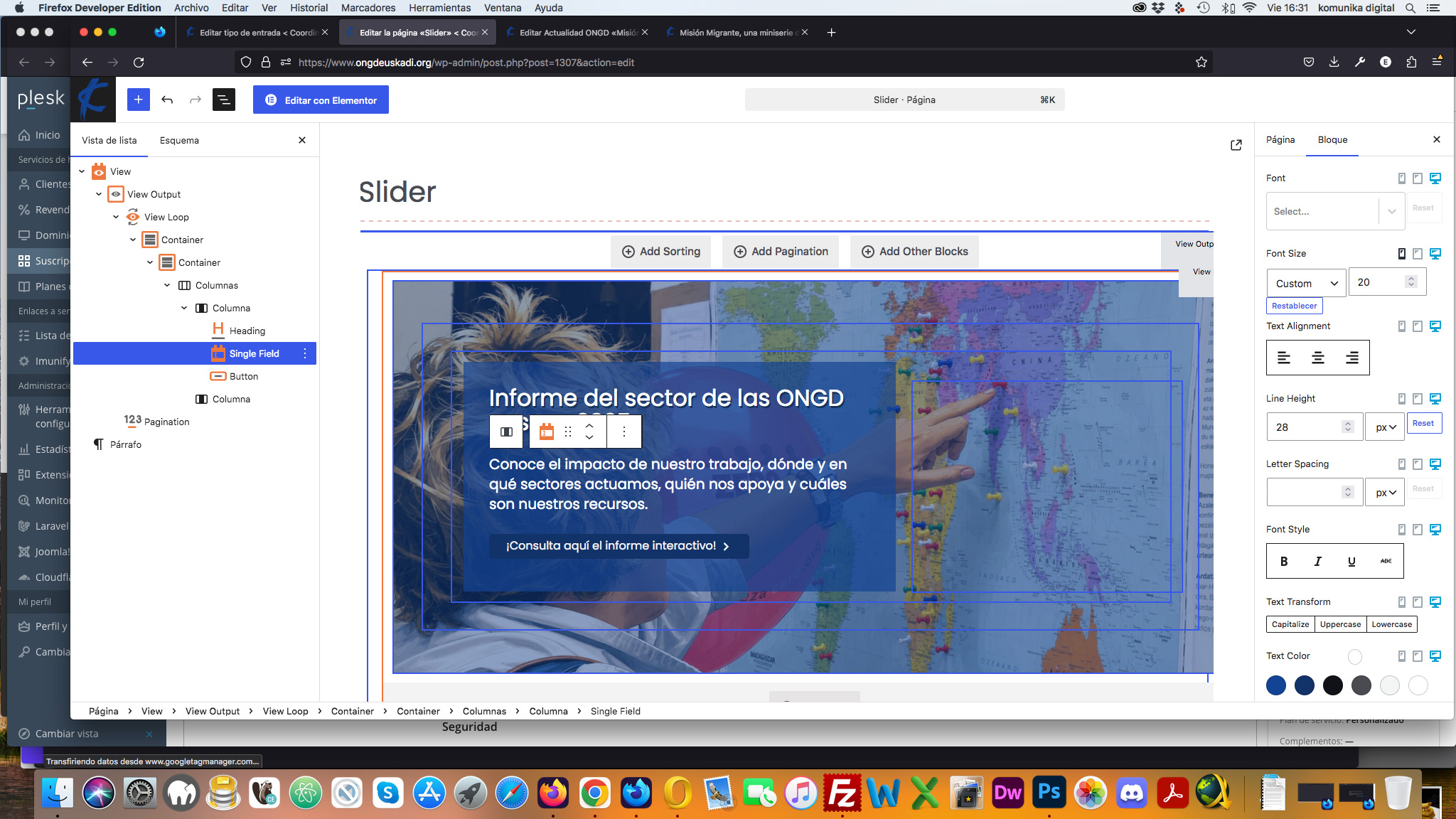
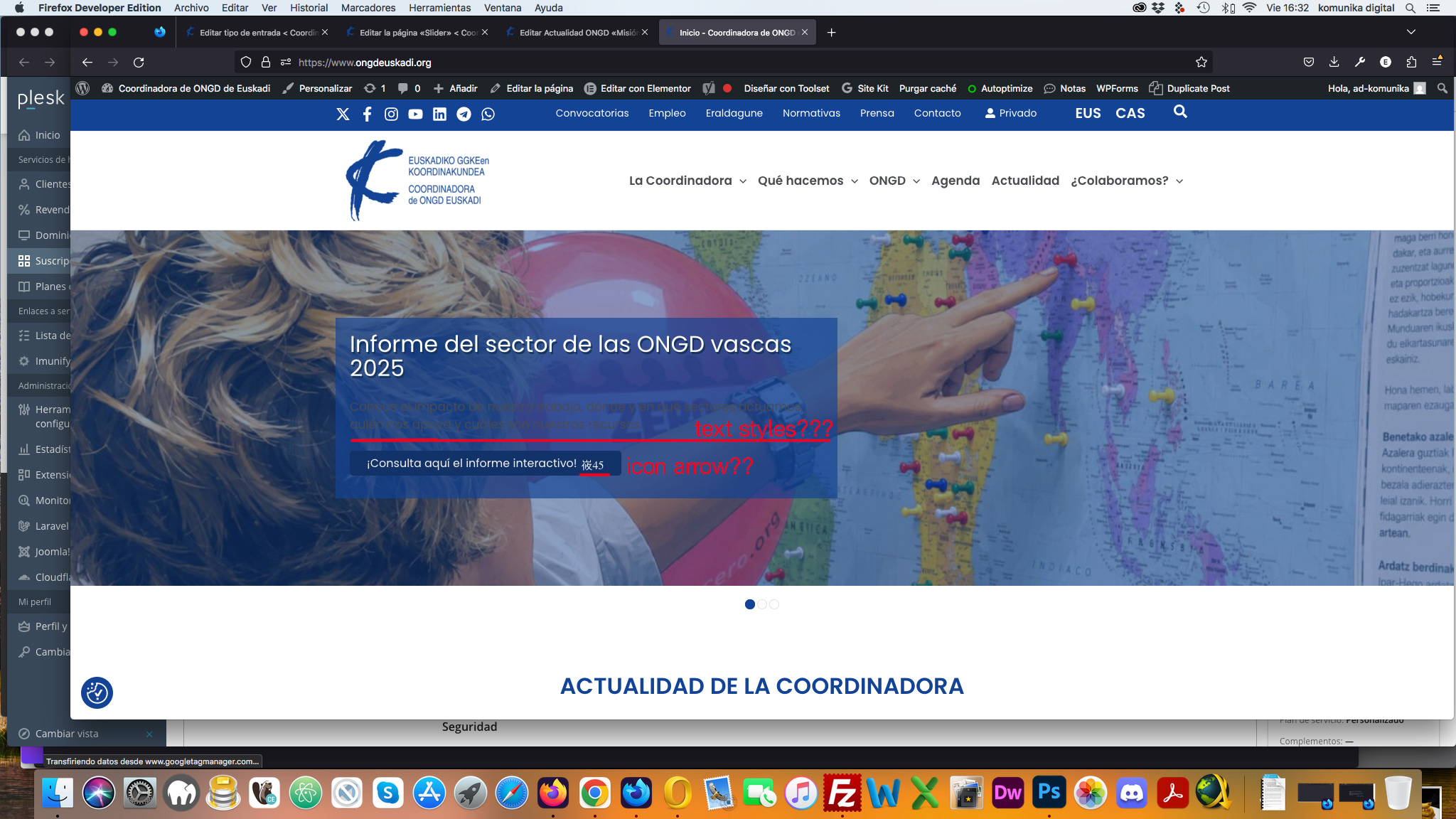
1. STYLES APPLIED TO FIELDS IN VIEWS. For example, when applying styles—such as colors and font size—to dynamic fields via the editor options (e.g., `view_loop` in the home slider), the assigned styles are lost when moving past the first slide. I’ve had to use custom CSS to force them to work.
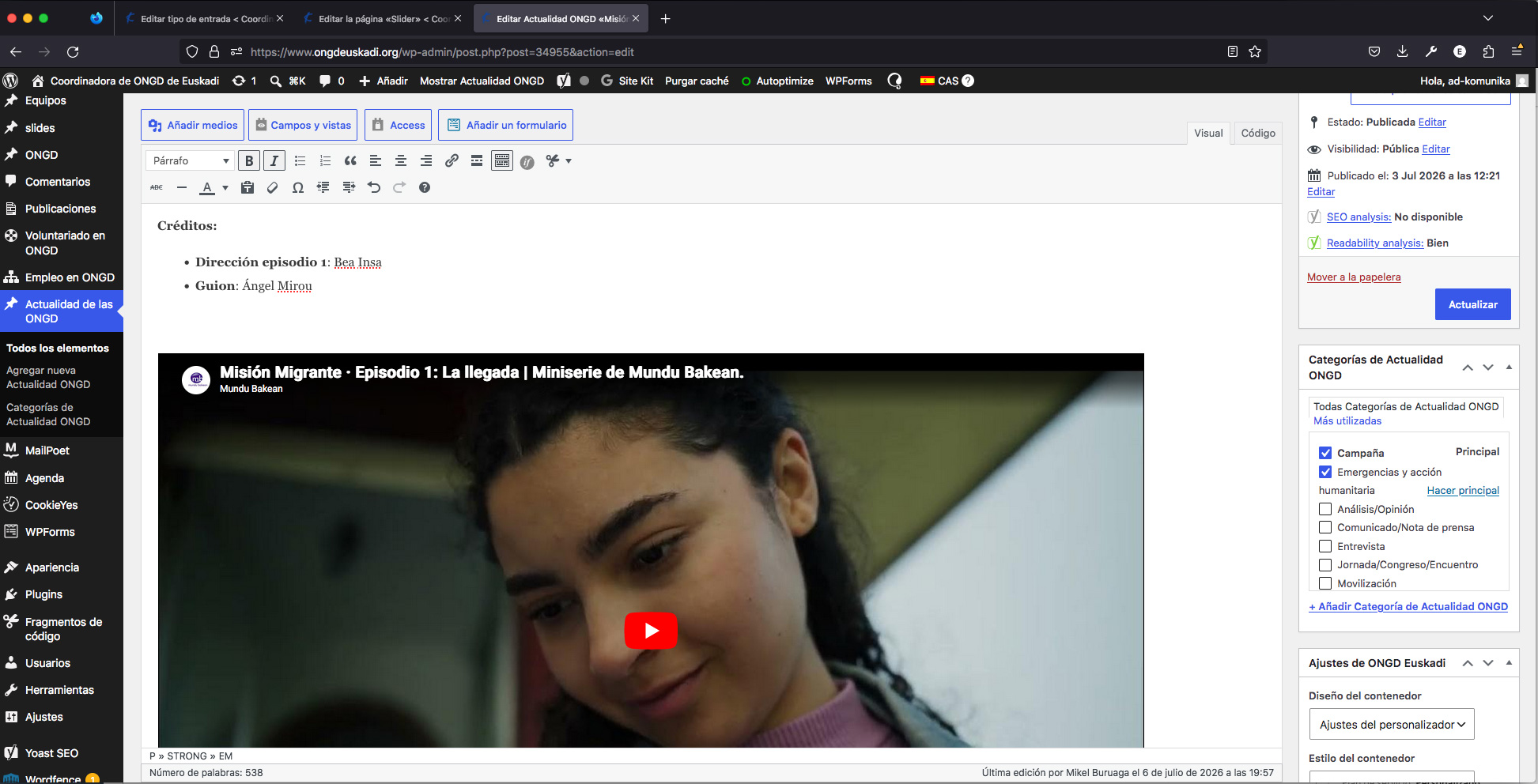
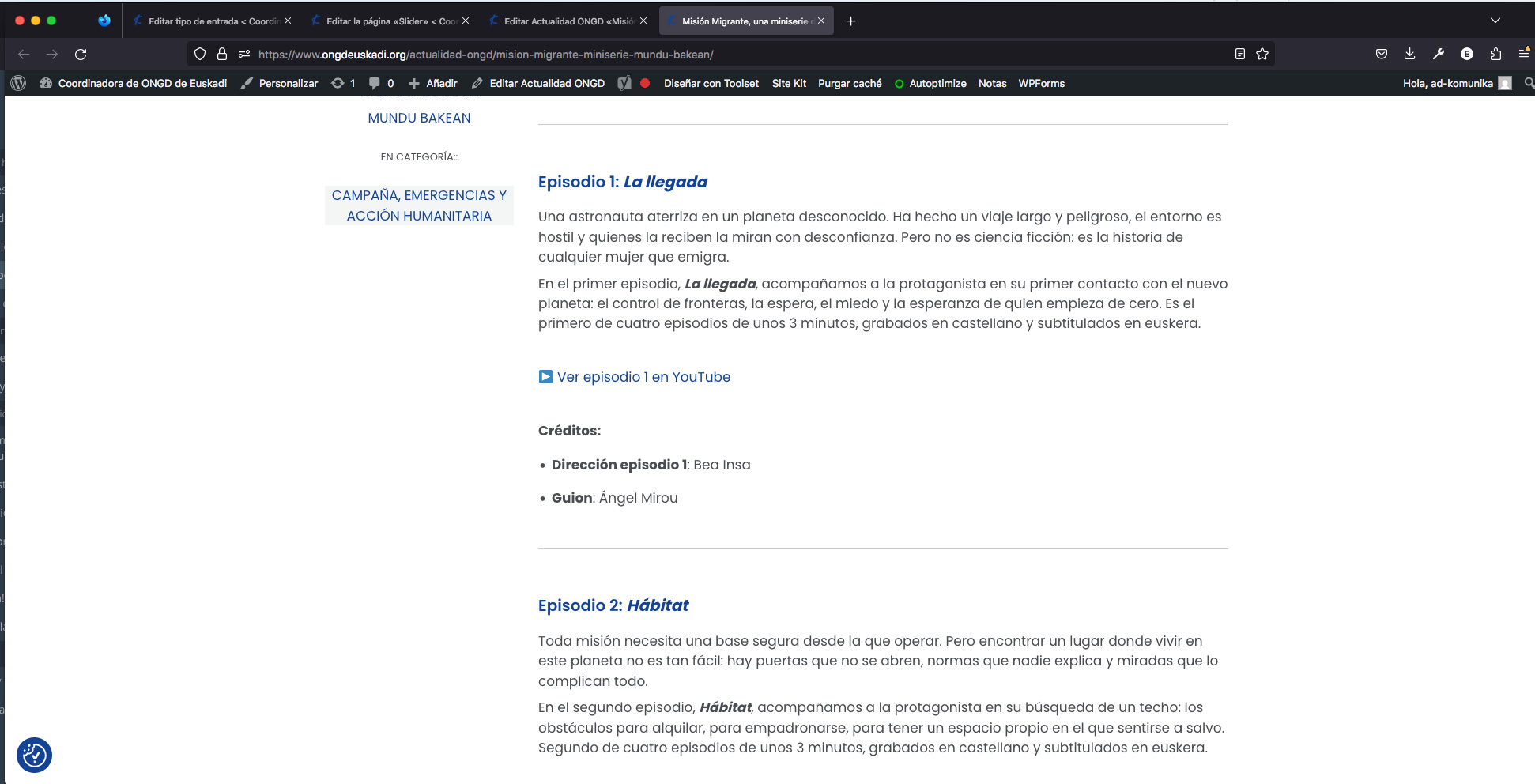
2. VIDEOS ADDED VIA THE WORDPRESS EDITOR IN TOOLSET-BASED CONTENT TYPES ARE NOT VISIBLE ON THE FRONT END. YouTube videos used to display correctly on the site; now, while I can see them in the editor, they don't appear on the live site.
I’ve tried switching from the Classic Editor to the Gutenberg editor, but they still don't show up.
Videos display correctly in posts that are not managed with Toolset.
Hi,
Welcome to Toolset support. First, would you pelase test if the same thing happens on a minimal installation?
- IMPORTANT STEP! Create a backup of your website. Or better approach will be to test this on a copy/staging version of the website to avoid any disruption of a live website.
- Switch to the default theme such as "TwentyTwenty" by going to "WordPress Dashboard > Appearance > themes".
- Go to "WordPress Dashboard > Plugins" and deactivate all plugins except:
. Toolset Types
. Toolset Blocks or Views
- Check if you can still recreate the issue.
- If not, re-activate your plugins one by one and check the issue each time to find out the plugin that causes the problem.
Thanks.
hi: The issue where YouTube videos weren't displaying on the front end has been resolved with the latest update. I spent a lot of time trying to fix it, only to discover it was a Toolset bug that had already been identified; this suggests a lack of communication between Toolset support and the development team... 🙁
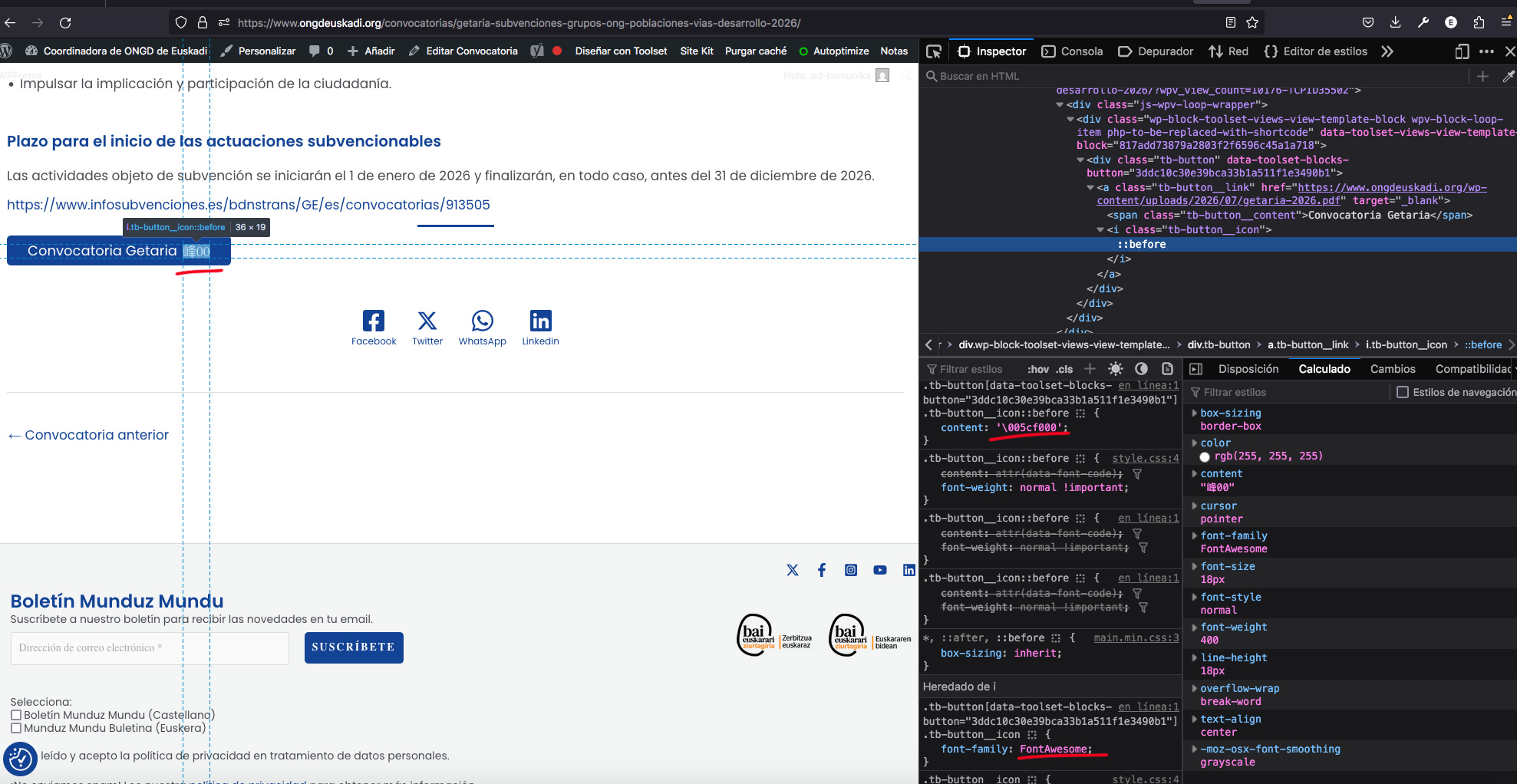
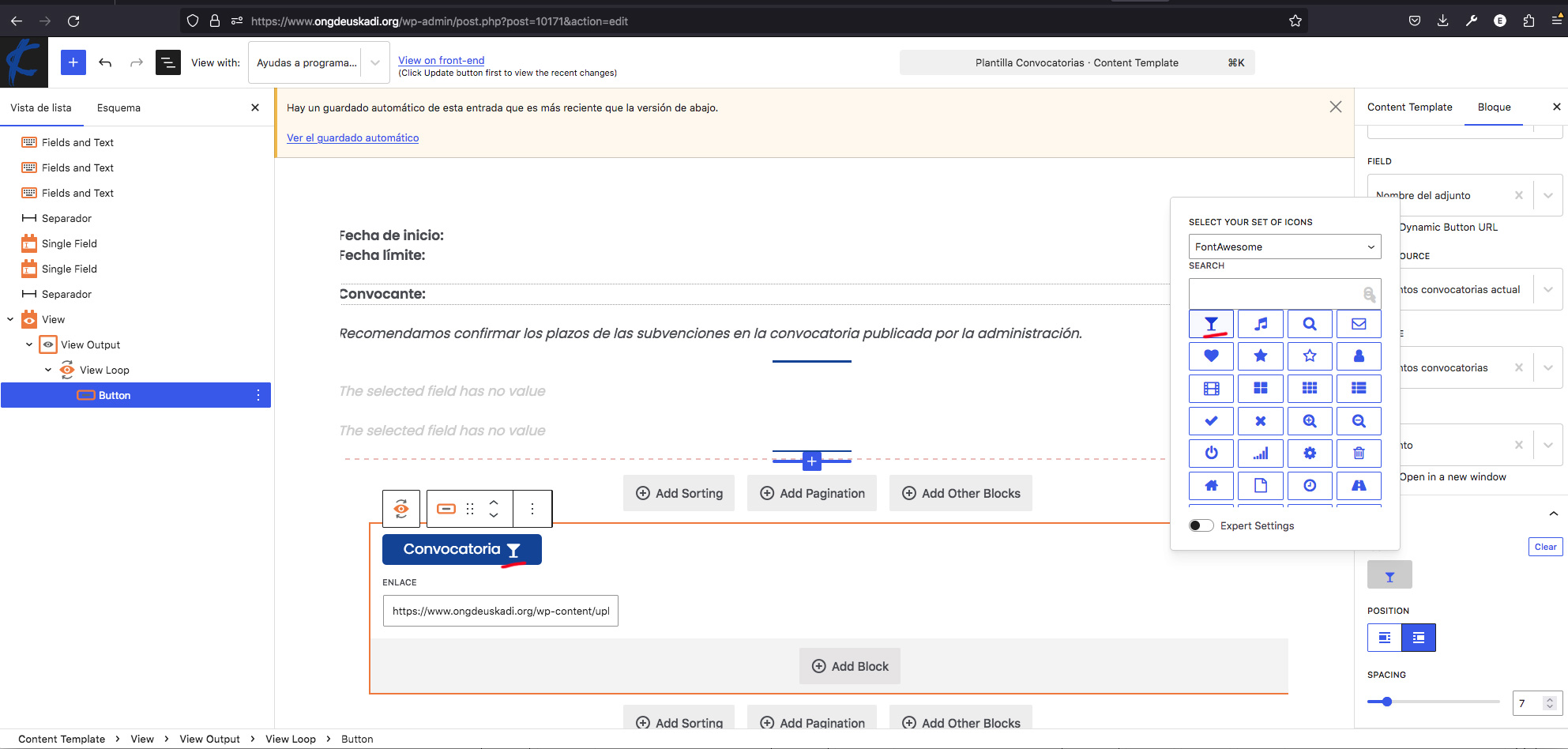
... On another note, there is another bug involving Toolset button icons. The icons haven't worked since the previous update, and in this latest version, button icons fail to display even when selecting different sources like Dashicons or FontAwesome. The Toolset system generates the icons with incorrect codes, preventing them from appearing on the button...
.tb-button[data-toolset-blocks-button="3ddc10c30e39bca33b1a511f1e3490b1"] .tb-button__icon::before {
content: '\005cf000';
}
The content value is incorrect; it should be:
'\f000'
Hi,
Sorry for the inconvenience. As I did not have the debug information, I did not know that you used an older version of the Toolset plugin.
For the second issue, I created a separate ticket and will address it there.
Thanks.