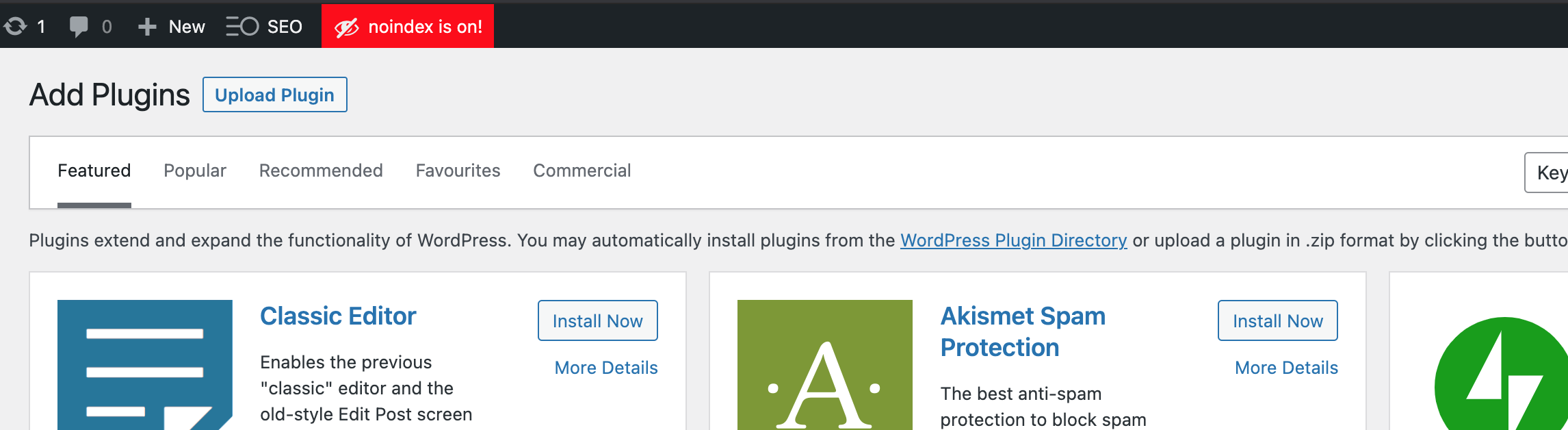
I am trying to: develop a new site
Error message: Invalid site key for the current site.
This is despite the fact that I just created the key through my account and it is pasted correctly.
Shane Supporter
Les langues:
Anglais (English )
Fuseau horaire:
America/Jamaica (GMT-05:00)
Hi Philip,
Thank you for getting in touch.
As a precaution to ensure that the site URL was detected correctly, I would like for you to re-register the site using the method below.https://toolset.com/faq/how-to-install-and-register-toolset/#automatic-installation-once-you-have-types-plugin-installed
Paying close attention to step 3.
If the issue still remains, please provide me with admin access to have a further look.
Thanks,
Yep, tried that and it doesn't work.
Attached image of error message.
Shane Supporter
Les langues:
Anglais (English )
Fuseau horaire:
America/Jamaica (GMT-05:00)
Hi Philip,
Please provide me with admin access to the site so that I can check on this one further for you.
I've enabled the private fields for your next response.
Thanks,
Shane Supporter
Les langues:
Anglais (English )
Fuseau horaire:
America/Jamaica (GMT-05:00)
Hi Philip,
I checked the site and the registration page here.lien caché
The plugin is actually registered correctly.
So i'm not observing any issues regarding the registration.
Thanks,
Hi Shane and thanks for that.
This is very very strange, as all yesterday the issue persisted and even this morning when I responded the attached image was displayed - did you guys perhaps have issues with connections to your registration servers??
Weird as heck.
Cheers,
Shane Supporter
Les langues:
Anglais (English )
Fuseau horaire:
America/Jamaica (GMT-05:00)
Hi Philip,
Not that i'm aware of. The only issue is registering your sites using a localhost address but our team is working on that issue.
Also from your screenshot i'm not seeing the notice message as well. Perhaps your browser is caching the message. See Screenshot
Thanks,
Thanks Shane - maybe it was cached in the browser - very strange indeed.
Appreciate the help.
Cheers,
Shane Supporter
Les langues:
Anglais (English )
Fuseau horaire:
America/Jamaica (GMT-05:00)
Hi Phil,
Great, if there are no further questions then I would recommend marking this ticket as resolved.
Thanks,
My issue is resolved now. Thank you!